










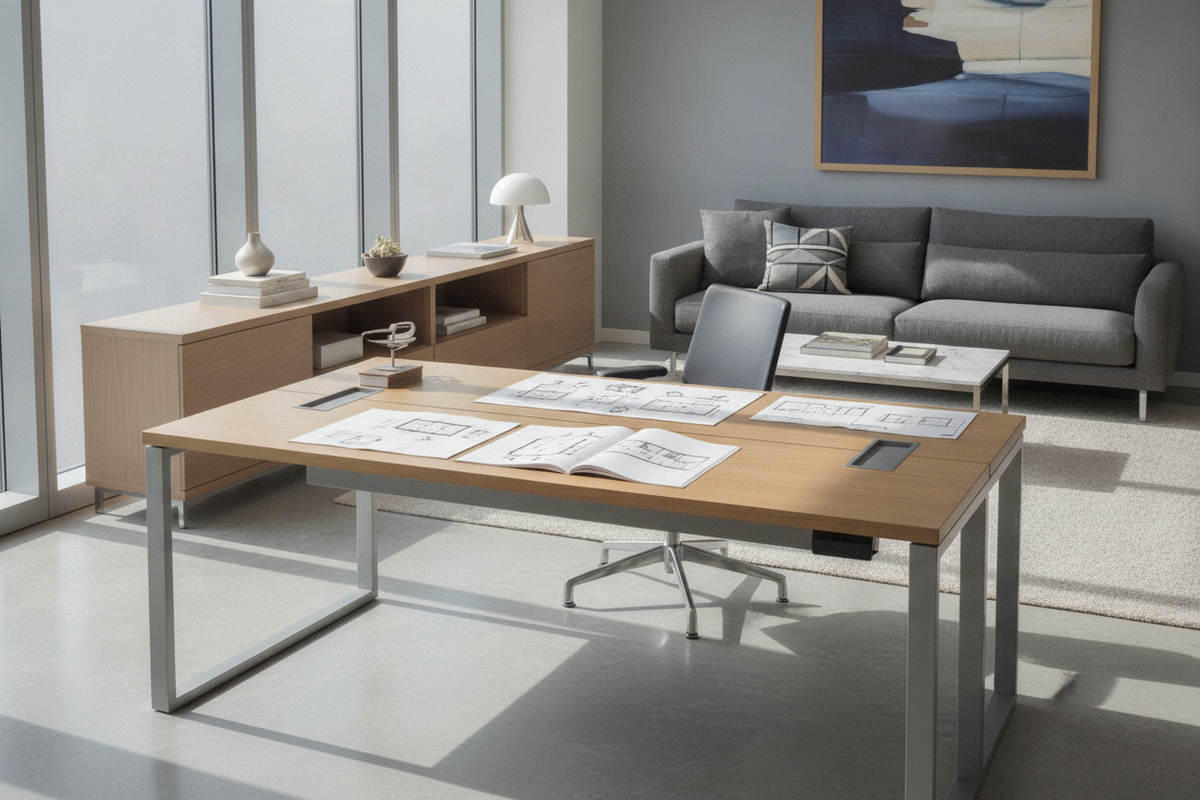
Understanding the Knoll Desk Ecosystem: Formats and Functional Architecture
Modern workspace design balances refined visual proportion with functional utility. When planning around iconic contract furniture formats such as a knoll desk, understanding the underlying structural typology helps determine the appropriate silhouette for your space. Workspace layouts typically divide into static linear benches, executive managerial suites, and dynamic height-adjustable work surfaces. Choosing between these formats shapes not only how a room looks, but also how efficiently it accommodates movement, technology, and storage over daily use.
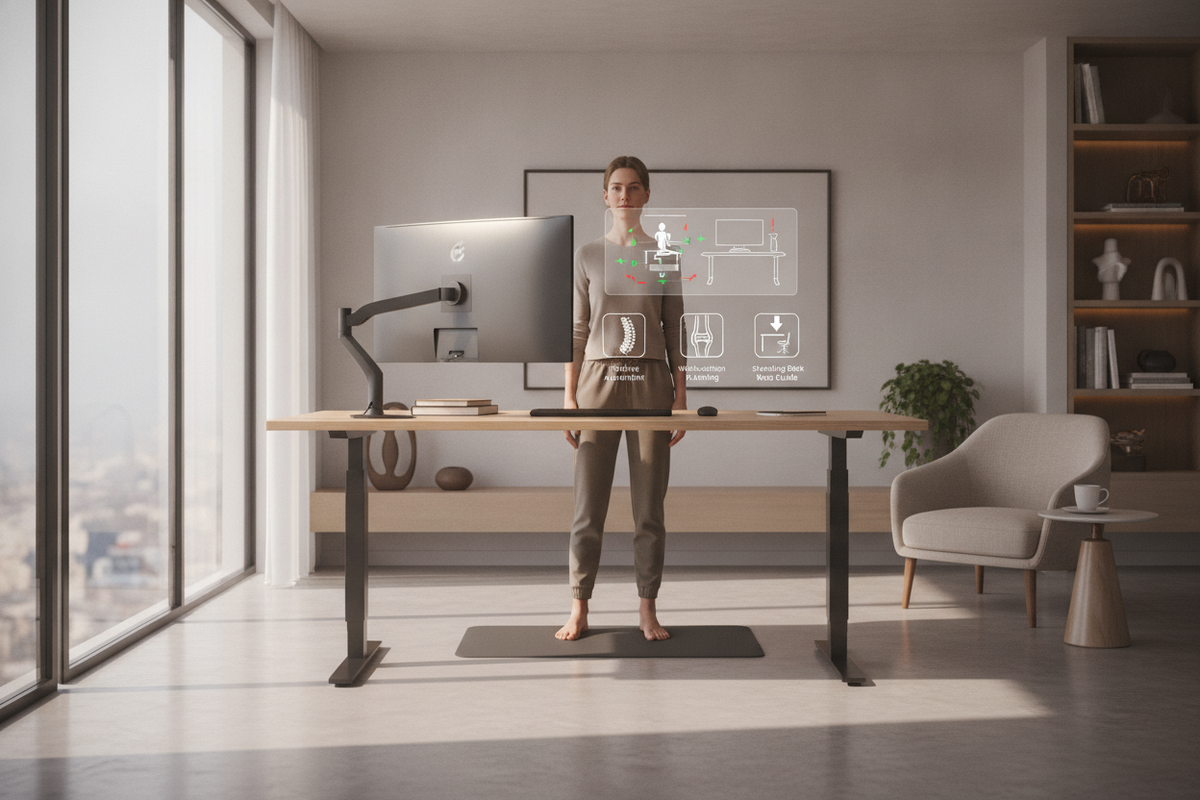
For workspaces focused on posture flexibility and movement routines, consulting an office standing desk guide provides clarity on spatial buffer zones, monitor eye-lines, and equipment clearances before committing to a final footprint.
Fixed Executive and Architectural Profiles
Static desks remain a foundational choice for formal executive suites and dedicated home studies. Characterized by continuous modesty panels, integrated credenza returns, and clean perimeter lines, these desks provide stable platforms for extensive paper handling and multi-peripheral technology setups. Without moving mechanical parts, static desks offer full-depth under-desk volume, allowing for built-in drawer banks and custom architectural paneling that visually anchors the room.
Dynamic Sit-to-Stand and Height-Adjustable Systems
Dynamic sit-to-stand workstations introduce vertical flexibility, allowing individuals to alternate posture between seated drafting positions and active upright stances. Modern height-adjustable frames integrate telescoping lifting columns directly into the leg architecture. This structural configuration creates an open lower envelope while maintaining rigid lateral stability across standard working heights, creating a responsive foundation for dynamic daily work routines.
Manual vs. Electric Height Adjustment Mechanisms
Height-adjustable desks rely on distinct mechanical principles to achieve vertical movement. Evaluating how a desk raises and lowers impacts where it can be placed relative to power outlets, the operational effort involved, and overall long-term maintenance needs.
Counterbalance and Manual Adjustment Architecture
Manual sit-stand desks operate without electrical motors, utilizing counterbalance tension springs, pneumatic cylinders, or mechanical hand cranks. Counterbalance systems rely on internal mechanical tension tuned to offset the weight of the desktop and mounted equipment. When the release paddle is engaged, the user guides the desktop upward or downward with minimal physical effort. Because manual mechanisms require no electrical connection, they offer complete placement flexibility across open-plan floors, collaborative zones, and areas away from perimeter wall outlets.
Motorized Lift Columns, Control Pads, and Reset Sequences
Motorized height-adjustable tables employ electric linear actuators synchronized within the frame columns. These systems are governed by digital control keypads ranging from simple up-down switches to multi-position programmable controllers. For users seeking effortless transitions between customized seated and standing presets, selecting an adjustable height standing product allows smooth motorized elevation changes at the press of a button.
Motorized systems incorporate electronic calibration parameters. If a motorized desk encounters an uneven load, sudden power interruption, or safety stop trigger, it may require a standard reset sequence. Typically, holding the downward directional control until the desk reaches its lowest mechanical stop recalibrates the internal control box sensors, restoring synchronized dual-leg travel.
Dimensional Sizing Tiers and Spatial Planning
Proper spatial planning ensures a desk fits comfortably within the architectural envelope of a room while leaving adequate room for movement, door clearances, and chair travel.
Compact to Standard Linear Workstations
Linear desks serve as the workhorse of private offices and dedicated work nooks. When planning linear footprints, prioritize both desktop width and depth to ensure comfortable focal distances for visual displays:
- Compact Nook Formats: Suited for secondary study zones, shallow wall recesses, and dual-purpose rooms where preserving walkway circulation is essential.
- Standard Linear Formats: Provide balanced surface area for a primary laptop or dual monitors alongside desktop document organizers and task lighting.
- Broad Span Surfaces: For extensive hardware layouts and drafting tasks, choosing a broad worktop like a height adjustable standing product ensures ample surface area without crowding primary peripherals.
Expansive and L-Shaped Corner Configurations
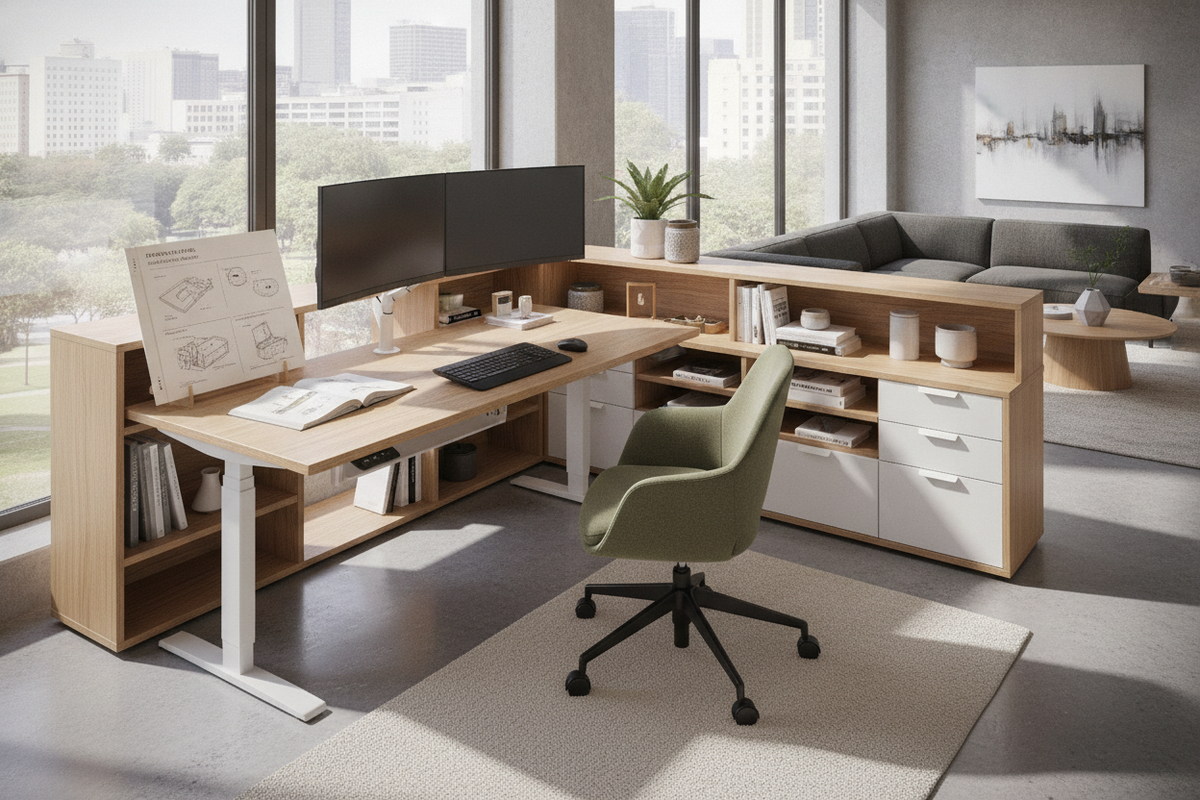
Corner and return setups segment tasks across distinct work zones. An L-shaped footprint enables users to dedicate the primary desk span to digital input devices while reserving the perpendicular return surface for analog paperwork, reference books, or secondary meeting hardware. Exploring a shaped desk office guide offers insight into structural orientation, corner zoning, and circulation flow around extended desk surfaces.
Material Composition, Structural Finishes, and Durability
The materials specified for work surfaces and substructures dictate long-term durability, tactile comfort, and aesthetic harmony. High-pressure laminate surfaces provide resistance against surface scratches, moisture, and daily contact wear, making them practical for high-traffic collaborative environments. Natural wood veneers offer warm, organic grain patterns suited for executive spaces, requiring routine conditioning and gentle cleaning agents.
Underneath, structural frames built with heavy-gauge steel tubing and powder-coated architectural finishes maintain structural rigidity. Welded crossbars and precision glide feet eliminate wobble on uneven flooring, ensuring a stable platform whether the desk is stationary or elevating through its vertical stroke.
Integrating Storage Solutions Around Height-Adjustable Desks
Because sit-to-stand desktops continuously change elevation, under-desk and perimeter storage must be planned carefully to avoid mechanical collisions and preserve legroom.
Mobile Under-Desk Pedestals and Filing Units
Low-profile mobile filing pedestals equipped with smooth-rolling casters provide personal storage without compromising height adjustability. When positioning mobile pedestals beneath a sit-stand desk, verify that the lowest travel point of the desk crossbar leaves sufficient clearance above the top of the cabinet to avoid accidental impact during lowering cycles.
Perimeter Credenzas, Lateral File Cabinets, and Adjustable Shelving
To keep the primary work surface clean and uncluttered, position archival filing and reference storage along perimeter walls. Coordinating your workstation with modular casegoods from an adjustable collection provides flexible shelf heights for binders, display items, and office supplies while maintaining an open, airy visual profile around the main desk.
Assembly, Cable Management, and Daily Workstation Care
Establishing proper assembly routines and wire management strategies ensures smooth daily operation and protects connected electronics.
- Frame Fastening and Leveling: Assemble the base on a soft, protective surface to avoid scratching finishes. Ensure all crossbar fasteners are securely tightened, and adjust bottom leveling glides to establish a solid, plumb foundation before mounting equipment.
- Articulated Cable Routing: Dynamic desks require flexible cable management. Install expanding cable vertebrae or under-desk wire trays with sufficient slack loop to accommodate full vertical travel from lowest seated height to highest standing position without pulling on power outlets.
- Surface Cleaning Protocols: Clean laminate, veneer, and metal frame components with a soft microfiber cloth dampened with mild, non-abrasive soap solutions. Avoid harsh chemical solvents or scouring pads to preserve protective clear coats and edge banding over the life of the furniture.

Leave a comment
This site is protected by hCaptcha and the hCaptcha Privacy Policy and Terms of Service apply.