










Understanding the Reversible L-Shape Standing Desk: Structural Geometry and Wing Modularity
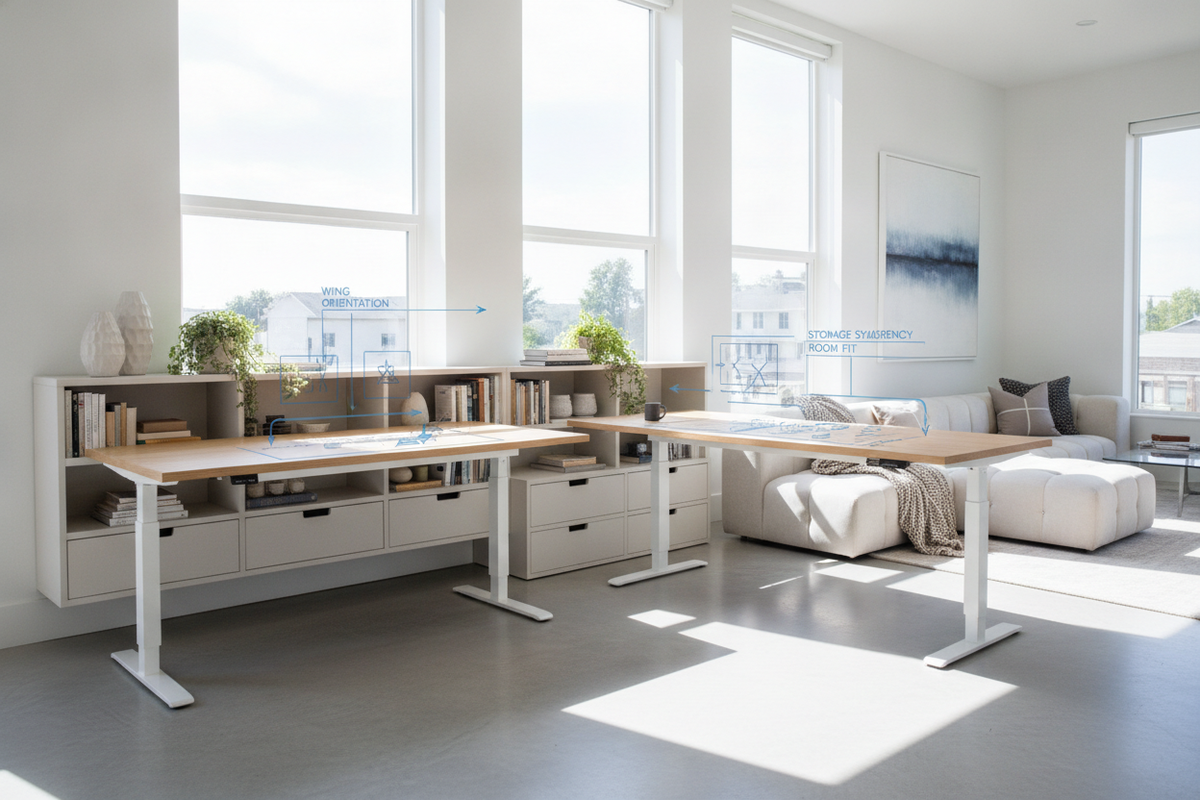
Modern hybrid work and creative production environments demand work surfaces that adapt to shifting room proportions and evolving hardware setups. A reversible l-shape standing desk provides this adaptability through modular dual-wing geometry. Unlike fixed corner furniture, a reversible design allows the secondary extension—often referred to as the return wing—to be installed on either the left or the right side of the main working platform.
This modularity relies on a symmetrical underframe and pre-drilled fastening channels. The main desk section hosts the primary computing zone, while the return wing provides dedicated real estate for secondary monitors, reference materials, sketching tablets, or audio equipment. By enabling interchangeable wing placement, a reversible sit-stand desk prevents the frustration of moving into a new room only to discover that the furniture orientation blocks a doorway or conflicts with electrical outlets.
Spatial Fit and Room Archetypes: Corner Nesting vs. Open Peninsula Layouts
When incorporating an L-shaped height-adjustable workstation, the layout broadly falls into two primary archetypes: corner nesting and open peninsula zoning. Each configuration presents distinct spatial advantages depending on room dimensions, ambient lighting, and walkway clearance.
Corner nesting tucks both wings flush against adjacent perimeter walls. This approach maximizes available floor space in compact rooms and creates a cozy, contained cockpit feel. However, planners must account for baseboard depths and window trim to ensure the desk surfaces do not pinch against walls during elevation changes. When mapping out workstation placement, reference designer ideas for standing desk layouts to establish balanced proportions between the desk wings and surrounding room architecture.
Conversely, an open peninsula layout anchors the primary desk against a wall while extending the return wing outward into the room. This effectively divides an open-concept area or shared studio into dedicated zones, establishing a distinct boundary between the workstation and relaxation or meeting areas. In peninsula orientations, the rear of the return wing remains visible, making clean cable management and finished desktop edges essential considerations.
Orientation Strategy: Choosing Between Left-Hand and Right-Hand Return Configurations
Deciding whether to mount the return wing on the left or right side involves evaluating everyday workflows, multi-screen focal points, and room traffic flow:
- Dominant Hand and Input Flow: Right-handed professionals who frequently take analog notes, manipulate drafting tools, or use peripheral controllers often prefer the return wing on the right, providing an expansive, uninterrupted surface within natural reach.
- Sightlines and Room Entrances: Positioning the return wing away from main entryways creates an open, welcoming sightline into the room rather than presenting an elevated barrier when the desk is raised.
- Monitor Alignment: If your workflow centers on a wide ultrawide display flanked by a vertical monitor, placing the vertical screen on the return wing maintains ergonomic neck rotation angles. Aligning your primary monitor span with room sightlines creates an organized standing desk setup that looks good while balancing functional ergonomics with visual appeal.
- Natural Lighting Angles: Orient the primary desktop perpendicular to windows whenever possible to minimize direct glare across screens while keeping sightlines toward ambient daylight open.
Kinetic Clearance Envelopes: Vertical Travel Pathways and Wall Margins
Because an L-shaped standing desk moves along a vertical axis, planning requires careful attention to three-dimensional travel pathways. The dual-wing surface sweeps a larger footprint than a standard rectangular desk, making clearance margins critical along both arms of the workstation.
Maintain an intentional gap between the desktop edges and surrounding walls or shelving. Baseboard heaters, window sills, low-hanging wall art, and wall-mounted monitor arms can obstruct movement during motorized elevation. Ensuring several inches of perimeter breathing room prevents accidental scrapes and structural binding.
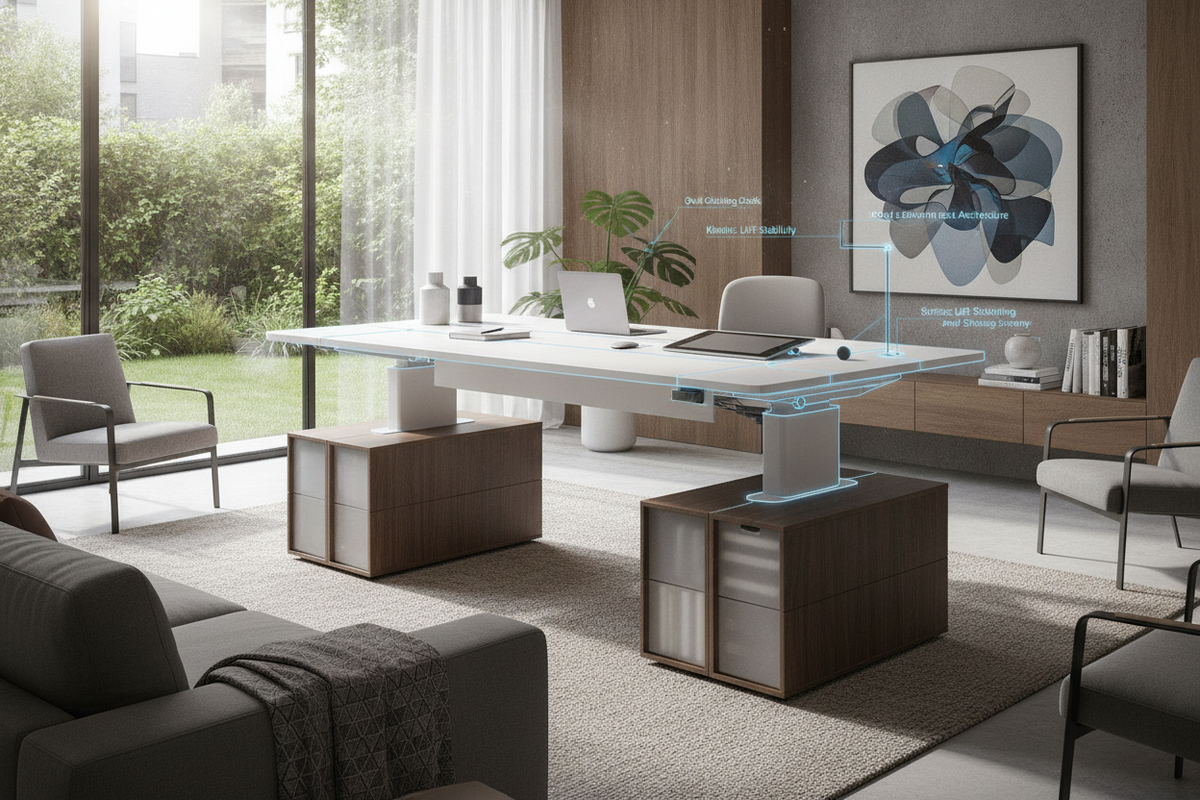
Cable management requires dedicated flexibility. As the desk rises, power leads, display cables, and network lines must have sufficient slack along the junction where the two desktop panels meet. Using flexible cable spines and articulated under-desk raceways keeps wiring organized without creating tension during height transitions. For rooms requiring expansive lateral surface area without a fixed corner return, consider a 71 w height adjustable standing desk to support heavy multi-screen setups with continuous straight-line travel.
Storage Synergy: Harmonizing Credenzas, Filing Units, and Under-Desk Zones
The expansive footprint beneath a reversible L-shaped desk provides prime opportunities for intentional storage integration. However, because the desktop changes height, under-desk storage must be planned to avoid interfering with low-position travel stops.
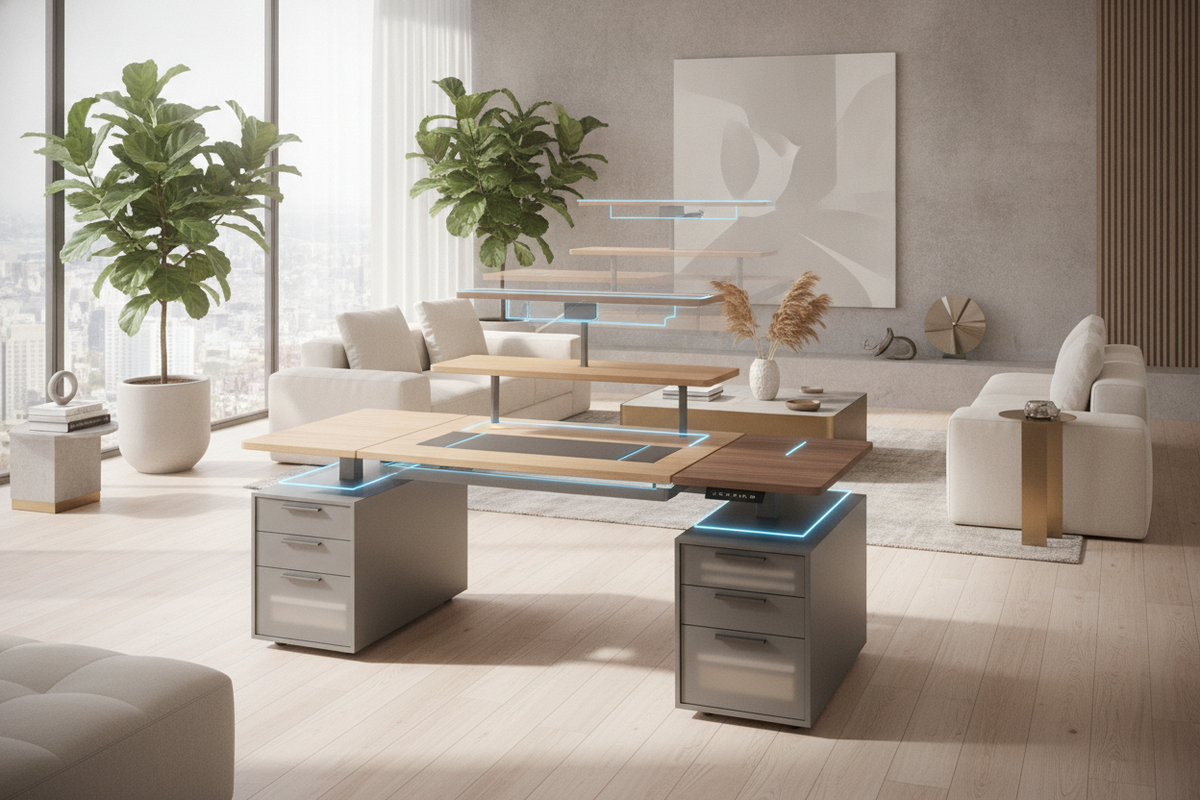
Low-profile mobile filing pedestals and rolling drawer units fit neatly beneath the secondary return wing, keeping paperwork and peripherals accessible while remaining safely below the desk's lowest descent level. Placing storage under the return rather than the primary wing preserves vital legroom and knee clearance across the main seating area.
Perimeter credenzas and modular shelving positioned adjacent to the desk provide vertical storage for reference libraries and decorative accents. Aligning adjacent cabinetry heights with the seated profile of your desk creates a cohesive built-in aesthetic that elevates the entire home office.
Material Craft, Frame Construction, and Assembly Feasibility
A stable reversible sit-stand workstation requires robust frame engineering. Dual-wing configurations place unique torsional loads across the lifting columns, making high-gauge steel sub-frames and reinforced bridge brackets essential for long-term stability.
Desktop surfaces crafted from high-density engineered wood, laminate, or solid timber provide durable resistance against daily wear, monitor clamp pressure, and surface friction. When assembling a reversible desk, carefully review the frame configuration steps before tightening hardware. Laying out all bracket channels and verifying wing orientation prior to securing fasteners ensures smooth alignment and simplified future reconfigurations. Users seeking alternative wide-span rectilinear footprints can evaluate a super sized standing desk with electric lift to achieve deep-surface utility across a single cohesive plane.

Leave a comment
This site is protected by hCaptcha and the hCaptcha Privacy Policy and Terms of Service apply.