










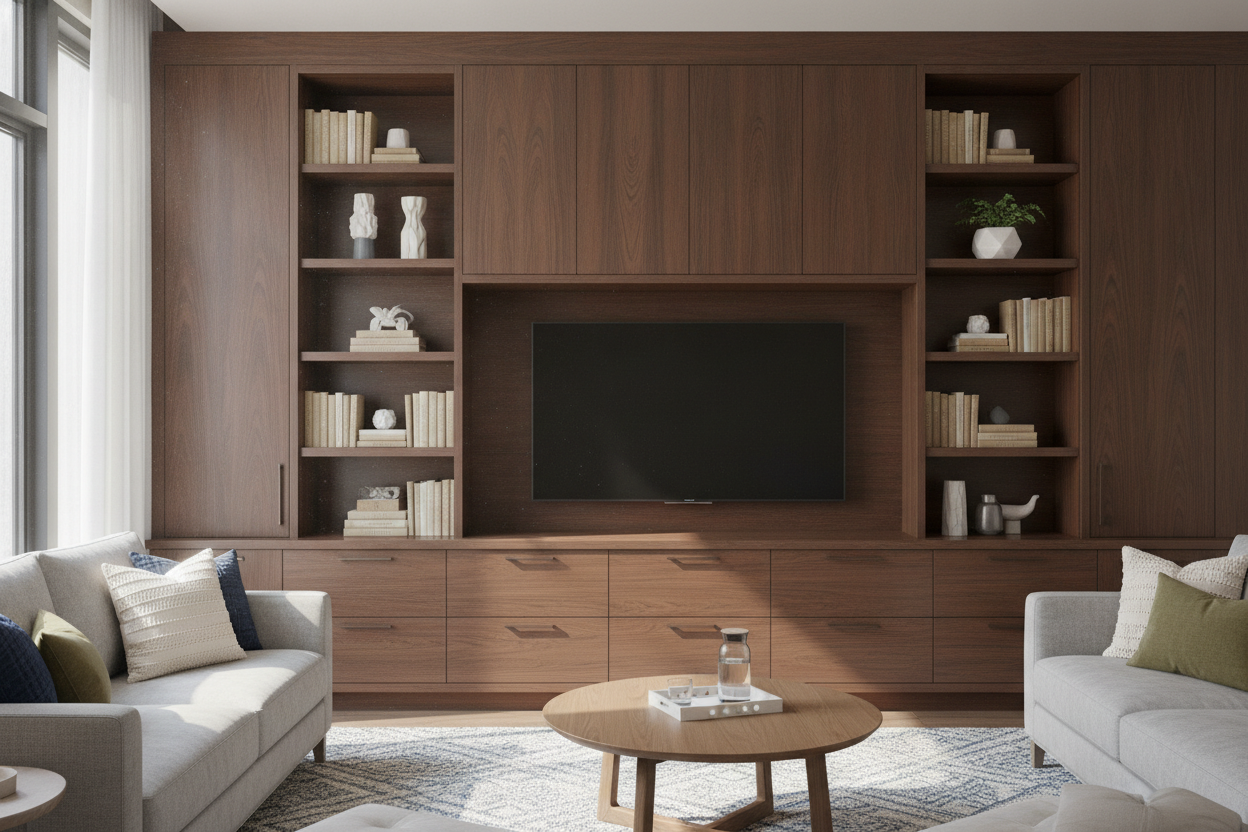
I remember staring at my living room three years ago, wondering why my expensive 'media console' looked like a cluttered mess. It was only 15 inches deep, barely holding a PlayStation 5 and a few stray remotes, while my board games were piled in a corner. I finally realized that a dedicated storage cabinet for tv was the only way to hide the chaos.
- Standard media stands are often too shallow for bulky items like board games or vintage receivers.
- A storage cabinet tv setup provides much-needed height and visual weight to a room.
- Cable management is easily solved with a simple drill bit and five minutes of your time.
- Look for solid construction to avoid the dreaded 'center sag' from heavy screens.
The 'Standard Media Console' Illusion (And Why It Fails Us)
We've all been there. You buy a sleek, low-profile stand because the catalog makes it look airy and modern. Then you actually try to live with it. You realize your oversized art books don't fit, your router is dangling off the edge, and the drawers are so shallow they can't even hold a stack of coasters. Most of these pieces are built for a world where we only have a thin DVD player and nothing else.
I hit my breaking point when I realized I was storing my extra blankets in the hallway because my TV stand was effectively a useless plank of wood. That’s when I swapped my tv stand for a wide storage cabinet with drawers and never looked back. The extra six inches of depth changed everything, allowing me to treat my living room like a functional space rather than a showroom for a tech company.
Why I Made the Switch to a Storage Cabinet for TV
A storage cabinet for tv isn't just about hiding junk; it's about scale. If you have a 65-inch screen sitting on a spindly little stand, the whole room feels top-heavy and nervous. A substantial cabinet anchors the space. It feels permanent and intentional, rather than like something you picked up in a flat-pack box on a whim.
For me, the depth was the selling point. I can fit my entire Catan collection and three thick wool throws behind closed doors. If you have kids or pets, the extra height is a literal lifesaver—it keeps sticky fingers and wagging tails away from the expensive glass. I personally recommend looking for a large tv cabinet with spacious storage because it provides enough surface area to actually frame the television rather than just barely supporting its legs.
But Wait, What About the Cords?
This is the number one reason people hesitate. They see a solid back panel and panic. Don't. You don't need a degree in carpentry to fix this. Buy a $12 hole saw attachment for your power drill. Mark a spot behind where your receiver or console will sit, and drill a clean two-inch circle. It takes thirty seconds and looks professional once you pop a plastic grommet in there.
If you're renting and can't modify the furniture, just leave the back panel off during assembly. Most of these cabinets are plenty sturdy without that flimsy piece of cardboard. It allows for much better airflow anyway, which your gaming consoles will appreciate during an eight-hour session. I've done this with my last three setups and the structural integrity hasn't suffered once.
Finding the Right Television Storage Cabinet for Your Space
Measure twice, buy once. The most common mistake is getting a cabinet that's too tall. You want the middle of your screen at eye level when you're sitting on the sofa. If the cabinet is 36 inches high, you’re going to have a neck ache by the end of a movie marathon. Aim for something in the 24 to 30-inch range for the most comfortable viewing angle.
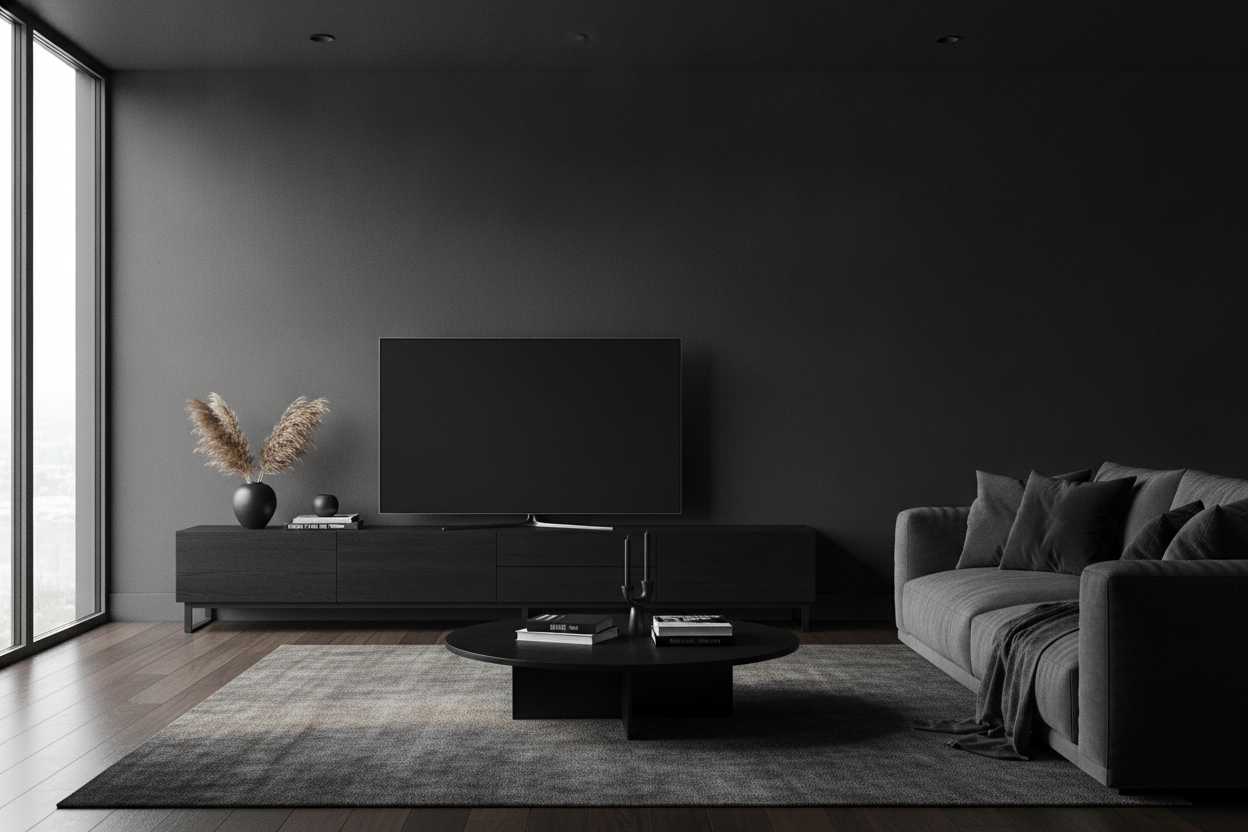
Also, check the weight capacity. Cheap particle board will bow in the middle under the weight of a modern television storage cabinet setup. If you still have devices that need a line-of-sight for the remote, consider a black cabinet with glass doors. It keeps the aesthetic moody and clean while remaining functional for your tech without having to leave the doors hanging open all night.
Styling Your Setup (So It Doesn't Look Like an Office)
A big cabinet can look a bit heavy if you aren't careful. The trick is to break up the flat surfaces. I always put a small lamp on one end—it creates a warm glow that's much better for movie nights than the overhead 'big light.' Avoid the temptation to center the TV perfectly if you have a very wide cabinet; offsetting it slightly can leave room for a tall vase or a stack of books to balance the visual weight.
Add a few organic textures to soften the hard edges. A trailing plant like a Pothos can drape over the side, making the furniture feel like part of the home rather than a tech hub. I once made the mistake of leaving the top totally bare, and it felt like a hospital waiting room. Two books and a ceramic bowl fixed it instantly.
Frequently Asked Questions
Will my electronics overheat in a closed cabinet?
They can if there is zero airflow. I always leave an inch of space between the cabinet and the wall, and I drill a few extra ventilation holes in the back panel. If you're running a high-end PC or a PS5, consider a small USB-powered fan tucked inside the cabinet.
How do I know if a cabinet is strong enough for my TV?
Look for the 'static load' rating in the product specs. If your TV weighs 60 pounds, look for a cabinet rated for at least 100. Avoid thin MDF if you can; kiln-dried hardwood or high-grade plywood is the way to go for longevity.
Can I use a dining sideboard instead of a TV stand?
Absolutely. That’s exactly what I do. Just be mindful of the height—some sideboards are 40 inches tall, which is way too high for comfortable TV viewing unless your sofa is unusually high or you're watching from across the room.

Leave a comment
This site is protected by hCaptcha and the hCaptcha Privacy Policy and Terms of Service apply.