










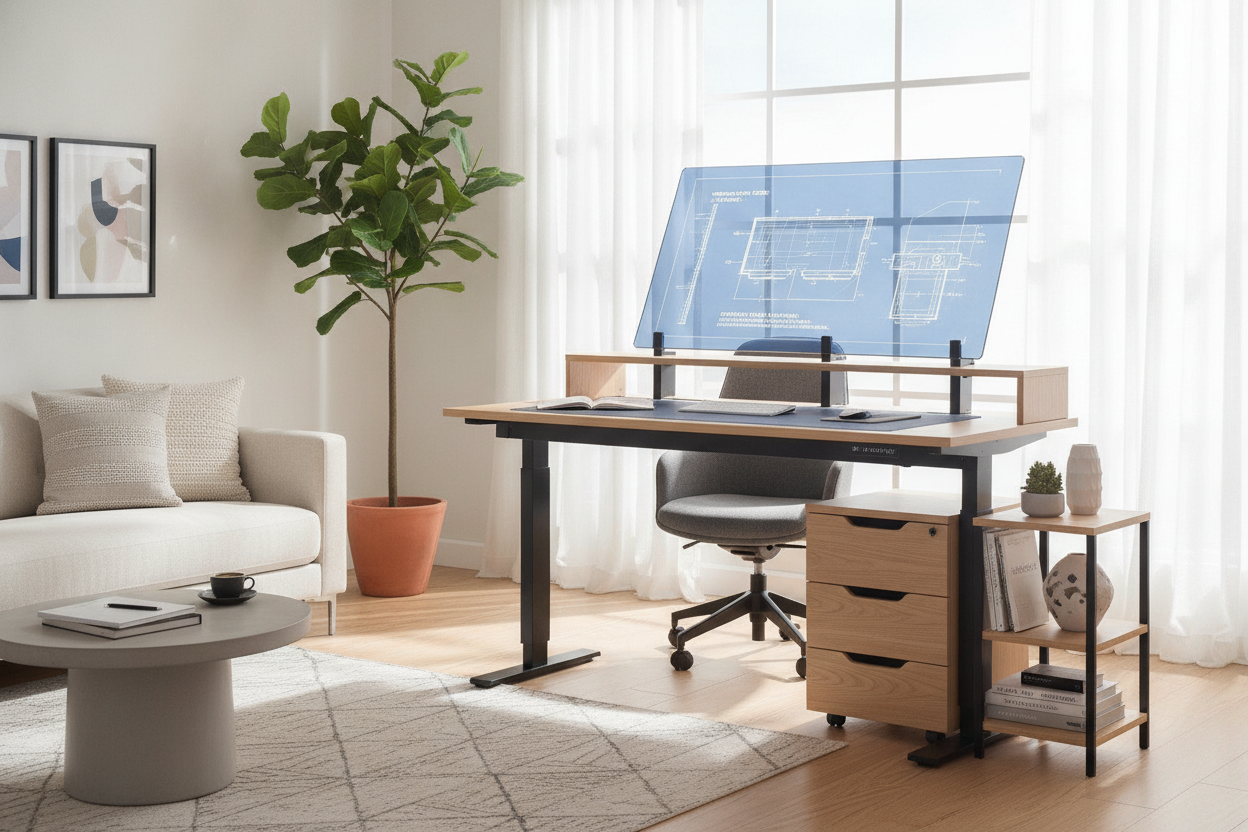
Finding the right balance between desktop surface area, physical room footprint, and ergonomic versatility is one of the central challenges when designing a dedicated workspace. A 55 inch standing desk has emerged as one of the most practical dimensions for home offices and multi-use rooms. It provides adequate width to accommodate multi-screen computing alongside physical writing materials without overwhelming modest interior footprints.
Successfully integrating a sit-stand desk requires more than just measuring a flat stretch of wall. Because adjustable workstations move dynamically throughout the day, choosing the right configuration involves balancing surface organization, knee clearance, storage integration, and vertical room clearance.
Why the 55-Inch Footprint Is the Sweet Spot for Sit-Stand Desks
Desktop dimensions generally fall along a spectrum ranging from space-saving compact frames to sprawling executive tables. Compact surfaces around four feet wide often feel cramped once you introduce dual monitors, external audio gear, and desktop task lighting. Conversely, extra-wide surfaces can dominate a standard residential bedroom or flex office, restricting traffic flow and limiting adjacent storage options.
A 55 standing desk represents a functional sweet spot in modern workstation design. This intermediate span provides ample horizontal space to stage a full desktop computing setup while leaving dedicated room for active paperwork, desk pads, and peripheral accessories. When exploring adjustable standing desk options, this mid-tier width fits comfortably against standard residential walls without protruding into doorways or primary walkways.
Moreover, the proportions of a 55in standing desk maintain a visually balanced silhouette whether parked at seated height or elevated to a standing posture. The balanced proportion helps keep the room feeling open and orderly rather than top-heavy or cluttered.
Desktop Surface Zoning: Dual Screens, Peripherals, and Task Areas
To make the most of a standing desk 55 inch surface, it helps to organize the desktop into distinct ergonomic zones based on how frequently you interact with each item. Because dynamic desks encourage active posture changes, structured zoning prevents desktop tools from shifting or falling during transit.
- The Focal Zone: This central area directly aligns with your line of sight. On a 55-inch top, this zone easily holds either a single ultrawide monitor on a desk mount or side-by-side dual displays. Positioning screen mounts toward the back edge preserves usable depth for your input devices.
- The Primary Reach Zone: Spanning the immediate front-center of the desk, this zone hosts your keyboard, mouse, and immediate wrist support. At this width, you retain generous elbow room on both sides, allowing for natural arm movement whether typing while seated or standing.
- The Secondary Utility Zones: Flanking the left and right perimeters, these areas house task lamps, desktop organizers, charging stands, and beverages. On a 55 inch adjustable desk, these wings provide dedicated resting space for notebooks or reference materials without crowding your keyboard path.
By organizing the surface into clear zones, your standing desk 55 remains functional and uncluttered regardless of whether you are focusing on deep digital tasks or alternating between typing and analog note-taking.
Storage Strategies: 55-Inch Standing Desk with Drawers vs. Under-Desk Clearance
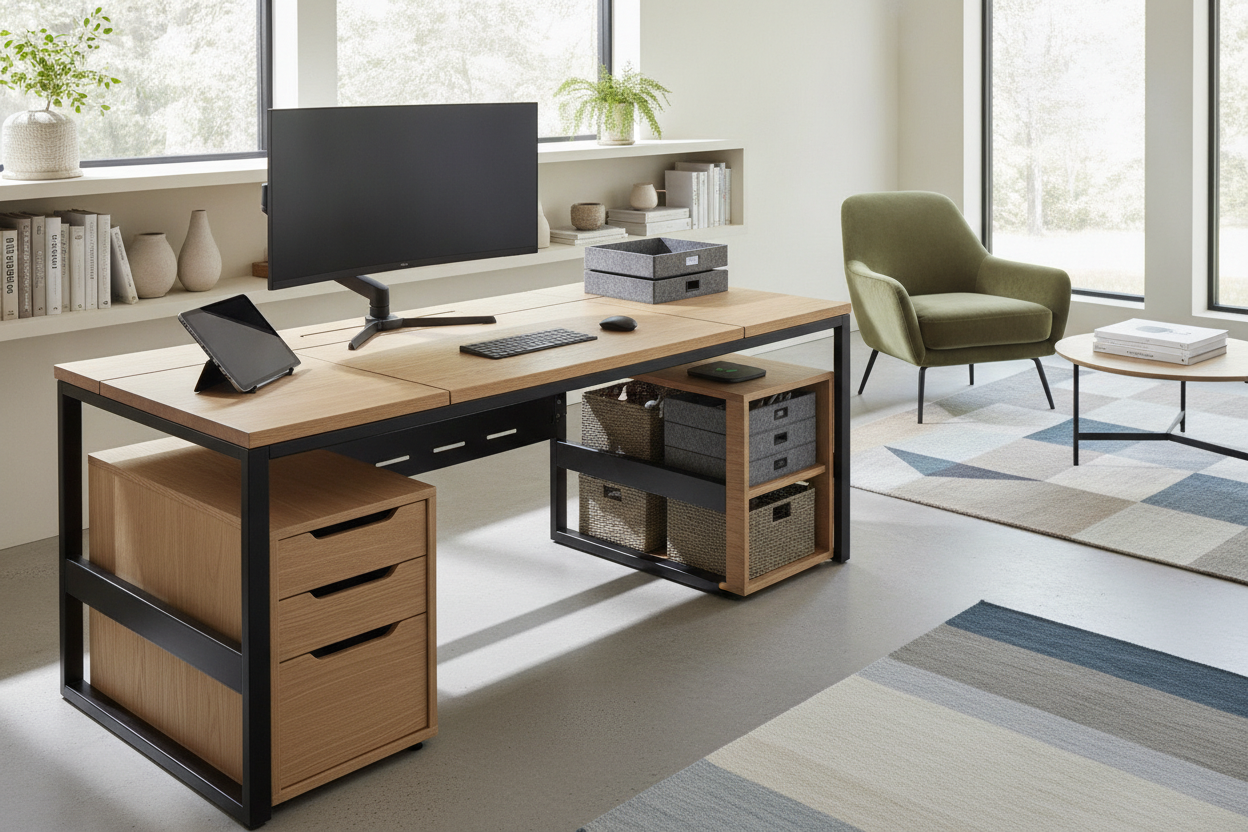
One of the most significant design decisions when selecting an adjustable workstation is deciding between an open-frame construction and a 55 inch standing desk with drawers. While built-in storage provides immediate containment for office essentials, it alters the physical geometry underneath the surface.
Slim Under-Top Drawers vs. Pedestal Storage
Integrated drawers built directly beneath the main desktop offer convenient access to pens, notebooks, cables, and small electronics. When evaluating integrated desk drawer designs, shallow under-top drawers keep surfaces tidy without intruding deeply into your lap area. However, if a drawer assembly is too deep, it can reduce vertical thigh room when seated in an ergonomic office chair with armrests.
For users who prefer maximum leg clearance or who use under-desk balance boards and footrests, pairing an open-frame desk with an independent mobile drawer pedestal placed alongside the desk can provide deep storage without restricting seated posture.
Weight Distribution and Frame Stability
When outfitting a 55-inch standing desk with drawers, weight distribution plays a meaningful role in long-term stability and smooth motorized adjustment. Drawers placed primarily on one side can create uneven lateral load across the lifting columns. Distributing heavier stationery and accessories evenly across the storage compartments ensures consistent movement and minimizes mechanical strain as the desk cycles between heights.
Room Layout & Vertical Travel Clearance Planning
A sit-stand workstation interacts with room architecture differently than a static credenza or fixed writing desk. Because an adjustable desk 55 inch moves upward into the vertical envelope of your room, site planning must account for dynamic clearance above, below, and behind the unit.
- Wall and Sill Clearances: Avoid placing adjustable desks flush against low window sills, hanging wall art, or wall-mounted shelving that could obstruct the upward travel path of your monitors.
- Adjacent Wall Organization: If you utilize vertical wall space for reference boards or books, coordinate with modular adjustable shelving positioned with adequate clearance above your tallest standing height preset.
- Cable Travel Margins: Power cords, display cables, and network lines connected to stationary wall outlets must have sufficient slack to reach the desk at full standing height without binding, snagging on baseboards, or tugging on equipment ports.
- Peripheral Pathways: Maintain an unobstructed perimeter around the desk legs so chairs, anti-fatigue mats, and floor cushions can glide smoothly out of the way when transitioning from sitting to standing.
Pairing Your 55-Inch Desk with Complementary Room Furniture
In a well-designed office, a 55-inch adjustable desk functions best as part of a cohesive furniture grouping. If your daily workflow requires significant archival storage, printer placement, or expansive physical layout space, surrounding your central desk with matching modular cabinets or low lateral files creates a versatile L-shaped or U-shaped office layout without overloading the moving desk surface itself.
For workspaces where multiple large hardware units, drafting tablets, and continuous physical spreads must stay permanently arranged on the primary moving surface, considering wider adjustable standing desk surfaces may be appropriate. For the vast majority of standard office layouts, however, a thoughtfully accessorized 55-inch desk delivers the ideal blend of spatial economy, aesthetic proportion, and daily ergonomic flexibility.

Leave a comment
This site is protected by hCaptcha and the hCaptcha Privacy Policy and Terms of Service apply.