










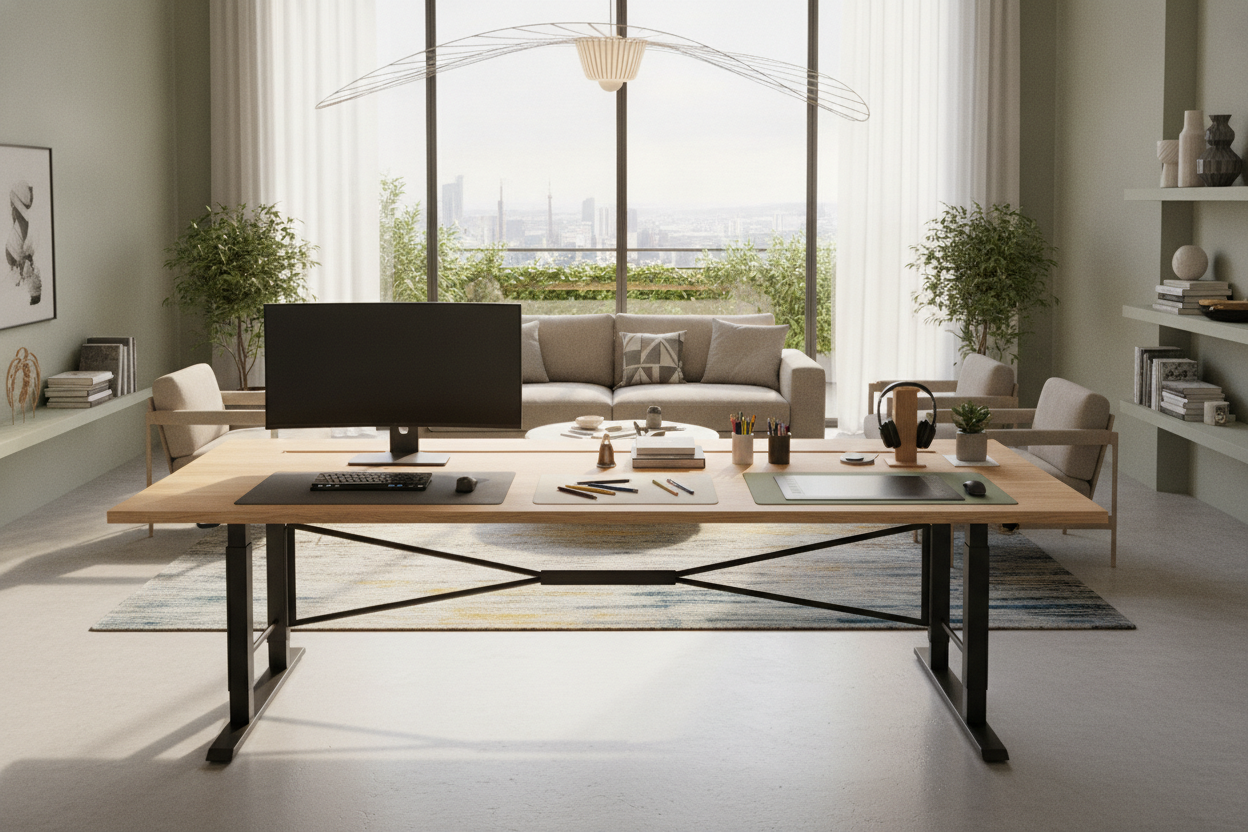
Understanding the 6 Foot Standing Desk Footprint
Stepping up to a 6 foot standing desk marks a shift from basic workstation setups to expansive command centers. A full 72-inch class surface provides the physical real estate needed to support multi-monitor arrays, specialized creative gear, and dedicated analog workspaces without crowding out daily essentials. Selecting a 71-inch wide height-adjustable desk gives you the freedom to spread out multiple devices while maintaining clean sightlines and comfortable reach across your primary tasks.
Standard compact desks often force users to make compromises, such as stacking monitors on top of each other or pushing peripheral hardware into awkward, unergonomic corners. In contrast, an expansive 6ft standing desk gives you the lateral freedom to arrange dual or triple displays, audio interfaces, drawing tablets, and desktop speakers side by side. Understanding the spatial demands of this footprint is key to making sure it integrates smoothly into your overall interior design.
Surface Zoning: Organizing a 72-Inch Desktop
Having substantial desktop real estate requires deliberate organization to prevent visual clutter and maintain efficient daily workflows. When styling and curating an aesthetically cohesive standing workspace, dividing a 72-inch span into functional zones creates structure:
- Primary Operational Zone: Centered in front of your seating or standing position, this area houses your primary display, keyboard, and mouse or tracking device. Keeping this zone dedicated strictly to active tasks reduces unnecessary physical strain.
- Secondary Digital Zone: Positioned immediately to the left or right of center, this section easily accommodates secondary monitors in vertical or landscape orientation, reference laptops, or dedicated video conferencing cameras.
- Analog and Creative Zone: On the outer edge of the desk, preserve a clean surface area free of cables for physical notebooks, drafting materials, sketches, or reviewing printed paperwork.
- Peripheral and Utility Zone: The opposite perimeter edge works best for desktop audio monitors, reference tablets, ambient task lamps, and small storage trays for daily essentials.
By organizing your 6 foot standing desk into intuitive task zones, you can switch smoothly between digital workflows and analog creative projects without feeling cramped or disoriented.
Structural Considerations for Large-Span Height-Adjustable Desks
Extending a desk frame across a wide span introduces distinct mechanical and structural considerations, especially on height-adjustable furniture. As a desk rises to full standing height, stability becomes a key factor in keeping monitors from wobbling during typing or writing.
When evaluating a 6ft standing desk, look for robust multi-stage leg columns and reinforced frame crossbars that span the underside of the desktop. Wide-span frames benefit greatly from dual lifting motors, where synchronized lift mechanisms in both legs ensure smooth, level height adjustments even when equipment weight is distributed unevenly. Distributing heavier hardware—such as heavy monitor arms and desktop computers—closer to the leg posts helps maintain structural balance throughout every sit-to-stand transition.
Spatial Clearance and Room Layout Planning
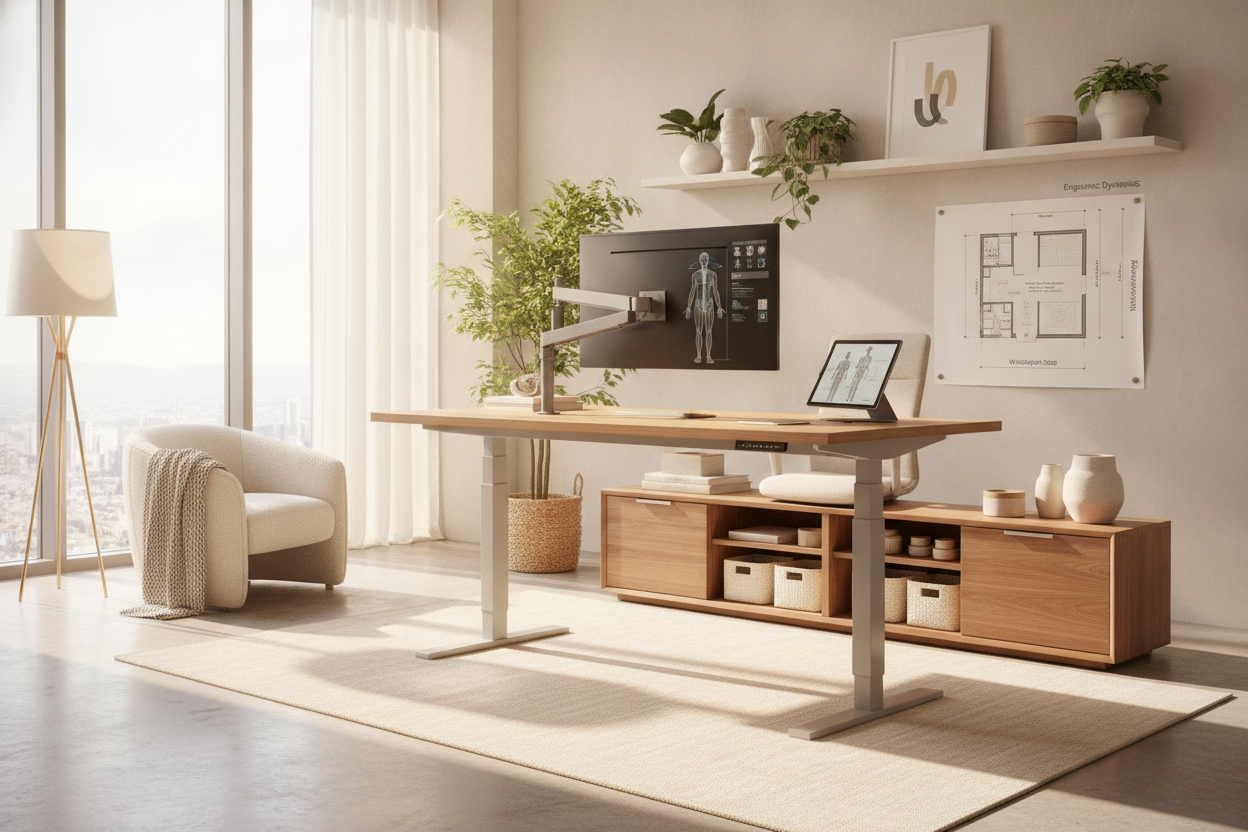
Integrating a wide-span desk into your floor plan requires careful consideration of spatial flow and perimeter clearances. Exploring designer layouts for height-adjustable desks can help you choose the best room arrangement for your space:
- Perimeter Wall Alignment: Placing the broad 72-inch desk against a primary wall anchors the room and keeps central walkways open, making it an ideal choice for dedicated home offices or multi-use guest rooms.
- Floating Executive Placement: Orienting the desk outward toward the room or an entry door creates a commanding focal point, provided there is enough walking clearance behind the chair and in front of the desk edge.
- Vertical Clearance Paths: Because the entire assembly moves vertically, verify that wall-mounted shelving, artwork, window sills, and dangling window treatments clear the surface smoothly as it moves upward.
Maintaining ample clearance on both sides of a 6 foot standing desk prevents the piece from looking crowded and ensures you have easy access to power outlets and peripheral connections.
Cable Management and Storage Integration for Wide Workstations
A wide desk naturally accumulates more power cables, display connections, and peripheral cords. Managing these wires across a wide frame is essential to maintain a neat appearance and prevent cord tension during height adjustments. Under-desk cable management trays, magnetic routing channels along the frame legs, and central power strips with single-cord wall drops keep wires organized and out of sight.
To support an uncluttered desktop, pair your desk with complementary storage solutions. Because wide standing desks move continuously, pairing them with low-profile mobile pedestals that slide beneath the frame at sitting height—or placing standalone lateral filing cabinets nearby—provides convenient organization for files, reference books, and office supplies without interfering with vertical desk movement.
Selecting the Right Desk Span for Your Workflow
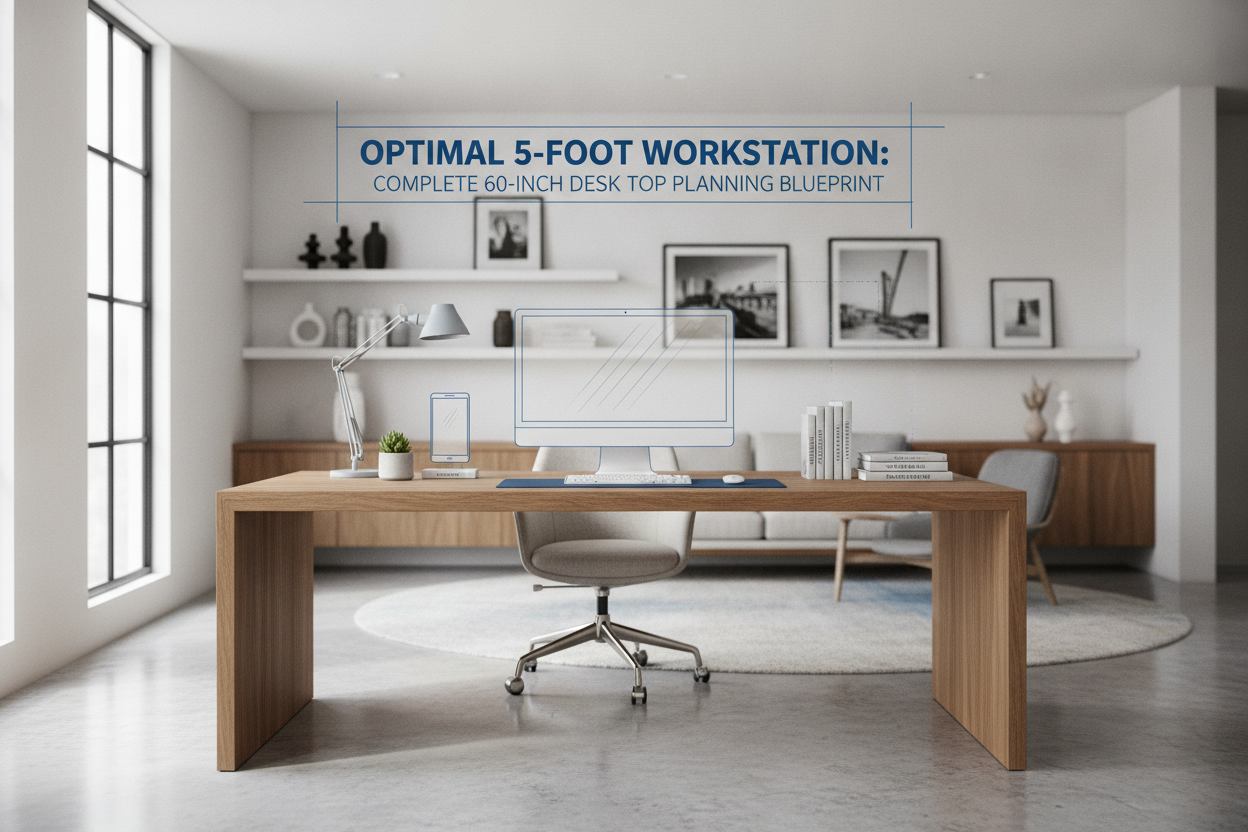
While a full six-foot surface is ideal for multi-monitor setups, creative equipment, and expansive tasks, it is worth confirming whether your room and workflow truly require the maximum width. If floor space is tight or you use a single ultrawide monitor instead of multiple screens, a 63-inch electric standing desk alternative can provide generous desktop area while preserving precious floor space.
By matching desktop width to your equipment footprint, spatial boundaries, and daily routines, you can build a stable, comfortable workspace that supports productivity and seamless posture transitions every working day.

Leave a comment
This site is protected by hCaptcha and the hCaptcha Privacy Policy and Terms of Service apply.