










The Adjustable Standing Workstation Planning Guide: Sizing Tiers, Vertical Travel Mechanics, and Modular Storage Layouts
Integrating an adjustable standing workstation into a home office transforms a static work area into an adaptable environment. Selecting the right frame, calculating spatial dimensions, and organizing surrounding storage requires treating the desk not simply as a flat tabletop, but as an active mechanical system. When planning an installation, spatial clearances and weight distribution dictate both long-term reliability and everyday comfort.
Structural Anatomy and Lifting Mechanics of Height-Adjustable Desks
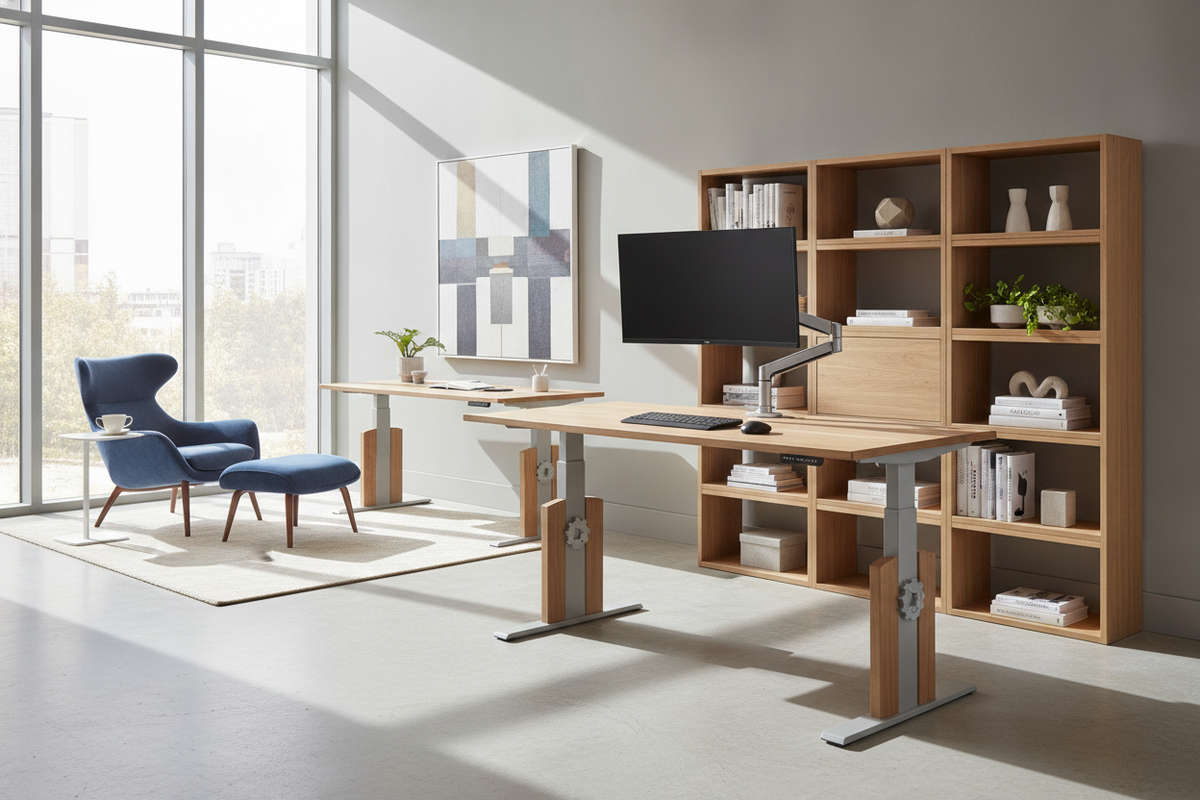
The core functionality of any adjustable standing workstation depends on its lifting mechanism and structural frame design. Height-adjustable frames generally fall into three structural categories:
- Dual-Motor Electric Systems: Featuring synchronized motorized columns integrated into each leg assembly, dual-motor desks deliver balanced vertical movement. They handle asymmetric desktop loading evenly across both sides of the frame.
- Single-Motor Drive Systems: Utilizing a central motor connected by a rotating hex rod, these systems provide a practical transition mechanism for compact surfaces, though they require careful centered weight placement.
- Manual Pneumatic and Crank Desks: Counterbalance gas cylinders or manual hand cranks offer vertical mobility without requiring proximity to wall outlets, making them versatile for mobile layouts or open floor plans.
Beyond standard commercial frames, specialized residential furniture also incorporates vertical transition hardware, such as a desk adjustable height product configured for multipurpose bedroom studios. In dedicated office spaces, evaluating crossbeam construction and the number of telescoping leg stages determines overall frame rigidity when extended to full standing height.
Dimensional Sizing Categories and Desktop Surface Zoning
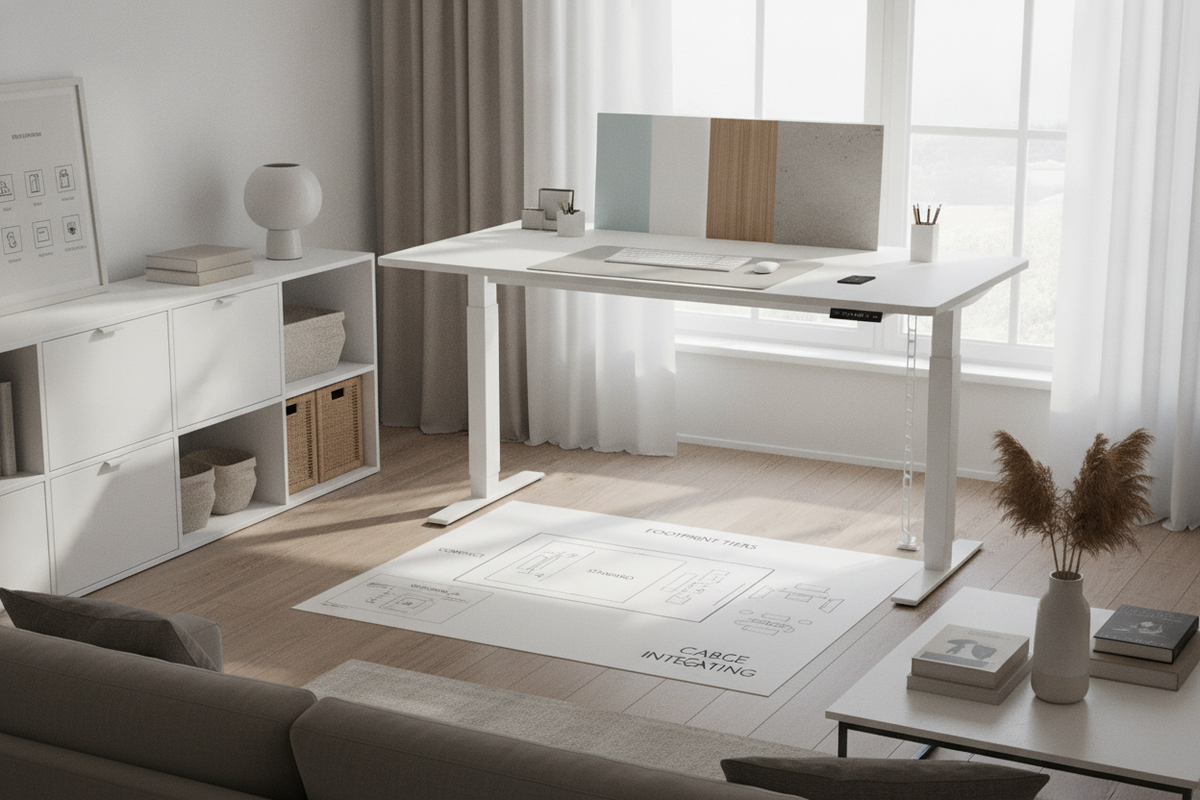
Choosing tabletop dimensions requires balancing work equipment needs with available room footprint. Workstations can be organized into three common dimensional categories:
- Compact Nook Workstations: Designed for shallow alcoves or secondary bedrooms, these surfaces fit a single laptop setup alongside basic writing accessories while preserving open walkways.
- Standard Multi-Monitor Spreads: Sized to comfortably host dual monitors, desktop audio monitors, and standard peripheral trays, these balanced surfaces represent the standard choice for full-time home workstations.
- Expansive Executive Layouts: Wide-format desktops provide designated zones for computing equipment, dedicated document review zones, and tabletop lighting. An expansive height adjustable standing product provides ample room for triple-monitor setups or creative production gear without crowding the central keyboard area.
Surface depth is just as critical as overall width. A deeper desktop maintains proper visual focal distance to large displays while leaving room for an ergonomic keyboard and wrist rest arrangement.
Spatial Clearances, Dynamic Travel Envelopes, and Cable Management
Unlike stationary furniture, a lifting desk moves through a dynamic travel envelope. Planning the perimeter space around the frame prevents mechanical interference, wall scuffs, and snagged cords.
To maintain an unobstructed vertical path, keep the workstation positioned with a slight offset from wall surfaces, baseboards, and window treatments. Wall-mounted shelving, framed art, and window sills must sit outside the desk's highest travel limit. For deeper spatial strategies, review our dedicated office standing desk guide on layout prevention techniques.
Cable management requires deliberate planning. Power cords and display cables must feature sufficient slack loops to extend effortlessly from floor outlets to the highest standing point without placing tension on input ports. Under-desk wire raceways, articulated cable spines, and adhesive conduit clips help bundle wires securely beneath the moving frame.
Integrating Modular Storage Without Obstructing Vertical Travel
Because an adjustable standing workstation elevates away from under-desk furniture, traditional integrated pedestal drawers are impractical. Integrating modular, detached storage preserves organizational capacity without impeding mechanical travel:
- Low-Profile Mobile Pedestals: Rolling drawer cabinets positioned under the desktop must remain lower than the frame's lowest seated setting to prevent collision during downward adjustments.
- Freestanding Credenzas and Sideboard Units: Placing a credenza along an adjacent wall creates a dedicated zone for printers, archive boxes, and office supplies, keeping the primary work surface clean and lightweight.
- Perimeter Modular Bookcases: Pairing the desk with an adjustable collection provides flexible vertical storage along flanking walls, ensuring reference materials remain accessible in both sitting and standing postures.
Frame Materials, Tabletop Finishes, and Structural Durability
The durability of a height-adjustable desk depends on resilient frame materials and scratch-resistant desktop finishes. Heavy-gauge powder-coated steel legs provide structural mass and resist twisting during height changes. For tabletops, high-pressure laminates and dense engineered wood substrates offer excellent moisture resistance and withstand daily monitor arm clamp pressure.
When planning your overall home office budget, coordinating a sturdy motorized frame with cost-effective companion furniture creates an elevated, cohesive space. Exploring creative styling ideas from an office desk under guide can help you allocate funds effectively between structural lifting frames and surrounding decor.
Step-by-Step Assembly, Leveling, and Long-Term Maintenance Protocols
Proper initial assembly ensures smooth mechanical travel and structural stability over years of daily use:
- Level the Base: Adjust the threaded leveling glides beneath each footpad using a spirit level before plugging in the lifting system. Uneven floors cause structural racking and premature motor wear.
- Torque Crossbeam Fasteners: Ensure all bolts connecting the central crossbeam and desktop mounting brackets are torqued securely to prevent frame wobble at elevated heights.
- Distribute Surface Weight: Center heavy monitor stands and computer hardware over the frame's lifting columns rather than placing heavy loads along the extreme outer edges.
- Routine Fastener Audits: Periodically inspect and tighten mounting screws and motor housing fasteners, as regular dynamic motion can gradually loosen hardware over extended operation.


Leave a comment
This site is protected by hCaptcha and the hCaptcha Privacy Policy and Terms of Service apply.