










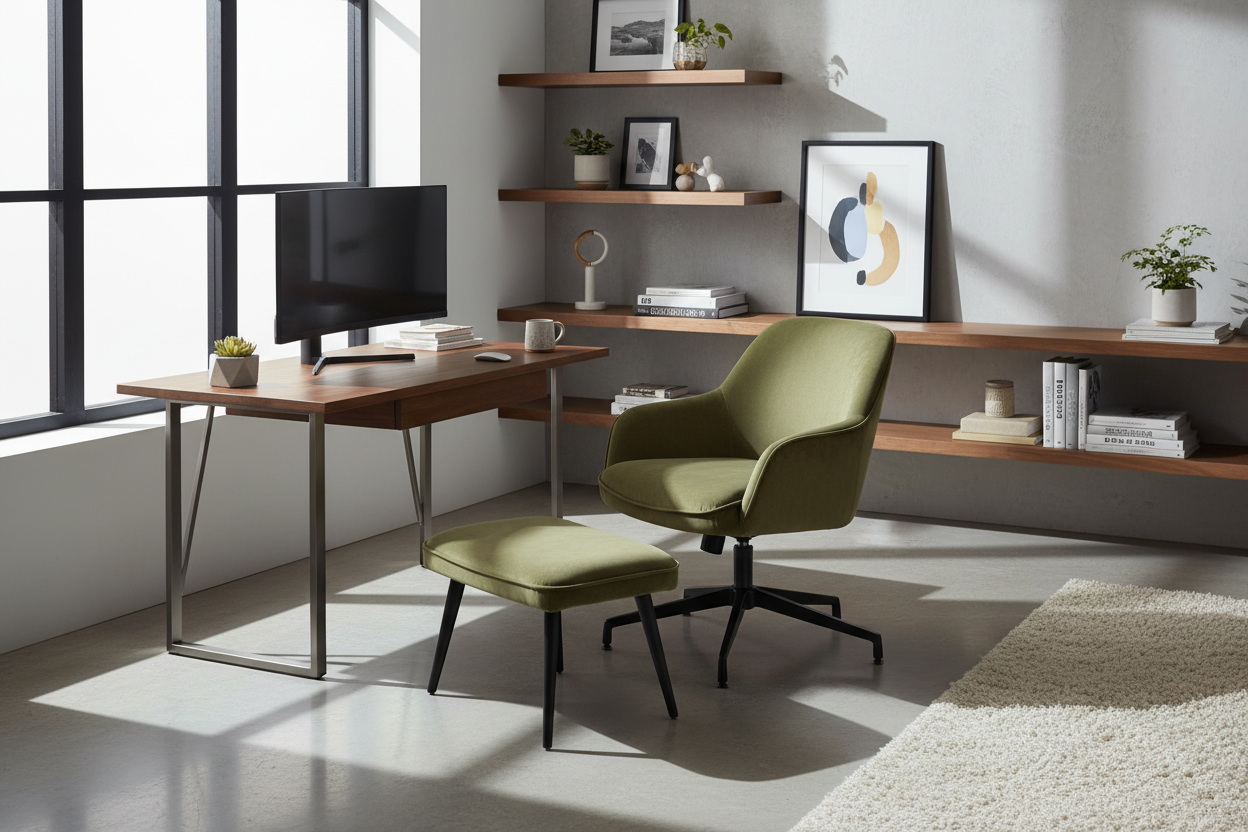
We have all been there: trying to balance a laptop on a dining table or squeezing into a dark corner of the guest room, hoping for a spark of productivity. The reality is that the physical environment you create for home office work dictates your mental clarity and professional output. As an interior designer, I see clients constantly prioritize aesthetics over function, only to find their beautiful space unusable for an eight-hour shift. This guide moves beyond basic decoration to explore the structural and ergonomic decisions that define a high-performance workspace.
Key Features of a Productive Workspace
- Ergonomic Integrity: Prioritize chairs with adjustable lumbar support and seat depth over purely sculptural pieces.
- Lighting Layers: A mix of ambient (general), task (focused), and accent lighting to reduce eye strain.
- Acoustic Control: Soft furnishings, rugs, or acoustic panels to dampen echo during calls.
- Surface Durability: Materials like solid wood or high-pressure laminate that withstand daily wear and heat from electronics.
- Spatial Flow: A layout that separates the "work zone" from the "living zone" to aid psychological detachment.
Mastering Spatial Planning and Layout
The most significant error in designing for office work from home is facing the desk directly against a blank wall. While space efficient, this creates a stagnant visual field that fatigues the eyes. Instead, I advocate for the "command position." Orient your desk so you have a view of the door or a window, but are not directly in line with the entryway. This reduces subconscious anxiety and establishes a sense of authority within the room.
If you lack the square footage for a floating desk, consider a perpendicular layout extending from a wall. This allows you to define a clear boundary for where the work home office begins and ends, which is crucial for maintaining work-life balance.
Choosing Materials: Durability Meets Aesthetics
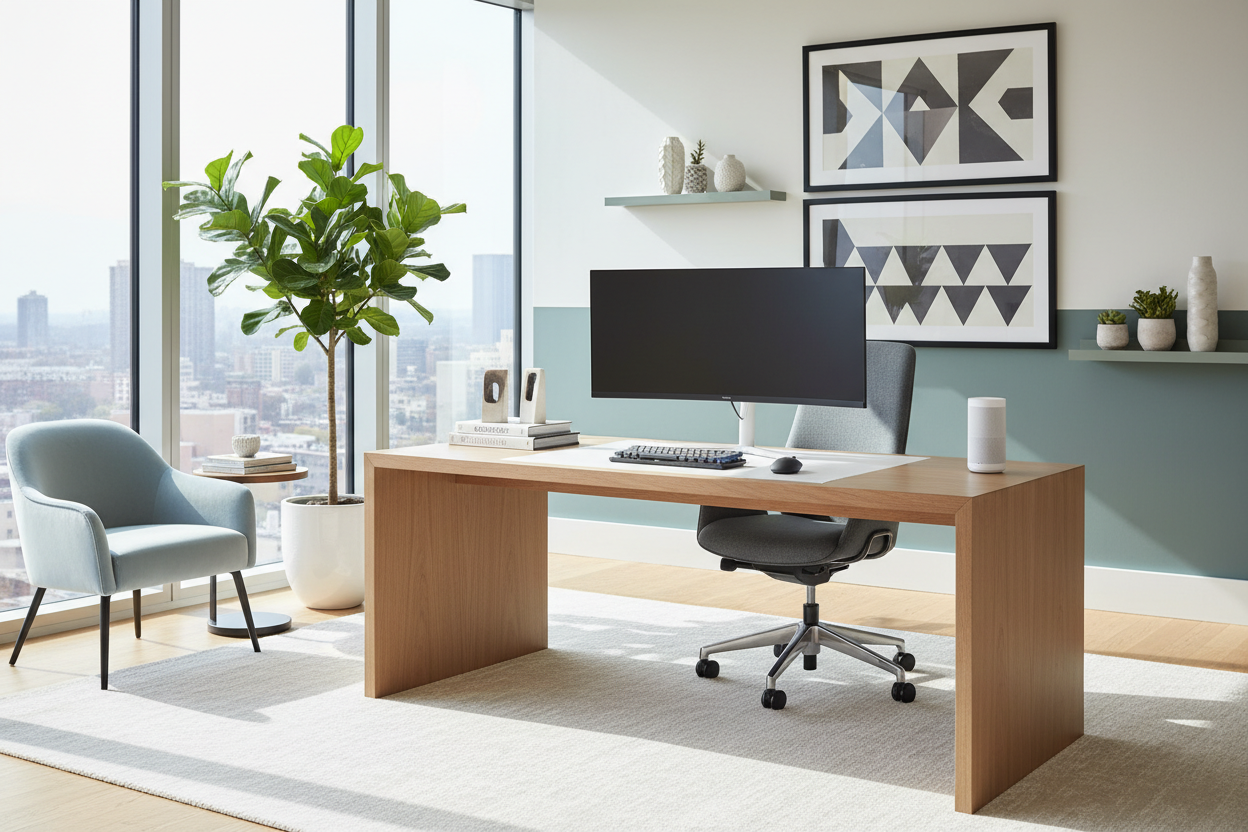
When selecting a desk, the tactile experience matters. Glass tops are sleek and modern, but they are cold to the touch and amplify the sound of typing and placing items down. For a warmer, more acoustically dampening experience, look for hardwoods like walnut or oak. If you are engaging in heavy home office work from home, ensure the finish is sealed with a matte polyurethane to prevent coffee rings and mouse scratches without creating distracting glare.
The Chair: An Investment in Health
Do not be seduced by a chair simply because it matches your curtains. The chair is the engine of your productivity. Look for a synchro-tilt mechanism, which allows the backrest and seat to move in a ratio that supports your body's natural movement. Breathable textiles or high-grade leather are preferable to vinyl, which traps heat during long sessions of work in home office environments.
Lighting and Visual Balance
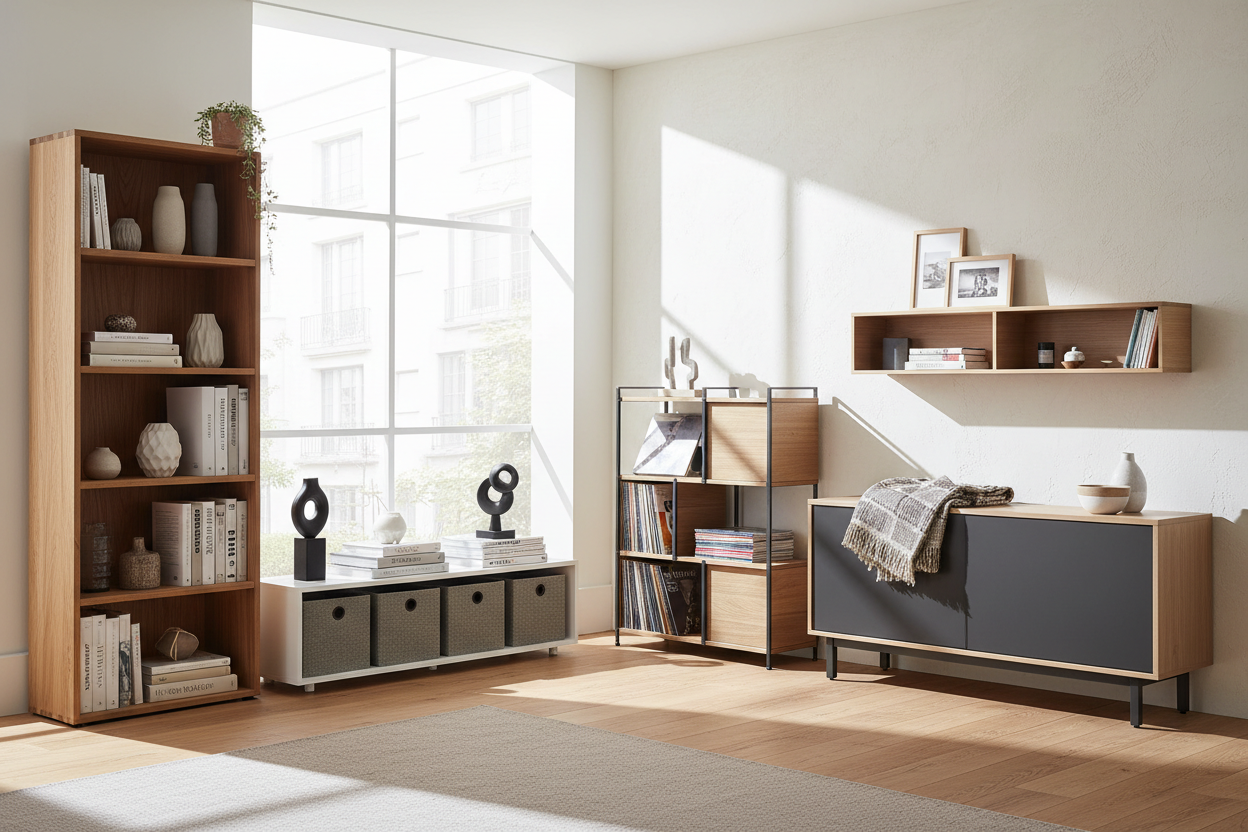
Relying solely on overhead recessed lighting creates harsh shadows on your workspace. To elevate the design, introduce a task lamp with a warm temperature (2700K-3000K). Position it opposite your writing hand to avoid casting shadows while writing. Furthermore, visual clutter disrupts focus. Utilize closed storage solutions—credenzas or filing cabinets—to hide paperwork, keeping the visible surfaces curated with only essential tools and perhaps one organic element, like a structural plant, to soften the hard lines of monitors.
My Personal Take on Home Office Work Design
I learned a hard lesson early in my career while designing a study for a tech executive. We selected a stunning, reclaimed wood desk with a raw, heavy-grain texture. It looked incredible in the photos. However, three weeks into using the space for office work at home, the client called me in frustration. The surface was so uneven that writing on a single sheet of paper was impossible without a clipboard, and the deep grooves were trapping dust and crumb debris.
It was a functional failure. I had to commission a custom glass overlay to make it usable, which compromised the original matte aesthetic we wanted. Now, I always run the "fingertip test" on desk surfaces. If I can feel a ridge, it’s too rough for a primary workspace. It is these unpolished, tactile details that determine whether a room is just a showroom or a functional machine for work.
Conclusion
Transforming a spare room or corner into a dedicated professional zone requires a marriage of ergonomic science and interior artistry. By investing in the right materials and respecting the flow of the room, you turn mundane tasks into a sophisticated ritual. Your environment should not just house your computer; it should inspire your best performance.
Frequently Asked Questions
What is the minimum depth for a functional home office desk?
For standard computer work, aim for a minimum depth of 24 inches (60 cm). This provides enough distance between your eyes and the monitor to prevent strain. If you use multiple monitors or review large physical plans, upgrade to 30 inches (75 cm).
How do I improve acoustics for video calls in a home office?
Hard surfaces bounce sound, creating an echo. Introduce soft textures to absorb noise. A thick wool rug, heavy velvet drapery, or even a fabric pinboard behind your monitor can significantly dampen sound reverberation.
Is a standing desk worth the investment for a home setup?
Absolutely, provided it is stable. A sit-stand desk encourages movement, which is vital for circulation. However, ensure the mechanism is quiet and the base is heavy enough to prevent the monitor from wobbling while you type at standing height.

Leave a comment
This site is protected by hCaptcha and the hCaptcha Privacy Policy and Terms of Service apply.