










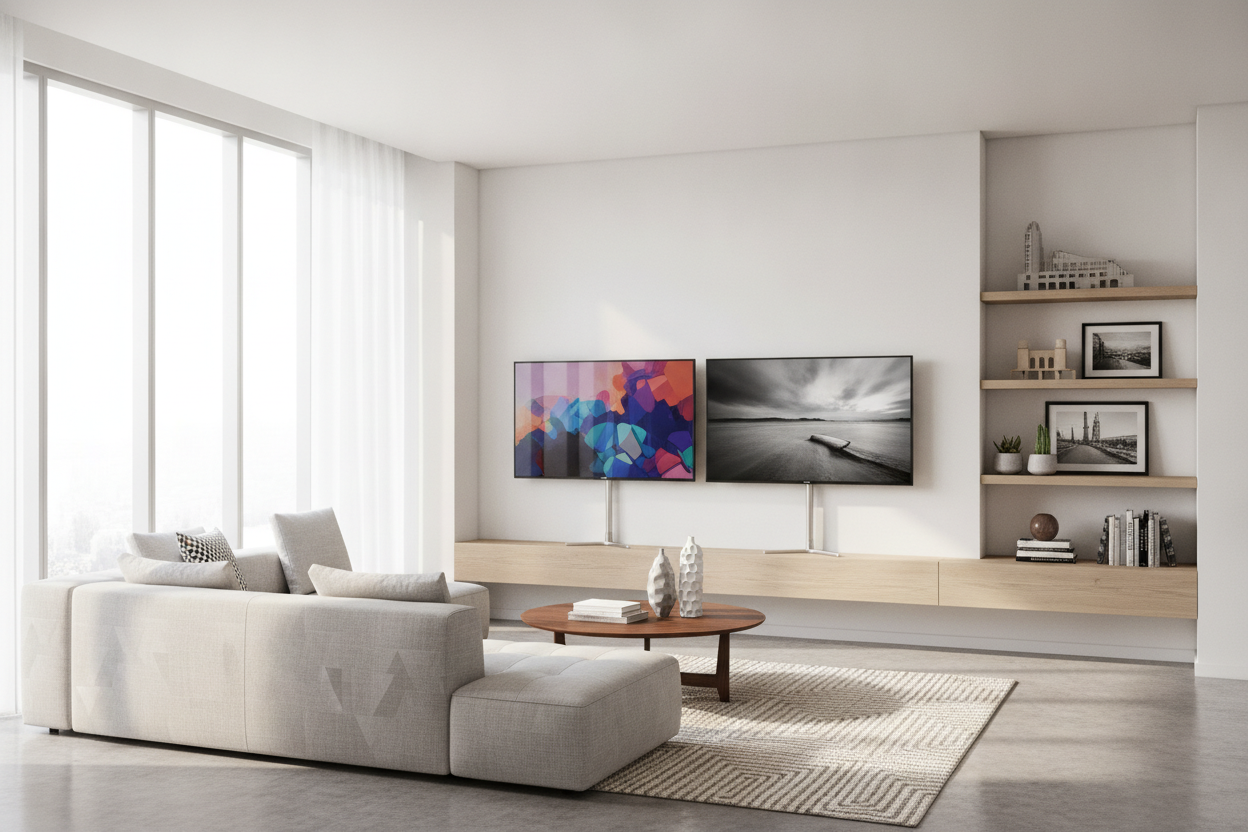
I stood there with a 65-inch 4K screen halfway out of the box, sweat dripping down my face, and realized I’d made a massive mistake. My vintage mid-century credenza—the one I spent three months hunting down on Marketplace—is exactly 50 inches wide. The TV’s feet? They were set at the very edges, 58 inches apart. I was staring at a $900 disaster waiting to happen. This is the reality of the modern tech market. We’ve traded functional design for cheap, wide-set plastic legs that require you to own a dining table-sized console just to hold a screen. This is why I have become an absolute stickler for televisions with center stand.
Quick Takeaways
- Measure the distance between the TV's feet, not just the screen width, before buying.
- Manufacturers use dual-leg designs because they are cheaper to produce and ship than heavy metal pedestals.
- Center stands allow you to place large screens on narrow, high-quality furniture.
- Universal VESA pedestal mounts are a life-saving workaround if you already bought a wide-legged model.
- Single-base stands offer significantly better cable management for a cleaner look.
The Wide Leg Epidemic (And My Measuring Disaster)
There is nothing quite like the heartbreak of unboxing a beautiful new screen only to realize its physics are working against your interior design. Most modern TVs come with what I call 'duck feet'—two spindly pieces of plastic that sit at the far left and right edges. In the showroom, they look fine on those massive 80-inch displays. In a real apartment with a 48-inch media console, they are a nightmare. I spent twenty minutes trying to 'angle' the TV so the feet wouldn't hang off the edge, but one slight bump from my cat would have sent the whole thing crashing down.
It’s a frustrating trend. We used to have heavy, swiveling pedestals that could sit on almost anything. Now, if you want a big screen, you're often forced to buy a piece of furniture that is essentially a aircraft carrier deck. I’ve seen people use 'staging' tricks like putting plywood boards under the feet, but let’s be honest: that looks like a dorm room project. If you live in a space where every inch of floor real estate matters, those wide-set legs are the enemy of a cohesive room layout.
Why Finding a Smart TV With Center Stand is Weirdly Hard
Why did they do this to us? It comes down to the bottom line. A center pedestal requires a heavy, reinforced metal base and a very strong attachment point at the center of the TV's chassis to prevent wobbling. That’s expensive to make and heavy to ship. Two plastic legs at the corners are dirt cheap and weigh next to nothing. This shift has made finding a high-quality smart tv with center stand feel like searching for a unicorn in a sea of budget-grade plastic.
I’ve spent hours scrolling through spec sheets, and usually, it’s only the high-end OLED or Neo QLED models that still offer a central base. It’s almost like a luxury tax. You want a TV that fits on your heirloom dresser? You’re going to have to pay for the premium panel. For those of us who want a mid-range price point but have a small footprint, the options are slim. Manufacturers assume everyone is just going to wall-mount their TVs, but for renters like me who don't want to lose their security deposit over four massive toggle bolts, the stand is the only option.
What to Do If You Already Bought the Wide-Legged TV
If you’ve already hauled that 65-inch box up three flights of stairs only to find the feet are too wide, don't panic. You have two real paths. First, you can go the 'Universal VESA Stand' route. These are third-party pedestals that bolt into the mounting holes on the back of the TV. I’ve used them on three different sets, and while they aren't always as pretty as the OEM stands, they work perfectly. They give you that heavy, centered base you’re looking for and often add a swivel feature that the original legs lacked.
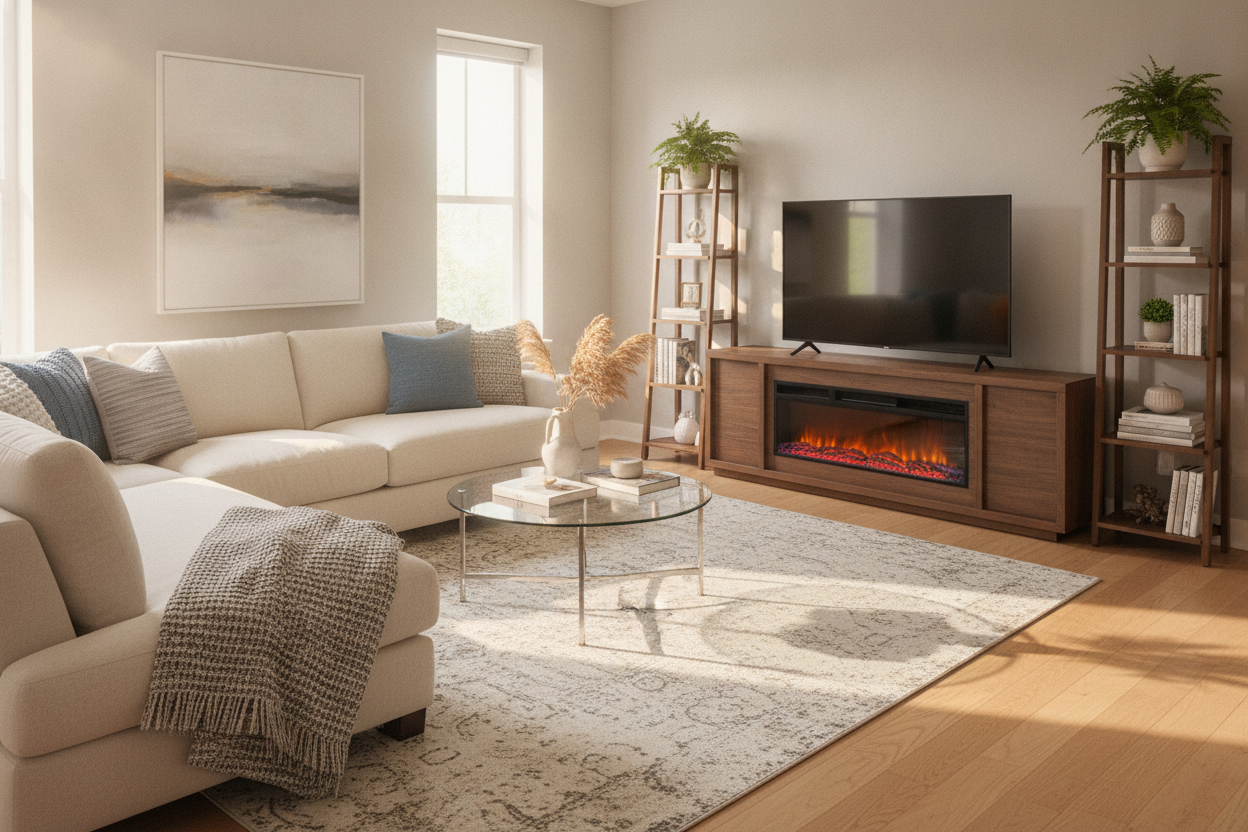
The second option is to admit your furniture is the bottleneck. If your current stand is too narrow, it might be time for an upgrade that actually fits the scale of modern tech. You could look for a stylish black TV stand that offers the width necessary to keep those wide legs secure while providing enough storage for your consoles. Sometimes, a more substantial piece like a rustic entertainment center with shelves can actually make the room feel more grounded, turning the TV from a floating black rectangle into a part of a larger, intentional furniture arrangement. Just make sure you measure the distance between the TV's feet—not the screen size—before you click buy.
Hiding the Wires Behind a Single Pedestal
One of the biggest 'pro' points for the center stand is cable management. When you have two legs at the far ends, your power cord and HDMI cables usually just dangle down the middle of the screen like a messy tail. It’s impossible to hide them unless you tape them to the back of the TV. With a center pedestal, most designs include a hollow channel or clips on the back of the pillar. You can route everything through that one central point, creating a clean 'waterfall' effect where the wires disappear behind the furniture.
This is especially vital if you have a black cabinet with glass doors. Glass is unforgiving. If you have a rat's nest of cables behind your screen, it will be reflected and magnified through that glass, ruining the sleek look of your AV setup. A center stand lets you feed those cables directly into the top of the cabinet, keeping the focus on your decor rather than your wire management skills (or lack thereof).
The Visual Weight: Why Centered Screens Just Look Better
Design-wise, a center stand just feels more 'finished.' It gives the TV a single point of contact with the furniture, which creates a more balanced silhouette. When you have wide legs, the TV looks like it’s perched on stilts. It feels temporary, like you just moved in and haven't finished setting up. A centered base makes the screen look like a piece of sculpture. It’s particularly effective if you are using a modern 3-piece entertainment center, as the central base aligns with the vertical lines of the surrounding cabinets, creating a sense of symmetry that wide legs just can't achieve.
FAQ
Can I buy a center stand for a TV that came with legs?
Yes. You can buy a universal VESA pedestal stand. These bolt into the four holes on the back of your TV and provide a heavy, centered base. Just make sure the stand is rated for the weight and size of your specific screen.
Are center stands less stable than dual legs?
Usually, no. While dual legs have a wider footprint, center stands are made of heavy steel or glass and are weighted to prevent tipping. As long as you don't exceed the size limit, they are very secure.
Do center stands allow the TV to swivel?
Most third-party center stands and many high-end OEM center stands offer a 15 to 30-degree swivel. This is a huge advantage over fixed plastic legs, especially in open-concept living rooms where you might want to turn the screen toward the kitchen.

Leave a comment
This site is protected by hCaptcha and the hCaptcha Privacy Policy and Terms of Service apply.