










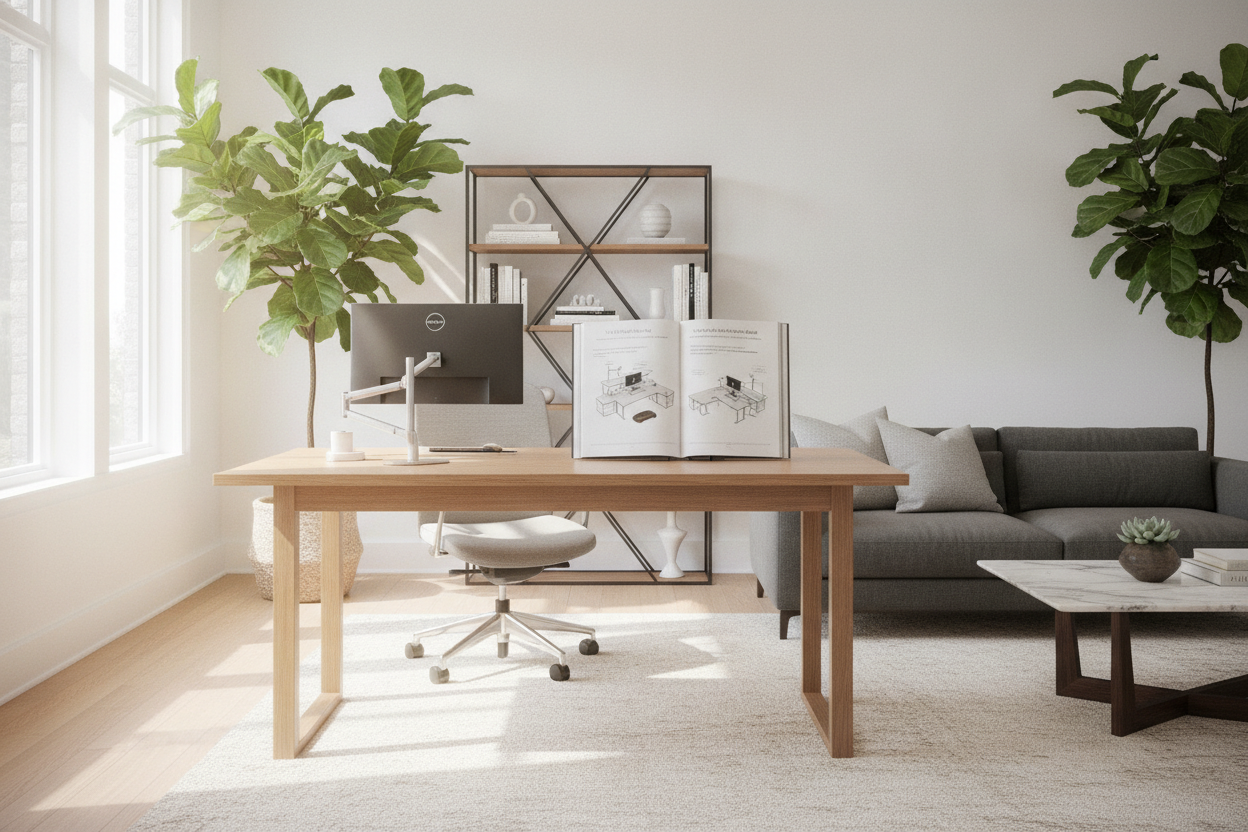
Modern executive workspaces demand workstations that support fluid shifts between seated focus and upright collaboration. While standard flat-top desks serve basic functions, multi-level architectures offer distinct structural and ergonomic advantages. Planning around stand steady standing desks requires looking closely at tier zoning, frame stability under dynamic movement, room clearances, and surrounding cabinetry. When configured with care, a tiered sit-stand workstation serves as the operational anchor of a productive, organized home or corporate office.
Understanding Multi-Tier Standing Desk Architecture
A multi-tier standing desk divides the desktop surface into distinct horizontal planes rather than relying on a single uniform worktop. In these setups, elevated shelves support display monitors while lowered or primary surfaces accommodate input peripherals, notebooks, and reference materials. This architectural division transforms how physical real estate is utilized throughout the workday.
When designing a cohesive standing desk setup, separating display viewing from direct hands-on work creates a structured layout that naturally reduces clutter and helps prevent peripheral crowding.
Split-Level Ergonomics: Aligning Sightlines and Neutral Arm Postures
Standard flat surfaces often force a compromise between monitor height and keyboard positioning. If a single flat desk is raised high enough for comfortable screen viewing, typing surfaces can sit too high, encouraging shrugged shoulders and bent wrists. Conversely, lowering the desk to keep forearms horizontal can force the neck into downward tilt.
Multi-tier desks decouple these two critical touchpoints. Placing screens on an elevated tier lets you align the top of your visual display near natural eye level, while the lower tier keeps your keyboard and mouse positioned for relaxed shoulder and neutral elbow angles. Incorporating a specialized surface like a computer desk with integrated monitor stand establishes this dual-plane relationship directly within the furniture footprint.
Surface Tier Zoning: Workstation Real Estate Distribution
Organizing a multi-tier workspace works best when tasks are zoned by frequency of access:
- Upper Tier: Dedicated to primary and secondary monitors, task lamps, and video conferencing accessories. Keeping these items elevated preserves open space below.
- Main Work Surface: Positioned for immediate hands-on tasks, including open documents, physical organizers, tablets, and note-taking areas.
- Sub-Tier or Drop Platforms: Reserved strictly for primary input devices such as split keyboards, mice, and editing consoles to maintain fluid arm transitions.
Key Evaluation Criteria for Stand Steady Standing Desks
Choosing a reliable height-adjustable workstation involves evaluating core structural components to ensure smooth movement and long-term durability.
Frame Rigidity and Telescopic Leg Mechanics
As sit-stand desks rise toward maximum elevation, their center of gravity shifts upward, which can amplify mechanical play or lateral sway during active typing. Minimizing this wobble depends heavily on frame engineering. Look for wide foot platforms, heavy-gauge steel leg columns, and secure crossbeam connections beneath the main worktop.
For broader configurations with multiple monitors or heavy desktop accessories, a wide height adjustable standing desk provides a broad base stance that spreads mechanical loads evenly across the floor footprint.
Manual Crank vs. Motorized Height Adjustment Dynamics
Adjustable workstations generally use either smooth manual crank mechanisms or electric motorized lifts:
- Manual Crank Systems: Offer reliable, cord-free mechanical adjustment independent of wall outlets. They operate quietly and allow precise micro-adjustments without electrical components.
- Electric Lift Systems: Deliver effortless height transitions at the push of a button, often featuring programmable memory presets for instant switching between seated and standing preferences. Selecting an adjustable height standing desk with electric lift makes frequent posture changes seamless during busy workdays.
Material Selection: Laminate, Engineered Core, and Heavy-Gauge Steel
The longevity of a multi-tier standing desk depends on surface durability and joint integrity. Worktops made from dense engineered wood cores wrapped in high-pressure laminate resist moisture rings, surface scratches, and daily edge wear. Powder-coated steel frames protect against scuffing from chair casters and foot movement while maintaining rigid support across every adjustment cycle.
Spatial Planning and Room Clearance for Executive Standing Desks
Integrating an articulating workstation into an executive office or shared room layout requires thoughtful physical clearance planning around the entire desk perimeter.
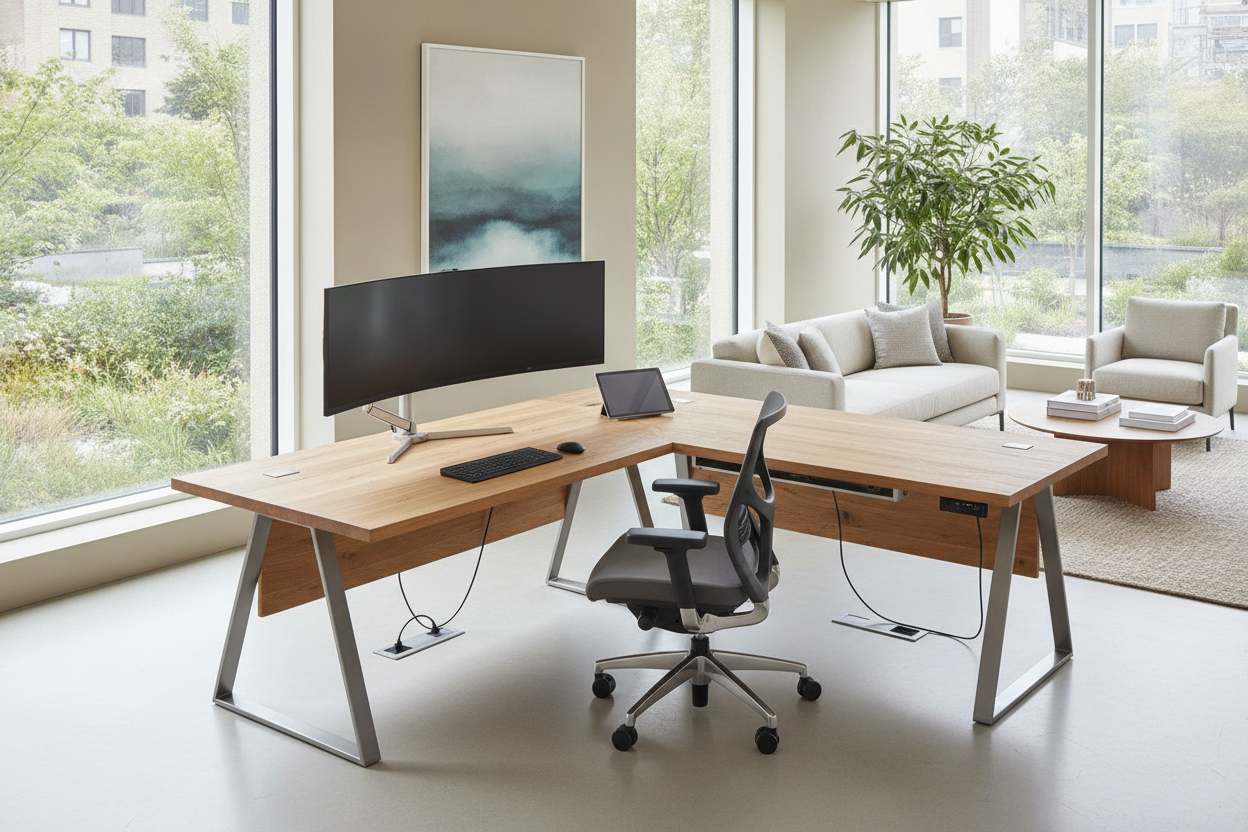
Reviewing curated designer standing desk layout ideas helps clarify how moving desks interact with perimeter walls, storage elements, and room traffic.
Vertical and Peripheral Clearances for Articulating Desks
Because sit-stand desks move vertically throughout the day, planning must account for surrounding architectural boundaries:
- Wall Clearance: Position the rear edge slightly away from the back wall to prevent monitor mounts or desktop edges from rubbing paint during elevation shifts.
- Overhead Clearances: Ensure overhead floating shelves, wall cabinetry, or framed artwork sit well above the desk's highest travel point.
- Footprint Flow: Leave sufficient clearance behind the desk to transition smoothly between seated task chairs and standing anti-fatigue mats without blocking walkways.
Cable Routing Strategies for Multi-Tiered Motion
Dynamic furniture requires specialized wire management to prevent cord tension or snagging during height adjustments. Run display and peripheral cables into flexible spine channels or under-desk raceways, leaving an intentional slack loop near the base of the frame. This loop accommodates the desk's full range of motion without pulling plugs or binding against structural crossbeams.
Integrating Storage with Active Standing Workstations
Open-frame sit-stand desks emphasize vertical flexibility, which often leaves little room for integrated drawer pedestals directly beneath the surface. Creating a balanced executive office requires pairing the primary desk with complementary storage units that preserve legroom and vertical travel pathways.
Mobile Filing Pedestals and Under-Desk Storage Clearances
Slimline mobile filing cabinets on smooth casters offer flexible storage that tucks beneath the desk when needed or rolls beside it during deep-focus work. When planning under-desk storage, check that the lowered desk height clears the top of the mobile pedestal while leaving ample knee room for comfortable seated posture.
Perimeter Credenzas and Executive Back-Wall Units
For high-volume document archiving, heavy printers, and reference libraries, a matching perimeter credenza placed along an adjacent wall provides dedicated storage without encroaching on the standing desk's adjustment zone. This arrangement separates bulk storage from dynamic work surfaces, keeping your active workspace clear and responsive.
Assembly, Alignment, and Long-Term Maintenance Best Practices
Setting up a stable multi-tier standing desk begins with proper foundation leveling. Most frames include adjustable leveling glides under each foot; adjusting these glides ensures the desk sits firmly on uneven floorboards or low-pile rugs before any equipment is mounted.
Periodically check and retighten frame fastening hardware to account for vibration from daily elevation cycles. Wiping down powder-coated legs and laminate surfaces with a soft, damp cloth preserves the factory finish and keeps multi-tier standing desks performing smoothly for years to come.

Leave a comment
This site is protected by hCaptcha and the hCaptcha Privacy Policy and Terms of Service apply.