










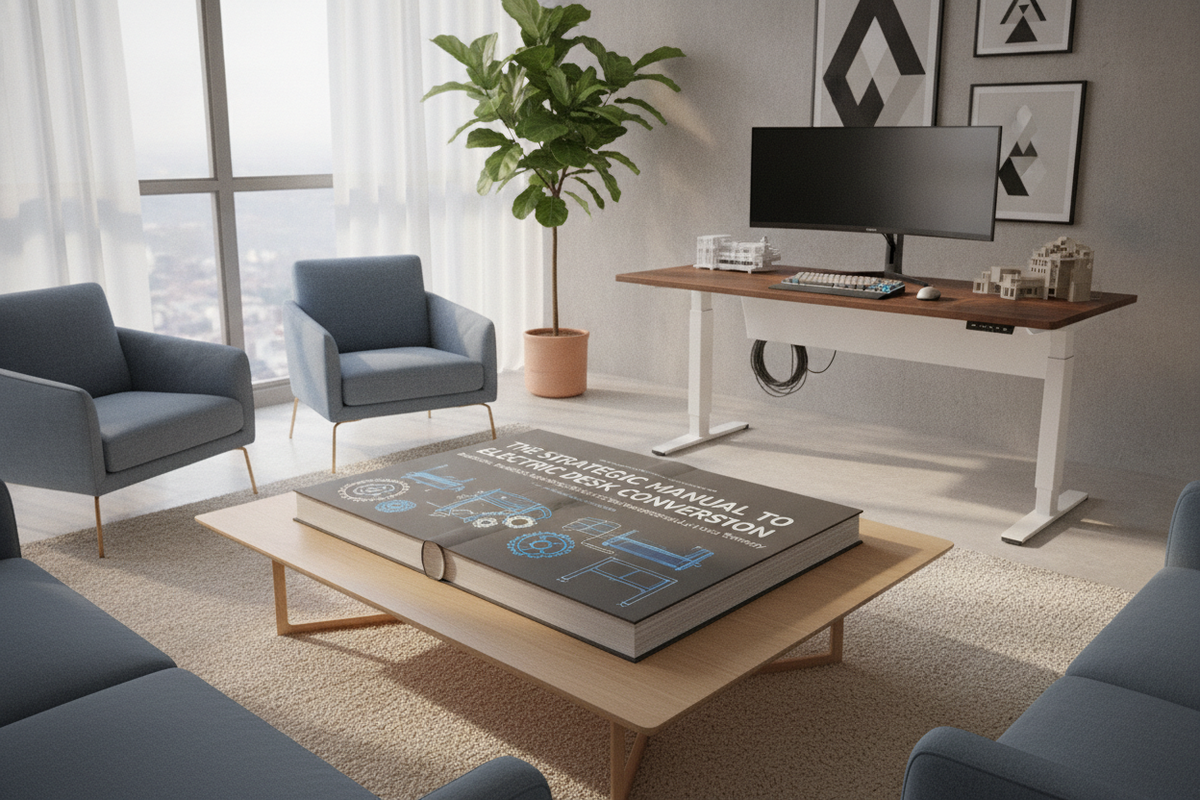
Manual height-adjustable workstations offer an entry point into active office ergonomics, but physical hand-crank mechanisms often introduce subtle friction into daily work habits. When adjusting desk height requires sustained mechanical effort, many users find themselves leaving the surface locked in a seated or standing position for extended periods. Deciding to convert manual standing desk to electric operation revitalizes an existing furniture setup, transforming manual physical effort into effortless push-button adjustment.
Understanding the Transition: Why Upgrade from Manual Crank to Electric Elevation
The primary driver behind motorizing an existing workspace is removing the physical and behavioral barriers associated with routine repositioning. While manual desks function reliably through internal gear trains and manual drive shafts, their everyday usability differs markedly from powered alternatives.
The Ergonomic Friction of Manual Hand-Crank Desks
Hand-crank mechanisms require continuous manual rotation to raise or lower a weighted tabletop. When multiple monitors, desk accessories, and mounting arms are installed on the work surface, the mechanical resistance felt through the crank handle increases. This physical resistance often discourages frequent postural shifts, leading users to abandon regular sit-stand intervals during demanding workdays.
Motorized Precision and Workflow Continuity
Motorized lift columns provide smooth, synchronized vertical travel at the touch of a button. Electronic control keypads allow users to save preferred sit and stand elevation points. This level of repeatability ensures that your monitor focal height, keyboard angle, and forearm alignment remain consistent across transitions without interrupting your cognitive focus or workflow.
Core Conversion Pathways: Retrofit Motor Kits vs. Complete Frame Swaps
When planning to convert hand crank standing desk to motorized functionality, there are two primary engineering approaches. The optimal choice depends on the structural design of your existing desk frame and your willingness to manage mechanical alignment.
Pathway 1: Mechanical Motor Retrofit Systems
Retrofit motor kits utilize an external motorized drive unit designed to interface directly with the desk's existing hex drive rod or crank socket. The motor mounts beneath the tabletop and turns the central synchronization rod in place of the manual handle.
- Advantages: Preserves the existing under-desk framework and requires minimal disassembly of the core legs.
- Considerations: Retrofit units must precisely match the internal gear ratios and drive rod dimensions of the manual frame. Any misalignment can cause binding, uneven leg elevation, or strain on the external motor.
Pathway 2: The Desktop Transfer to a Dedicated Motorized Frame
A desktop transfer involves separating your existing tabletop from the manual crank legs and securing it onto a standalone motorized underframe. This method is widely preferred because it provides factory-calibrated dual or single motors, integrated electronic control boxes, and dedicated anti-collision logic designed specifically for powered operation.
Structural Feasibility and Desktop Compatibility Assessment
Before beginning any conversion, carefully assess the material properties and dimensional profile of your current desktop.
Evaluating Substrate Density: Solid Wood, Engineered Wood, and Composite Boards
The core material of your tabletop determines how securely it will hold mounting hardware under the dynamic vibrations of motorized movement:
- Solid Hardwood and Softwood: Excellent screw retention. Pilot holes should be pre-drilled to prevent splitting when driving mounting fasteners.
- Medium-Density Fiberboard (MDF) and Particleboard: Commonly found on commercial desks. When moving these surfaces, avoid reusing old, stripped screw holes; shift the frame footprint slightly or install threaded metal inserts for robust attachment.
- Hollow-Core Tabletops: Internal honeycomb structures cannot securely anchor motorized brackets without specialized internal reinforcement.
Surface Span and Under-Desk Clearance Geometry
Examine the underside of your tabletop for cutouts, embedded structural channels, or beveled edges. Ensure the central crossbar and motor housings of the new electric lifting mechanism sit flush against the bottom surface without obstructing legroom or under-desk accessory tracks.
Step-by-Step Conversion and Assembly Blueprint
Executing a tabletop transfer requires a structured approach to maintain alignment and protect both the work surface and the mechanical drive hardware.
Disassembly, Inversion, and Centerline Layout
Clear all hardware, monitors, and peripherals from the desk. Place a soft protective blanket on the floor and invert the desk so the tabletop rests facedown. Carefully unfasten the manual leg brackets and drive shafts. Measure the width and depth of the inverted top to mark precise centerlines, ensuring the new motorized frame will be balanced and centered.
Mounting the Electric Chassis, Control Box, and Keypad
Expand the telescopic crossbars of the electric frame to match the designated mounting zones on the tabletop. Pre-drill shallow pilot holes, taking care not to breach the top surface. Secure the lifting columns and crossbeam using the manufacturer-specified wood screws. Mount the electronic control box near the central frame and position the digital display keypad flush with the front user edge for comfortable access.
Initial Motor Calibration and Travel Reset Routines
Once assembled and carefully flipped upright with assistance, connect the power supply. Most motorized control systems require an initial zero-point reset routine before standard operation. Hold the down button until the frame reaches its lowest mechanical stop, beeps, or rebounds slightly. Test smooth travel upward and downward across the full operational range before re-installing heavy equipment.
Power Routing, Cable Architecture, and Workspace Safety
Introducing an electric motorized frame requires dynamic wire management to ensure safety throughout the elevation stroke. When planning your layout, consider principles for designing a standing desk setup that balances aesthetics and function to keep your workspace clean and clutter-free.
Dynamic Cable Routing and Slack Management
Because the desktop moves vertically while wall outlets remain stationary, cables must accommodate full travel without pulling taut or pinching:
- Mount a heavy-duty power strip directly to the underside of the desktop so all computer and monitor power bricks travel with the desk.
- Route a single master power cable from the under-desk strip to the wall outlet using an articulated cable spine or flexible mesh sleeve.
- Ensure sufficient cable slack is present when the desk is raised to its highest operational level to prevent severed connectors or damaged ports.
Perimeter Clearances and Spatial Planning
Position your converted desk with adequate perimeter clearance from adjacent walls, window sills, and tall shelving units. For further layout inspiration and spatial integration, review designer ideas for standing desk layouts to ensure smooth movement within your room's overall layout.
Conversion vs. Upgrading to a New Motorized Desk: Decision Framework
While retrofitting or transferring a custom tabletop is rewarding for DIY enthusiasts, evaluating the total investment of time, effort, and component cost helps determine whether building from parts or selecting an integrated, purpose-built desk is the more practical path.
Practical Trade-offs in Conversion Projects
Conversion projects allow you to preserve a cherished custom tabletop or unique surface finish. However, sourcing separate motorized frames, managing drive rod tolerances, and handling manual assembly requires careful planning, appropriate tools, and time.
Selecting Purpose-Built Standing Desks
If your manual desk surface shows signs of wear, or if you prefer an integrated system with factory-aligned crossbars and pre-drilled cable channels, upgrading to a complete motorized workstation provides immediate structural cohesion. A versatile adjustable height standing desk with electric lift system offers built-in memory presets and coordinated proportions for standard home offices.
For dual-screen workstations or expansive creative setups, exploring a large format standing desk with electric lift delivers extended surface depth and robust leg stability. Similarly, professionals requiring maximum horizontal span can integrate a wide height adjustable standing desk to accommodate multi-monitor displays, desktop audio hardware, and document trays on a unified, high-stability platform.


Leave a comment
This site is protected by hCaptcha and the hCaptcha Privacy Policy and Terms of Service apply.