










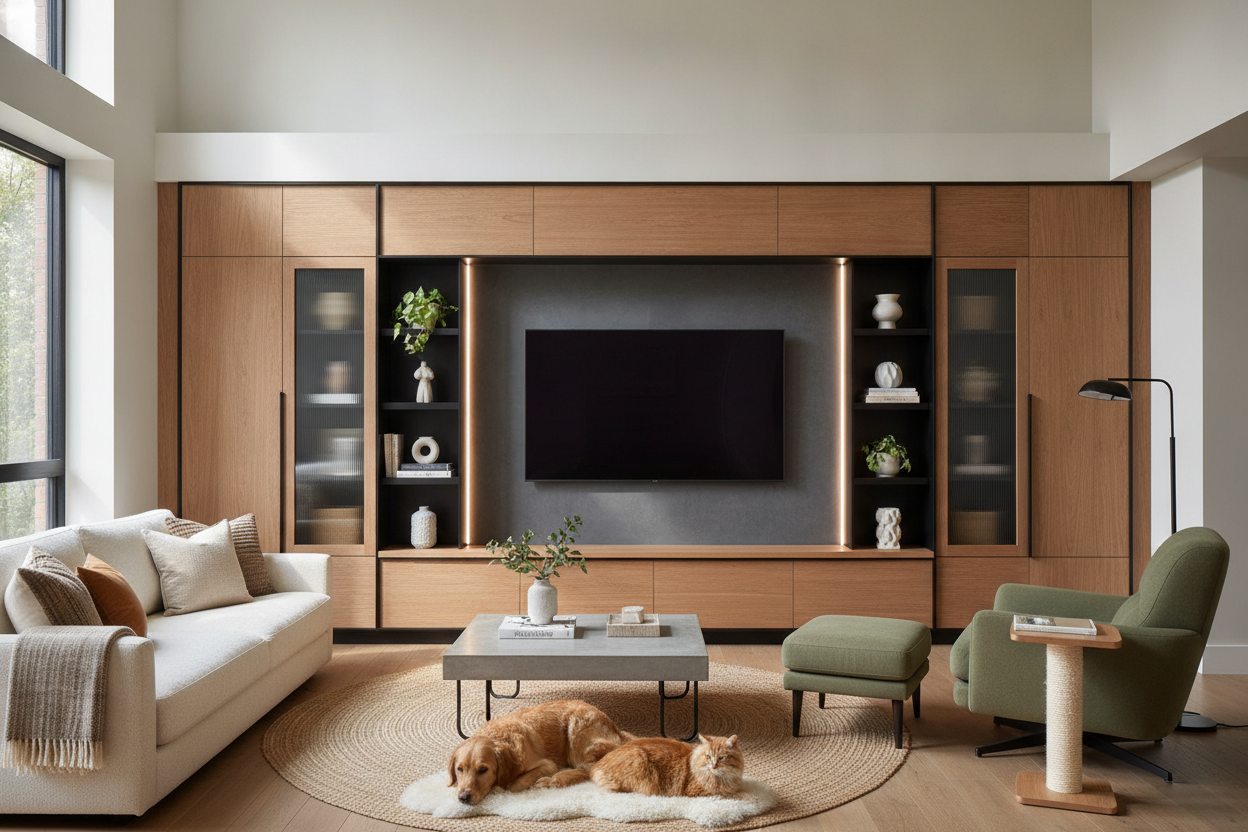
I spent three hours last Tuesday night staring at a tangled mess of HDMI cables and a dusty power strip that looked like a fire hazard. My TV was sitting on a generic, wobbly MDF unit I bought in a panic three years ago, and it hit me: this thing wasn't designed for a home; it was designed for a dorm room. Finding the right media centre furniture isn't about finding a box for your tech; it's about finding a piece of furniture that happens to hold a screen.
- Choose a unit at least 20% wider than your TV to avoid the 'top-heavy' look.
- Opt for closed storage to hide the visual noise of consoles and routers.
- Look for integrated cord management holes—don't DIY them with a spade bit unless you want splintered veneer.
- Multi-functional pieces, like those with built-in heaters or pet crates, save massive amounts of floor space.
The Problem with the 'Standard' Tech Box
Most traditional entertainment units are afterthoughts. They are often too short, too narrow, and made of that flimsy 1.2 lb/ft³ particle board that starts to sag the moment you put a soundbar on it. They end up as dust-gathering magnets because of those useless open cubbies that serve no purpose other than showing off your messy wiring.
When you use a 'standard' stand, you're essentially dedicating four to six feet of prime wall real estate to a single-purpose object. In a small apartment or a cozy living room, that is a waste of square footage. I’ve seen 80-inch TVs perched on 60-inch stands, and it makes the whole room feel cramped and accidental. You deserve better than a utilitarian box that drags down your aesthetic.
Rethinking the Console as a Room's Anchor
Stop thinking about where to 'dump the screen' and start thinking about how to anchor the entire wall. A great console should feel like a built-in architectural element. I’m a huge fan of units that bring a bit of warmth back into the tech-heavy zone. For example, I actually decided to put a media centre with fireplace in my bedroom last winter, and it completely changed the vibe.
Instead of a cold, black rectangle being the only focus, the flickering 'flames' add a layer of texture and light that makes the room feel lived-in. This works just as well in a living room. Look for solid wood frames or high-quality walnut veneers. You want something with weight—something that doesn't slide three inches every time you try to plug in a USB cable.
Yes, Your Setup Can Even Hide the Dog
The biggest headache in modern design is the 'pet clutter' problem. You have a beautiful mid-century console, but right next to it is a hideous wire dog crate. It’s a total buzzkill for your interior flow. Designers are finally catching on to the fact that we want our furniture to work harder.
If you are tight on space, you can find a large dog crate furniture with 4 drawers that functions as a massive, stylish media credenza. It’s heavy-duty enough to support a large screen while giving your pet a secure, integrated spot to sleep. I’ve tested these in client homes, and they are a lifesaver for keeping the floor clear of bulky plastic cages while providing actual storage for treats and leashes.
My Formula for Styling Around the 'Black Void'
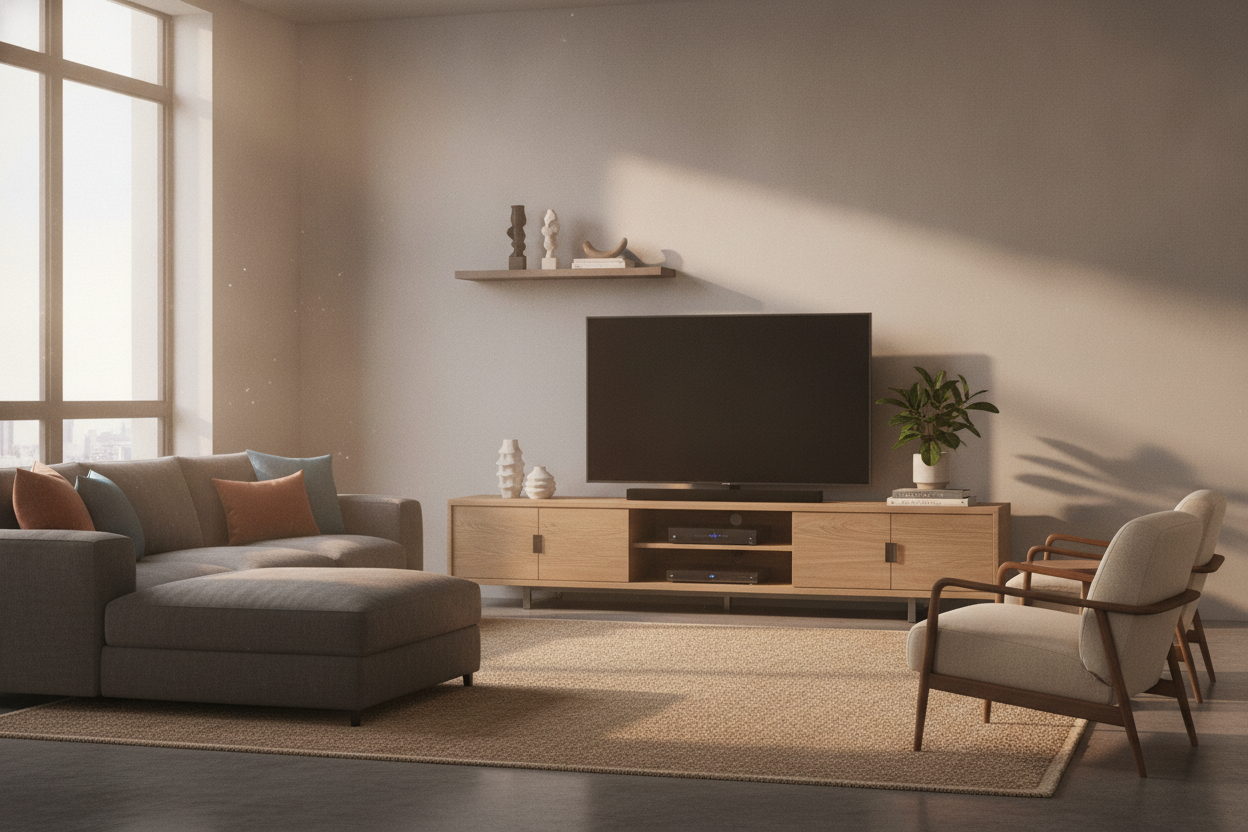
The 'Black Void' is that giant dark rectangle that sucks the life out of a room when the TV is off. To fix this, I use a rule of asymmetry. Don't just center the TV and leave the sides bare. Stack three or four oversized art books on one end and place a sculptural ceramic vase on the other. This balances the visual weight.
You can also flank the unit with other functional pieces to distract the eye. Adding stylish cat furniture nearby—like a sleek, wooden climbing tower—can actually help bridge the gap between your media wall and the rest of the room. It makes the 'tech zone' feel like a 'living zone.' I once made the mistake of leaving my console completely bare, and it looked like a showroom floor. It needs personality to feel like home.
The One Scaling Rule I Never Break
If you take nothing else away from this, remember the 'Overhang Rule.' Your media unit should be significantly wider than your TV. Ideally, you want at least 6 to 10 inches of clearance on either side of the screen. If your TV is 55 inches wide, your base should be at least 70 inches.
This creates a visual base that feels stable. A TV that is the same width as its stand looks like a lollipop—it’s top-heavy and awkward. I once bought a 60-inch stand for a 55-inch TV thinking it was 'close enough,' and I hated it every single day until I finally paid a $75 restocking fee to send it back. Go wider than you think you need.
How high should my media centre be?
The center of your TV should be at eye level when you are seated. Usually, this means a console height of about 24 to 30 inches. If you're mounting the TV, keep the console low to maintain a clean line of sight.
Should I choose open or closed storage?
Closed storage, every single time. Unless you enjoy dusting your cable box and looking at a rat's nest of wires, go with doors. Mesh or slatted doors are great if you need remote signals to pass through without opening the cabinet.
Will a fireplace unit actually heat my room?
Most electric fireplace inserts can comfortably heat a 400-square-foot space. They won't replace your furnace, but they are great for taking the chill off a basement or a drafty bedroom without turning up the thermostat for the whole house.

Leave a comment
This site is protected by hCaptcha and the hCaptcha Privacy Policy and Terms of Service apply.