










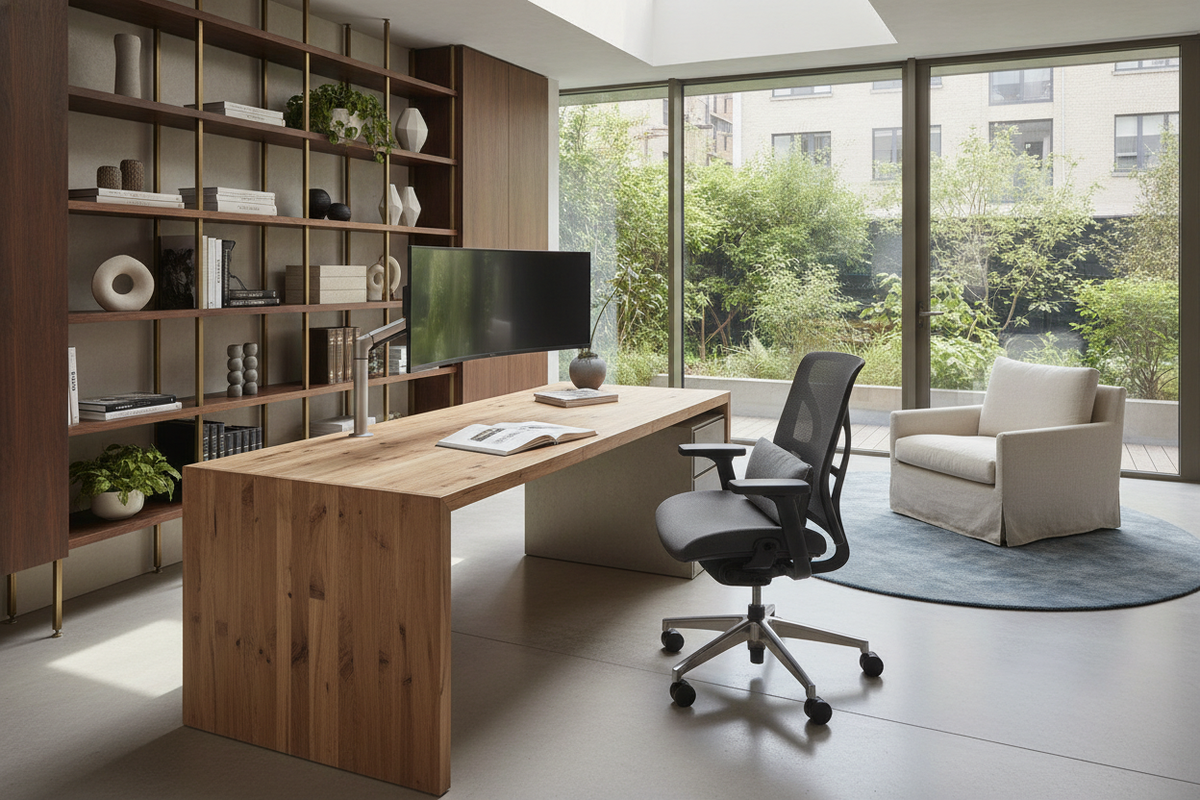
The Ergonomics of Leaning: Why We Lean on and Over Desks
Working for extended periods often reveals subtle physical habits that signal an awkward workstation arrangement. Among the most frequent tendencies is leaning on a desk or perching one's forearms firmly against the front edge. While it can initially feel like an instinctive way to relieve lower-back tension or focus on demanding detail work, leaning forward shifts your center of gravity and places continuous pressure on both your body and the desk frame.
When individuals lean over desk surfaces, the behavior is rarely just a lapse in discipline. Instead, it is almost always a physical response to an environmental mismatch. The body constantly seeks equilibrium. If your seating fails to support an upright posture, or if the primary visual focal points sit outside comfortable visual ranges, your torso instinctively tilts forward. Rather than treating leaning as a personal habit to resist through sheer willpower, it is far more effective to evaluate the physical geometry of your desk, chair, and peripheral placement.
Recognizing the Workstation Triggers That Cause You to Lean Over
Addressing the habit of leaning forward requires identifying which elements in your immediate workspace invite forward creep. Small spatial imbalances accumulate quickly throughout the day, drawing your shoulders and chest over the work surface.
Display Depth and Viewing Distance
Screen position serves as the primary anchor for head and neck placement. When a computer monitor is placed too far back on a deep desktop, or when screen scaling renders text too small to read comfortably from a neutral seated position, the eyes pull the neck forward. As the head shifts past the shoulders, the upper torso naturally follows, leading you to brace your chest or elbows directly against the front rim of the desk to stabilize the position.
Conversely, a work surface that lacks adequate depth can cause visual overcrowding. If documents, keyboards, and displays are cramped together, workers often hunch their shoulders and lean forward to inspect paperwork resting in awkward gaps. Finding an intentional balance where displays rest at eye level and allow relaxed viewing without forward tilt is the foundation of an upright workstation.
Peripheral Reach Zones and Accessory Clutter
Workplace surfaces operate on zones of accessibility. The primary reach zone encompasses the immediate semi-circle that your hands can sweep across while your elbows remain near your ribs. When input devices such as keyboards, mice, trackpads, or sketch tablets wander outside this primary zone, you must reach forward to operate them.
Continuous reaching creates muscular fatigue along the upper back. To alleviate this strain, workers naturally lean their forearms or elbows directly onto the tabletop, using the furniture edge as a mechanical prop. Clearing peripheral clutter and keeping primary tools within the natural reach zone prevents this forward migration.
Seat Height and Forearm Elevation Disconnects
The relationship between chair height and desk elevation heavily dictates where your upper body rests. If your chair is set too low relative to the desktop, your elbows must flare upward to reach the keyboard. This unnatural angle encourages resting your forearms along the hard perimeter edge, transferring torso weight onto the furniture.
If the seat is adjusted too high without a supportive footrest, feet dangle or fail to plant firmly. When lower-body grounding is lost, the torso frequently leans forward against the desk to regain a sense of physical stability. Aligning your seating so your forearms rest naturally parallel to the work surface eliminates the need to use the desk rim as a crutch.
Structural Considerations: How Desks Handle Perimeter Weight and Leaning Forces
Beyond ergonomic comfort, habitual leaning on desk edges introduces mechanical forces that influence furniture durability and stability. Modern desks vary significantly in their leg architecture, load distribution profiles, and edge joinery.
Cantilevered Legs vs. Four-Leg and Pedestal Frames
The structural silhouette of a desk plays an enormous role in how it tolerates downward forces applied at the front edge. Traditional four-leg tables distribute perimeter weight down corner posts, providing high resistance to tipping. Pedestal desks, anchored by deep drawer banks on one or both sides, offer heavy ballast that resists downward torque effortlessly.
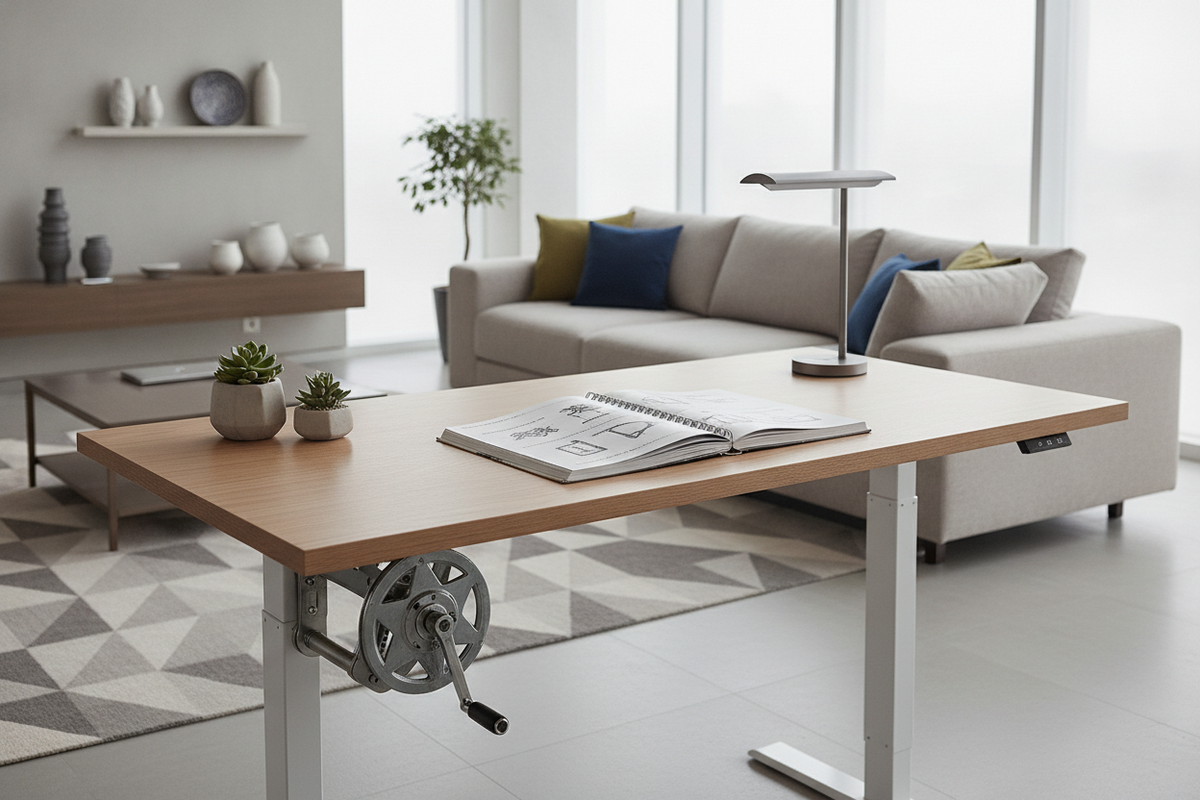
In contrast, many modern sit-stand workstations utilize cantilevered T-leg or C-leg systems. Because these frames balance the entire surface on two central upright columns, leaning your full body weight onto the front edge generates rotational torque. While well-engineered frames are constructed with broad base feet to counteract this leverage, resting significant downward force along the perimeter can induce subtle frame flex, monitor wobble, or premature wear on lifting columns. Understanding your desk frame geometry helps you determine whether your furniture is designed to accommodate firm leaning or requires gentler contact.
Top Deflection and Edge Stress
The desk panel itself experiences focused stress when an individual leans over desk perimeters repeatedly. Desks built with long spans between supports can experience top deflection if substantial weight is concentrated at the center front edge. Thinner desktop substrates or surfaces joined without longitudinal under-frame stiffeners are particularly susceptible to flex.
Repeated downward pressure on unsupported front spans can loosen desktop mounting brackets, strain cam-lock fasteners, and degrade edge banding over time. Ensuring that wide surfaces feature proper under-mount structural rails or center support prevents permanent sagging and keeps the work surface level.
Designing a Layout That Prevents Fatigue and Excessive Leaning
Correcting an unwanted forward lean involves reorganizing your furniture layout to support a naturally upright, relaxed posture throughout the workday. You can create a self-correcting setup by following a few clear principles:
- Bring the Focal Area Forward: Position your display so that reading small text requires zero head advancement. Utilizing an adjustable monitor arm allows you to fine-tune both depth and height without occupying valuable desk real estate.
- Establish Dedicated Reach Envelopes: Keep your keyboard and pointing devices close to the front edge so your elbows rest under your shoulders. Secondary items like notebooks, reference binders, and desk lamps belong in outer perimeter zones where they will not crowd your primary movements.
- Adjust Seating for Grounded Support: Ensure your chair provides firm lumbar support that engages your lower back when seated. Plant your feet flat on the floor or on an angled footrest so your lower body bears its share of postural balance rather than shifting it forward onto the tabletop.
- Plan for Standing Transitions: If you utilize an adjustable desk, alternate between seated and standing configurations. When standing, avoid draping your upper body over the edge; instead, maintain a balanced stance or utilize an active anti-fatigue mat that supports subtle weight shifting.
Upgrading Your Room Flow and Dedicated Rest Supports
In many home offices, leaning on a desk happens during brief conversational moments, quick reviews of notes, or midday mental pauses. When a workspace lacks secondary seating or dedicated leaning perches, the main desk edge ends up serving as a catch-all resting point for tired bodies.
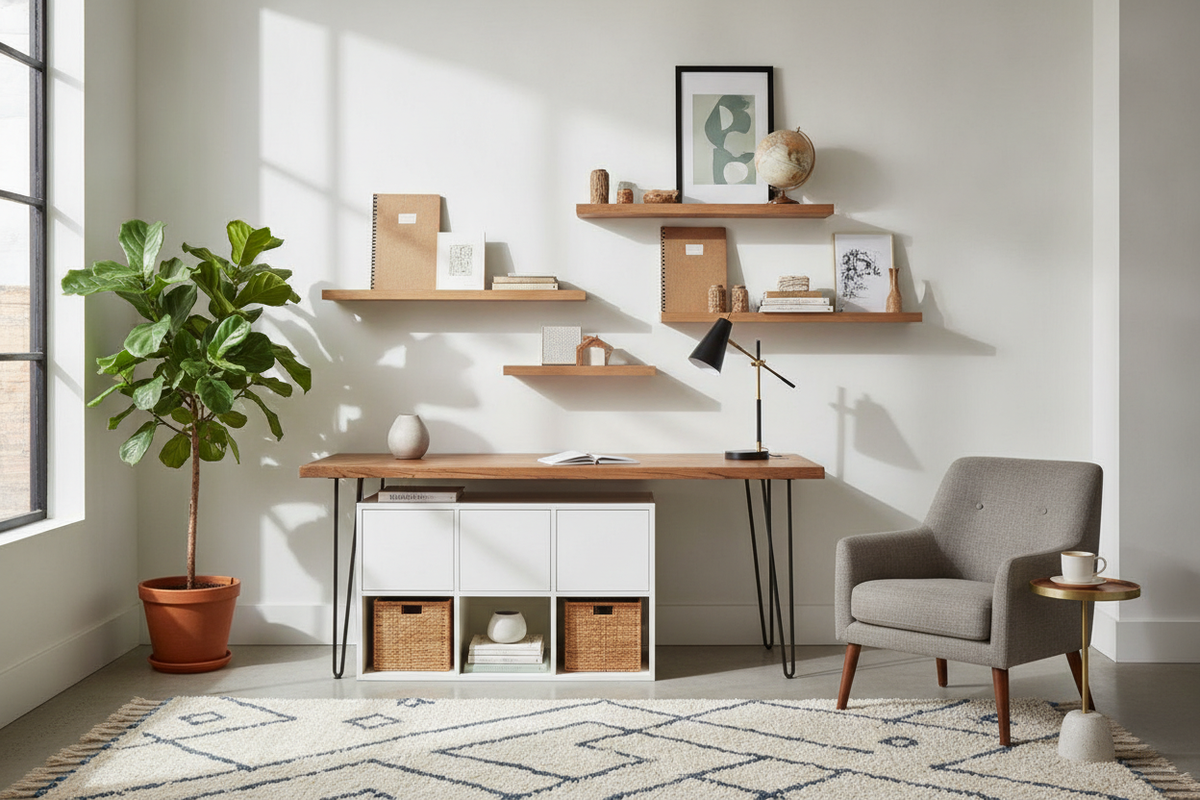
Integrating purposeful furniture into your workspace resolves this habit across the entire room. Incorporating an active drafting stool, an accent chair, or a cushioned bench gives you an intentional place to sit back, pause, and review printed documents without hunching over the computer table. In my experience, workspaces feel remarkably calmer and more comfortable once the main desk is reserved strictly for active tasks while supportive surrounding pieces handle the moments of rest.
For broader home layouts where people frequently lean against surfaces while pausing or changing shoes, consult our comprehensive leaning guide to see how supportive backed seating can stabilize daily traffic zones. By pairing structurally sound desk designs with smart peripheral positioning and dedicated rest furniture, you can maintain an organized, comfortable workspace that naturally keeps excessive leaning at bay.

Leave a comment
This site is protected by hCaptcha and the hCaptcha Privacy Policy and Terms of Service apply.