










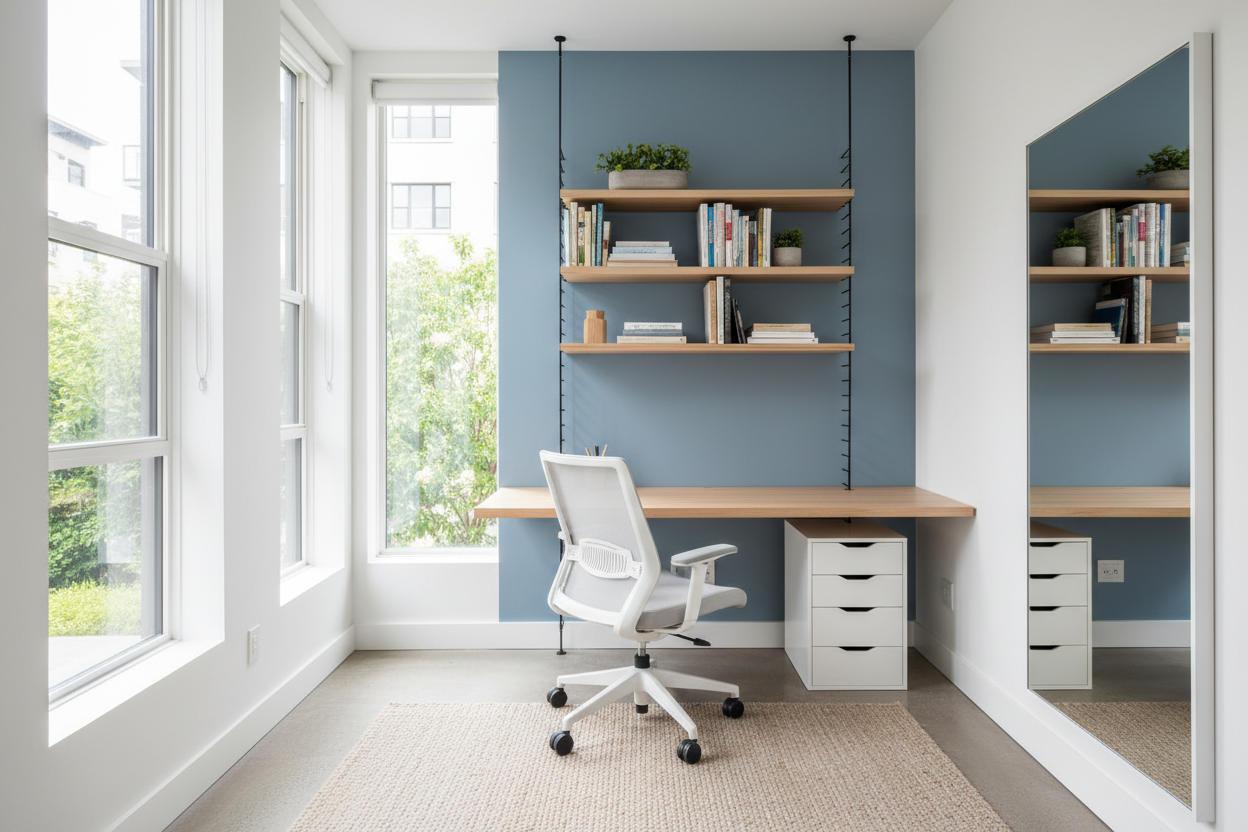
There is a distinct difference between a cozy workspace and a claustrophobic one. When square footage is at a premium, the margin for error shrinks significantly. A few inches of miscalculated desk depth or a poorly placed shelving unit can instantly disrupt the circulation of the room, making work feel like a chore rather than a creative pursuit. As an interior designer, I see this dilemma constantly: homeowners sacrificing function for size, or vice versa.
The secret isn't just buying smaller furniture; it is about understanding scale, sightlines, and verticality. This guide will walk you through the architectural approach to a small home office layout, ensuring your workspace feels expansive, intentional, and tailored to your professional needs.
Key Features to Look For in Compact Designs
Before moving furniture, consider these fundamental elements to ensure your layout succeeds. These are the non-negotiables for maximizing spatial efficiency.
- Visual Weight: Opt for furniture with exposed legs or glass/acrylic materials rather than solid, blocky bases to keep the floor visible.
- Vertical Utilization: Prioritize floor-to-ceiling shelving or wall-mounted hutches over wide, low cabinets.
- Ergonomic Clearance: Ensure a minimum of 36 to 42 inches of clearance behind the desk for chair movement.
- Dual-Purpose Functionality: Look for nesting tables or desks with integrated cable management to reduce floor clutter.
- Lighting Layers: Combine task lighting with ambient wall sconces to avoid taking up desk surface area.
Mastering Space Planning and Flow
When curating small home office layout ideas, the first step is always zoning. In a dedicated small room, the instinctive reaction is to push the desk against the wall. While this opens up the center of the room, it often forces you to stare at a blank wall, which is detrimental to creative thinking. Instead, consider the "command position."
The Floating Desk Technique
If the room width allows, float the desk perpendicular to the wall or facing the door. This layout establishes authority and allows you to utilize the wall behind you for floor-to-ceiling storage. This small home office design layout strategy creates a distinct "work zone" and a "reference zone" (the shelving), separating tasks physically.
Corner Utilization and Custom Millwork
For spaces that cannot accommodate a floating desk, L-shaped configurations in the corner are highly effective. However, avoid bulky retail corner desks. I often advise clients to look into custom or semi-custom millwork. A continuous countertop that spans the entire width of a wall creates a sleek, elongated silhouette that visually stretches the room. This approach to small home office room design eliminates the visual clutter of table legs and maximizes knee space.
Choosing the Right Materials and Scale
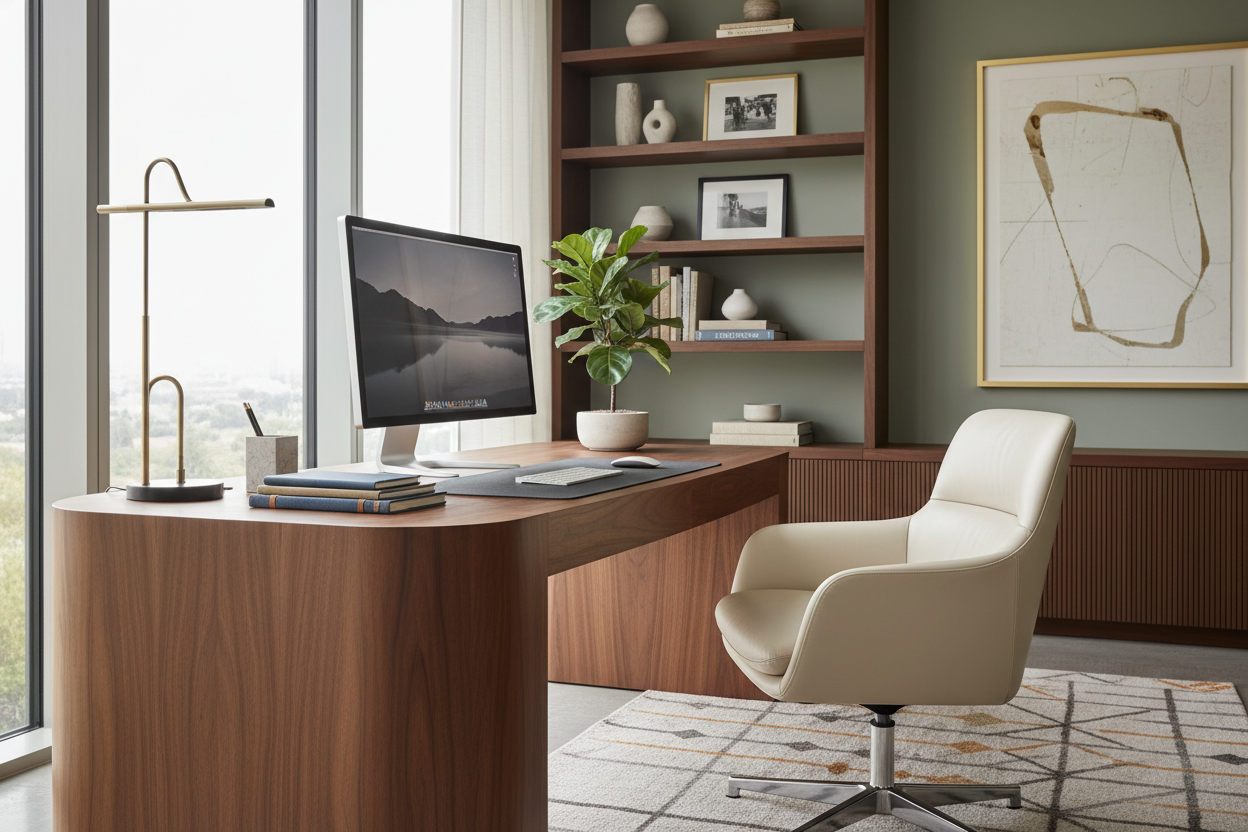
In a compact footprint, the texture and finish of your furniture dictate the room's atmosphere. Heavy, dark woods like mahogany or walnut can absorb light and make the room feel smaller.
Wood Veneers vs. Solid Wood
While solid wood is the gold standard for durability, high-quality wood veneers are often superior for small spaces. They offer the warmth of timber without the heavy visual bulk and are less susceptible to warping in rooms with fluctuating temperatures. Look for light oaks, ash, or whitewashed finishes to reflect natural light.
The Importance of Silhouette
When selecting a chair, avoid high-back executive leather chairs that dominate the visual field. Instead, choose a mid-century modern aesthetic with a low profile or a mesh ergonomic chair. The goal is to see through the furniture, maintaining a continuous line of sight across the room. This is one of the most overlooked small home office design layout ideas.
Lessons from My Own Projects
I want to share a specific challenge I faced when designing a "cloffice" (closet-office) for a client in a pre-war apartment. We had a depth of only 26 inches to work with. On paper, a standard 24-inch deep desk seemed perfect.
However, once installed, we realized a critical error: cable management. Standard desks with closed backs pushed flush against the wall left zero room for the monitor cords and power strips. The desk ended up jutting out three inches, ruining the custom flush look we wanted.
I learned the hard way that in small layouts, you must account for the "invisible" inches taken by baseboards and plugs. We ended up cutting a grommet hole directly into the desktop and channeling the wires through a hollow leg. It was a gritty, on-site fix, but it saved the project. Now, I always recommend desks with a recessed back panel or integrated wire trays for tight spaces. It’s those unpolished, hidden details that determine if a room feels high-end or haphazard.
Conclusion
Designing a functional workspace within a limited footprint requires discipline and a keen eye for proportion. By prioritizing vertical storage, selecting visually light furniture, and maintaining rigorous cable management, you can create a space that fosters focus rather than frustration. Your environment dictates your output; make sure your office is working as hard as you do.
Frequently Asked Questions
What is the minimum size for a functional home office?
Ideally, you need a space that is at least 5 feet by 5 feet (25 sq. ft) to accommodate a small desk and allow for chair rotation. However, a functional "nook" can be created in a space as shallow as 24 inches deep if you utilize wall-mounted shelving and a compact chair.
Should I paint a small home office a dark or light color?
While white is the traditional choice to make a room feel larger, a moody, dark color (like charcoal or navy) can actually blur the corners of the room, creating an illusion of infinite depth. This works particularly well if the room has little natural light, leaning into the cozy, library-like atmosphere.
How do I hide a printer in a small layout?
Printers are visually bulky and rarely attractive. In a small layout, place the printer on a rolling cart tucked under the desk, or dedicate a deep shelf in a closet or cabinet. Ensure the shelf has a cable pass-through so the printer remains connected without sitting on your primary work surface.

Leave a comment
This site is protected by hCaptcha and the hCaptcha Privacy Policy and Terms of Service apply.