










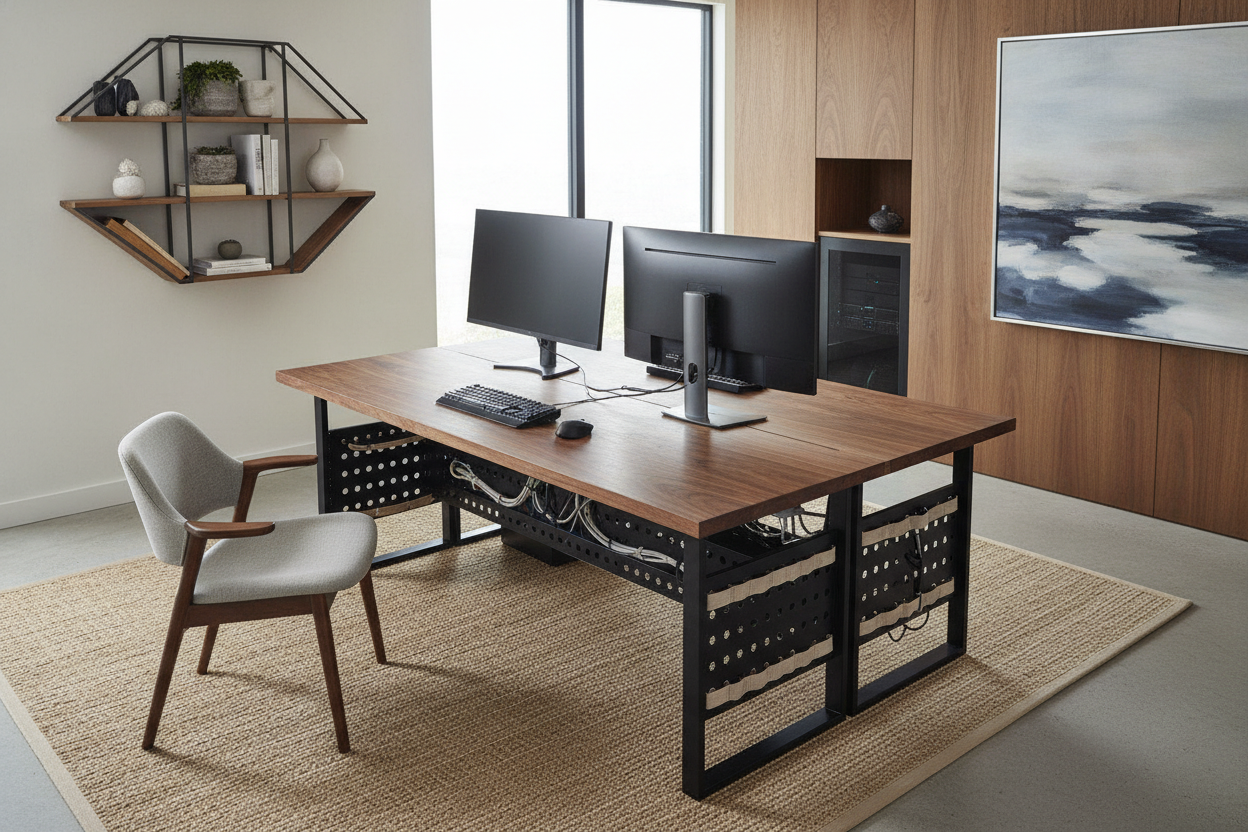
I remember the first time I built a high-spec rig. I spent months obsessing over GPUs and liquid cooling, only to realize I was trying to balance a two-thousand-dollar machine on a forty-dollar wobbly table from a big-box store. Your computer and desk setup shouldn't look like a temporary LAN party or a dusty server room tucked into a corner of the bedroom. It needs to be a functional workspace that actually looks like a human lives there.
- Choose a desk with at least 30 inches of depth to avoid eye strain from large monitors.
- Always check weight ratings; a full-tower PC and triple monitors can easily exceed 100 pounds.
- Prioritize airflow over aesthetics—never trap a running PC in a sealed wooden box.
- Cable management is the difference between a professional setup and a bird's nest.
The PC Tower Dilemma: On Top, Underneath, or Hidden?
The biggest headache with computers desks is the tower itself. If you put it on top of the desk, you lose about 10 inches of precious horizontal real estate. If you put it on the carpet, you're basically inviting your power supply to act as a vacuum cleaner for every dust bunny in the house. I've ruined a perfectly good set of fans by keeping my personal computer desk on a high-pile rug for six months.
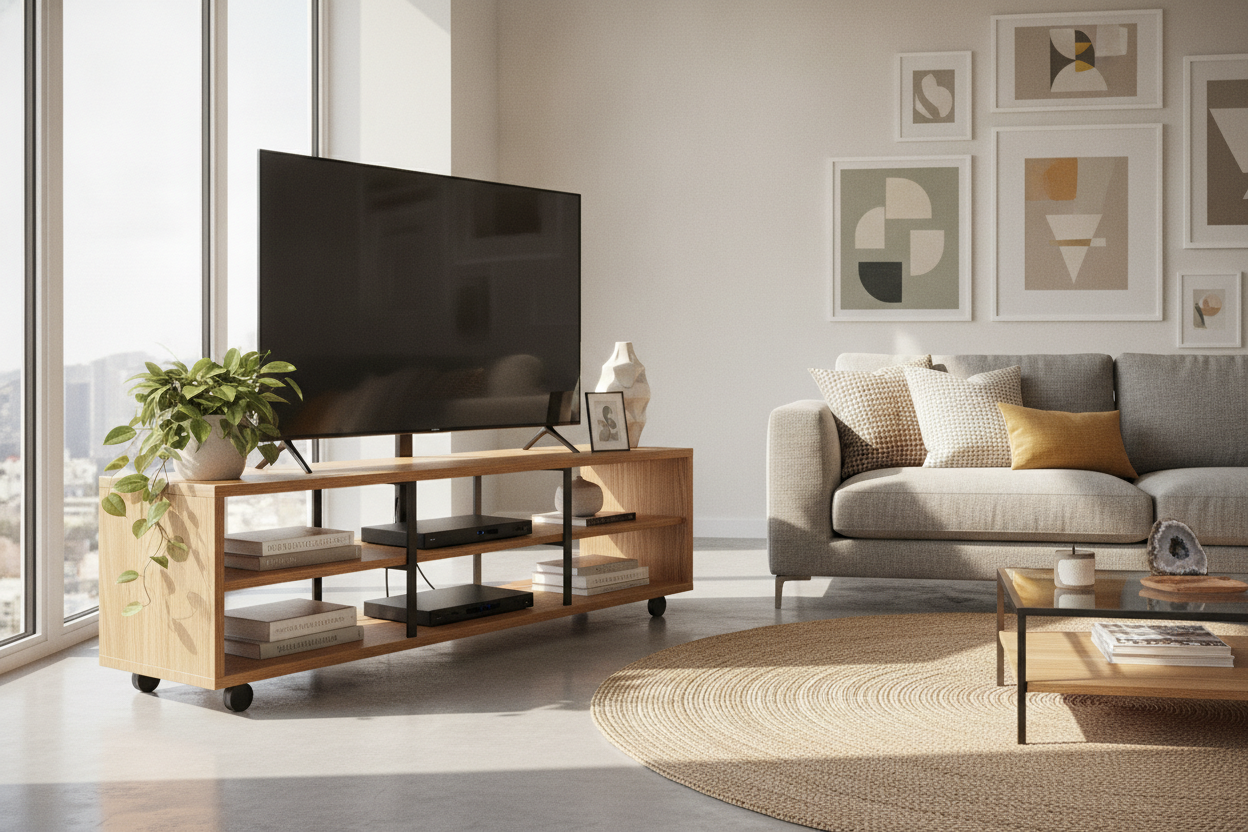
My advice? Get it off the floor, but don't feel obligated to keep it at eye level. A low-profile rolling stand or a side-car shelf keeps the office pc desk surface clear for your actual work while preventing the 'carpet-dust' death spiral. If you're buying a desk for desktop pc use, look for one that offers a dedicated lower shelf that is still open to the air. You want to see your components, not hear them screaming because they're suffocating against a wall.
What Measurements Actually Matter for a Heavy-Duty Desktop Rig?
Most people buy a computer desk desktop based on whether it fits in the corner, but they forget about depth. If you are running dual 27-inch monitors, a standard 24-inch deep desk is going to make you feel like you're sitting in the front row of a movie theater. You need space to push those screens back so your neck isn't constantly pivoting like a lighthouse. I look for 30 inches of depth as a bare minimum for any serious desk for desktop computers.
Then there is the weight. Cheap honeycomb-core desks will literally sag in the middle after three months of holding a heavy tower and a monitor arm. I’ve seen it happen to the best of us. This is why I usually point people toward corner desks with heavy-duty frames. You want a steel support bar running the length of the table. If you can grab the edge of the desk and shake it and the monitors don't wobble like Jell-O, you've found a winner. A solid 1-inch thick desktop is the standard you should be hunting for.
Hiding the Hardware: Built-In Storage vs. Floor Stands
We all want that clean, Pinterest-worthy look, but a desk with pc storage can be a double-edged sword. I once bought a beautiful wood desk that had a 'CPU cabinet.' Within an hour of playing a game, the wood felt warm to the touch and my computer was thermal throttling. Most furniture designers prioritize 'pretty' over 'physics.' If you're looking at executive desks with built-in computer storage, you have to be ruthless about checking for ventilation holes or a completely open back.
If you can't find a desk computer table with a ventilated cabinet, stick to an open-frame design. You can still hide the 'ugly' parts of the desk computer with clever cable routing. Use J-channels or a cable tray mounted to the underside of the desk. It’s better to have a visible PC that runs cool than a hidden one that’s slowly baking its own motherboard. When you buy computer desks, look for integrated grommet holes—those little plastic circles in the corners. They are your best friends for keeping the desk computer for pc looking tidy.
Keeping It Simple (When Your Tech Is Complicated)
Sometimes the best computer desk to buy isn't the one with fourteen drawers and a built-in hutch. In fact, the more 'features' a desk has, the harder it is to fit modern tech into it. A computer table simple and sturdy is often better than a 'gaming' desk with red plastic trim. I’ve moved away from the oversized stations and now prefer simple writing and computer desks because they offer a blank canvas. You can add your own monitor arms, your own lighting, and your own storage where you actually need it.
A basic computer table doesn't mean it's flimsy. It just means it isn't over-engineered. Look for a co computer desk that uses high-quality laminate or solid wood. These surfaces handle the heat and the friction of a mouse pad much better than cheap veneer. If you're browsing computer desks online, pay close attention to the leg design. T-legs or K-legs offer the most legroom, which you’ll appreciate when you’re four hours into a project and need to stretch out.
Making It Work in Multi-Use Shared Spaces
Not everyone has a dedicated room for an office. If you're putting a home desktop computer desk in your living room or bedroom, you have to be a bit more strategic. You don't want a glowing monolith dominating the room. One trick is integrating a workspace near your dining room by choosing materials that match your existing furniture. A dark walnut or a matte black finish helps a computer desk for office use blend into the background rather than shouting for attention.
When you're looking for places that sell computer desk options for shared spaces, look for 'normal' styles. A computer table normal in appearance—meaning it looks like a piece of furniture, not a piece of tech—is the goal. Use a wireless keyboard and mouse to reduce the visual clutter when you aren't working. If the desk is in a high-traffic area, make sure the corners aren't dangerously sharp; your shins will thank you later.
My Personal Setup Mistake
I once spent $500 on a 'minimalist' glass desk because it looked incredible in the photos. Big mistake. Within two days, I realized glass shows every single fingerprint and speck of dust. More importantly, I couldn't use a monitor mount because the pressure would have shattered the top. I ended up having to sell it on Craigslist for half what I paid. Now, I stick to solid surfaces with a bit of texture. It’s much more forgiving for a daily-use workstation.
FAQ
Can I put my PC tower inside a closed cabinet?
Only if you enjoy buying new computer parts. Unless the cabinet has active intake and exhaust fans, the heat will build up until your system slows down or crashes. If you must hide it, leave the cabinet door open while the computer is running.
What is the best height for a computer table simple setup?
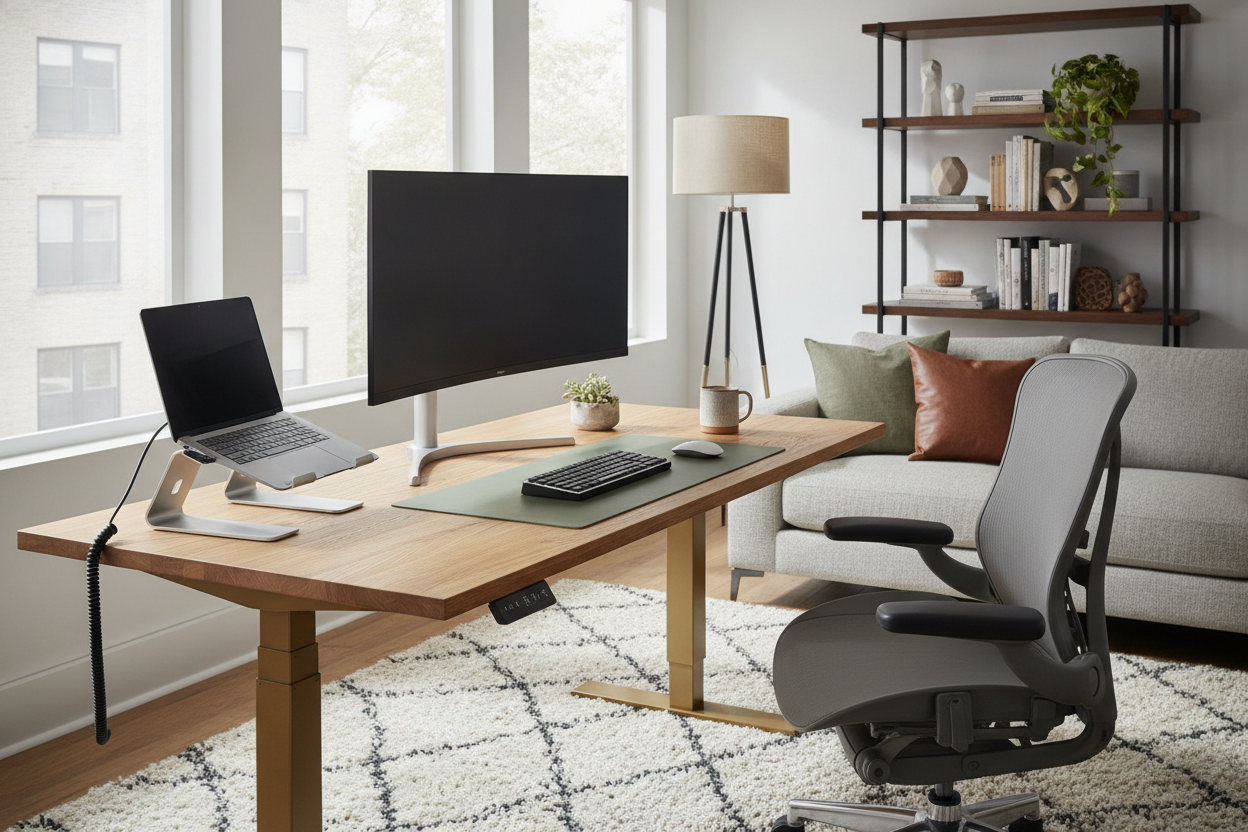
Most desks are around 29 to 30 inches tall. This works for most people, but if you're shorter or taller, you might find your shoulders aching. I highly recommend an adjustable chair to bridge the gap, or better yet, a sit-stand frame.
Are 'gaming desks' actually better than normal desks?
Usually, no. You're often paying a premium for the 'gamer' aesthetic and maybe a cup holder. A high-quality office table for computer use will typically be more stable and use better materials than a flashy gaming desk in the same price range.

Leave a comment
This site is protected by hCaptcha and the hCaptcha Privacy Policy and Terms of Service apply.