










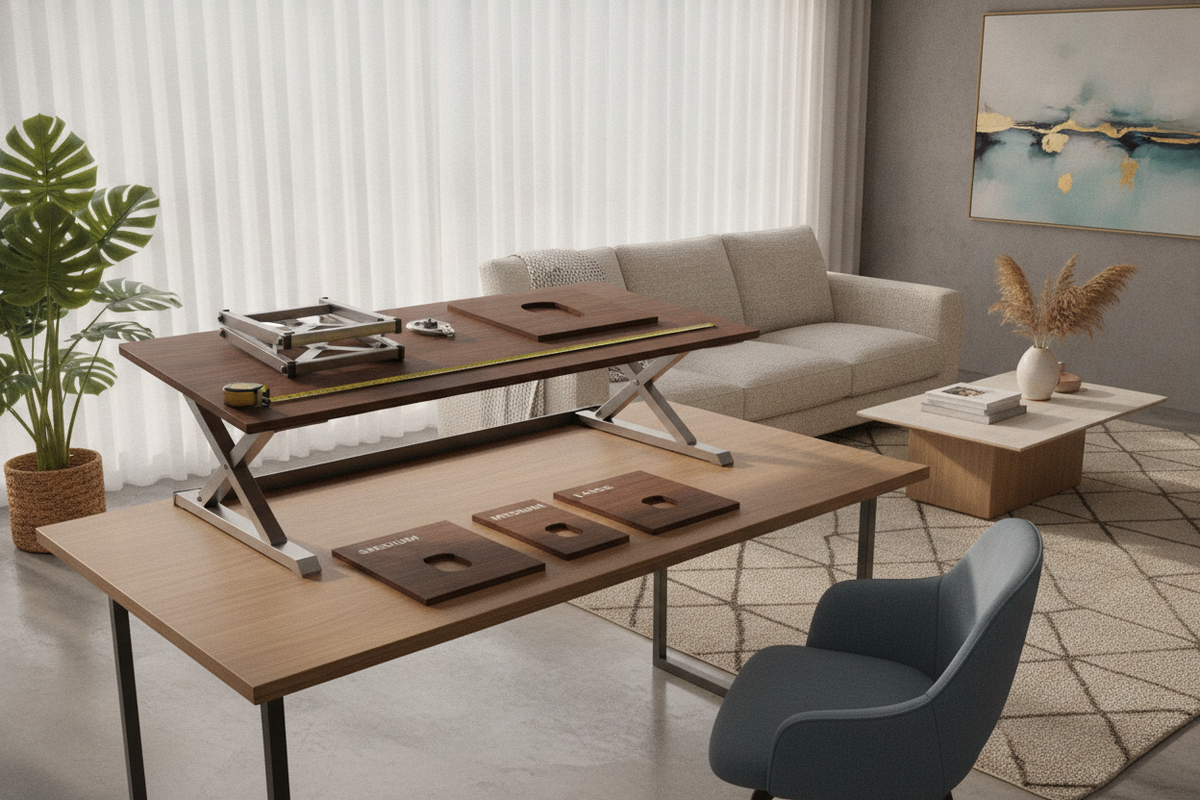
Upgrading a conventional home workstation to accommodate alternating sitting and standing postures often begins with exploring wholesale retail selections. Sourcing a costco standing desk converter provides an accessible pathway to ergonomic flexibility without discarding an existing primary desk. However, integrating an adjustable riser requires careful evaluation of mechanical lift geometry, desktop load thresholds, and available room depth to ensure the final setup remains stable, comfortable, and visually cohesive.
Understanding Wholesale Club Standing Desk Converters: Architecture and Mechanics
Desktop risers operate as self-contained mechanical units positioned directly on top of an existing work surface. While their shared goal is facilitating seamless height adjustments between seated and upright work sessions, their underlying lifting mechanisms dictate how much physical room they require during movement.
X-Lift vs. Z-Lift Trajectory and Spatial Arc
The core structural distinction among desktop risers lies in their elevation pathways. Converters generally utilize either a vertical scissor mechanism (often termed an X-lift) or a cantilevered forward-arcing structure (a Z-lift).
- X-Lift Systems: These risers elevate in a true vertical plane. The scissor base stays within its initial footprint as it rises, making it an excellent choice for compact workstations, corner placements, or narrow office nooks where depth is limited.
- Z-Lift Systems: Cantilevered models swing slightly outward and toward the user as they rise. While this movement can bring monitors and keyboards closer to the body during standing periods, it requires sufficient clearance in front of the desk and shifts the center of gravity forward.
Dual-Tier vs. Single Flat Surface Geometry
Surface architecture plays a major role in keyboard ergonomics and visual organization. Many popular models incorporate a stepped two-tier layout, placing the display platform several inches above a lower, dropped keyboard tray. This drop helps maintain neutral wrist angles while seated without elevating the display beyond natural sightlines. Conversely, single flat platforms suit laptop users, tablet illustrators, and hybrid workstations where flat utility space takes precedence. For an in-depth look at styling and configuring riser tiers across various office formats, explore our standing desk converter guide.
Dimensional Decision Categories: Matching Riser Scale to Equipment
Choosing the right standing desk converter costco shoppers encounter requires balancing the riser platform width with your daily hardware array.
Compact Tier: Single-Screen and Laptop Profiles
Compact risers are tailored for minimal footprints, such as narrow student writing desks or secondary work nooks. These platforms comfortably host a single laptop or a modest external monitor with an integrated keyboard deck, preserving remaining desktop space for physical notebooks and task lamps.
Standard Tier: Dual-Monitor Workstation Platforms
The standard workstation tier represents the most common configuration for everyday office tasks. These medium-to-large platforms provide sufficient lateral width to support two standard monitors side by side, accompanied by a wide lower tray that houses a full-sized keyboard and mouse. Because this configuration adds noticeable weight to the base desk, counterbalance assistance via pneumatic gas springs is common to ensure smooth, low-effort elevation transitions.
Wide-Format Tier: Multi-Display and Heavy-Duty Setups
Expansive desktop arrangements featuring ultrawide displays, secondary portrait screens, or heavy studio audio monitors demand wide-format risers with reinforced base frames. When peripheral demands expand to this scale, users often compare massive top-mounted risers against dedicated wide-surface furniture such as a 71 w height adjustable standing desk, which eliminates the visual bulk of a layered mechanical frame on top of an existing credenza.
Base Desk Compatibility: Load Distribution, Depth, and Structural Integrity
Before placing an adjustable desk riser on an existing work table, the structural foundation of the base furniture must be verified. A desktop converter concentrates significant static and dynamic weight onto a relatively narrow contact patch.
Evaluating Desktop Depth and Forward Overhang
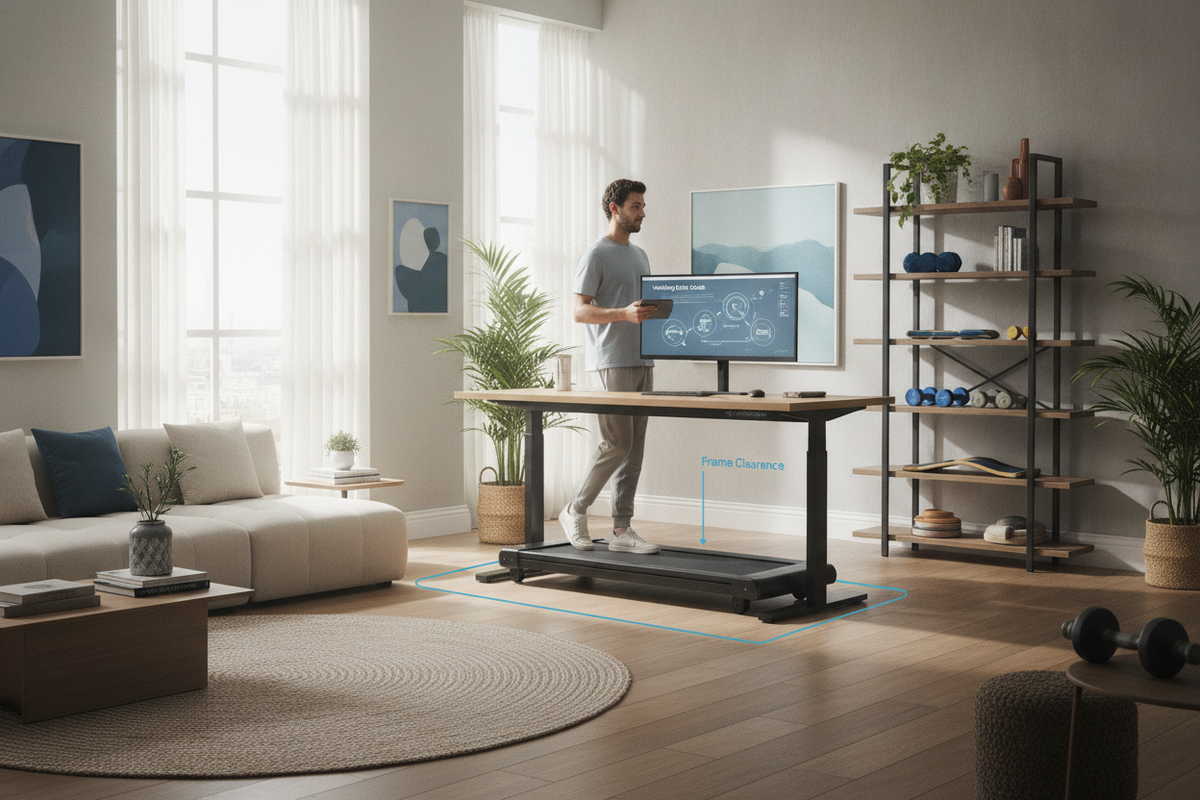
Every sit stand desk converter requires a stable baseline depth. If the base desk is too shallow, lower keyboard trays or cantilevered platforms may overhang the front edge, introducing instability or tipping hazards when downward typing pressure is applied. Ensure the primary desk depth fully accommodates the converter base feet with adequate perimeter clearance.
Surface Protection and Weight Distribution
Combining the weight of a heavy steel-framed riser with dual monitors, mounts, and accessories creates point-load stress on the desktop material. Solid hardwood tables handle these concentrated loads with ease, whereas hollow-core composite surfaces or delicate wood veneers benefit from protective non-slip padding beneath the riser base to prevent indentations, surface scratches, or localized sagging over time.
Converter Retrofit vs. Full Standing Desk: Making the Long-Term Choice
While an add-on desktop standing desk converter offers a practical retrofit, it represents a distinct mechanical and aesthetic approach compared to a fully motorized desk.
When a Desktop Converter Is the Ideal Solution
Riser platforms are particularly advantageous when you want to preserve antique desks, heirloom furniture, or built-in cabinetry that cannot be replaced. They are equally suited for corporate office cubicles or leased workspaces where building policies prohibit altering the primary furniture footprint.
When Upgrading to a Complete Standing Desk Makes More Sense
When starting from scratch or reconfiguring a dedicated home office, a standalone motorized table offers continuous surface area, concealed electronics, and an uncluttered visual profile. A complete unit like an adjustable height standing desk with electric lift system elevates the entire work surface, allowing desk organizers, ambient lamps, and stationary materials to move upward together seamlessly without taking up valuable desktop real estate.
Ergonomics, Cable Slack Geometry, and Office Organization
A successful sit-stand workflow depends heavily on thoughtful peripheral routing and workstation layout.
Dynamic Cable Slack and Articulation Management
Because the platform travels vertically through several height levels, all power, video, and peripheral cables must feature sufficient dynamic slack. Bundling cables loosely with flexible wraps or spiral sleeves prevents cords from catching beneath the scissor arms or pulling loose from rear monitor ports during upward travel.
Balancing Desk Storage and Peripheral Organization
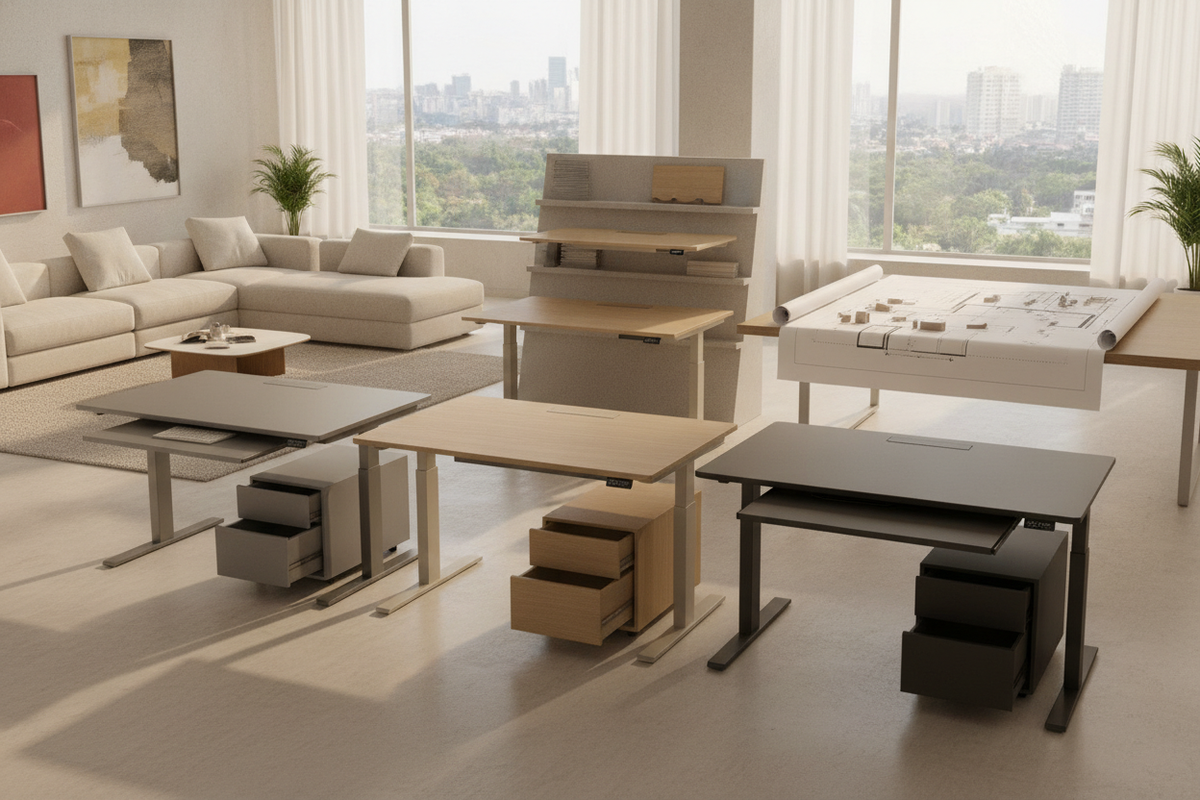
Adding a mechanical riser naturally occupies the central zone of your desktop. To maintain an organized workspace, relocate desk accessories, paper trays, and stationery to adjacent filing pedestals, mobile storage cabinets, or floating wall shelves. For additional layout inspirations that unify ergonomics and home aesthetics, consult our detailed standing desk guide.

Dejar un comentario
Este sitio está protegido por hCaptcha y se aplican la Política de privacidad de hCaptcha y los Términos del servicio.