










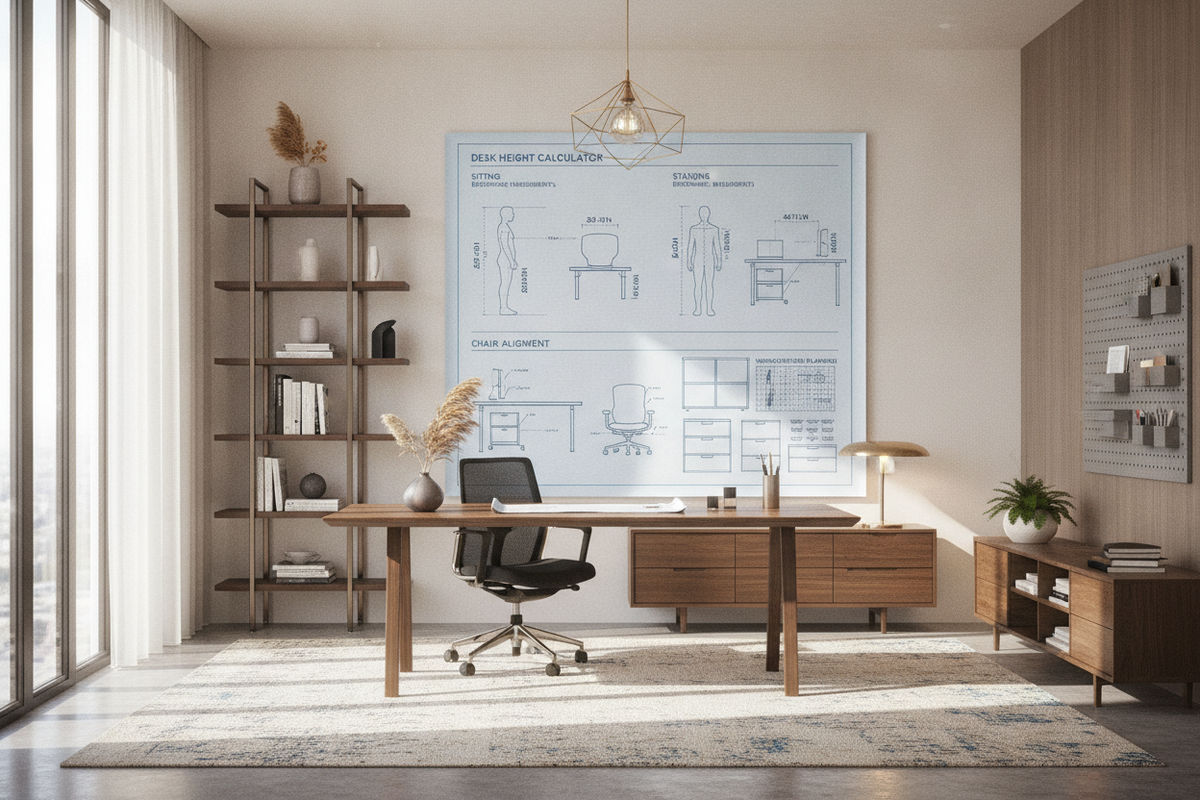
Establishing a productive workspace begins with proportional alignment rather than arbitrary furniture dimensions. While standard commercial furniture often assumes an average user, human proportions vary significantly in torso length, upper arm reach, and lower leg clearance. Utilizing a comprehensive desk height calculator framework allows you to configure your workspace around your specific physical dimensions, establishing comfortable posture across both seated and standing work sessions.
The Geometry of Workstation Ergonomics: Custom Proportions Over Static Heights
Static office furniture frequently forces the body to adapt to the furniture rather than allowing the furniture to support the user. When a desk surface rests too high, shoulders shrug upward, placing continuous tension along the trapezius muscles and neck. Conversely, a surface positioned too low promotes forward spinal flexion and slumped shoulders. Using an ergonomic desk height calculator approach establishes baseline reference points derived from your natural resting joint angles.
A balanced ergonomics calculator relies on three interconnected biomechanical references:
- Popliteal Height: The vertical distance from the floor to the crease behind the knee, which defines your optimal seat pan elevation.
- Resting Elbow Plane: The vertical distance from the seat or standing floor plane to the underside of your bent forearm when your upper arms hang relaxed at your sides.
- Direct Eye Level: The horizontal sightline from your eyes to the upper perimeter of your display surface, guiding vertical screen positioning.
By treating these dimensions as a connected system rather than isolated measurements, a reliable desk and chair height calculator strategy ensures that adjustments made at the chair level translate smoothly to work surface clearances and visual comfort.
Sitting Height Calculation: Aligning Chair Pan, Knee-Well Depth, and Desktop Plane
Accurate seated measurements begin from the ground upward. To determine baseline values using a chair height calculator or ergonomic chair height calculator, sit with your feet resting flat on the floor in your typical work footwear. Adjust your chair pan elevation until your thighs rest parallel to the floor with knees bent at approximately a right angle, avoiding pressure along the underside of the thighs.
Calculating Chair and Knee-Well Clearance
Once your seat pan is set, calculate your seated forearm height. Sit upright with shoulders relaxed and elbows bent at approximately ninety degrees. The vertical distance from the floor to the underside of your forearms represents your target work surface height. When using a sitting height calculator or desk chair height calculator method, ensure sufficient clearance exists between the tops of your thighs and the lower underside of the desktop frame or keyboard tray.
Managing Fixed-Height Desks with Footrests
If you are working with a fixed-height surface that sits higher than your calculated elbow plane, adjust your chair upward to match your forearms to the desktop level. When elevating the chair lifts your feet off the floor, introduce an ergonomic footrest to restore firm plantar support, maintaining proper lower-body circulation and pelvic stability.
Standing Desk Height Calculations: Neutral Forearm Angles and Frame Stability
Transitioning between seated and upright work requires an accurate standing desk height calculator or stand up desk height calculator measurement. Standing elbow height differs from total standing height due to torso, leg, and footwear variations. Standing upright on your regular working surface—accounting for anti-fatigue mats and footwear sole thickness—bend your elbows at right angles with relaxed shoulders. Measure the distance from the top of the mat to the underside of your forearms to determine your primary standing work height.
When planning dynamic transitions, selecting a reliable height standing desk product with programmable memory presets allows you to save exact calculated elevations for instant recall throughout the workday. Verifying travel range minimums and maximums ensures the motorized frame can comfortably accommodate both your lowest seated setting and highest upright posture.
Monitor and Eye-Level Calibration: Focal Distance, Risers, and Multi-Display Heights
Screen positioning is an essential component of the overall ergonomics desk height calculator equation. Placing a monitor too low encourages head tilt and neck strain, while mounting it too high can lead to dry eyes and cervical fatigue. Utilizing an eye level height calculator and monitor height calculator helps create balanced sightlines across single or multiple screens.
Calibrating Viewing Distance and Screen Elevation
To establish proper visual alignment:
- Position your primary display directly in front of your natural seated centerline at an arm's length distance.
- Adjust the screen height so the top third of the viewing area sits level with or slightly below your direct horizontal eye line.
- Introduce a slight upward tilt of ten to twenty degrees toward your face to maintain a perpendicular line of sight without glare.
If your desktop depth restricts viewing distances for larger panels, exploring a dedicated desk monitor stand guide provides practical methods to position displays on independent supports, freeing usable desktop surface area.
Under-Desk Clearances and Storage Integration Across Variable Elevations
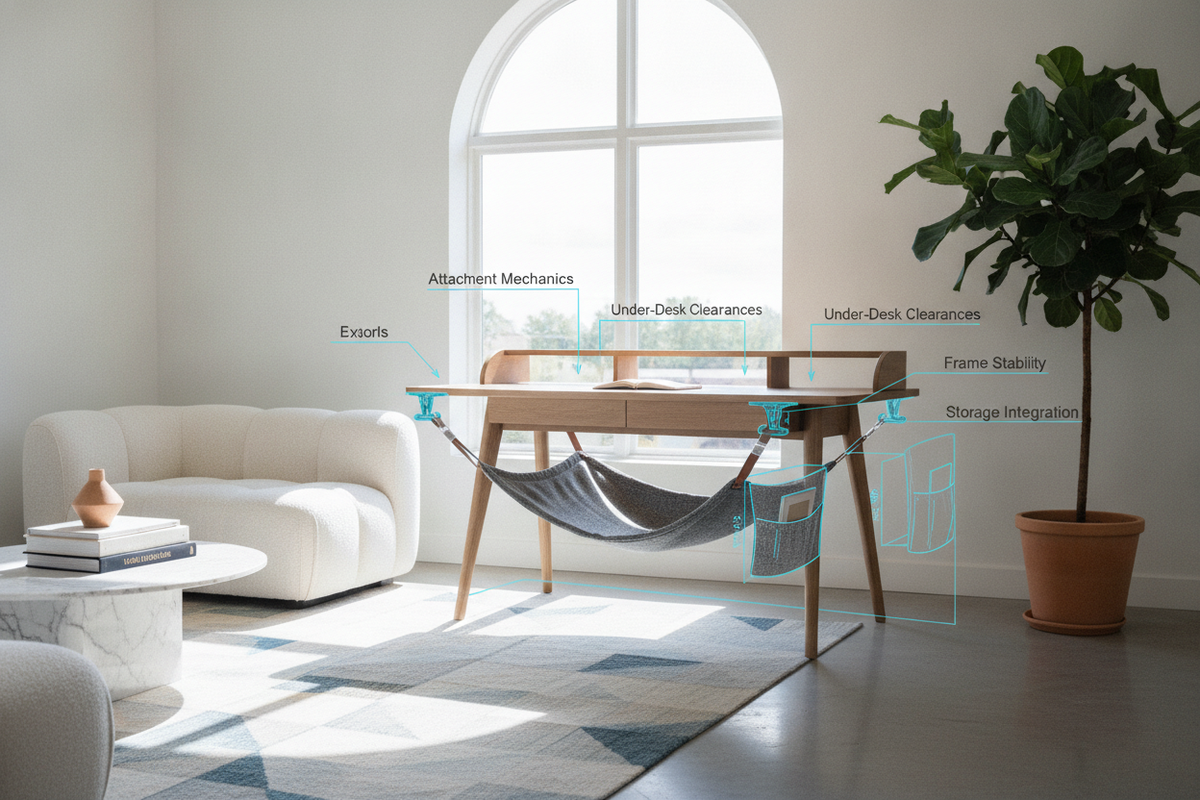
Implementing personalized ergonomic desk measurements requires careful spatial planning beneath the work plane. In motorized or height-adjustable layouts, the vertical transition of the frame can impact under-desk storage, cable pathways, and adjacent cabinetry.
When configuring expansive workspaces, choosing a wide height standing desk product provides broad knee-well spans that easily accommodate mobile pedestals without crowding leg space. Keep the following spatial factors in mind:
- Mobile Filing Units: Ensure mobile storage cabinets sit lower than the lowest programmed seated height of the desk crossbar to prevent collisions during downward travel.
- Cable Slack Management: Calculate cable sleeve lengths based on the maximum standing elevation to prevent tension or snagging on under-desk hardware.
- Keyboard Trays and Center Drawers: Account for the drop-down depth of accessories, ensuring they do not restrict leg clearance above the knees.
Workstation Selection Guide: Matching Dimensional Profiles to Room Geometries
Applying an ergonomic desk calculator or standing desk calculator enables you to select workstation furniture tailored to your spatial layout and organizational requirements. Evaluating room boundaries alongside personal ergonomic measurements ensures seamless day-to-day usability.
For compact rooms or multi-functional areas, an all-in-one desk monitor stand product offers dedicated screen elevation, integrated drawer organization, and built-in power connectivity within a consolidated footprint. In broader home offices, modular layouts combining electric sit-to-stand frames with adjacent credenzas allow you to maintain personalized posture settings while preserving ample surface room for multi-tasking.
By systematically applying these measurement steps to calculate ergonomic desk height, adjust chair seating, align visual displays, and coordinate storage, you create a sustainable workstation tailored to your everyday comfort and productivity.

Dejar un comentario
Este sitio está protegido por hCaptcha y se aplican la Política de privacidad de hCaptcha y los Términos del servicio.