










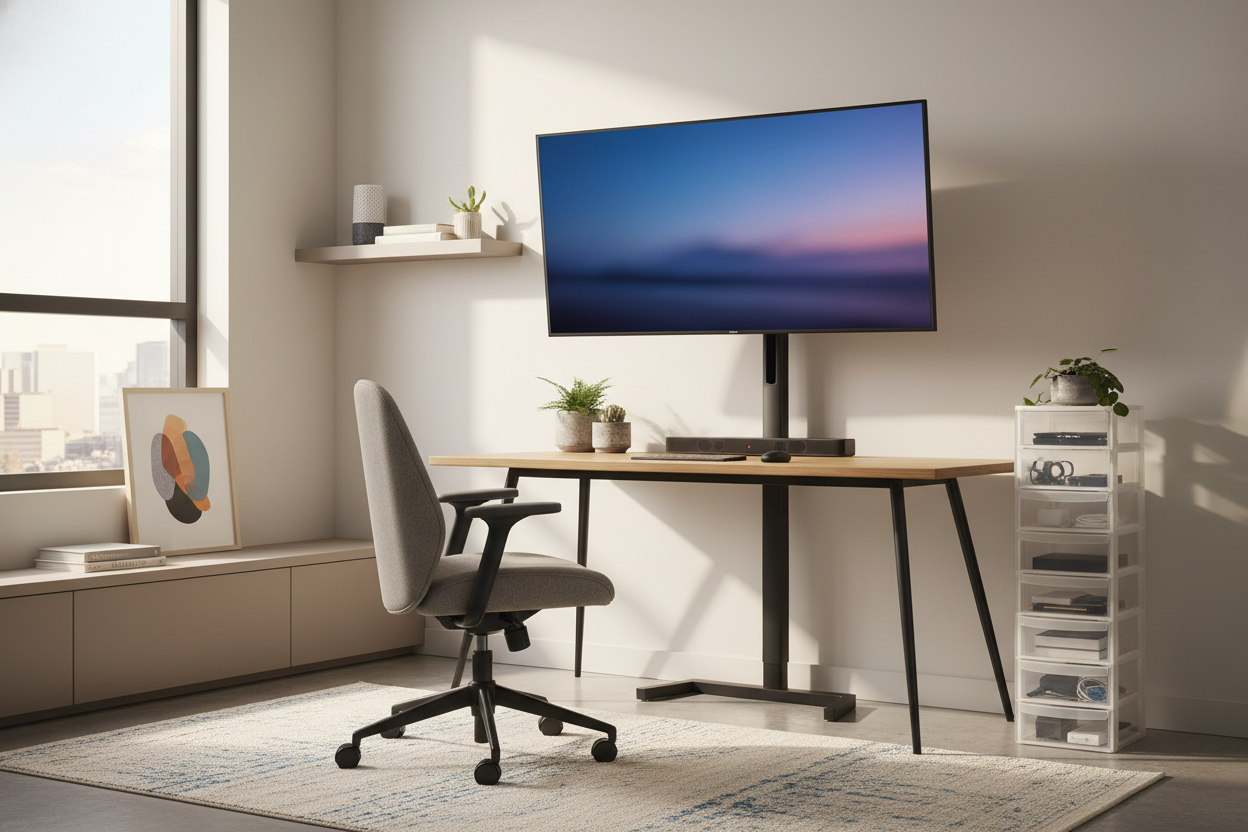
I remember unboxing my first 42-inch OLED display and feeling like I’d finally made it. Then I sat down. My desk was a standard 24-inch deep slab, and suddenly I was staring at pixels from six inches away. Within an hour, I had a tension headache. Within a week, my neck felt like it had been locked in a vice. The solution wasn't a bigger desk—it was putting my tv monitor on stand and moving the whole rig off my workspace entirely.
Quick Takeaways
- Standard desks are too shallow for screens over 32 inches.
- A freestanding floor stand allows for 'focal depth' you can't get with a desk mount.
- Floor stands prevent particle-board desks from cracking under heavy weight.
- Moving the screen back saves your neck and opens up literal square footage for your keyboard and coffee.
The 'Giant Screen on a Tiny Desk' Epidemic
We’ve all seen the setups on Reddit. Someone buys a massive, beautiful 48-inch display and tries to shove it onto a shallow desk they bought back when they were using a 13-inch laptop. It looks cool for a photo, but it’s an ergonomic nightmare. If you can’t see the corners of your screen without physically turning your head, your screen is too close.
Most home office desks are 24 to 28 inches deep. That’s fine for a 24-inch monitor, but for a large-format display, it’s a recipe for eye strain. You end up leaning back in your chair just to take in the whole image, which ruins your posture. We need to stop pretending these massive panels belong on top of our actual work surfaces.
Why I Finally Put My TV Monitor on Stand (Behind the Desk)
The 'Aha!' moment came when I realized I could just pull my desk six inches away from the wall. I bought a dedicated tv monitor stand—the kind that stands on the floor like a tripod or a sleek pedestal—and tucked it into that new gap. By placing the screen on its own legs behind the desk, I gained nearly a foot of viewing distance.
This simple hack changed the focal depth of my workspace. My eyes didn't have to work nearly as hard to focus. Plus, I finally had room for a proper notebook and a large mousepad without the base of a giant monitor getting in the way. You really should Stop Resting Your TV on TV Stand Surfaces: Try a Built-In Mount or a floor stand if you want to reclaim that precious real estate. It makes the desk feel like a desk again, not just a shelf for a screen.
Why a Freestanding TV Monitor Stand Beats a Desk Clamp
I know what you're thinking: 'Why not just use a heavy-duty arm?' I tried that. Here’s the problem: most affordable desks are made of honeycomb paper or thin MDF. When you clamp 30 pounds of high-end tech to the edge of a cheap desk, you're asking for a structural failure. I’ve seen clamps literally crush through the top of a desk over time.
A freestanding floor stand is a tank. It doesn't care if your desk is made of solid oak or a cardboard box. It offers a level of stability that a desk-edge clamp can't touch, especially if you have a standing desk that wobbles when you type. By decoupling the screen from the desk, you also eliminate that annoying 'screen shake' every time you hit a key too hard.
Blending the Setup Into a Multi-Use Room
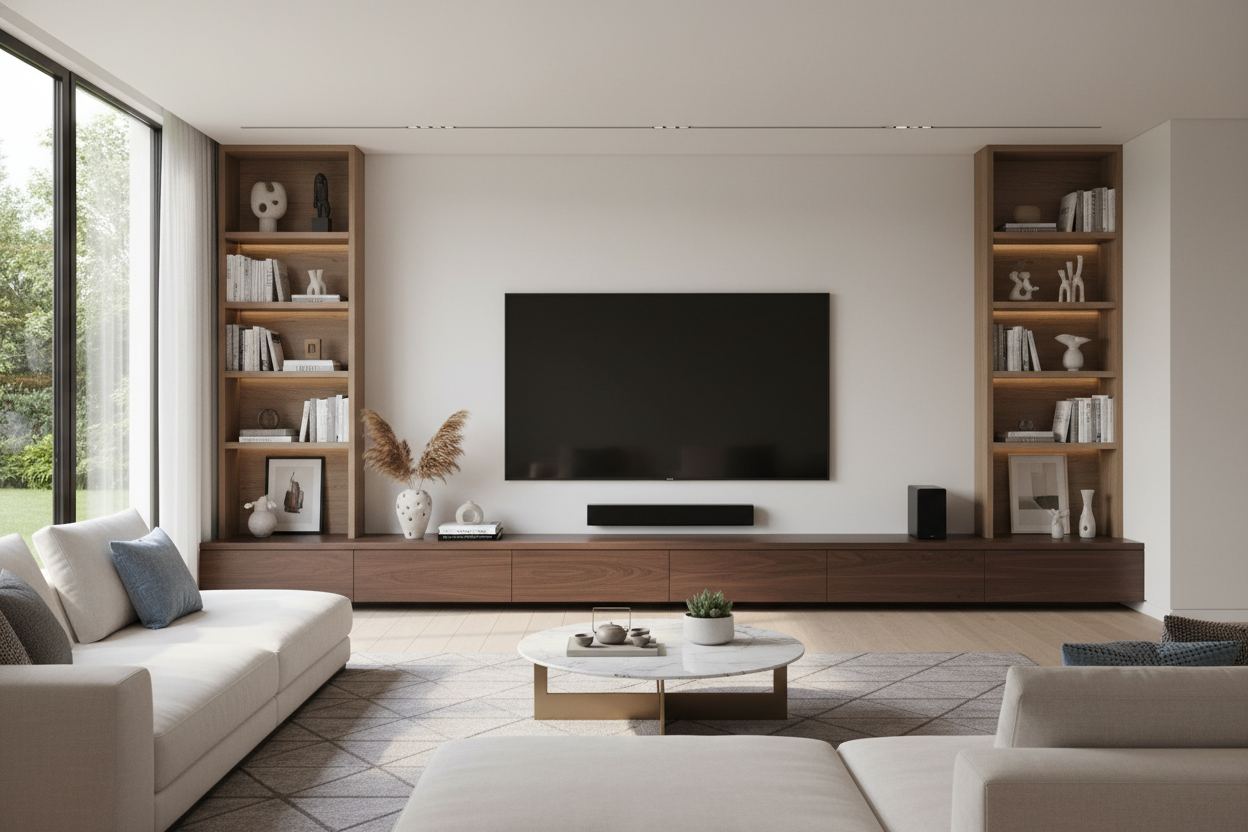
The biggest fear with floor stands is that they look like something rolled out of a corporate boardroom. To avoid the 'A/V cart' aesthetic, look for stands with wooden legs or matte finishes. If you’re working in a living room, you can hide the base of the stand behind a low-profile storage unit. I personally like the look of a Mid Century Modern Tv Stand With Slatted Doors Open Shelves And Cable Management placed just in front of the floor stand's base to hide the power strips and messy bricks.
If you have a lot of peripherals, like docking stations or external drives, don't just let them dangle. Use the cable management clips on the stand and route everything down to a dedicated cable box. You can find plenty of stylish Tv Stands and storage solutions that act as a 'hub' for your tech while the floor stand handles the heavy lifting of holding the screen at eye level. It makes the whole setup feel like part of the room’s design rather than a temporary tech invasion.
Frequently Asked Questions
How high should the screen be?
Your eyes should be level with a point about two to three inches below the top of the screen. A floor stand makes this easy to adjust without fighting with a heavy desk arm.
Will a floor stand tip over?
Not if you buy one with a weighted base or a wide tripod spread. Most are rated for 50+ pounds, which is way more than your average 42-inch OLED weighs these days.
Is it hard to move the desk once the stand is behind it?
It’s actually easier. Since the screen isn't attached to the desk, you can slide the desk out to clean or cable-manage without worrying about the monitor toppling over.


Dejar un comentario
Este sitio está protegido por hCaptcha y se aplican la Política de privacidad de hCaptcha y los Términos del servicio.