










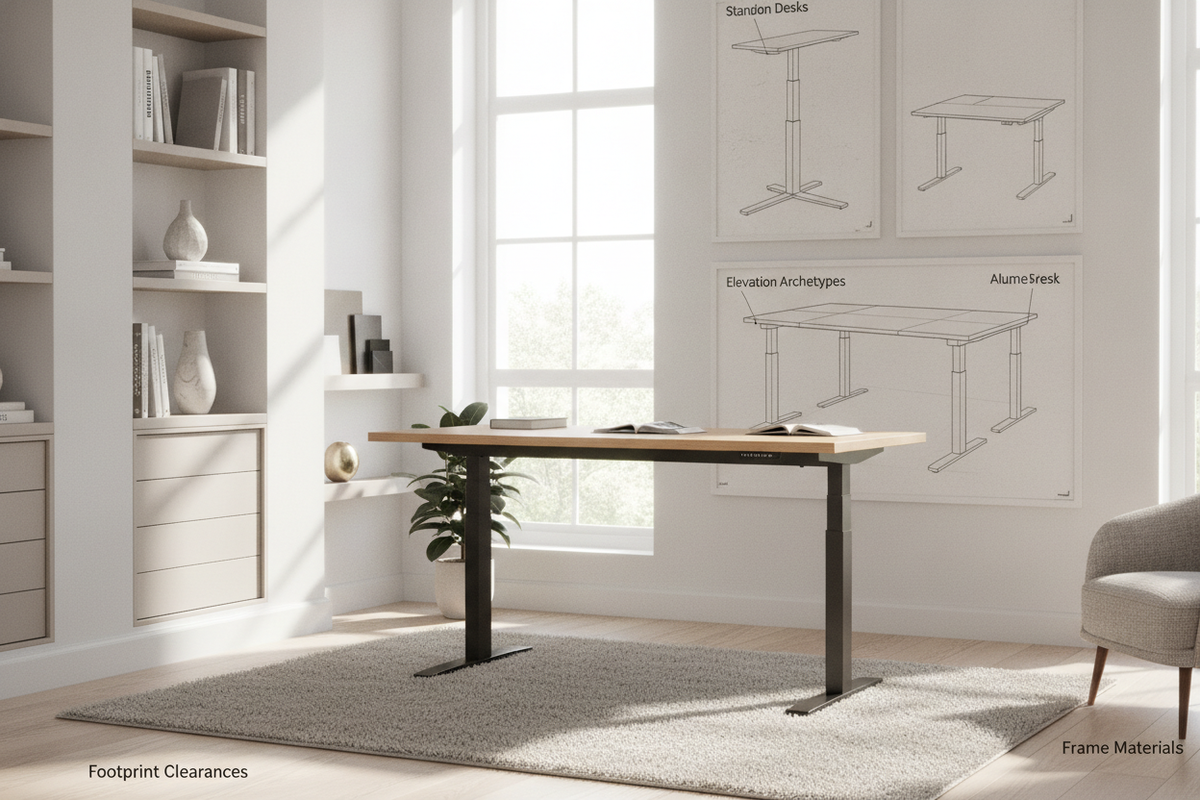
Elevation Archetypes: Classifying the Desk That Stands Up
Modern residential and commercial workspaces increasingly integrate sit-to-stand versatility to support varied daily routines. When selecting a desk that stands up, the first architectural consideration is how the elevation mechanism operates within your room. Comparing these options alongside a broader computer desk collection reveals distinct categories, ranging from complete motorized frames to mechanical split-surface workstations.
Full-Frame Stand Alone Desks vs. Dedicated Stand Up Desk Units
Full-frame lifting workstations raise the entire primary surface via synchronized telescoping column legs. These stand alone desks provide an unbroken work surface where monitors, keyboards, desk pads, and lighting adjust simultaneously. In contrast, fixed-height stand up desk units remain permanently positioned at an upright working level, making them best suited for walk-up consultation zones, shared drafting spaces, or dedicated active task areas.
Integrated Lift Up Desk Workstations
A popular hybrid solution is the integrated lift up desk. Instead of raising the entire table frame, these designs feature a targeted desktop section mounted on smooth mechanical dampening hinges. While the adjustable segment lifts upward and forward to meet standing height, the surrounding frame, side returns, and lower pedestals stay grounded. This layout preserves the traditional silhouette of home office furniture while offering ergonomic flexibility.
Surface-Mounted Stand Up Desk for Desk Converters
Desktop platform risers, often referred to as a stand up desk for desk setup, sit directly atop an existing static writing table. While a desk-up converter avoids replacing current furniture, it adds visual bulk and occupies surface area. Dedicated elevating furniture, by comparison, provides balanced weight distribution, cleaner cable paths, and cohesive material finishes throughout the workspace.
Footprint Categories and Spatial Planning for Stand Up Computer Tables
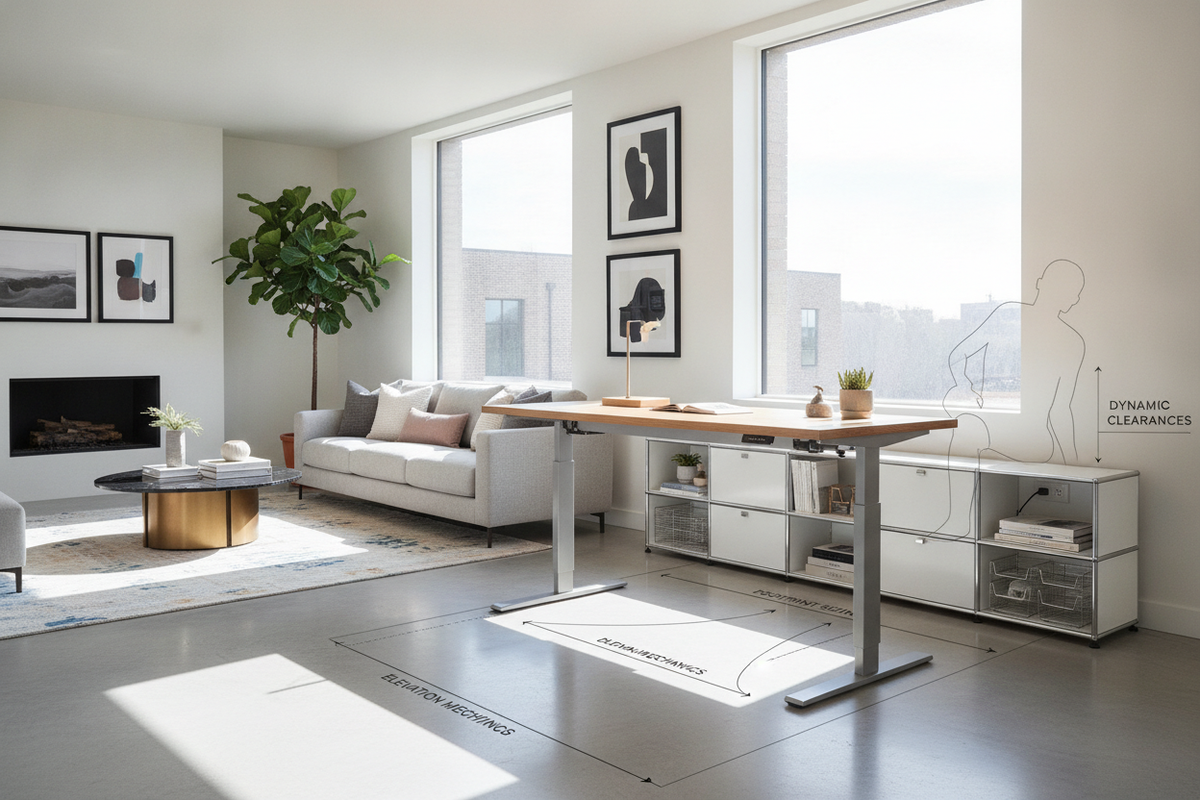
Positioning stand up computer tables requires evaluating both horizontal floor space and vertical travel paths. Ensuring adequate clearance around the perimeter keeps movement smooth and protects surrounding walls from scuffs.
Linear and Compact Workstation Sizing Tiers
Linear workstations generally fall into compact, mid-size, and expansive tabletop widths. When planning desk depth, prioritize sufficient focal distance between your seating position and external displays. As detailed in our desk that stand guide, maintaining proper screen distance ensures visual comfort whether you are sitting down or standing up.
L-Shaped and Corner Configurations
L-shaped workstations provide zoned task areas by separating active computing from stationary tasks like writing, sorting physical documents, or housing desktop peripherals. When positioning these units in a multi-functional room or open-concept living area, consult our computer desk that guide for strategies on defining subtle spatial boundaries without disrupting room traffic.
Vertical Travel Zones and Overhead Clearances
Before installing height-adjustable furniture, map the upper wall area. Check for floating shelves, wall-mounted art, window sills, and hanging lighting fixtures that could collide with monitors as the surface ascends. Leaving a modest stand-off gap between the back edge of the desktop and the drywall ensures smooth vertical travel without scuffing baseboards or wall paint.
Integrated Storage Architecture: Blending Elevating Tops with Cabinetry
A primary challenge with minimal standing frames is the absence of built-in storage. Hybrid furniture designs resolve this by pairing elevating desktop sections with stationary cabinetry and companion shelving.
Built-In Pedestals, File Drawers, and Under-Top Compartments
Hybrid lift-top designs often conceal shallow storage wells directly beneath the moving desktop, offering a discreet spot for notebooks, tablets, and charging cords. Additionally, anchoring one side of the workstation with a stationary drawer pedestal—such as a dedicated lift computer desk product—provides deep file organization without encroaching on leg clearance during seated work.
Companion Bookcase and Modular Shelving Integration
For extensive reference materials, stationery, and peripheral devices, larger executive configurations integrate attached or modular shelving towers. Choosing an expansive lift computer desk product with an integrated vertical bookcase keeps essential reference items within arm's reach while keeping the active lifting zone clear of clutter.
Structural Materials, Frame Rigidity, and Dynamic Balance
Stability is critical for any height-adjustable workstation, as minor wobbles at seated height can become noticeable when the surface is fully elevated.
Desktop Surface Materials and Edge Banding
Quality workstations balance durable engineered wood cores with protective melamine laminate or textured wood-grain veneers. These layered finishes resist daily scuffs, moisture rings, and light impacts. Smooth, radiused edge banding offers comfortable forearm support during extended typing sessions while preventing peeling along high-contact perimeter seams.
Base Framing, Crossbars, and Leveling Hardware
A solid foundation relies on heavy-gauge steel framing, wide floor feet, and rigid under-desktop support channels. Adjustable leveling glides under each foot ensure the workstation sits completely plumb, eliminating dynamic sway on uneven hardwood, tile, or thick carpeting.
Cable Management, Assembly Logistics, and Maintenance
A well-planned height-adjustable setup requires intentional cable routing and routine hardware checks to ensure reliable long-term performance.
Dynamic Cable Routing and Cord Slack Planning
When connecting power strips, monitors, and computer towers, always route cords with the desk raised to its maximum standing height. Providing ample slack prevents cables from binding, pulling loose from ports, or tipping peripheral equipment during height adjustments. Under-desk cable trays, flexible wire spines, and hook-and-loop ties maintain a tidy, snag-free wire harness.
Assembly Sequence and Mechanical Maintenance
During initial assembly, keep all frame fasteners slightly loose until the entire structure is fully aligned and squared, then tighten all bolts securely. Periodically inspect structural hardware, hinge dampeners, and leveling feet to maintain stability, quiet movement, and a firm working foundation over time.

Dejar un comentario
Este sitio está protegido por hCaptcha y se aplican la Política de privacidad de hCaptcha y los Términos del servicio.