










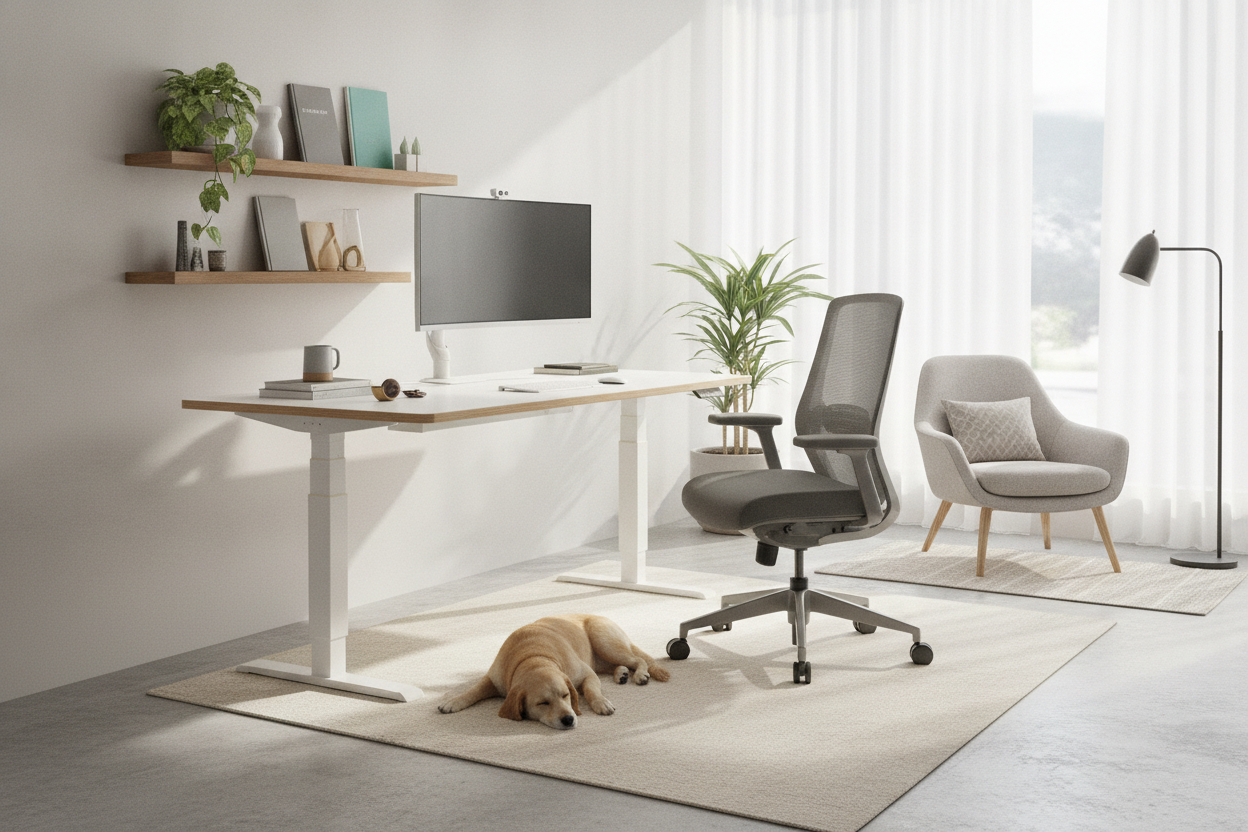
I spent three hours last Tuesday staring at a motorized desk frame that cost less than my weekly grocery bill. It felt like a trap. We have all been there—scouring the internet for an adjustable desk cheap enough to justify to our bank accounts but sturdy enough to not dump a latte into our keyboards the second we start typing an email.
Buying budget office furniture is a high-stakes gamble. You are essentially trusting a $150 piece of hollow steel and particle board to hold up thousands of dollars in monitors, laptops, and coffee. I have built enough of these things to know that the 'bargain' often comes with a side of frustration and a very literal shake that can make you seasick by noon.
Quick Takeaways
- Most budget desks use a single motor which is slower and louder than dual-motor setups.
- Stability is the biggest sacrifice; expect a noticeable wobble at heights over 40 inches.
- Assembly usually involves 15-20 different types of screws and a hex key that will strip before you finish.
- You can mitigate the 'cheap' feel with a few hardware store hacks and smart weight distribution.
The Allure (and Fear) of the Bargain Workstation
The temptation is real. When you see a sleek-looking motorized desk for under $200, your brain starts doing gymnastics to justify the purchase. You think, 'How different can it really be from the $800 version?' The fear kicks in once the box arrives. It is usually surprisingly light, which is the first red flag in the furniture world. Weight usually equals density, and density equals stability.
I remember assembling my first ultra-budget frame. I was terrified to put my 27-inch iMac on it. Every time I adjusted the height, the screen would tilt forward like it was taking a bow. It is a nerve-wracking experience that makes you wonder if you should have just stayed with the static dining table. But for many of us, the ergonomic need outweighs the budget, so we roll the dice anyway.
What Actually Makes a Sit-Stand Desk Cheap?
To hit those rock-bottom prices, manufacturers have to cut corners you can't always see in a polished product photo. Usually, this means using a thinner gauge of steel for the legs and a desktop made of low-density particle board rather than solid wood or high-quality MDF. If you are looking for a adjustable standing desk that doesn't look cheap, you have to pay attention to the finish—budget models often have a 'wood' grain that is just a thin, easily-scratched sticker.
When you find a sit-stand desk cheap, you are also paying for less sophisticated electronics. The control boxes are basic, often lacking collision detection. This means if your desk hits a chair on the way down, it might just keep going until something snaps. The legs are often two-stage instead of three-stage, which limits the range of motion and makes the whole structure less rigid when extended to standing height.
The Single-Motor Struggle
The most common cost-cutting measure is the single-motor system. Instead of a motor in each leg, one motor drives a hex rod that turns the gears in the other leg. It works, but it is far from graceful. It sounds like a small, angry vacuum cleaner struggling to lift a heavy load. If you load it up with a couple of monitors and a heavy desktop, that groan gets even louder.
Compared to a higher-end desk with an electric lift system that uses dual motors, the single-motor version is noticeably slower. You will find yourself standing there, finger on the button, waiting ten seconds for a transition that should take four. It doesn't sound like much, but when you are in the flow of work, that delay is a momentum killer.
The Missing Crossbar and the Wobble Factor
Physics is a cruel mistress. Most high-end desks feature a heavy crossbar or a 'wedge' design at the leg joints to prevent lateral movement. Cheap desks skip these to save on shipping weight and manufacturing costs. The result is the 'wobble factor.' At sitting height, these desks are usually fine. But once you raise them to standing height, the center of gravity shifts, and every keystroke sends a ripple through the frame.
If you are a heavy typer or use monitor arms, this wobble is amplified. Your screens will bounce with every sentence you finish. I once had a desk so unstable that I had to lean it against the wall just to keep my webcam from shaking during Zoom calls. It is the most common complaint with budget frames, and it is the hardest one to fix after the fact.
How to Make a Budget Frame Feel Expensive
If you have already committed to a budget frame, all is not lost. The first thing I do is throw away the included tools and use a real ratcheting screwdriver to tighten every bolt until it is snug. Re-tighten them after a month of use, too. Another trick is to keep the heaviest items—like your PC tower—centered over the legs rather than at the front or back edge of the desk to balance the load.
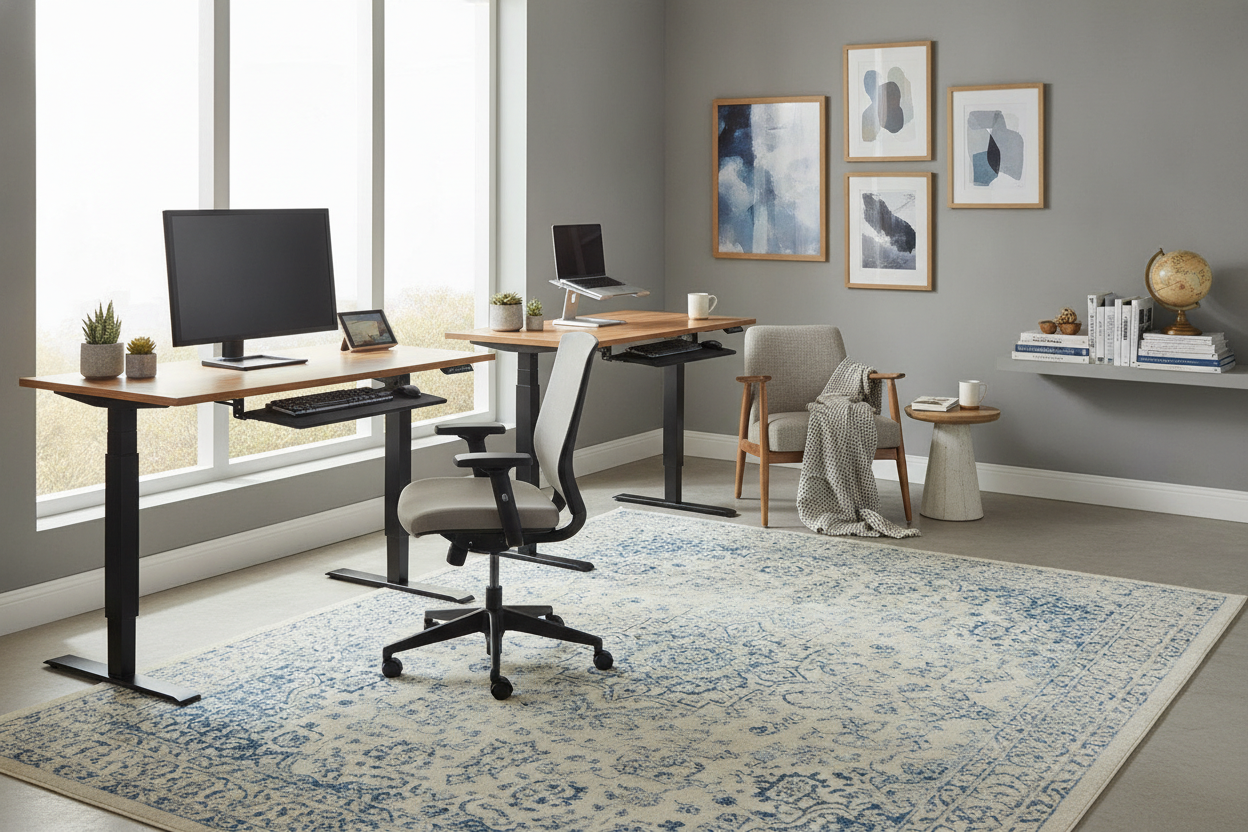
You can also style a cheap desk setup to hide the basic frame. Use oversized desk mats to cover the cheap laminate surface and invest in some decent cable management trays. When the wires are hidden and the surface looks intentional, the thin metal legs become less of an eyesore. I also recommend adding felt pads to the feet if you are on hardwood; it helps dampen the vibration and protects your floors from the vibration of the motor.
The Verdict: Can You Get a Good Adjustable Desk Cheap?
The short answer is yes, but with caveats. If you are a laptop user who just needs to stand for 20 minutes a day to stretch your back, a budget frame is a perfectly fine solution. You don't need a thousand-dollar industrial beast for a 3-pound MacBook. You will save money and get the ergonomic benefits without much downside.
However, if you have a multi-monitor setup, do professional video editing, or plan to use the desk at its maximum height for hours at a time, you will probably regret the bargain. The constant vibration and the slow, noisy motor will eventually wear on you. In my experience, it is better to wait and save up an extra $200 for a dual-motor frame with a crossbar than to deal with a desk that feels like it is on the verge of a breakdown every time you hit the 'up' button.
FAQ
Do cheap adjustable desks break easily?
The motors are usually the first thing to go. They are rated for fewer cycles than premium versions. If you adjust the height five times a day, a budget motor might only last 2-3 years, whereas a high-end one can go for a decade.
Can I put a different top on a cheap frame?
Yes, most frames are adjustable in width. Just be careful not to exceed the weight capacity. A solid oak top on a single-motor frame is a recipe for a burnt-out motor.
How do I stop the wobble?
Try placing the desk on a hard surface rather than carpet. If it is still shaky, ensure all bolts are torqued down and try to keep your monitor weight centered directly over the leg columns.

Dejar un comentario
Este sitio está protegido por hCaptcha y se aplican la Política de privacidad de hCaptcha y los Términos del servicio.