










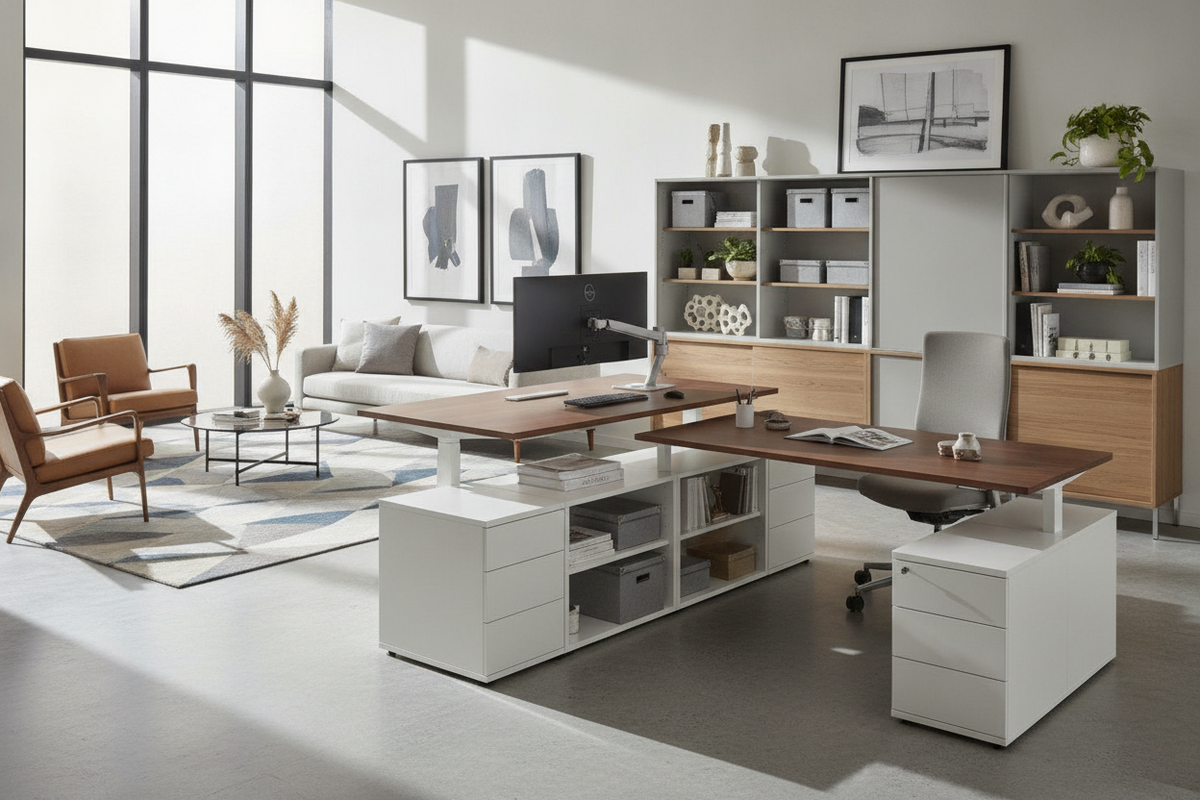
Understanding the Commercial Sit-to-Stand Desk Shell Concept
Commercial workspace architecture frequently distinguishes between all-in-one lightweight tables and modular desk shells. A commercial desk shell is built around a heavy-duty work surface engineered to mount atop robust sub-frames or motorized lifting columns. When configuring a lorell sit-to-stand desk setup, understanding this modular distinction ensures you choose components that tolerate daily posture shifts and significant desktop equipment weight without flexing or showing premature surface fatigue.
Unlike conventional home office desks where the tabletop and legs are permanently bonded into a single rigid structure, commercial shells offer modular freedom. Facility managers and home professionals can pair a standardized commercial laminate top with height-adjustable lifting assemblies. To explore baseline configurations and surface options, review our dedicated standing desk resource before finalizing your layout dimensions.
Surface Sizing and Dimension Categories for Sit-to-Stand Desks
Choosing the correct surface footprint requires balancing equipment layout with physical room proportions. Work surfaces generally fall into three practical spatial categories:
- Compact Single-Screen Formats: Suited for secondary study nooks or space-constrained rooms where a single monitor or laptop setup predominates.
- Standard Executive Workspaces: Providing balanced proportions for dual monitors, desk pads, and document trays without overcrowding the central field of view. Those seeking a ready-to-deploy motorized unit often look toward a dedicated sit stand desk product to achieve flexible elevation control.
- Expansive Multi-Monitor Platforms: Extended surfaces designed for multi-display workflows, drafting tablets, and reference binders that require substantial lateral elbow room.
Desktop depth warrants equal consideration alongside width. Deeper work surfaces maintain proper focal distance between screens and your natural resting eye position. Additionally, generous depth ensures your forearms rest fully supported along the desktop plane during standing intervals rather than hovering unsupported at the edge.
Room Fit, Wall Clearances, and Dynamic Traffic Flow
Static desks only demand consideration for static floor footprints. A height-adjustable desk, however, requires a dynamic spatial envelope. As a motorized desk ascends, it sweeps through vertical airspace that must remain free of architectural obstructions such as windowsills, wall sconces, or hanging bookshelves.
When plotting furniture placement, allow ample perimeter perimeter space behind the desk chair for smooth transitions from seated to upright postures. Avoid tucking lifting columns flush against textured drywall where micro-vibrations might cause scuffing during height adjustments. For deeper aesthetic insights on keeping dynamic workstations visually balanced, consult our standing desk guide on intentional styling and proportion.
Material Selection: Laminate Shell Durability and Understructure Support
High-traffic workspaces rely on commercial high-pressure or thermally fused laminate tops for dependable wear resistance. Laminate surfaces resist moisture rings from coffee mugs, surface scuffs from everyday office peripherals, and minor impacts far better than soft natural woods or thin veneers. Durable PVC edge banding shields perimeter seams from chipping when chairs or task lighting bump against the borders.
Under-desk structural rigidity is equally vital. Because a lorell standing desk top often spans several feet between motorized lifting columns, integrated steel support crossbars or longitudinal stiffeners beneath the core keep the surface planar over years of active use, eliminating center sag caused by concentrated monitor arm clamp loads.
Integrating Office Storage: Pedestals, Credenzas, and Modesty Panels
Integrating filing and storage with a moving work surface requires thoughtful clearance planning. Fixed pedestals bolted directly underneath conventional desks will obstruct motorized descent if positioned beneath the primary work plane.
- Mobile Pedestals: Low-profile file cabinets on casters can slide beneath the desk during standing mode or roll neatly alongside the primary workstation footprint when the desk lowers.
- Freestanding Lateral Credenzas: Positioned adjacent to or behind the desk shell, low credenzas establish a secondary surface for printers and archival files without interfering with desk travel.
- Modesty Panels: Half-height laminate or acoustic fabric panels mounted directly to the moving surface maintain visual privacy while shifting harmoniously with desktop elevation.
Assembly Logistics, Lift Mechanisms, and Cable Management
Proper installation ensures operational reliability across long-term vertical cycles. During assembly, verify that all pilot holes line up cleanly with the motor sub-frame and use leveling feet to eliminate baseline wobbles on uneven hard floors or plush office carpeting. For a breakdown of common installation pitfalls, review our supplementary standing desk guide covering setup oversights.
Cable management requires dynamic accommodation. Power cords, monitor display links, and peripheral wiring must be grouped into flexible spine channels or articulating raceways that expand smoothly as the surface rises to standing elevation. Fastening cords too tightly to fixed base legs risks snagging connectors or destabilizing equipment when the motor is engaged.
Workplace Use Cases: From Executive Suites to Heavy Tech Workstations
The adaptability of commercial desk shells allows them to integrate into diverse professional environments:
- Executive Corner Suites: Pairing a rich woodgrain laminate shell with a low coordinating credenza creates an authoritative look while facilitating regular postural changes throughout long strategic sessions.
- Shared Hybrid Touchdown Stations: Clean, durable laminate shells with programmable memory switches let multiple team members quickly adjust the surface to their preferred ergonomic elevation.
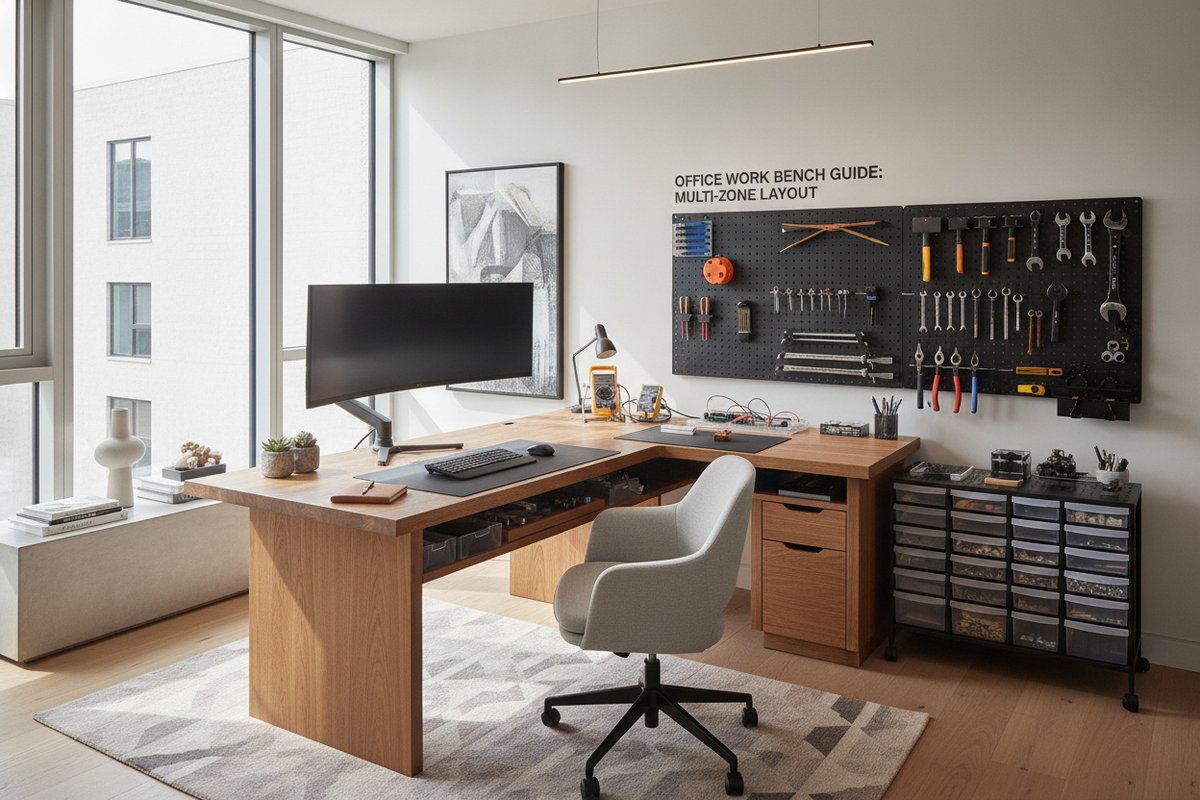
- Technical & Creative Workstations: Heavy multi-display arrays benefit from robust core laminates that readily accept heavy clamp mounts without cracking core substrates.
By systematically addressing surface scale, vertical clearance corridors, durable laminate construction, and flexible storage pairings, your sit-to-stand installation delivers both long-term utility and refined architectural presence.

Dejar un comentario
Este sitio está protegido por hCaptcha y se aplican la Política de privacidad de hCaptcha y los Términos del servicio.