










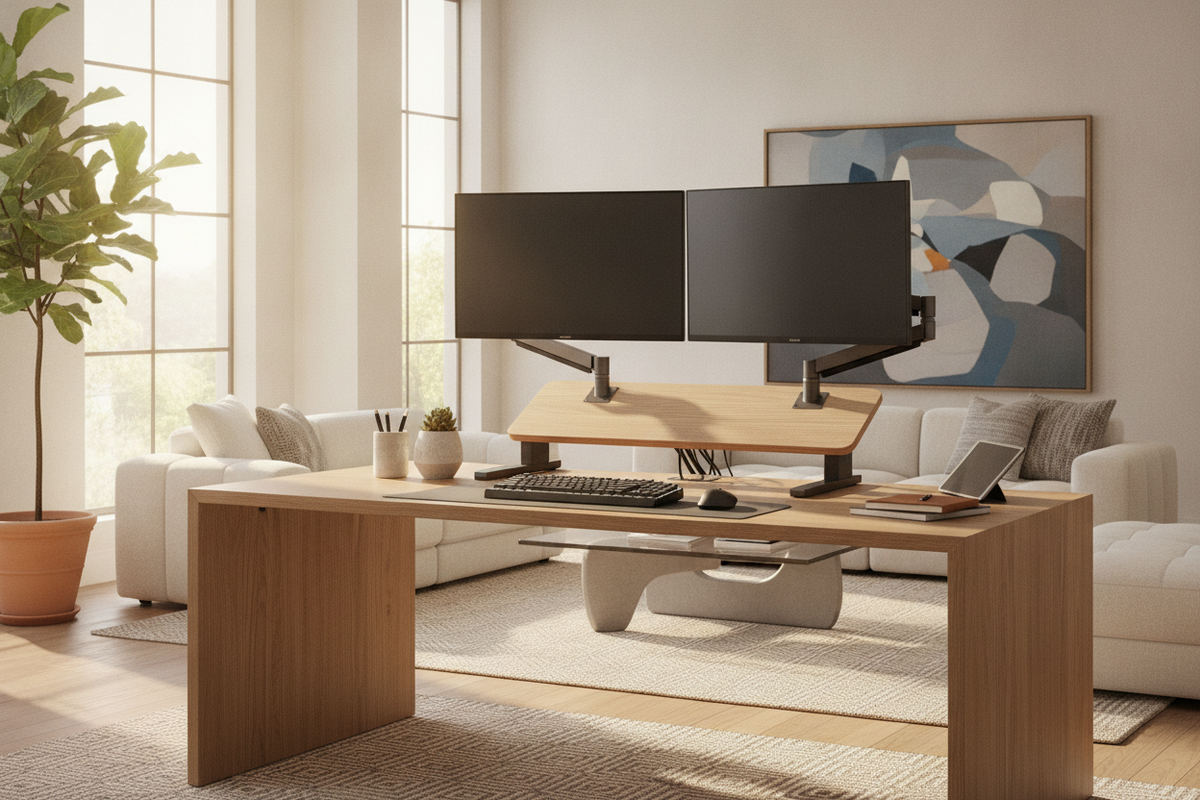
Converter Archetypes for Dual-Display Workstations
Upgrading an existing static workstation to accommodate a multi-screen setup requires careful attention to lifting geometry and platform design. A dual monitor standing desk converter serves as an overlay mechanism that elevates displays and input peripherals without requiring the complete replacement of existing furniture. Understanding the mechanical architecture of these units helps ensure that the transition between seated and standing postures remains smooth, balanced, and suited to the surrounding room envelope.
Converter designs generally fall into three structural archetypes: vertical X-frame scissor risers, forward-arcing Z-lift cantilevers, and column-mounted bracket assemblies. Vertical scissor frames lift straight upward within their own base footprint. This vertical trajectory is advantageous for compact workstations or offices where backward wall clearance and forward aisle space are constrained. Conversely, forward-arcing Z-lift converters arc outward toward the user as they rise. While this brings the display closer to the visual field, it demands a wider standing clearance zone behind the main desk.
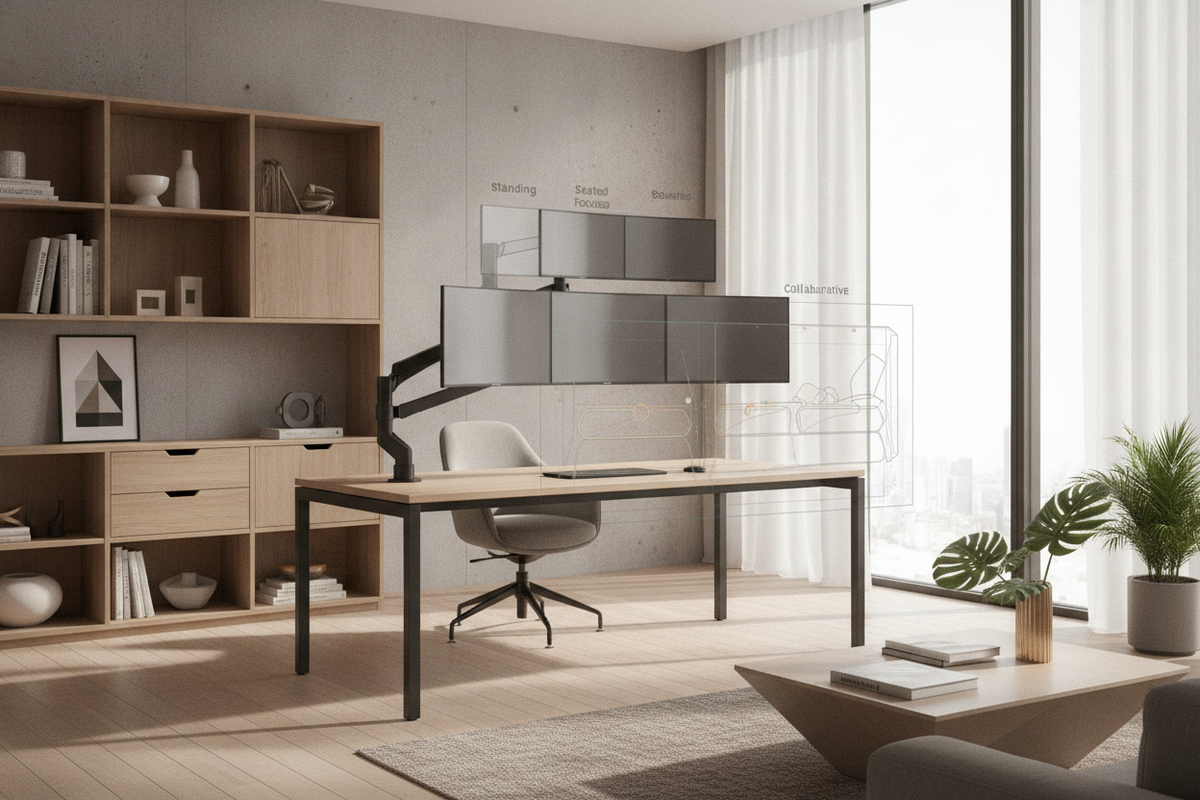
Another structural distinction involves display placement. A continuous standing desk topper dual monitor platform allows screens to rest directly on their manufacturer-supplied desktop stands. Alternatively, a standing desk converter with dual monitor mount incorporates integrated articulating arms or a crossbar attached to a central post. Integrated mounts free up lower shelf space and provide micro-adjustments for tilt, swivel, and focal depth, while flat top tiers offer versatile support for diverse device sizes. When comparing localized retrofits against full furniture overhauls, assessing a dedicated sit stand desk product can provide perspective on whether a surface riser or an entire height-adjustable workstation best serves long-term spatial goals.
Spatial Footprint Tiers and Dual Screen Span Geometry
Display size and horizontal span dictate the required platform width of a stand up desk converter for 2 monitors. Arranging two screens side by side creates a wide visual field that must fit securely on the upper tier without overhanging the structural base in a manner that creates tipping leverage.
- Compact Tier: Designed for paired small screens or a single display accompanied by a tablet, prioritizing a narrow footprint on smaller writing desks.
- Standard Tier: Built to accommodate two mid-sized flat panels edge to edge, fitting standard executive desks and credenzas.
- Wide-Span Tier: Engineered for wide screens or multi-device arrays, providing expanded surface area for displays, speakers, and desktop accessories.
Screen geometry plays an essential role in visual comfort across broad horizontal spans. When positioning two displays in a flat plane, the distance from your eyes to the outer edges increases, which may require excessive head rotation. Arranging displays in a subtle inward curve creates a cockpit orientation where both panels maintain a consistent focal distance relative to your primary viewing position.
For workflows that integrate an open laptop alongside external displays, configuring a standing desk converter for 2 monitors and laptop requires additional planning. Many professionals balance their visual hierarchy by placing secondary applications on the lower laptop display while anchoring primary tasks on the elevated dual screens, a layout approach explored in our desk laptop monitor guide.
Kinetic Lift Mechanics, Counterweight Dynamics, and Base Stability
The operational feel of a dual monitor sit stand desk converter depends on its counterweight mechanism. Because two display panels, mounting hardware, keyboards, and accessories add substantial static mass, lifting systems must provide balanced mechanical assistance. Gas-spring pneumatic cylinders and continuous counterweight springs offset this load, allowing smooth height adjustments with minimal manual effort. Motorized electric converters offer pushbutton operation, which is particularly beneficial for users handling heavy hardware payloads who prefer continuous micro-adjustments without physical lifting.
Base stability directly influences daily productivity. When typing vigorously in a standing position, any flex in the converter frame transfers into screen wobble. Scissor mechanisms with wide-stance steel base tracks distribute downward forces evenly across the underlying desk surface. To ensure a stable foundation, the primary desk beneath the converter must possess robust structural joints and a rigid tabletop. Supporting high-mass tabletop additions on a sturdy foundation such as a reinforced desk monitor stand product ensures that dynamic vibrations are absorbed rather than amplified through the riser frame.
Ergonomic Tiering: Keyboard Decks, Viewing Heights, and Focal Distances
Achieving ergonomic balance with a standing desk converter for dual monitors requires independent alignment of two critical contact planes: the display viewing horizon and the keyboard input deck. A single flat surface rarely accommodates both neutral neck alignment and relaxed forearm posture simultaneously.
Tiered converters solve this by separating the monitor platform from a dropped keyboard tray. When standing, your elbows should rest at approximately a ninety-degree angle with relaxed shoulders, while the top third of each screen sits level with your horizontal eye line. A dropped keyboard tray preserves this downward elbow angle while positioning the screens high enough to prevent forward head tilt. Furthermore, selecting a keyboard deck with sufficient lateral width allows the mouse to sit alongside the keyboard on the same horizontal plane, preventing asymmetric reaching motions that contribute to shoulder fatigue.
Cable Articulation, Dynamic Slack, and Desktop Real Estate Optimization
Managing cables on an elevating converter presents unique dynamic challenges. Unlike fixed workstations where wires remain stationary, a standing desk riser dual monitor moves wiring through an active vertical travel arc during every sit-stand cycle.
To avoid snagging or port strain, organize cords into a unified umbilical bundle using flexible cable wraps or spiral sleeves. Anchor the bundle at the upper tier, route it along the pivot points of the lifting frame, and anchor it again at the base before connecting to wall outlets or floor power modules. Always elevate the converter to its maximum standing height when measuring dynamic cable slack. This ensures that video, power, and peripheral cables do not pull tight or disconnect at full extension.
Because the footprint of a large converter covers substantial desktop territory, organizing the remaining perimeter requires intentional layout choices. Keep desk surfaces around the converter base clear of clutter to allow unhindered access to adjustment handles, levers, and safety release locks.
Workstation Synergy: Modular Storage and Surrounding Room Flow
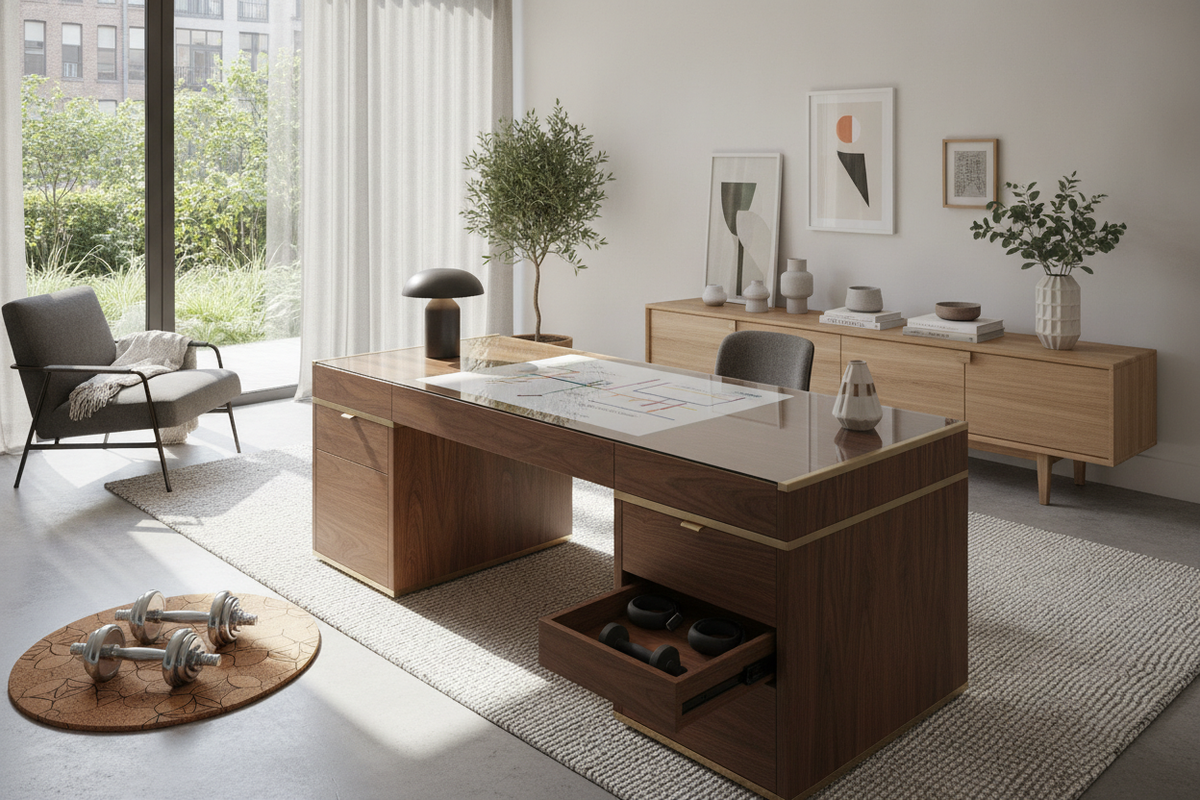
Deploying a substantial desktop converter changes the storage dynamics of a home office. Placing a large base frame on the desk surface reduces open writing space, making surrounding modular storage essential for maintaining an organized room.
Mobile pedestal drawers, under-desk credenzas, and adjacent lateral shelving units provide dedicated homes for notebooks, files, and reference materials that would otherwise occupy the primary desktop. Positioning storage units outside the dynamic movement arc of the converter preserves functional floor space and maintains clear walkways around the standing zone. For spaces where preserving open desktop real estate is paramount, alternative perimeter display supports discussed in our guide on using a desk stand monitor guide illustrate how independent screen elevation can free up the entire workstation surface below.
By harmonizing structural lift mechanics, dual-screen span geometry, and peripheral room organization, you can establish an adaptable sit-stand workspace that supports sustained focus and fluid daily movement.

Dejar un comentario
Este sitio está protegido por hCaptcha y se aplican la Política de privacidad de hCaptcha y los Términos del servicio.