










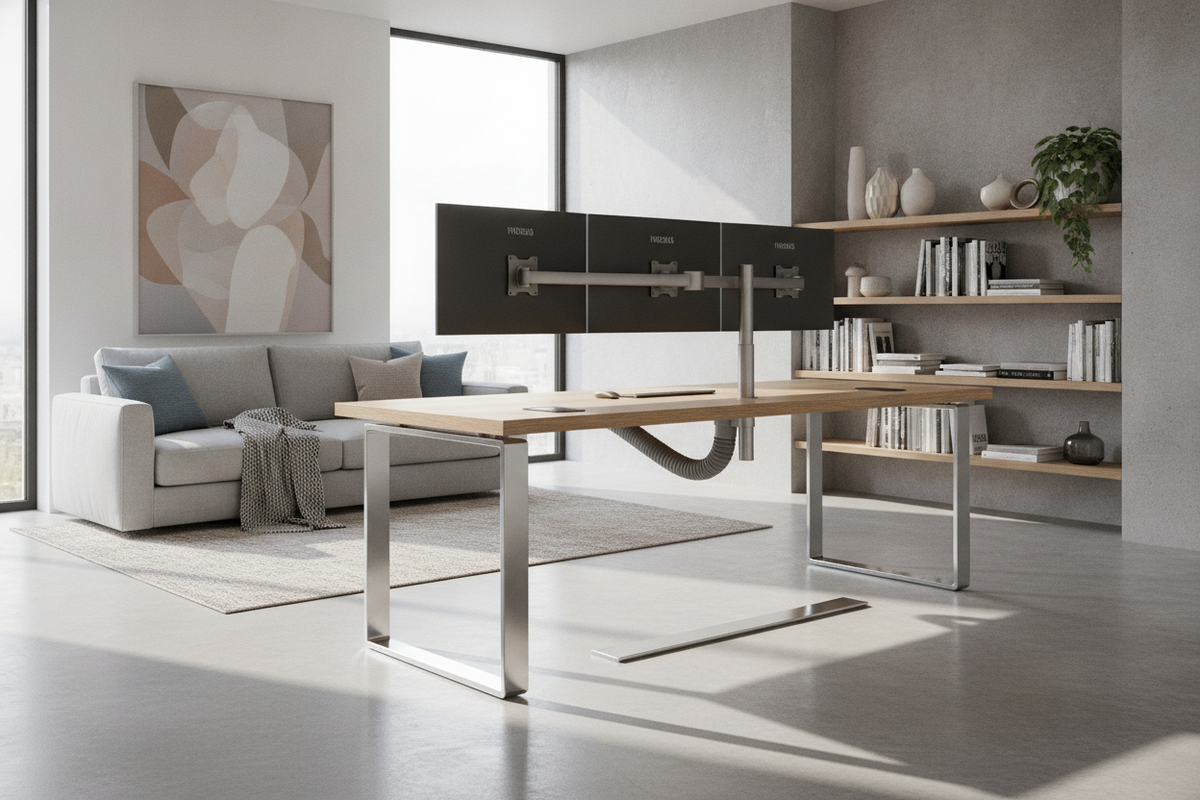
Arranging dual or triple display setups often introduces physical challenges for home offices and design studios. Traditional surface clamp arms concentrate substantial cantilevered weight onto a narrow band of desktop material, creating potential for surface gouging, structural deflection, or awkward placement compromises. Integrating a multiple monitor floor stand decouples visual hardware entirely from desktop surfaces, relocating load-bearing duties directly to the room floor while offering clean ergonomics and spatial versatility.
Why Decouple Multi-Display Setups from the Desktop?
Eliminating Desktop Clamping Stress
Standard desktop clamp assemblies require strong, solid surfaces with generous overhang along the back edge. When workstations feature delicate finishes, tempered glass, thin composite boards, or integrated rear cable channels, standard clamps can compress edge bands or fail to seat evenly. For a detailed breakdown of transition workflows, reviewing a floor stand monitor guide can help illuminate how shifting hardware off the desk surface prevents structural damage and opens up previously crowded surfaces.
By utilizing a floor dual monitor stand, the displays remain grounded through an independent vertical tower. This mechanical isolation protects fine furniture joinery from twisting loads and guarantees that desk vibration from typing or resting forearms does not transfer into noticeable display jitter.
Spatial Freedom for Dynamic and Shared Workstations
Decoupling displays from the workstation surface also transforms how desks function across changing work routines. In shared work areas or hybrid studios where desktop surfaces alternate between sketching, writing, and digital tasks, an independent monitor tower allows the desk to be rearranged or pulled outward without moving display electronics or re-routing primary monitor wiring looms.
Base Geometry and Behind-Desk Clearance
Low-Profile Flat Plate vs. Splayed Leg Bases
The base structure is the foundation of any floor-standing display array, dictating how close a desk can sit against a perimeter wall. Base configurations typically fall into two categories: low-profile solid metal plates and splayed tubular leg frameworks.
- Low-Profile Flat Plates: Solid flat bases rest flush against hard flooring or thin carpets, offering a shallow profile that slides smoothly under lower desk stretchers and footrests. They provide clean visual lines and reduce foot snag risks.
- Splayed Tubular Legs: Splayed frameworks rely on broader triangular footprints. While economical and sturdy, they demand careful planning around desk frame legs and modesty panels to prevent physical interference.
For more architectural perspectives on base stability and floor footprint dynamics, checking an established floor stand guide provides valuable structural perspective for high-center-of-gravity installations.
Calculating Wall Offset and Footprint Depth
Before positioning a stand, determine the offset between the back of your desk and the room wall. A multiple monitor floor stand positioned behind a desk requires enough wall clearance so display bracket joints, swivel hinges, and cable looms do not bind against drywall. Positioning the stand spine slightly recessed behind the back desktop lip produces an effortless floating effect while retaining full access to desk surfaces below.
Multi-Screen Alignment and Structural Adjustment Frameworks
Horizontal Side-by-Side vs. Stacked Vertical Orientations
A floor dual monitor stand generally facilitates either horizontal side-by-side or stacked vertical screen arrangements. Horizontal layouts serve wide timeline editing, multi-document research, and general multitasking workflows, demanding a broad crossbar that evenly balances dual screen modules.
Stacked vertical configurations stack screens along a single mast, saving horizontal floor width and suiting narrow office alcoves. Whichever configuration you select, ensuring that each screen bracket offers independent micro-leveling hardware is critical. Minor variations across mounting holes can otherwise create noticeable gaps between bezel edges.
Independent Articulation and Central Mast Rigidity
A central upright column must resist forward torsional deflection, particularly when monitors are tilted downward or angled inward toward the user. High-rigidity vertical masts with reinforced mounting plates keep displays balanced over time. Independent tilt, pan, and rotation joints allow each display to match individual ergonomic lines of sight, minimizing neck flexion without needing constant adjustments to the furniture underneath.
Integrating Floor Stands with Desks and Storage Furniture
Pairing with Dedicated Computer Workstations
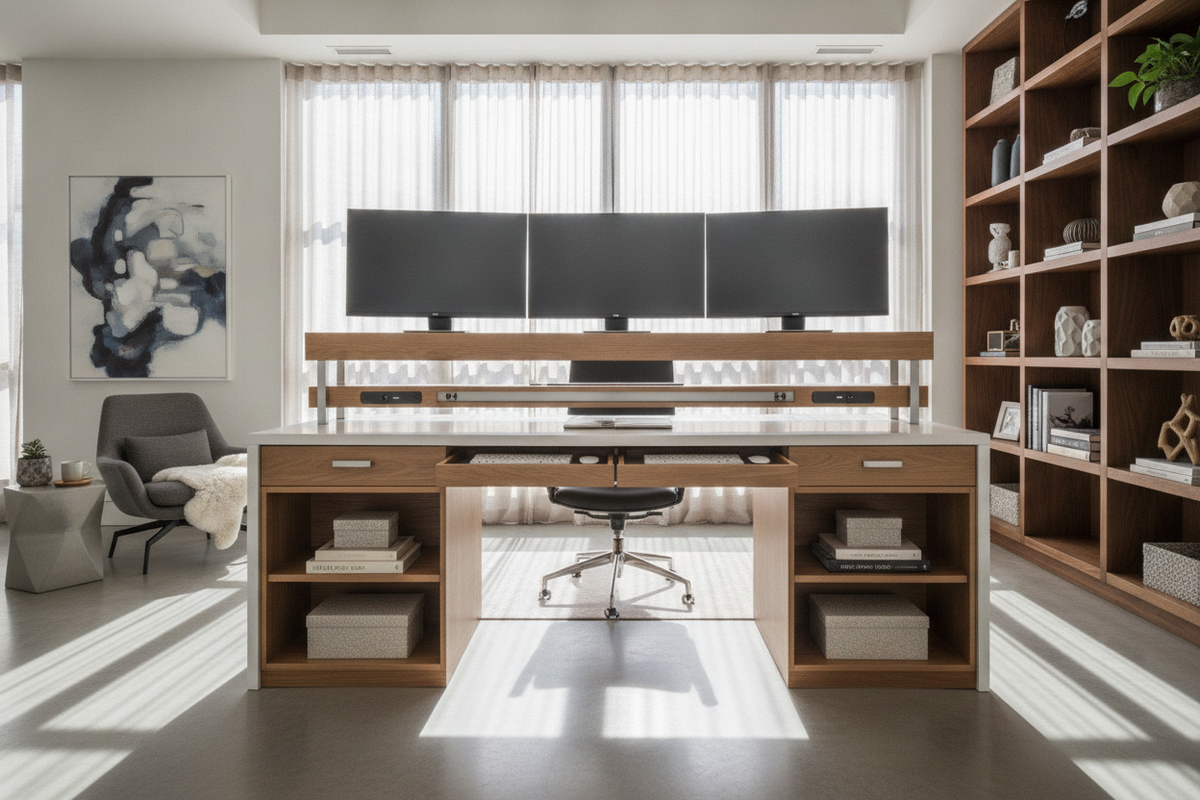
Harmonizing a free-standing display column with existing furniture requires matching visual proportions and functional profiles. When paired with a dedicated monitor stand product or multi-tier computer desk, an independent floor column allows primary displays to float at perfect eye level while leaving built-in shelving clear for desktop speakers, audio interfaces, and charging stations.
This arrangement establishes distinct functional zones: the desk manages tactile peripherals, reference materials, and hands-on work, while the freestanding spine handles visual outputs and power conduits.
Harmonizing Display Stands with Credenzas and Media Consoles
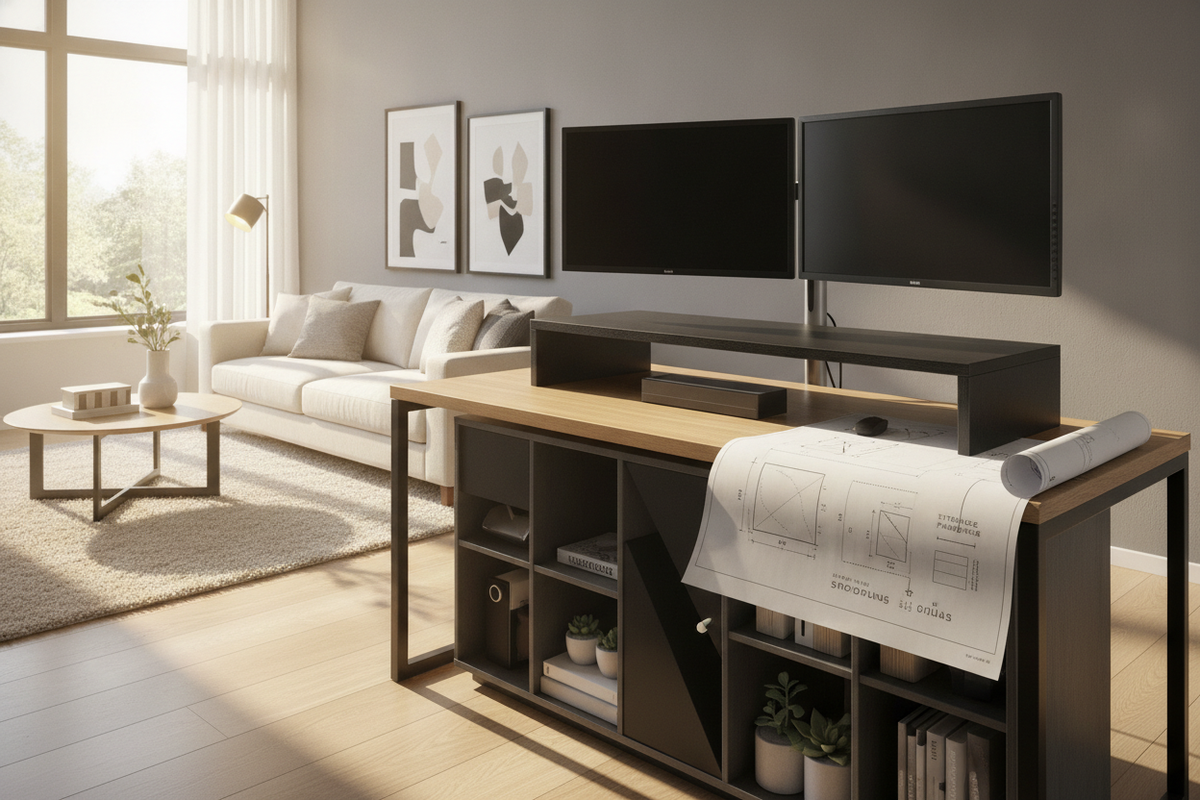
In multifunctional living rooms or executive offices, workstations frequently share boundaries with media furniture and accent storage. Setting a tall floor display assembly adjacent to a low credenza or a wider stand dual product creates a cohesive entertainment and work wall. The low-profile storage cabinetry can shelter primary computer towers, external hard drives, or media streaming boxes, leaving the area directly beneath the screens open and clutter-free.
Cable Architecture and Perimeter Organization
Vertical Spine Routing and Slack Management
Multi-display arrangements inherently multiply cable counts, with display leads, power cables, and accessory conduits gathering behind the screens. Organizing these lines systematically along the floor stand vertical spine prevents unsightly cord tangles and tripping hazards.
- Consolidate at the Crossbar: Group leads from each display along the horizontal crossbar toward the central column using hook-and-loop fasteners.
- Drop Through Spine Channels: Route grouped cables downward through internal mast channels or dedicated rear cable clips.
- Maintain Dynamic Articulation Slack: Keep sufficient slack around tilting brackets so screen adjustments do not pinch or strain port connectors.
Separating Peripheral Leads from Power Conduits
To reduce signal interference and simplify maintenance, route primary alternating current power cords down one side of the spine while running data lines, video feeds, and peripheral cables down the opposing side. Stashing excess wire length and multi-outlet power strips in adjacent floor trays or inside nearby storage cabinets completes a pristine, professional visual presentation.
Assembly Verification and Routine Stability Inspections
Stepwise Base and Crossbar Fastener Verification
During the setup of a multiple monitor floor stand, assembly sequence dictates long-term stability. Fasten the floor base to the primary vertical upright column first, confirming that all base bolts seat uniformly before attaching horizontal display rails. Once crossbars and mounting plates are attached, verify that leveling brackets are locked before hanging the displays.
Post-Assembly Drift and Leveling Assessments
Over initial weeks of use, periodic checks help verify structural integrity:
- Inspect base attachment hardware to ensure floor contact remains level across rug pads or hardwood surfaces.
- Check horizontal alignment along display borders to confirm monitor mounting brackets remain evenly torqued.
- Examine cable retention points along the rear column to verify that cords have not slipped from their designated channels.
By thoughtfully coordinating base geometry, rear-desk clearance, and furniture harmony, a dedicated multi-display floor tower creates a calm, organized, and ergonomic workspace that safeguards furniture surfaces for years to come.

Dejar un comentario
Este sitio está protegido por hCaptcha y se aplican la Política de privacidad de hCaptcha y los Términos del servicio.