










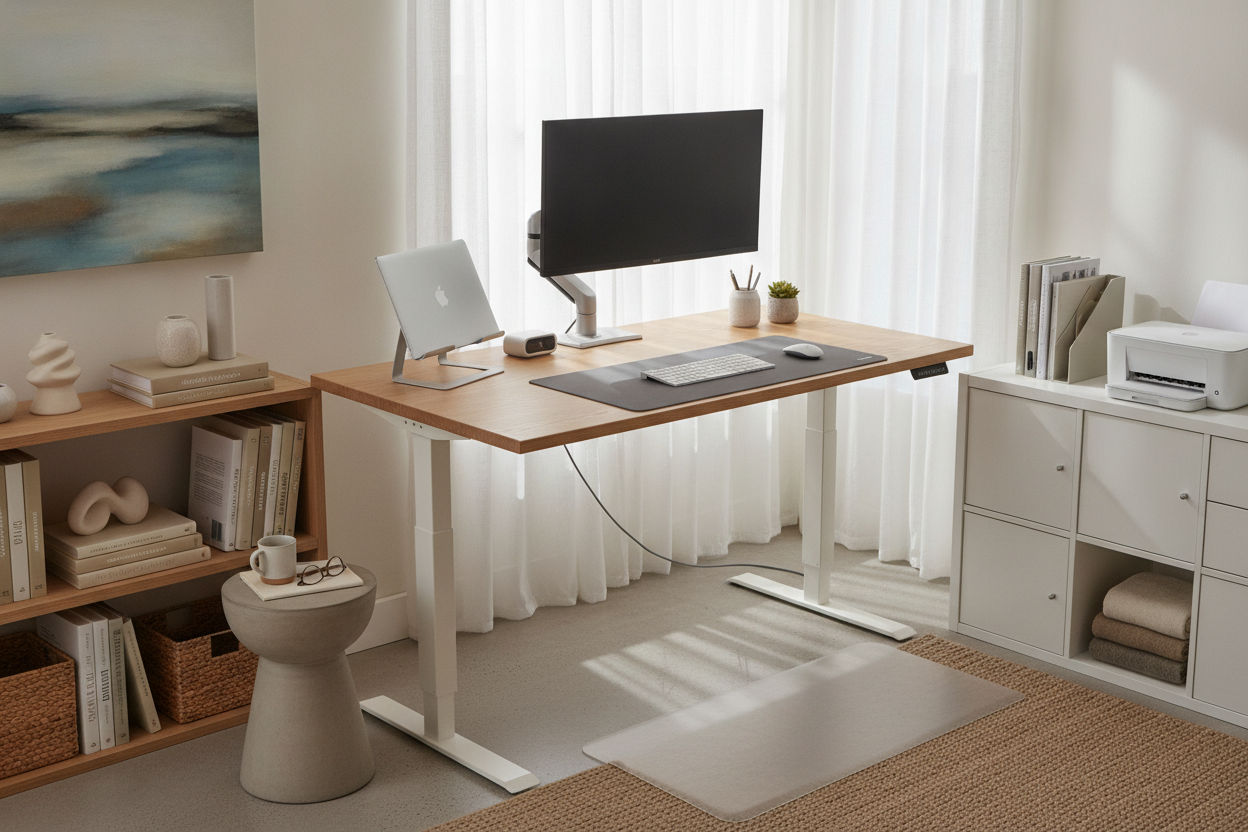
Understanding the 42-Inch Sizing Class: The Mid-Compact Sweet Spot
Selecting suitable workstation dimensions often involves navigating the balance between limited square footage and day-to-day productivity needs. A 42 inch standing desk occupies an intentional middle ground in ergonomic furniture design. It offers noticeably more functional elbow room and layout flexibility than micro writing desks, yet preserves open floor space within multi-purpose living rooms, guest bedrooms, and dedicated architectural alcoves.
Spatial Geometry and Room Footprint Evaluation
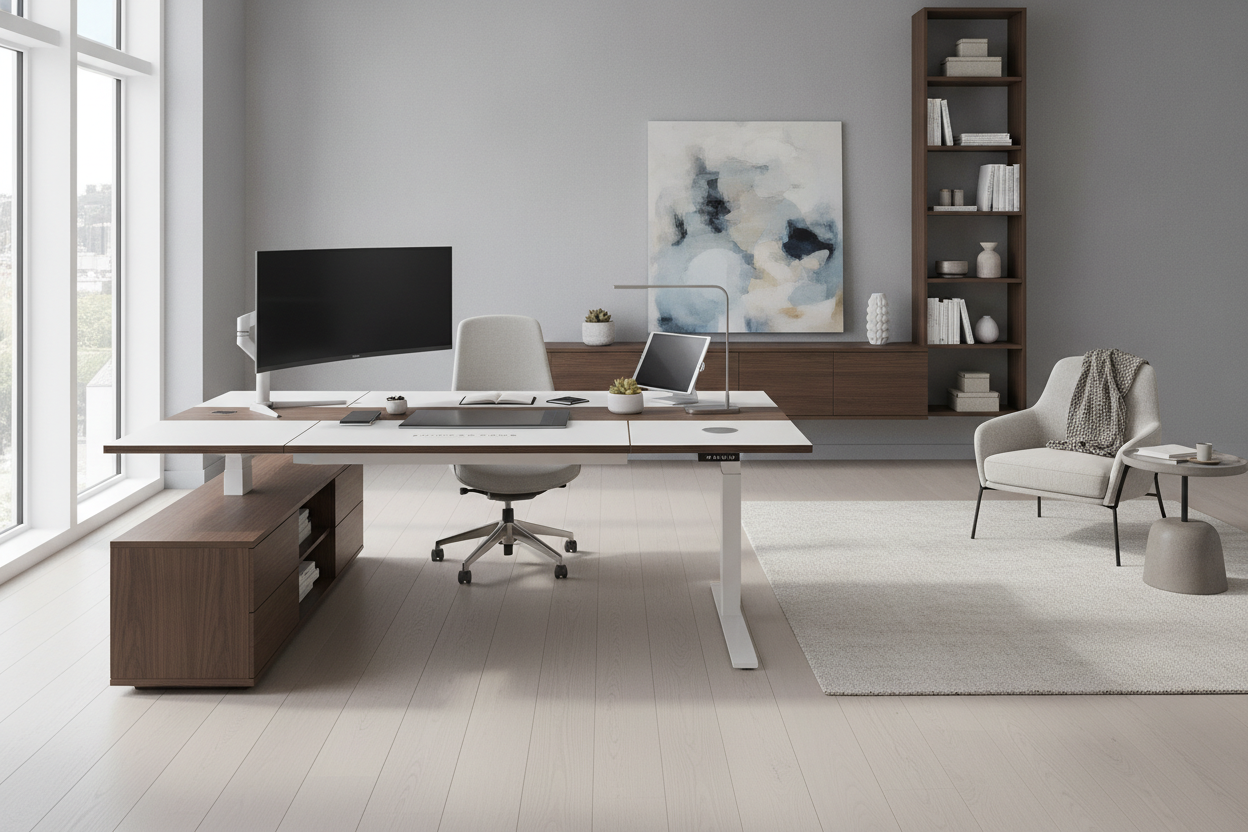
When outfitting a flexible workspace, analyzing room traffic flow is essential. Desks that extend too wide can easily obstruct doorways, intrude upon primary walkways, or block natural illumination from nearby windows. The 42-inch width class fits cleanly along modest wall spans, between structural pillars, or alongside existing storage cabinetry. While executive suites often feature a larger height adjustable standing desk to anchor expansive floorplans, a compact footprint keeps secondary rooms uncluttered and easy to navigate.
Assessing perimeter clearances ensures the desk integrates smoothly with surrounding furnishings. A well-planned workstation leaves ample clearance behind the primary seating zone, allowing task chairs to roll back freely without scraping baseboards or disturbing adjacent room zones.
Depth Proportions: Balancing Compact Profiles
Desktop width represents only one component of workstation geometry; desktop depth plays an equally vital role in visual comfort and peripheral organization. Mid-compact standing desks generally feature streamlined depths to prevent the furniture from protruding excessively into the room. A well-proportioned depth ensures comfortable focal distance between your eyes and your display screen, while leaving open space underneath for natural knee extension during seated intervals.
Ergonomic Surface Zoning on a 42-Inch Desktop
Working efficiently on a standing desk 42 inch surface requires deliberate space planning. Because total surface area is streamlined, dividing the desktop into dedicated operational zones prevents everyday clutter from intruding on active work tasks.
Primary Work Zone: Input Devices and Task Focus
The primary zone spans the immediate front center of the desktop. This area should be reserved exclusively for primary input peripherals, such as your keyboard and pointing device, alongside immediate task materials. Keeping this zone unobstructed allows your forearms to rest in a neutral position, supporting relaxed shoulders whether working seated or standing.
- Center Alignment: Align the keyboard and mouse directly in line with your primary seated posture to reduce rotational strain on your wrists and elbows.
- Low-Profile Accessories: Select slim desk pads that define the active work boundary without consuming excess edge depth.
- Immediate Reference Space: Keep active physical documents or notepads limited to temporary placements directly beside the input devices.
Screen Mounting and Monitor Arm Clearance
Display placement directly impacts neck comfort and usable desktop real estate. Placing standard monitor pedestals on a compact desktop can quickly consume valuable surface space. Utilizing an edge-clamped monitor arm elevates the display screen, freeing the surface below for compact docks, notebooks, or low-profile accessories. For further guidance on coordinating monitor mounts and compact accessories, reviewing designer ideas for standing desk layouts can assist in visualizing balanced equipment positioning.
Frame Dynamics, Under-Desk Clearance, and Sit-Stand Ergonomics
The long-term utility of a 42 standing desk relies heavily on structural stability, legroom preservation, and smooth height adjustments. Because compact desktops concentrate equipment over a relatively narrow base, frame construction requires thoughtful evaluation.
Maintaining Stability Across Height Transitions
As an adjustable desk rises to standing height, center-of-gravity shifts can amplify minor wobbles if the frame is uneven. Selecting frames with solid steel columns and broad, adjustable leveling glides helps compensate for uneven flooring surfaces. Ensuring the lifting columns operate smoothly protects desktop electronics and keeps your workspace steady during active typing sessions.
Cable Management and Dynamic Range of Motion
Height-adjustable desks require dynamic wire routing to accommodate continuous vertical travel without binding. Power cords and display cables must maintain sufficient slack to travel to maximum standing height without pulling against wall outlets or snagging on baseboards. Integrating an under-desk cable management tray keeps cords grouped neatly beneath the work surface. Reviewing practical standing desk setup styling advice offers helpful methods for bundling wires into clean vertical conduits that move seamlessly with the desk frame.
Companion Storage Architecture for Compact Standing Workstations
Most height-adjustable desks feature minimalist under-frame profiles to prioritize vertical lift mechanics and legroom, meaning built-in drawers are rarely present. Balancing a compact standing desk with dedicated modular storage creates a tidy, functional work environment.
Mobile Pedestals and Lateral Credenzas
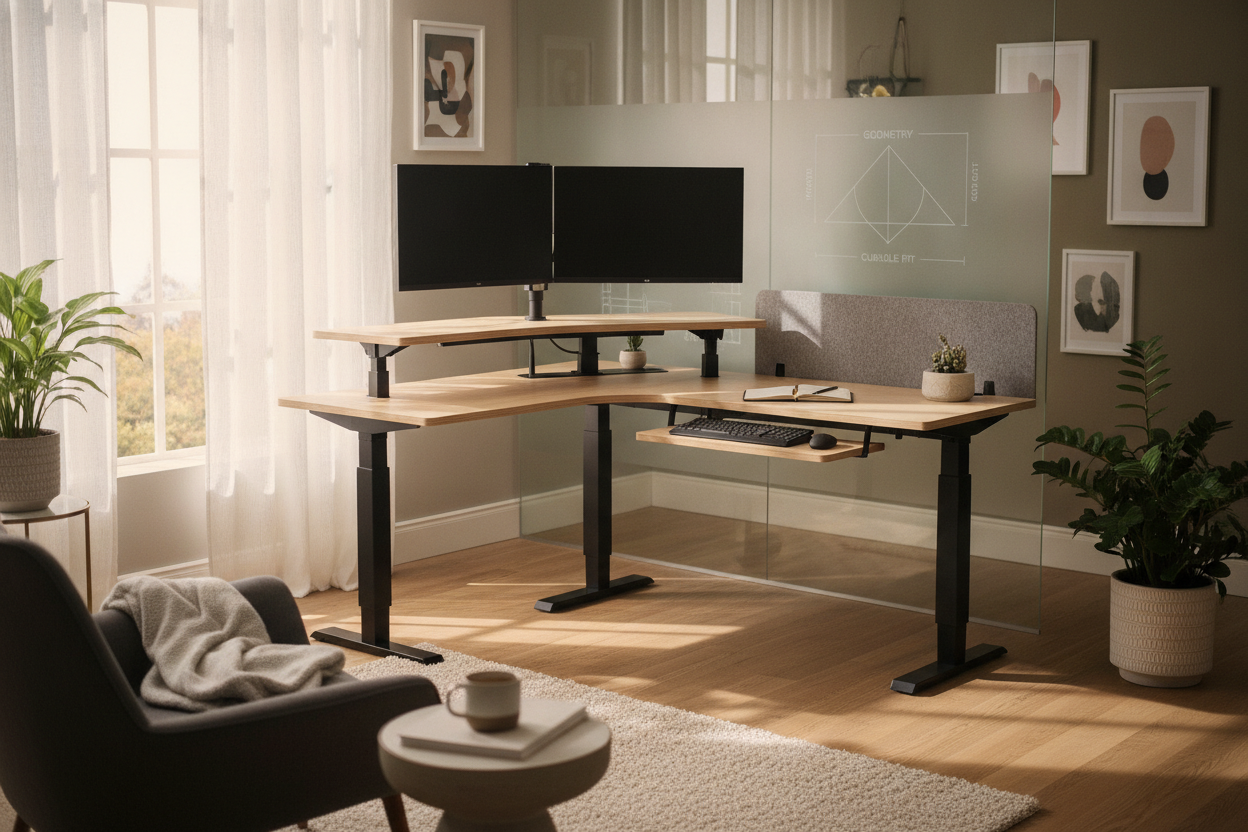
Unlike a static corner desk with integrated storage that incorporates built-in drawers directly beneath the desktop, a compact sit-stand desk functions best alongside independent storage pieces. Rolling file pedestals and low credenzas provide organized compartments for paperwork, office supplies, and peripherals without cluttering the main surface. Positioning rolling storage adjacent to the desk frame ensures full sit-to-stand height travel without mechanical obstruction.
Vertical Wall Shelving and Floating Storage
When floor area is limited, utilizing vertical wall space preserves open floor plans. Floating shelves or shallow wall cabinets mounted above the desk provide convenient housing for reference books, task lighting, and decorative accents. Always measure the desk’s highest vertical elevation before mounting wall shelving to prevent accidental contact with monitors or desktop accessories when the desk is fully raised.
Material Selection, Aesthetic Harmony, and Daily Maintenance
A compact desk should complement the existing aesthetic of your home while delivering durable, low-maintenance daily performance across changing work routines.
Engineered Wood, Laminates, and Solid Finishes
Desktop surfaces are available in a variety of resilient materials, including high-pressure laminates and engineered wood with protective edge banding. These surfaces provide dependable resistance against daily wear, minor liquid spills, and surface scuffs from everyday office equipment. Neutral wood grains, warm whites, and matte dark finishes integrate smoothly into contemporary, transitional, or minimalist interior environments.
Daily Care and Hardware Checkpoints
Keeping your workstation in prime working condition involves simple care habits. Wipe down the desktop with a soft, damp microfiber cloth to remove dust and smudges without dulling the finish. Periodically inspect motor connections, tighten frame fasteners, and ensure dynamic cable runs remain free of tension. With intentional surface zoning and supportive companion storage, a 42-inch standing desk provides a streamlined, versatile workstation tailored for modern home environments.

Dejar un comentario
Este sitio está protegido por hCaptcha y se aplican la Política de privacidad de hCaptcha y los Términos del servicio.