










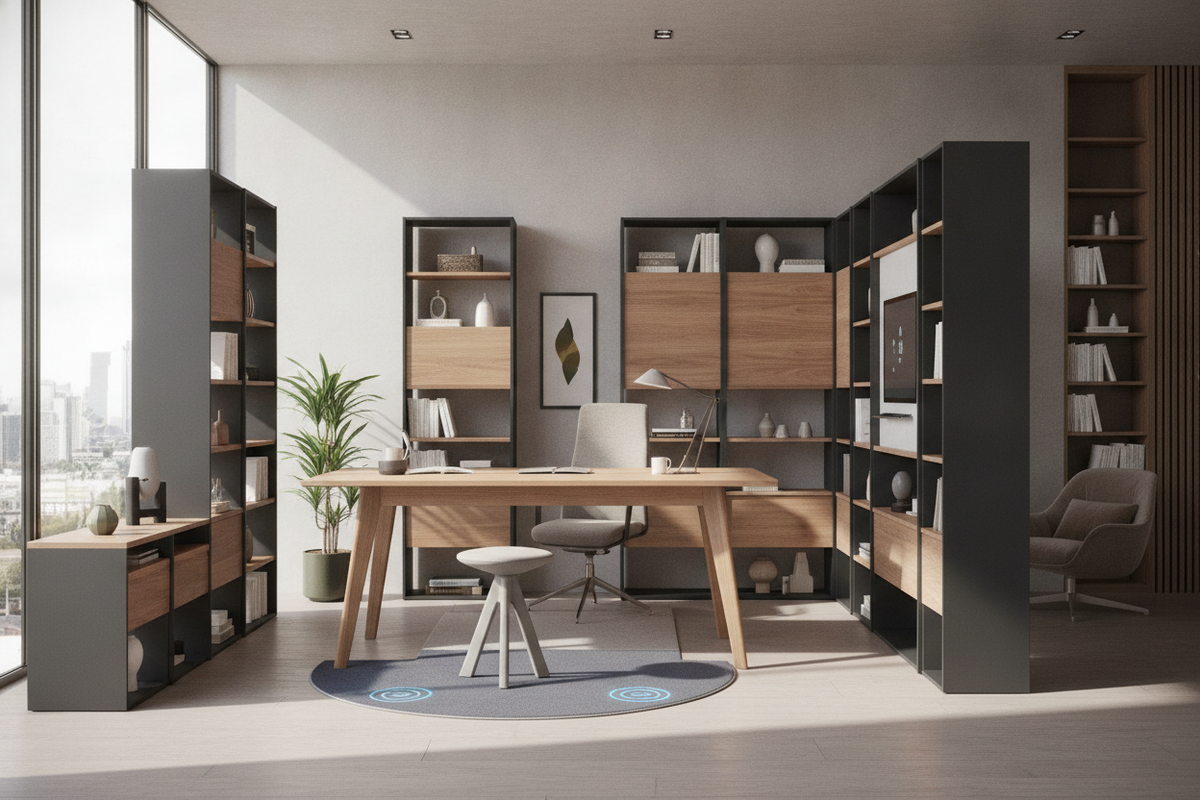
The Anatomy of a Standing Desk Ergonomic Ecosystem
Creating an effective workspace requires viewing the desk not simply as a stationary horizontal plane, but as an adaptable foundation for daily activity. A standing desk ergonomic setup functions as a kinetic ecosystem where physical posture, task tools, and ambient interior elements interact throughout the day. Rather than remaining locked into a single fixed posture, alternating between seated focus and standing engagement helps introduce natural physical variation into long work routines.
Achieving this balance depends on how seamlessly the desk adapts to the human body across multiple working modes. When planning a desk ergonomics guide for your home or office, the objective is to eliminate unnatural reaching, hunching, and awkward limb angles. A successful standing ergonomic workstation coordinates the desk frame, monitor elevation, peripheral arrangement, and surrounding storage furniture into a unified, functional layout.
Dynamic Posture Geometry: Sitting and Standing Elevation Baselines
Proper posture geometry serves as the cornerstone of ergonomic planning. When switching between sitting and standing, the body relies on baseline reference points to maintain relaxed joints and natural spinal curvature. Adjusting the desk surface without considering these reference points can lead to awkward wrist angles, raised shoulders, or downward head tilt.
Calibrating Forearm Planes and Neutral Wrist Alignment
To establish an optimal surface elevation on an ergonomic sit to stand desk, the primary reference point is the relaxed elbow angle. When your upper arms hang naturally alongside the torso, your forearms should extend forward to rest parallel to the floor or slope gently downward toward the keyboard. The desk surface height should meet the underside of your forearms without requiring you to shrug your shoulders upward or lean downward.
Neutral wrist alignment occurs when the hand forms a straight, continuous line with the forearm during typing and navigation. If the desk surface is set too high, the wrists bend upward into extension, placing tension across the forearms. If the surface is too low, the torso tends to collapse forward, rounding the upper back. Fine-tuning the working height in both sitting and standing positions preserves a relaxed, neutral posture across daily tasks.
Visual Focal Planes and Monitor Tier Positioning
Visual alignment represents the second crucial axis of dynamic workstation geometry. The top boundary of your primary display screen should align near eye level when looking straight ahead. This positioning allows the gaze to sweep across active windows with a slight, comfortable downward angle, avoiding awkward neck extension or forward head tilt.
When elevating the desk to a standing position, monitor distance and height may require minor adjustments. Maintaining an arm's-length distance between your eyes and the screen prevents leaning forward over the desktop. Independent monitor risers or adjustable mounting arms allow you to calibrate display elevation independently from the keyboard surface, ensuring both the upper body and neck remain properly aligned.
Desktop Reach Zones and Kinetic Workflow Architecture
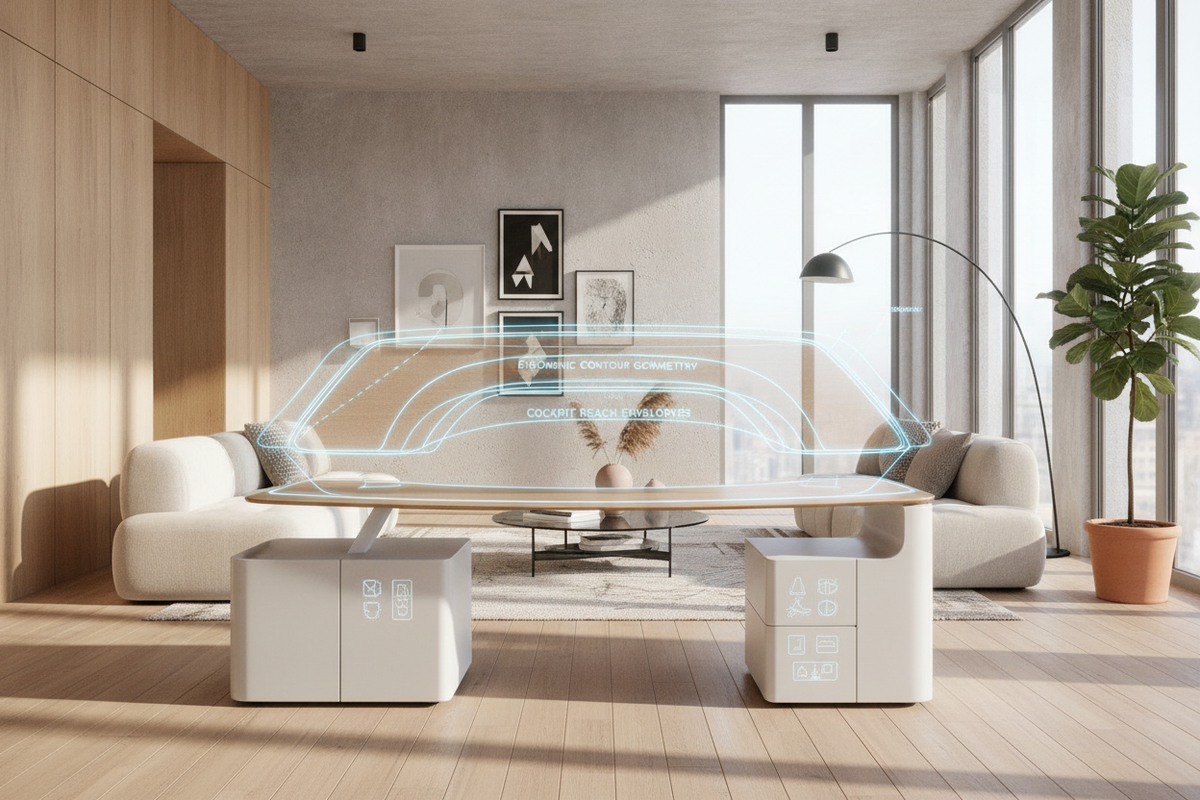
Workstation layout extends beyond vertical height into horizontal space management. Effective sit stand workstations ergonomics relies on organizing physical tools into functional concentric reach zones to reduce repetitive reaching and awkward torso rotation.
- Primary Reach Zone: The immediate arc accessible by pivoting the forearms with elbows resting near the sides. This zone houses primary input tools such as the keyboard, mouse, or active writing surface.
- Secondary Reach Zone: The area reachable by extending the arms forward without bending the waist or leaning the upper body. This space accommodates secondary screens, reference notepads, and frequently used devices.
- Tertiary Reach Zone: The peripheral edges of the desk accessible only by leaning forward or stepping to the side. This zone is best reserved for ambient lighting, decorative objects, and infrequently referenced files.
Primary Cockpit vs. Peripheral Workstation Real Estate
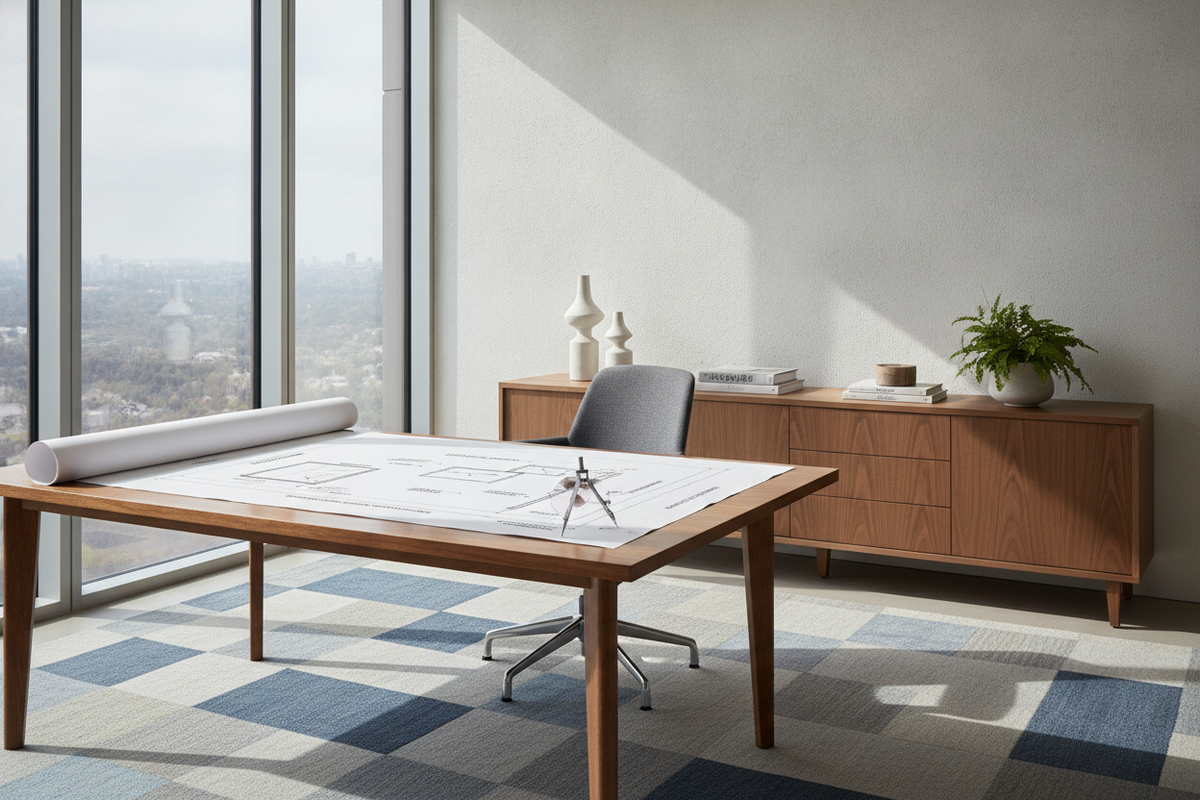
In a dynamic setup, your primary cockpit should remain clear of unnecessary clutter to allow swift adjustments between typing, reading, and conceptual work. Utilizing a wide desk surface, such as an expansive standing desk product, provides ample room to separate dedicated computer focus from analog writing or sketching zones while keeping everyday tools within intuitive reach.
Spatial Footprints and Kinetic Clearance Planning
Integrating a motorized or adjustable desk into a room requires careful spatial evaluation. An adjustable desk operates through a dynamic vertical travel path, meaning clearances must be maintained above, below, and around the perimeter of the tabletop.
When assessing room layout, ensure that overhead elements like floating wall shelves, window sills, hanging artwork, and wall sconces do not obstruct the desk surface as it ascends. Similarly, verify that the area beneath the work surface remains open. Low-profile wall outlets, floor trim, and under-desk trash receptacles should be positioned clear of the descending frame to prevent pinching or structural resistance.
Flooring and movement clearances behind the desk also play an essential role in practical room flow. When standing, users often shift weight, take small steps, or reposition their desk chairs. Allocating sufficient clearance behind the workstation ensures your office chair can be pushed back smoothly without colliding with credenzas, doors, or perimeter storage cabinets.
Evaluating Frame Architecture, Stability, and Kinetic Mechanics
The structural foundation of an adjustable workstation governs its daily performance, stability, and longevity. When evaluating sit stand workstation ergonomics, consider the frame architecture, leg column telescoping stages, and weight distribution across the desktop.
A well-engineered motorized desk, such as an ergonomic sit stand product, utilizes multi-stage telescoping leg columns that provide smooth vertical travel across a wide range of heights. Solid steel crossbars, wide floor feet, and rigid desktop mounting plates prevent lateral wobble and surface flex when typing or writing at higher elevations. Reliable preset controllers allow you to save preferred sitting and standing baselines, enabling consistent posture transitions at the touch of a button.
Storage Synergy: Merging Sit-Stand Freedom with Unified Cabinetry
One common challenge with height-adjustable desks is managing necessary office storage. Because the desktop moves dynamically, attached drawers can add excess weight and limit legroom. The most practical solution is pairing your kinetic desk with complementary stationary and mobile storage pieces throughout the room.
Combining an adjustable desk with matching credenzas, lateral file cabinets, and tall bookcases creates a balanced, professional environment. As explored in this standing desk guide, matching wood finishes, clean metal accents, and cohesive hardware tie the moving work center into the broader architectural aesthetic of the room.
- Mobile File Pedestals: Compact rolling drawer units that slide neatly beneath the desk during seated work or roll alongside to serve as an extended secondary surface when standing.
- Low-Profile Perimeter Credenzas: Positioned adjacent or behind the desk, offering enclosed storage for hardware, archival files, and office supplies without interfering with vertical desk motion.
- Vertical Bookcases and Display Towers: Positioned safely outside the desk travel envelope to utilize vertical wall space for reference libraries and decorative accents.
Maintaining Desktop Cleanliness for Unhindered Motion
Fluid vertical movement requires disciplined wire and accessory management. Power cables, display cords, and peripheral connections must have sufficient slack to travel freely between the lowest seated height and the highest standing position without binding or pulling on wall sockets. Under-desk cable trays, flexible spine organizers, and surface grommets keep wiring contained, protecting equipment and maintaining a clean visual profile.
Step-by-Step Decision Framework for Your Ergonomic Workstation
- Assess Personal Biometrics: Determine your natural seated and standing forearm heights to establish the required vertical range for your adjustable desk frame.
- Measure Room Clearance: Verify floor space, wall obstacles, and overhead clearances to ensure unimpeded vertical travel and comfortable chair movement.
- Select Surface Dimensions: Choose a desktop width and depth that accommodates your primary cockpit tools while organizing peripherals into defined reach zones.
- Integrate Complementary Storage: Pair the adjustable desk with mobile pedestals or stationary side cabinets to maintain organization without overburdening the moving frame.
- Implement Cable Management: Install cable channels and flexible wire guides with adequate travel length to ensure smooth, snag-free height adjustments.

Dejar un comentario
Este sitio está protegido por hCaptcha y se aplican la Política de privacidad de hCaptcha y los Términos del servicio.