










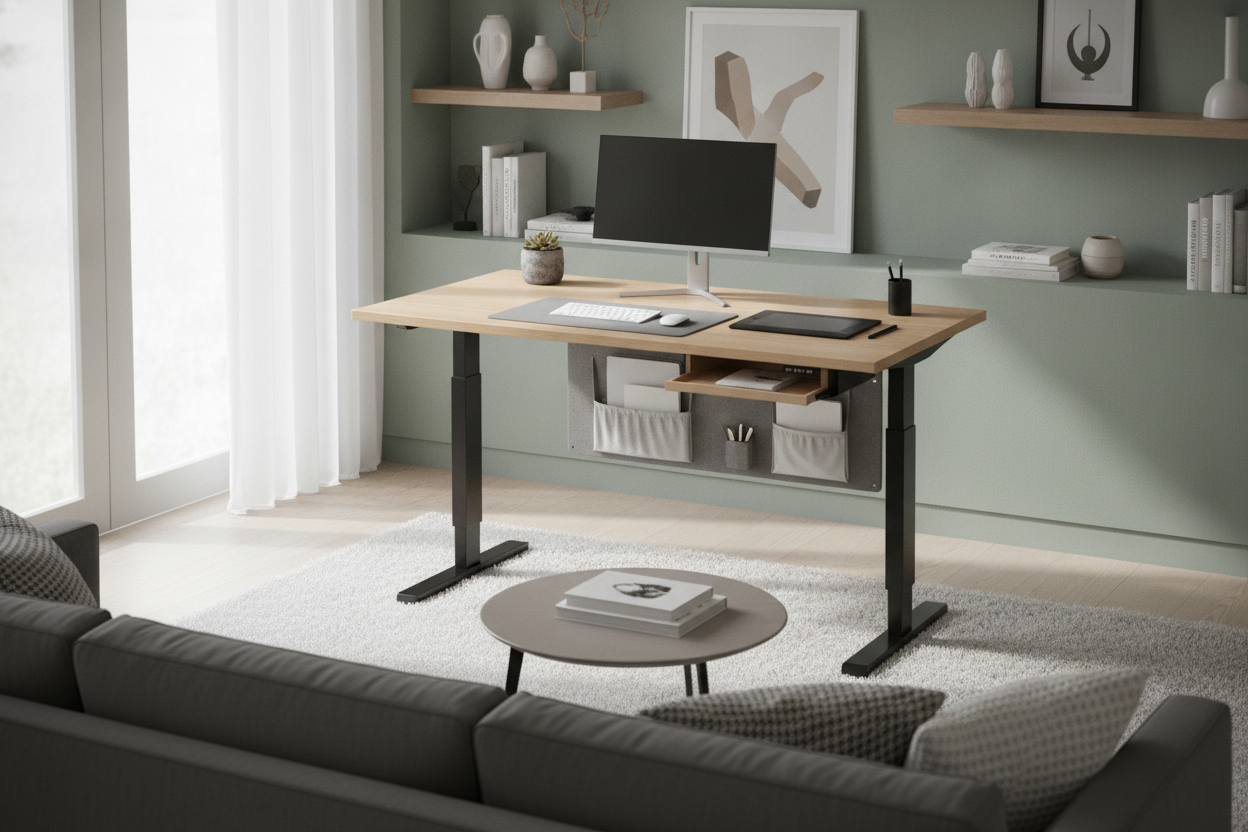
Understanding the 40x20 Standing Desk Footprint
Finding the right balance between active posture support and room constraints often leads remote professionals and students to compact furniture. A 40x20 standing desk represents an intentional middle ground in the sit-stand category. While micro-sized rolling risers can feel too cramped for continuous daily tasks, expansive executive surfaces often overwhelm smaller rooms.
The forty-inch width provides sufficient room for a full keyboard, mouse pad, and standard display hardware, while the twenty-inch depth keeps the workstation close to the wall. This shallow footprint minimizes intrusion into walkways, making it an attractive choice for multipurpose rooms. Embracing a standing desk 40 x 20 profile requires an organized mindset, where desktop real estate is intentionally allocated rather than accumulated.
Surface Zoning and Equipment Layout on Shallow Workstations
Working comfortably on a twenty-inch deep surface requires deliberate front-to-back and lateral zoning. Because the distance between your eyes and the rear edge of the desk is shorter than on deeper office tables, equipment positioning directly affects visual ergonomics and wrist placement.
To maintain an uncluttered surface, consider dividing the top into functional areas:
- The Focal Zone: Place your primary display near the rear edge. Using a low-profile monitor arm clamped to the back rail or a slim desktop stand helps elevate the screen to eye level without consuming precious mid-desk surface area.
- The Input Zone: Keep your keyboard and pointing device centered in the foreground, allowing adequate resting space for wrists along the front edge. Compact tenkeyless keyboards or laptop stands help preserve side room.
- The Utility Zone: Allocate the left or right perimeter for secondary items such as a notebook, beverage coaster, or task lighting.
For more inspiration on balancing hardware with visual cohesion, review our standing desk setup styling guide to curate an aesthetically pleasing work corner.
Compact vs. Large Sit-Stand Dimensions: Choosing the Right Scale
Choosing a desk size depends on the nature of your daily tasks, the number of displays you rely on, and the square footage of your room. While a compact desk excels in tight spaces, certain workflows naturally demand wider surfaces.
If your daily work involves dual-monitor setups, expansive sketching pads, or multi-device workflows, comparing scale can help you make an informed decision:
- Compact (40-Inch): Best suited for laptop-only users or single-monitor setups in bedrooms, dorms, or studio apartments where floor space is limited.
- Mid-Sized Alternative: A mid-sized electric height adjustable desk offers additional lateral space for dual screens while fitting comfortably into a standard home office.
- Expansive Workstations: Workflows requiring multiple bulky monitors, desktop audio interfaces, or extensive paperwork may benefit from a large sit-stand workstation or an executive 71-inch standing desk.
Frame Architecture, Base Geometry, and Elevation Stability
Stability is an important consideration for any height-adjustable desk, particularly on models with a smaller base footprint. When a desk rises from sitting to standing height, the center of gravity shifts upward, making base geometry essential for smooth operation.
Look for frames featuring solid steel construction with wide leveling glides on the feet to compensate for uneven flooring. A low-profile crossbar or reinforced top support plate helps minimize lateral sway during typing. When arranging your equipment, distribute heavy items such as display mounts toward the center of the frame to maintain an even balance across both lifting columns during transitions.
Companion Storage Architecture for Compact Sit-Stand Desks
Because a shallow-depth desk provides minimal built-in surface area for loose items, companion storage is essential to keep the workspace functional. Developing a vertical and under-desk organization plan prevents clutter from spilling onto your primary work area.
Effective companion strategies include:
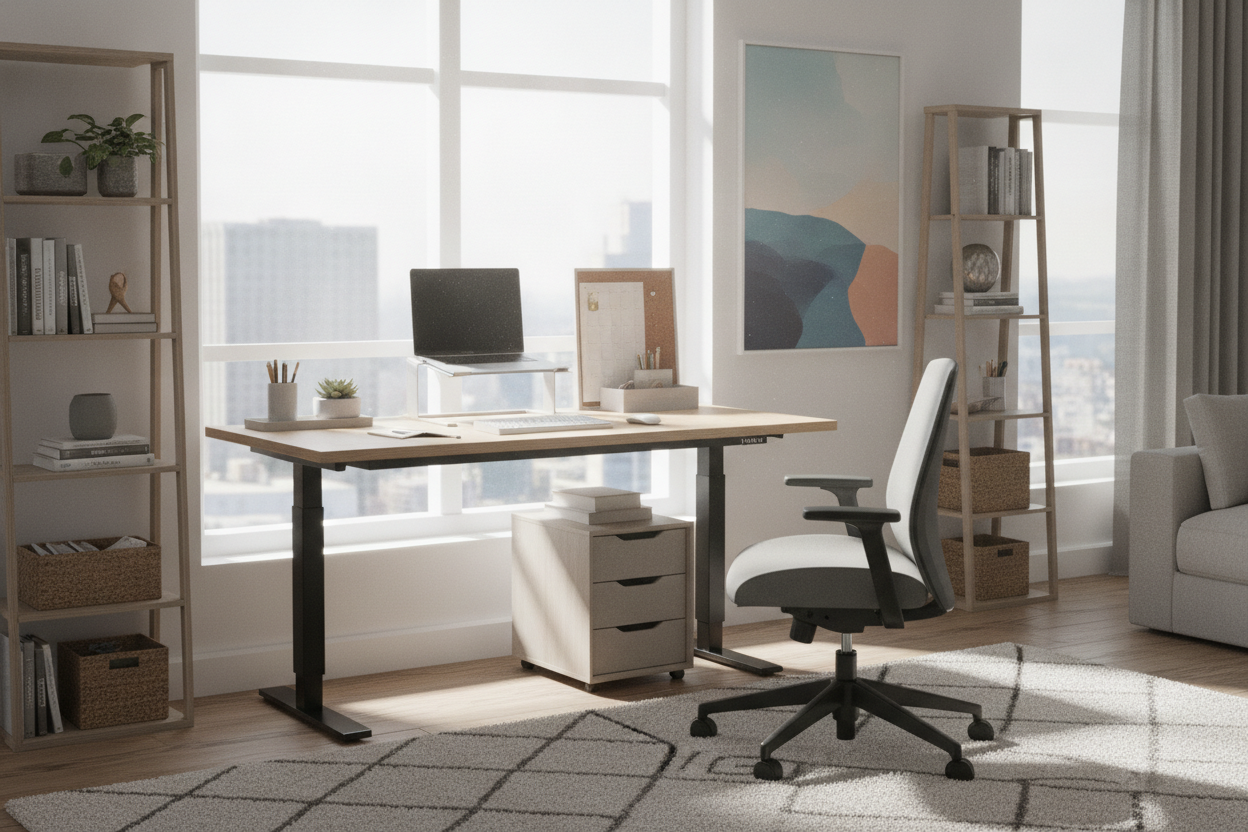
- Mobile Under-Desk Pedestals: Slim mobile filing cabinets or rolling drawer units can tuck beneath the desk during sitting sessions and roll aside when you need maximum legroom in standing mode.
- Cable Management Trays: Securing power strips, power bricks, and excess cord lengths beneath the desktop ensures a clean profile and avoids snagging cords during elevation changes.
- Vertical Wall Shelving: Floating shelves mounted directly above the desk surface utilize wall space for reference books, task lamps, and decorative elements without occupying desktop surface area.
Room Fit Blueprints: Integrating a 40x20 Desk into Multi-Use Spaces
The compact proportions of a forty-by-twenty desk make it versatile across various architectural layouts. By respecting traffic paths and light sources, you can integrate a dedicated work nook into almost any living area.
Consider these practical layout arrangements:
- The Bedroom Alcove: Tuck the desk into a recessed wall niche or between a closet and window frame, creating a dedicated zone that does not interrupt the bedroom retreat feeling.
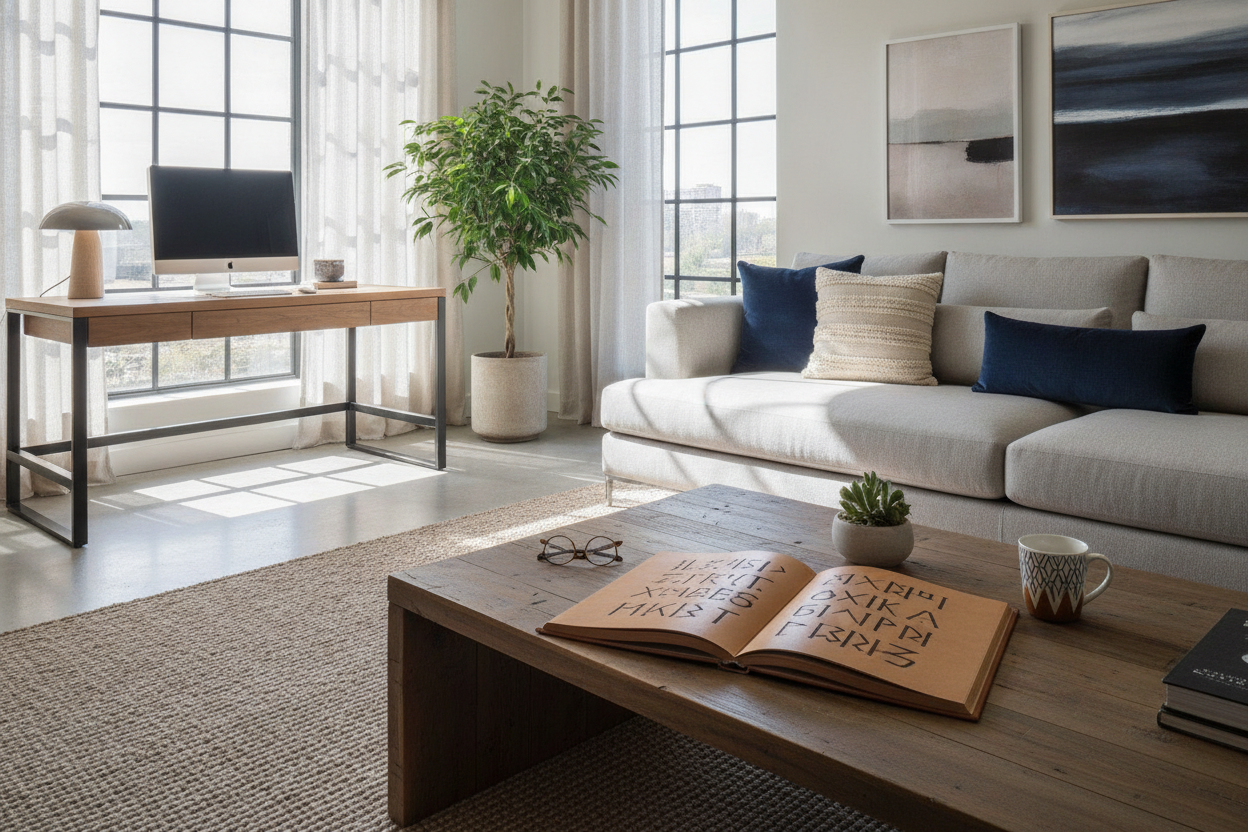
- The Living Room Boundary: Position the desk against the back of a floating sofa or along an unused side wall to define a workspace without visually overpowering shared living areas.
- The Flex Guest Room: Pair the desk alongside a daybed or accent cabinet, ensuring the room easily transitions between a home office and guest accommodations.
For additional layout blueprints and interior styling strategies, explore our standing desk layout inspirations to craft a balanced, functional environment.

Dejar un comentario
Este sitio está protegido por hCaptcha y se aplican la Política de privacidad de hCaptcha y los Términos del servicio.