










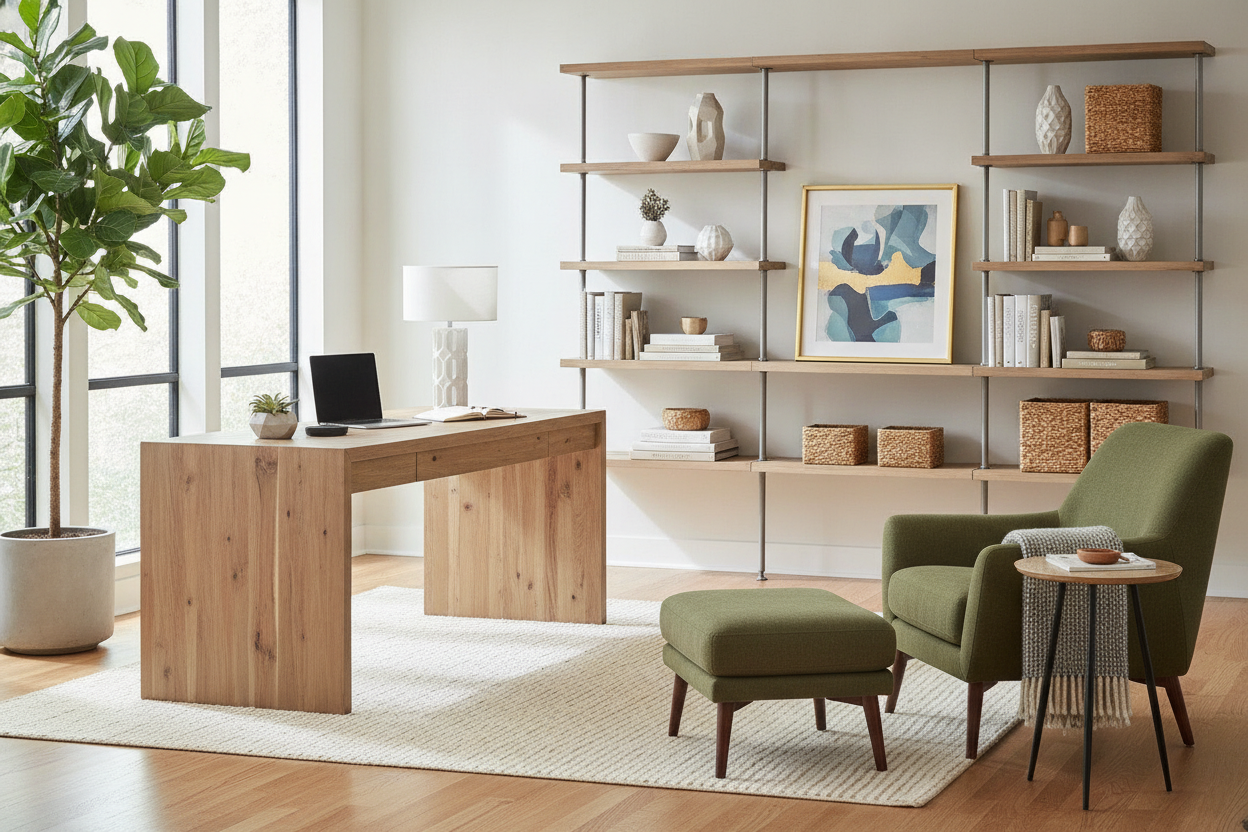
Understanding the 54-Inch and 5-Foot Desk Sizing Tier
Finding the right desk size often feels like navigating two extremes. Ultra-compact units save room in tight quarters but quickly become cluttered once you add a full-size display and work accessories. Conversely, massive conference-style surfaces provide ample real estate but can easily overpower residential bedrooms and multipurpose living spaces. The mid-size bracket, anchored by the popular 54 inch desk ikea format and standard 5 foot desk ikea alternatives, represents an adaptable middle ground for modern remote professionals.
A 54-inch desktop offers sufficient breadth to establish a structured workstation without monopolizing floor area. When shifting from ultra-compact workstation planning or exploring compact 36-inch desk dimensions, moving up to the 54-inch to 60-inch class transforms how you organize gear. It provides adequate room for dual displays or an ultrawide monitor alongside external audio, lighting, and desktop organizers.
Comparing Sizing Brackets: 54-Inch vs. 5-Foot vs. 72-Inch Desks
Choosing the correct desk width requires balancing your day-to-day workflow against room proportions. Workstation sizing typically falls into three main operational tiers:
- Mid-Size Workstations (54 Inches): Excellent for single ultrawide screens or standard dual-monitor arms. These surfaces fit cleanly along bedroom perimeter walls, secondary flex rooms, or small dedicated studies.
- Five-Foot Desks (60 Inches): A traditional benchmark for general office duties. A 5 foot desk ikea setup provides generous spacing for dual monitors, side-docked laptops, and tabletop writing space without demanding an executive floor footprint.
- Expansive Executive Desks (72 Inches and Beyond): Large formats like a 72 desk ikea or 72" desk ikea configuration cater to intensive multitasking, multi-tower setups, or drafting work. If you require substantial integrated storage and expansive staging zones, an executive multi-cabinet workstation delivers comprehensive utility for grander rooms.
For most residential spaces, jumping directly to a 72-inch table can crowd room walkways and overwhelm nearby storage furniture. The 54-inch to 5-foot footprint generally strikes a practical balance between functional workspace and comfortable room circulation.
Ergonomic Surface Zoning and Multi-Monitor Placement
Proper desktop organization relies on establishing distinct activity zones across your surface. Arranging a 54 inch desk ikea layout into three functional bands helps prevent visual clutter and physical strain throughout the day:
- Primary Focus Zone: Centered directly in front of your chair, this area holds your primary monitor, keyboard, and mouse within natural forearm reach.
- Secondary Reference Zone: Positioned to the immediate left or right, this section accommodates a vertical secondary screen, docked laptop, or document stand for passive reference materials.
- Peripheral Utility Zone: Located along the outer edges and rear perimeter, this space hosts desktop lamps, charging pads, stationery trays, and beverage coasters away from primary typing paths.
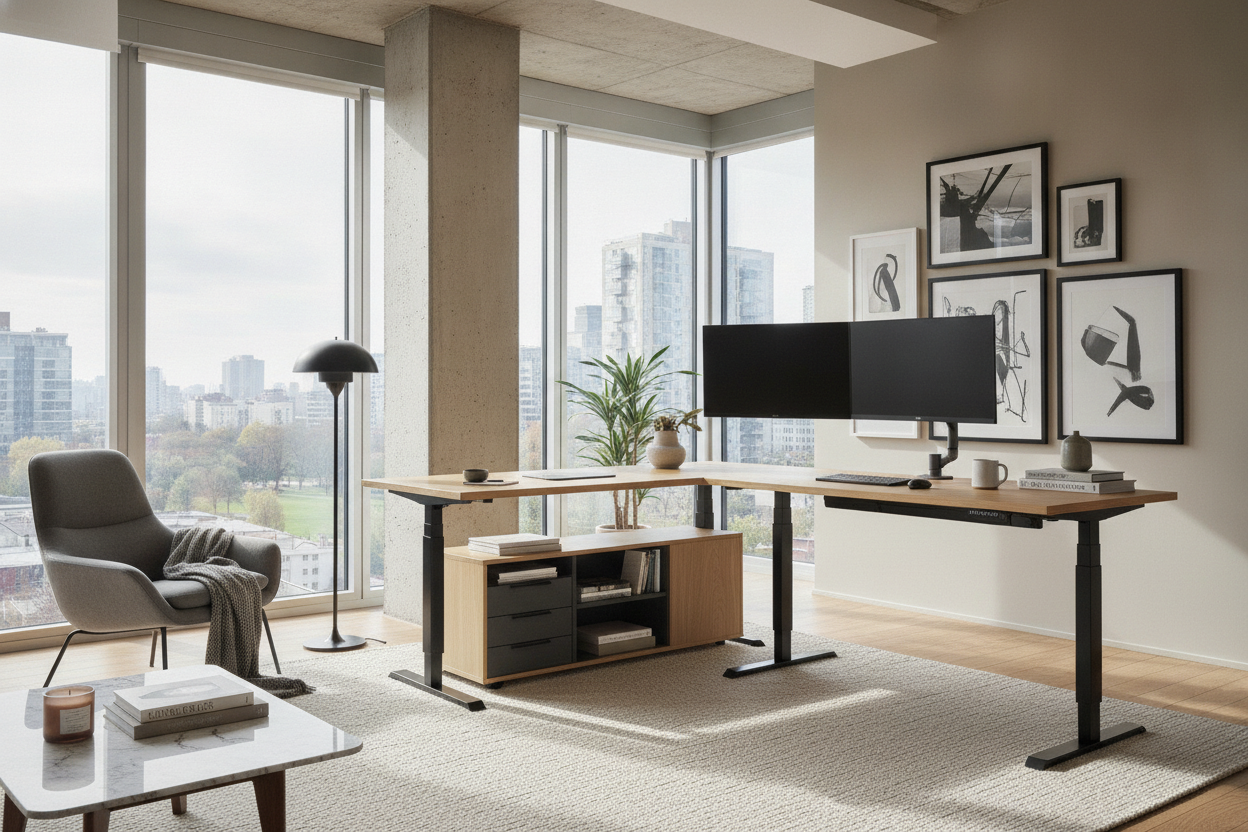
Using clamp-on monitor arms is an effective way to maximize usable depth on mid-size desks. Elevating screens above the work surface frees up the area beneath displays for notepads, external hard drives, or low-profile audio equipment.
Room Layout Strategies and Circulation Clearance
A well-planned desk arrangement accounts for how you move through the room. Placing a mid-size workstation against a flat wall provides a stable foundation while keeping power cords tucked away. In shared spaces or studio apartments, positioning your desk perpendicular to a window can capture natural light while minimizing direct glare across monitors.
For corner nooks or irregular room dimensions, a 55-inch L-shaped desk with built-in storage offers an efficient wraparound design. Corner profiles make use of underutilized wall intersections, providing separate wings for digital computing and analog paperwork without intruding into main walkways.
Ensure you maintain adequate clearance behind your chair to allow smooth movement. Leaving ample open space between the desk edge and adjacent walls or bookcases prevents the room from feeling cramped when rolling back or standing up.
Under-Desk Leg Clearance vs. Integrated Storage Systems
One of the key design decisions when selecting a mid-size workstation is deciding between integrated drawer pedestals and open leg frames. While dual-drawer supports offer immediate utility, they can restrict lateral knee movement on desks measuring 54 inches or less.
To preserve comfortable seating posture, consider pairing an open-frame table with external modular drawers or wall shelving. Exploring built-in storage hack strategies allows you to mount floating shelving above the desk or position mobile storage carts just outside your leg zone. This approach keeps essential files and stationery within arm's reach while ensuring unhindered seated comfort.
Styling, Cable Routing, and Material Durability
A cohesive office setup relies on thoughtful material selection and wire management. Selecting durable laminate, solid timber, or engineered composite tops with resilient edging helps resist daily wear from keyboards, writing instruments, and warm mugs.
Pairing your desk finish with existing shelving or cabinetry creates visual continuity across the room. Neutral tones such as crisp white, warm oak, or deep walnut blend naturally into contemporary interiors. Completing your installation with under-desk cable baskets, magnetic raceways, and adhesive wire clips keeps power bricks and connecting cords off the floor, resulting in an orderly, distraction-free environment.

Dejar un comentario
Este sitio está protegido por hCaptcha y se aplican la Política de privacidad de hCaptcha y los Términos del servicio.