










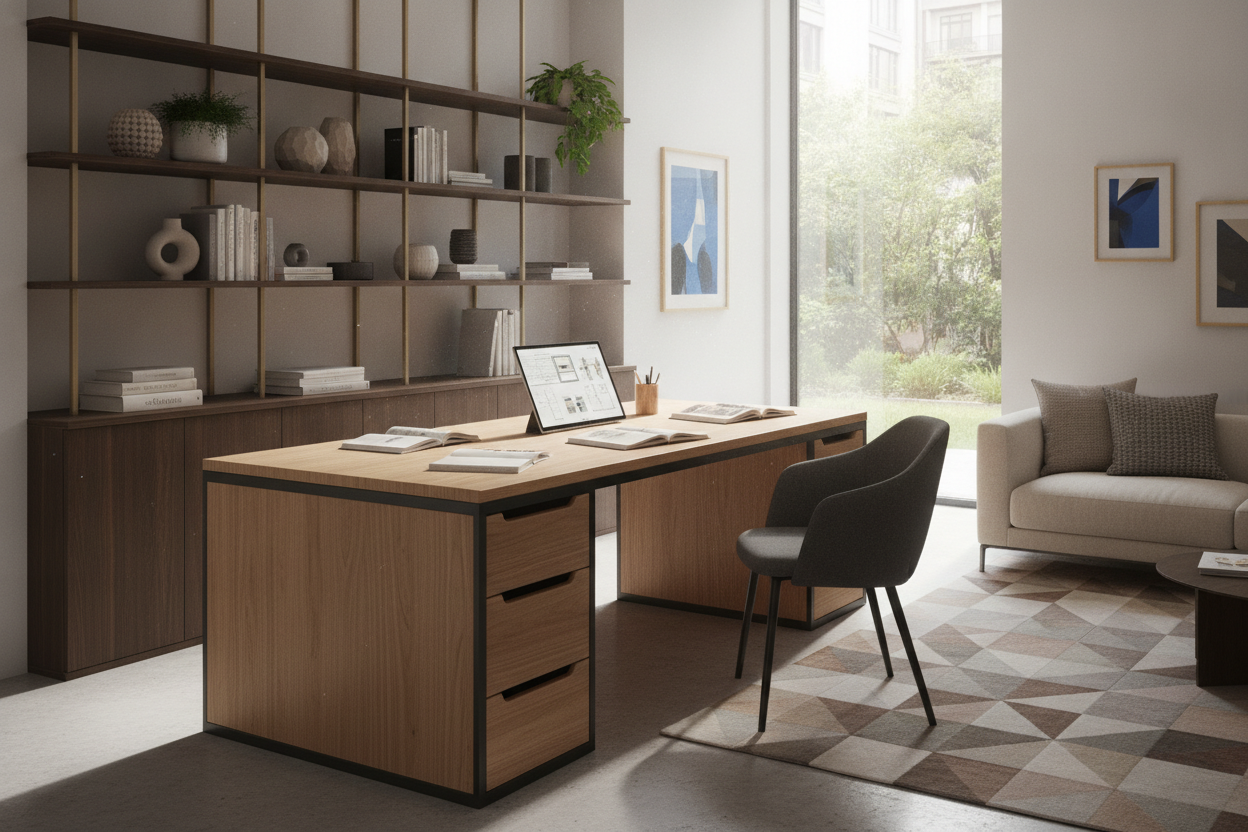
Finding the right workstation requires looking past marketing buzzwords and focusing on the physical realities of your space. Whether setting up a dedicated remote office or incorporating a study zone into an open-plan apartment, the best desks balance structural stability, thoughtful proportioning, and daily utility. Understanding what separates ordinary furniture from high-performance workstations helps you make an informed investment tailored to your specific work habits.
Defining What Makes the Best Desks for Modern Workspaces
A successful workspace setup begins by understanding how daily tasks interact with furniture design. Rather than relying solely on arbitrary ratings, evaluating what makes a desk truly functional involves assessing usable desktop area, clearance for movement, and storage accessibility. A remote professional handling physical documents, multiple peripherals, and daily video conferences requires a very different configuration than someone managing light laptop tasks.
When planning a home workspace, evaluating broader spatial flow is just as critical as choosing the furniture itself. Consulting a good working guide can provide helpful architectural perspectives on balancing residential comfort with everyday productivity zones.
Structural Foundations: Desk Quality, Materials, and Joinery
The foundation of long-term satisfaction with any workstation lies in desk quality. A desk that wobbles under normal typing or sags under the weight of computer monitors disrupts concentration and creates long-term durability issues. When shopping across various desk brands and furniture makers, evaluate the following structural components:
- Core Substrates: High-density engineered wood, medium-density fiberboard (MDF) with durable laminate veneers, and solid hardwoods each offer distinct balances of weight, moisture resistance, and finish uniformity.
- Frame and Leg Systems: Reinforced steel frames with cross-bracing or heavy-gauge wooden side panels provide the lateral rigidity needed to prevent side-to-side sway.
- Joinery Hardware: Steel cam locks, threaded metal inserts, and mortise-tenon connections maintain structural tightness over years of use far better than direct screw fastening into particle board.
- Edge Banding: Quality edge treatments protect perimeter zones from everyday impact, preventing chipping and moisture ingress along frequently touched borders.
Workstation Profiles: Matching Desk Dimensions to Room Layouts
Choosing among popular desk styles requires matching the outer dimensions of the furniture to the usable floor plan of your room. Workstations generally fall into three distinct functional profiles, each answering specific spatial challenges.
Compact Workstations and Multi-Functional Desks
In multi-use rooms, secondary bedrooms, or small city apartments, dedicated desk footprints must remain lean without sacrificing baseline functionality. Compact desks focus on vertical storage, fold-down surfaces, or convertible features that allow a room to quickly transition between personal living space and working quarters.
For dual-purpose zones where a work surface doubles as a grooming or vanity station, selecting a dedicated desk comfortable product provides hidden internal compartments and fold-down surfaces that keep everyday supplies organized and out of sight.
Executive Storage Desks and Dedicated Workstations
Dedicated home offices with sufficient perimeter wall space benefit from full-scale executive desks and modular storage workstations. These designs integrate file pedestals, open cubbies, cable pass-throughs, and occasionally upper hutch units. The best desk companies prioritize balanced proportions so that deep storage drawers do not compromise essential under-desk knee clearance.
Large-Span Tables for Collaborative and Multi-Monitor Demands
For creative professionals, architects, or shared household workstations, expansive table surfaces provide the continuous real estate necessary for sprawling projects, drafting tools, and multi-display mounts. Opting for a versatile working product allows a single furniture piece to seamlessly expand when hosting collaborative work sessions or managing large-scale organizational tasks.
Ergonomics and Daily Usability: Designing for All-Day Comfort
Even the best looking desk can become frustrating if it creates physical strain during long hours of continuous use. Achieving an ergonomic work environment requires considering the relationship between the desk height, chair adjustments, and monitor positioning.
To create the most comfortable desks setup, prioritize these ergonomic factors:
- Worktop Depth: Ensure sufficient depth to place screens at a comfortable viewing distance while leaving ample room for a keyboard, mouse, and forearm support.
- Under-Desk Knee Clearance: Verify that support aprons, pencil drawers, or modesty panels do not restrict leg movement or force your chair into an unnatural height.
- Beveled or Smooth Edges: Rounded or soft-profile front perimeters reduce pressure points on forearms during typing.
For detailed ideas on optimizing physical comfort and tailoring workstation ergonomics, reviewing a dedicated desk comfortable guide can help you refine your seated posture and accessory placement.
Aesthetic Harmony: Integrating Best-Looking Desks into Interior Design
A home office desk should enhance the visual appeal of a living space rather than make it look like a sterile corporate environment. The best-looking desks incorporate architectural silhouettes, complementary color palettes, and balanced hardware accents that coordinate with nearby bookshelves, sideboards, and architectural trim.
When selecting finishes, consider how natural wood grains, clean neutral whites, or matte black tones align with the lighting conditions in your room. If you are blending modern office hardware into a decorative environment, referencing a practical desk good guide will provide valuable strategies for concealing cords and selecting furniture finishes that elevate residential interiors.
Assembly, Cable Routing, and Floor Care Considerations
The day-to-day usability of a workstation depends heavily on practical setup logistics. Before finalizing your furniture choice, evaluate how the piece manages cables, uneven flooring, and assembly demands:
- Integrated Cable Passages: Grommets, under-desk trays, and perimeter channels keep power strips and electronic wiring tidy and off the floor.
- Adjustable Leveling Glides: Threaded feet help stabilize desks on uneven hardwood, tile, or thick area rugs, preventing distracting wobbles.
- Floor Protection: Felt pads or non-marking nylon glides prevent scratching on sensitive flooring during minor repositioning.
Desk Selection Checklist: Comparing Brands, Build Types, and Features
When comparing best desk brands and selecting the best workstation desk for your home, run through this practical checklist before purchasing:
- Floor Clearance & Walkway Space: Confirm that the desk depth and width leave comfortable clearance for pulling out chairs and walking past.
- Hardware Integrity: Look for metal drawer glides, reinforced bracket joints, and durable laminate surfaces that resist daily wear.
- Storage Alignment: Choose storage options (pedestals, open shelving, or minimal leg frames) based on the exact equipment and accessories you use daily.
- Aesthetic Fit: Ensure the wood grain, paint finish, and leg styling complement your existing room décor.
By grounding your purchasing decision in structural stability, ergonomic dimensions, and purposeful layout planning, you will select a workstation that delivers enduring comfort and organizational clarity for years to come.

Dejar un comentario
Este sitio está protegido por hCaptcha y se aplican la Política de privacidad de hCaptcha y los Términos del servicio.