










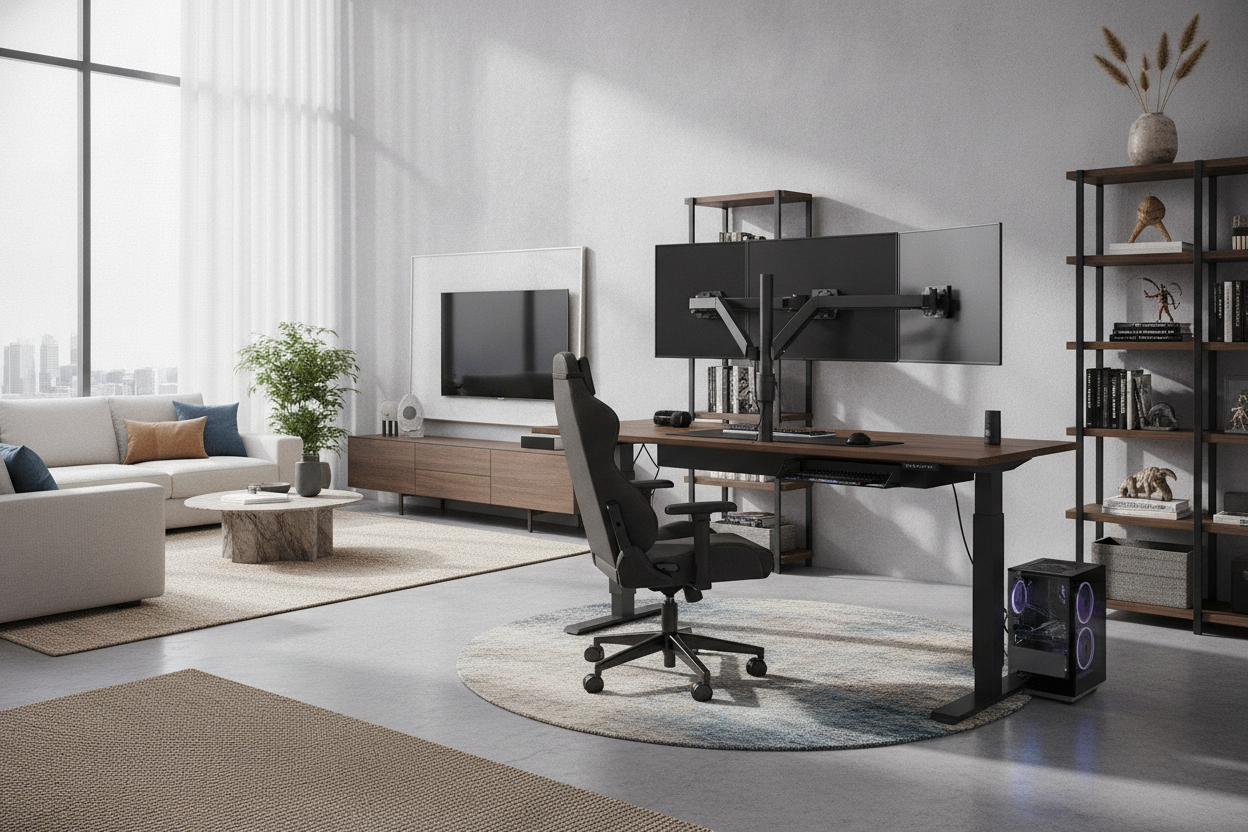
Introduction: Why Gaming Demands Unique Standing Desk Engineering
A standard sit-stand workstation works adequately for general typing and spreadsheet work, but a dedicated gaming battlestation places unique physical demands on height-adjustable furniture. Fast-paced gaming involves rapid, sweeping mouse motions, intensive mechanical keyboard inputs, and significant top-heavy loads from multi-monitor display arrays, studio audio monitors, and heavy desktop towers. When a desk rises to standing height, any minor structural weakness is magnified into distracting monitor bounce and surface wobble.
Finding the best gaming standing desk requires looking beyond basic elevation controls. Players must consider structural frame architecture, intentional surface zoning, clearance for clamp-based monitor arms, dynamic wire travel, and cohesive room organization. Balancing these structural factors ensures a seamless transition between focused, seated competitive sessions and energized standing play without sacrificing equipment stability or aesthetic harmony.
Core Evaluation Pillars for a High-Performance Standing Gaming Desk
Evaluating height-adjustable desks for gaming setups requires prioritizing stability, motor responsiveness, and user control. A desk that falters under the momentum of gameplay or struggles to lift heavy multi-panel displays quickly becomes frustrating.
Frame Architecture and Anti-Wobble Rigidity
Frame rigidity forms the foundation of any reliable gaming desk. When searching for the best standing desk for gaming, pay close attention to leg column geometry and base construction. Dual-stage or three-stage lifting columns with wide steel footplates provide a planted base that resists lateral shifting during high-intensity play.
Desks engineered with reinforced steel under-frame rails and solid desktop mounting brackets distribute weight evenly across the entire frame. This structural reinforcement minimizes harmonic resonance, preventing energetic keyboard strokes and rapid mouse tracking from translating into screen shake at elevated heights.
Motor Lift Systems and Memory Preset Management
Smooth, dependable motorized lift mechanisms are critical when supporting extensive peripheral arrays. High-performance dual-motor configurations offer synchronized lifting columns, resulting in quiet transitions and steady motion that keeps delicate liquid-cooled rigs and peripheral stands securely upright during adjustments.
Integrated digital controllers with programmable memory positions streamline the daily routine. Choosing an electric lift standing desk with memory presets allows you to store exact ergonomic heights for competitive seated sessions, casual controller play, and active standing streams with a single button press. Integrated collision detection provides essential peace of mind by halting movement if the desktop encounters an obstacle such as an armrest or under-desk cabinet.
Desktop Sizing Tiers: Matching Surface Dimensions to Your Battlestation
Desktop surface dimensions determine both hardware accommodation and physical movement freedom. Choosing the right surface tier depends on room layout, display configuration, and whether your PC chassis sits on the tabletop or nearby floor housing.
Compact Formats: Streamlined Single-Monitor and Console Setups
Compact standing desks suit smaller bedrooms, dedicated alcoves, or minimalist console and PC hybrid stations. These configurations focus on functional efficiency, providing enough depth for a single high-refresh-rate monitor, a tenkeyless mechanical keyboard, and a medium mousepad. Keeping the surface clutter-free in compact spaces relies on vertical accessories like headphone hooks and monitor arms.
Mid-Sized Formats: Dual-Monitor and Streaming Workstations
Mid-sized desktops represent the standard footprint for dedicated creators and esports enthusiasts. This tier easily accommodates dual-monitor setups, desktop microphone booms, stream controllers, and full-sized extended desk pads. The increased surface area allows users to separate active input zones from reference displays and utility hardware while preserving natural arm support.
Wide-Format Desktops: Triple Monitors and Heavy Tower Rigs
For expansive battlestations featuring ultra-wide panoramic screens, triple-monitor arrays, and full-tower PC enclosures, broad surfaces are essential. Selecting a wide height adjustable standing desk ensures ample perimeter space to display custom PC builds safely on the tabletop while preserving unrestricted mouse-glide zones for low-sensitivity gaming.
Ergonomics and Aesthetic Integration for Immersive Gaming
A gaming setup should support physical endurance while harmonizing with your personal room decor. Adopting an luxury PC gaming setup guide approach allows gamers to curate premium materials, ambient lighting, and ergonomic precision into an inspiring environment. Similarly, reviewing an aesthetic standing desk design framework helps maintain visual sophistication without compromising functional utility.
Sightlines and Monitor Arm Clamp Compatibility
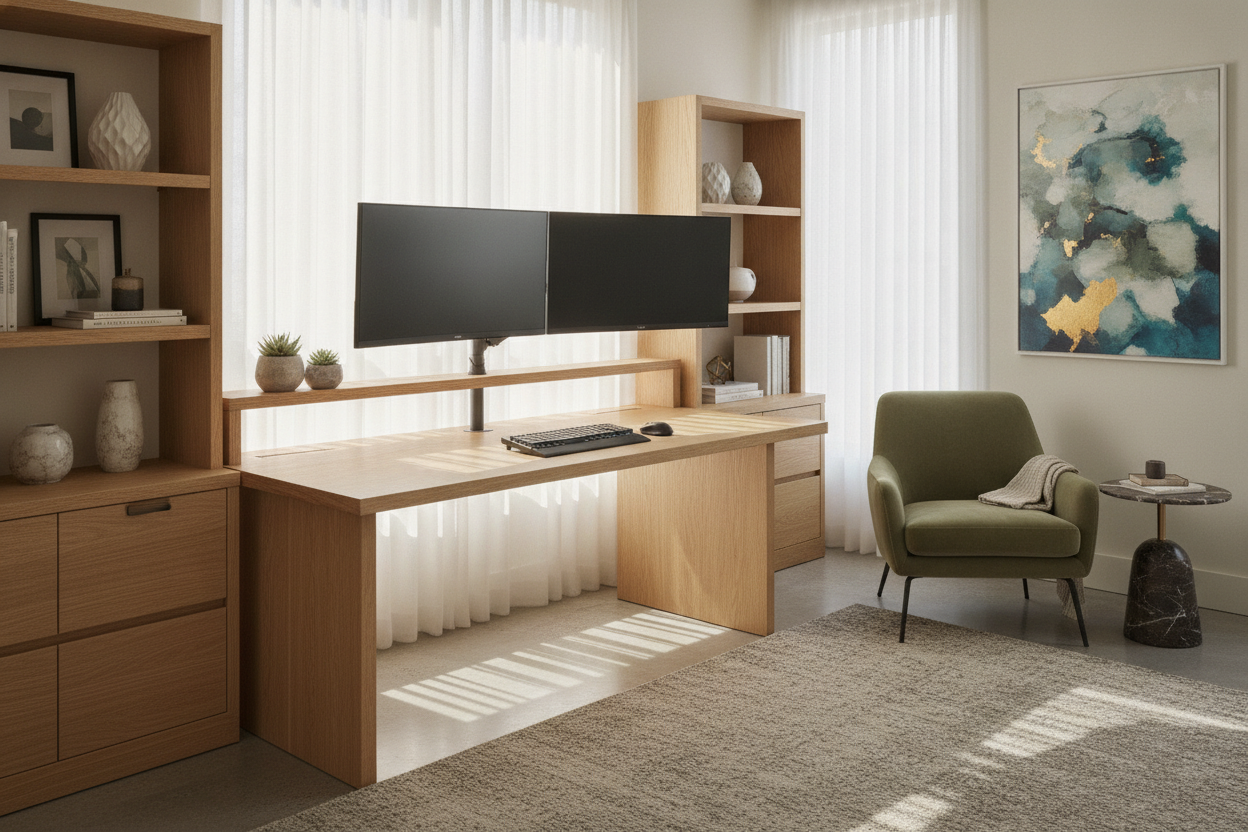
Optimal ergonomic positioning places the top third of your display at or slightly below eye level. Achieving this across both sitting and standing postures almost always requires heavy-duty monitor arms. Ensure that the desk surface features adequate rear edge overhang and structural strength to support heavy C-clamp and grommet mounting bases without bending or damaging the desktop material.
Surface Finishes: Matte, Textured, and Scratch Resistance
Desktop materials must withstand intense friction, heat dissipation, and daily wear. High-pressure laminates, durable powder-coated textures, and specialized matte finishes resist surface scratches and repel fingerprints. Matte and fine-textured surfaces also enhance optical mouse sensor tracking consistency when gaming without an oversized mousepad.
Dynamic Cable Management and Vertical Storage Harmony
Height-adjustable desks introduce dynamic movement to your wiring harness. As the desk ascends and descends, power cords, display cables, and peripheral connections must flex smoothly without snagging, pulling loose, or catching on nearby furniture.
Cable Routing Spine and Slack Calculation
Effective dynamic cable management begins with anchoring a high-capacity power strip directly to the underside of the desktop. Routing all monitor, PC, and peripheral cables into this shared under-desk tray ensures that only a single main power lead and network cable need to travel from the desk to the wall outlet. Using articulated cable spines or flexible braided sleeves protects traveling lines from strain across the desk's entire movement range.
Integrated and Surrounding Storage Solutions
Because standing desks lack traditional fixed pedestals, auxiliary storage must be planned carefully. Pairing your setup with a gaming desk with integrated charging and storage or utilizing mobile under-desk drawer units provides accessible organization for game controllers, extra cables, headsets, and physical media. Mobile storage units slide easily beneath the desk during seated work and stay out of the way when the frame is elevated.
Summary Checklist: Selecting Your Ideal Standing Gaming Desk
Choosing the best standing gaming desk comes down to balancing structural engineering with setup requirements. Keep this evaluation checklist in mind as you plan your battlestation:
- Structural Stability: Look for heavy-gauge steel legs, wide feet, and reinforced subframes that prevent horizontal monitor wobble during gameplay.
- Motor Quality: Select smooth lifting systems with customizable memory presets and safety collision detection.
- Surface Sizing: Match desk width and depth to your monitor count, audio hardware, and desktop tower placement.
- Monitor Mounting: Verify rear edge clearances and desktop core durability for secure monitor arm clamping.
- Dynamic Cable Routing: Plan under-desk power distribution and cable slack management to ensure seamless height transitions.
- Coordinated Storage: Pair height-adjustable frames with mobile drawers, under-desk trays, or floating shelving to keep your gaming surface organized.

Dejar un comentario
Este sitio está protegido por hCaptcha y se aplican la Política de privacidad de hCaptcha y los Términos del servicio.