










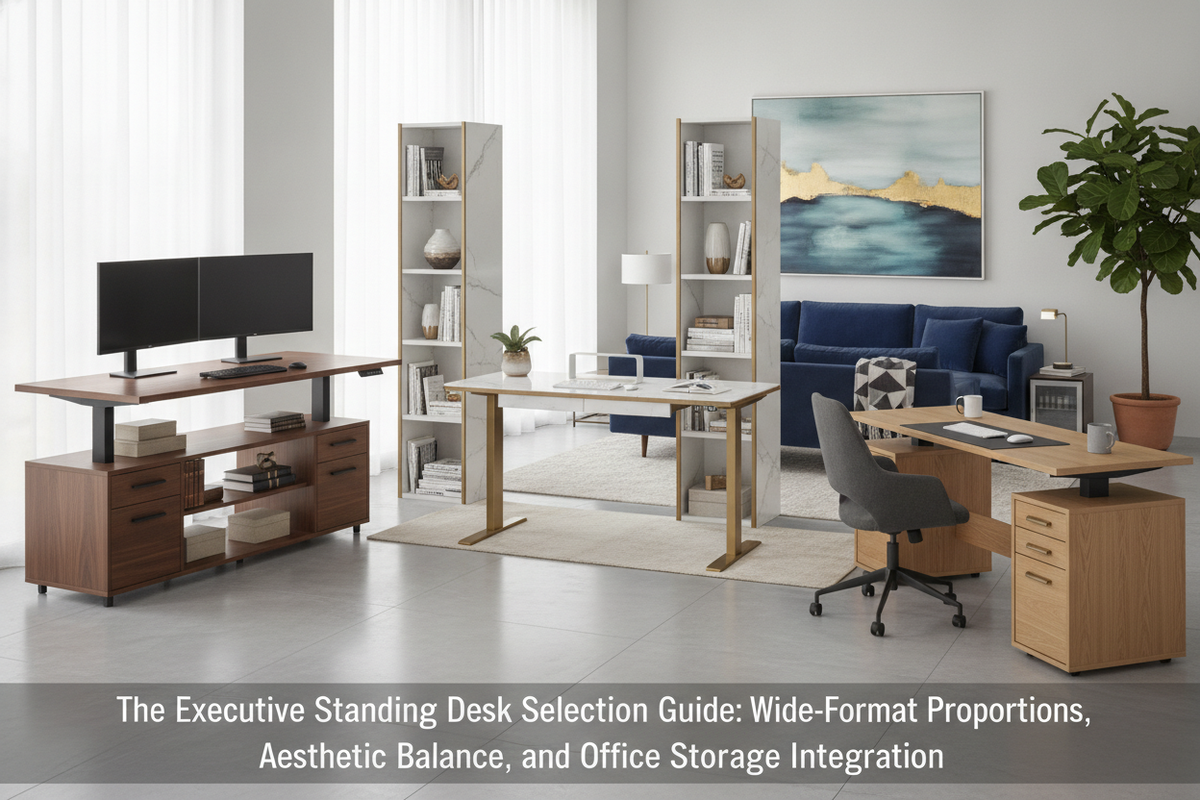
Traditional executive office design has long been defined by substantial furniture: heavy timber credenzas, wraparound modesty panels, and massive double-pedestal desks that convey permanence and authority. However, modern professional routines require greater adaptability. Active posture shifts, multi-display digital workflows, and collaborative meetings have spurred interest in executive standing desks that combine the commanding presence of traditional workspaces with fluid height adjustability.
Integrating dynamic elevation into a formal workspace presents distinct design considerations. When designing a standing desk setup that actually looks good, the primary goal is avoiding the stark, lightweight appearance of basic open-frame office furniture while preserving smooth sit-to-stand transitions and robust desktop capacity.
What Defines an Executive Standing Desk?
An executive-class height-adjustable desk differs from standard sit-stand furniture across several fundamental attributes: proportion, material balance, and spatial presence. Standard height-adjustable desks often prioritize compact footprints suited for modular benching or tight nooks. In contrast, an executive model is proportioned to anchor a dedicated private office or expansive open suite.
Key distinguishing characteristics include:
- Expanded Surface Real Estate: Wide-format spans provide distinct zones for multi-monitor arrays, formal conferencing space, and reference paperwork without visual crowding.
- Substantial Architectural Profile: Wider footings, heavier leg columns, and deep tabletop profiles prevent the workstation from appearing fragile against surrounding executive cabinetry.
- Clean Visual Sightlines: Strategic wire concealment channels and cohesive finish options ensure the desk looks refined from both the user's vantage point and across the room during client meetings.
Surface Dimensions and Spatial Geometry for Executive Offices
Choosing the proper desktop dimensions requires evaluating both the user's peripheral workstation needs and the architectural balance of the room. In an executive setting, a desk that is too narrow appears out of place, while one that is disproportionately deep can impede natural movement.
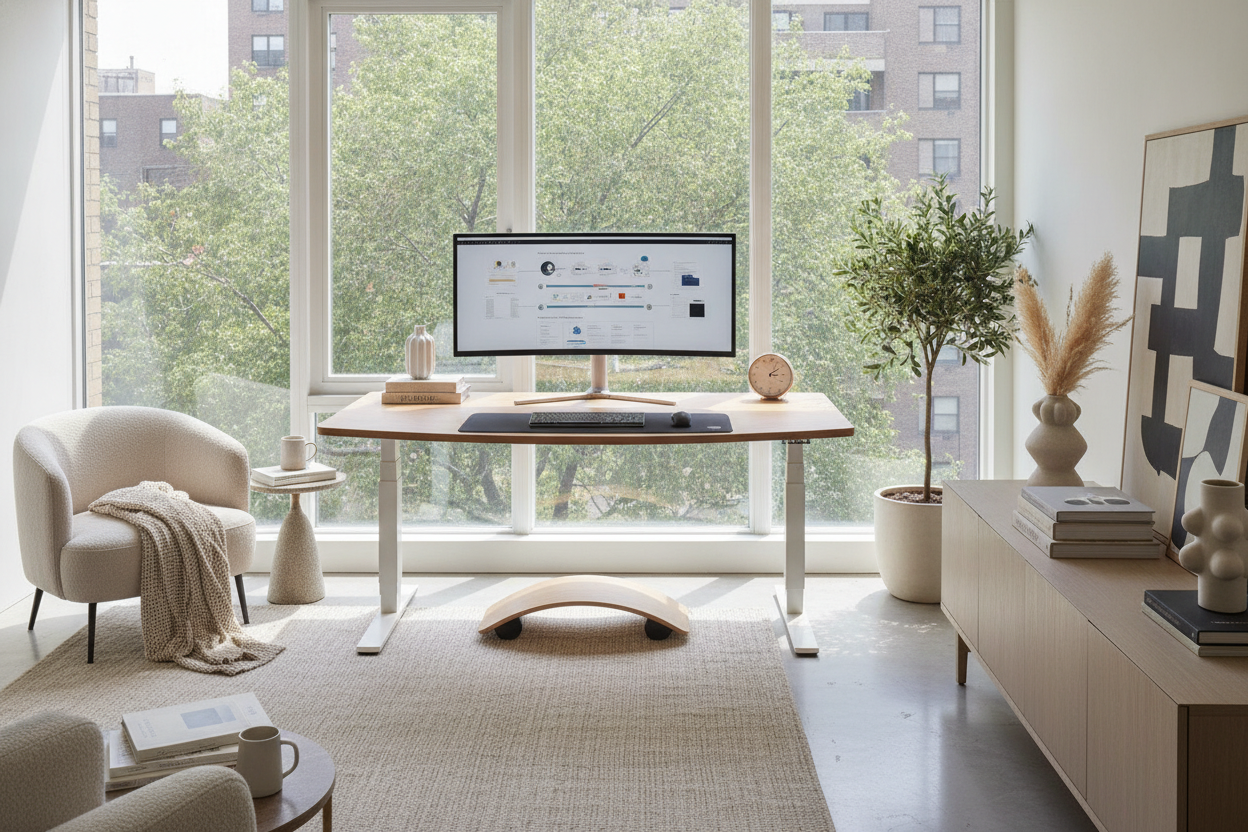
For dedicated executive suites, an expansive footprint such as a 71 w height adjustable standing desk provides ample room for primary and secondary ultrawide screens alongside dedicated areas for physical signing and analog planning. When mapping out the desk's placement, consider three key spatial boundaries:
- Dynamic Vertical Envelope: Ensure overhead artwork, floating shelves, or wall-mounted monitors have adequate clearance when the desktop reaches maximum standing height.
- Wall Offsets and Perimeter Gaps: Maintain a consistent buffer between the desktop edges and perimeter walls to prevent accidental contact with wall paneling or window treatments during elevation.
- Chair Travel and Meeting Clearance: Allow generous clearance behind the desk for executive seating travel, as well as comfortable approach distance for guest chairs facing the desk.
Structural Stability and Frame Architecture Under Heavy Loads
As desktop dimensions increase, maintaining rock-solid rigidity at standing height becomes increasingly important. Wide desktop surfaces exert greater leverage on the underlying frame, particularly when supporting dual monitor arms, heavy desk accessories, and structural desktop materials.
To maintain exceptional stability, executive-tier systems rely on reinforced multi-stage leg columns and robust motor arrangements. Selecting a platform such as an sit stand desk product enables effortless height changes while keeping dynamic loads level and secure. Programmable preset interfaces allow users to return precisely to calibrated sitting and standing heights with minimal distraction during focused work.
Executive Layouts and Spatial Zoning in Dedicated Rooms
The positioning of an executive desk influences the tone and workflow of the entire room. While standard desks are frequently pushed against a wall to simplify cable routing, an executive desk often commands a floating position centered within the room or angled toward entry sightlines.
When planning your room layout, exploring elevate your space designer ideas for standing desk layouts can help reconcile dynamic height adjustments with balanced room flow. Consider the following layout principles:
- Floating Center Layouts: Placing the workstation away from walls creates an authoritative visual anchor. However, this orientation requires under-floor power access or low-profile floor raceways to maintain clean cord paths.
- Perimeter Zoning: Positioning the desk perpendicular to window walls maximizes natural lighting while keeping direct glare off large screens during video conferences.
- Sightline Ethics: When the desk is elevated, screen backs and under-desk mechanisms become visible to guests. Ensuring back-panel neatness and discreet wire routing maintains a polished, professional atmosphere.
Storage Coordination and Cable Architecture for a Polished Finish
One of the primary differences between classic pedestal desks and modern adjustable frames is the absence of attached under-desk drawers. Because the desktop moves dynamically, fixed floor pedestals cannot be directly fastened beneath the surface without restricting downward travel.
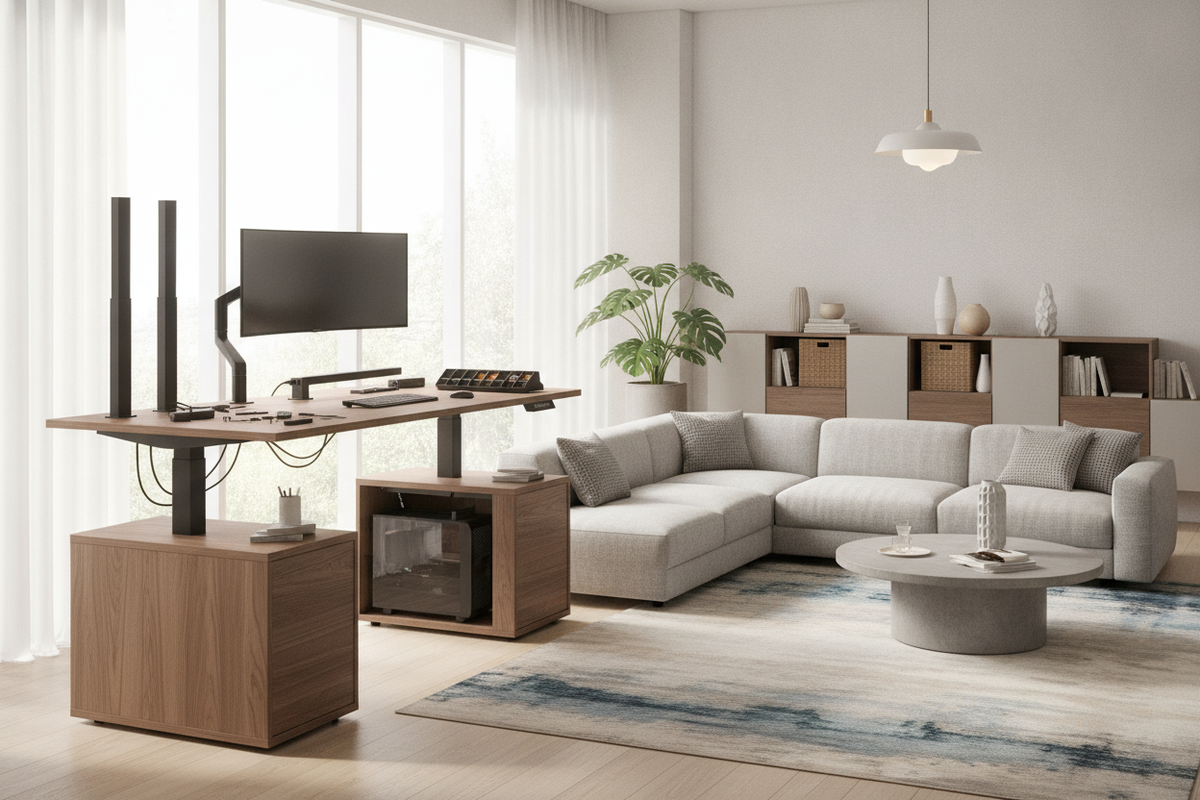
To retain ample filing and office organization, pair a versatile sit-stand executive desk with low-profile mobile filing pedestals, coordinated lateral credenzas, or freestanding modular shelving placed along the perimeter. Always measure the lowest point of your desk's downward travel to verify that mobile units stored under the surface will not collide with the moving tabletop or crossbar structure.
Cable architecture is equally essential to achieving an executive finish. Dynamic height changes require a flexible wire harness or articulated cable spine that guides power and display lines smoothly from the floor to the tabletop undercarriage. Under-desk trays, magnetic wire channels, and integrated grommets keep power strips and transformer bricks completely hidden from view.
Decision Checklist: Selecting the Right Executive Standing Desk
Before selecting and configuring your workstation, review this planning checklist to ensure optimal proportions and functional balance:
- Room Scale: Does the desktop width complement the room dimensions without crowding entryways or architectural millwork?
- Frame Support: Is the frame architecture engineered for wide-format surfaces to minimize wobble at standing height?
- Coordinated Storage: Have you planned low credenzas or mobile pedestals to house paperwork and office supplies that previously lived in fixed desk drawers?
- Cable Concealment: Are cable spines, raceways, and power entry points planned to accommodate full vertical travel cleanly?
- Clearance Margins: Have you verified vertical clearances against window sills, wall art, and ambient lighting fixtures?
By thoughtfully pairing wide-format surfaces, heavy-duty frame stability, and integrated auxiliary storage, modern executive standing desks provide an active, ergonomic workflow while preserving the dignified visual presence required in high-level workspaces.

Dejar un comentario
Este sitio está protegido por hCaptcha y se aplican la Política de privacidad de hCaptcha y los Términos del servicio.