










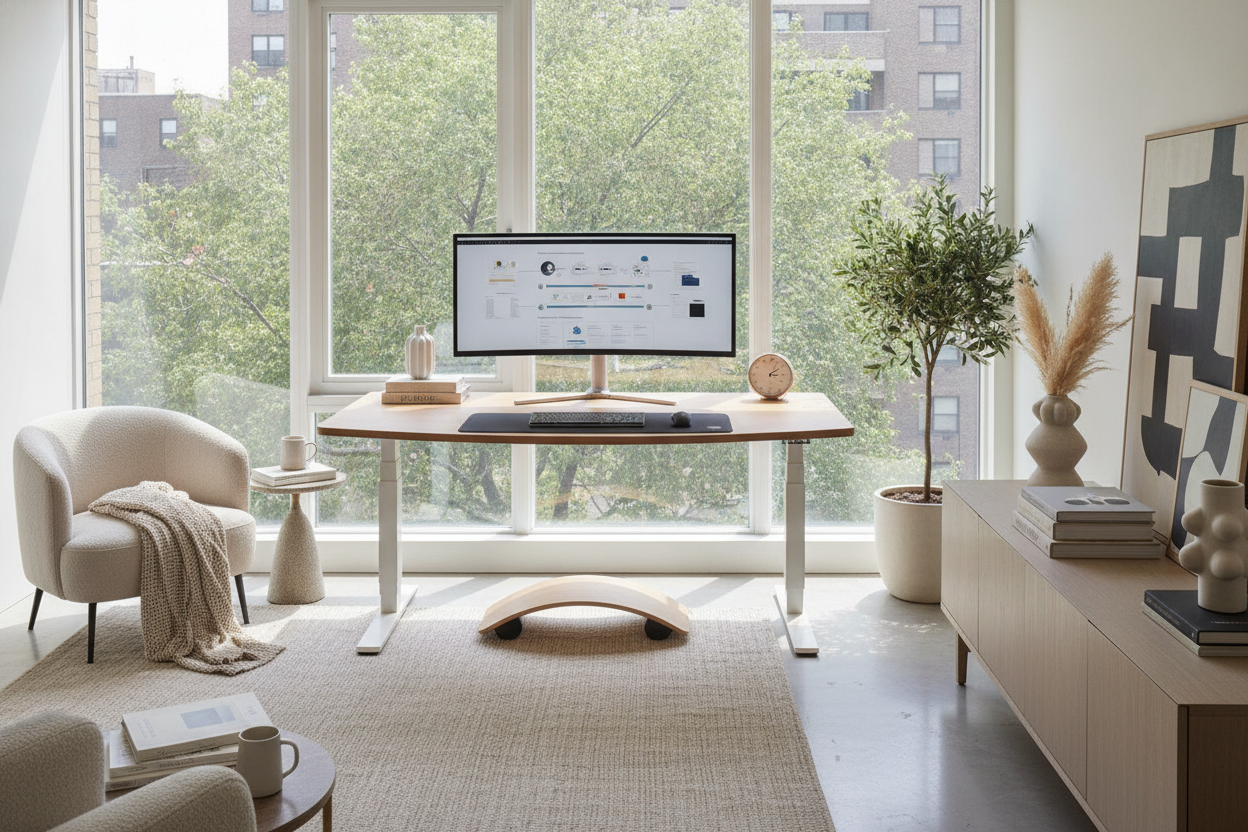
When planning a home office or upgrading an existing workstation, many people ask: are standing desks really better for you? The modern workstation conversation often swings between two extremes, painting prolonged sitting as inherently flawed while treating standing as an immediate remedy. In practice, workstation ergonomics and physical comfort depend on balanced, dynamic movement rather than swapping one static position for another.
Understanding the Reality: Are Standing Desks Really Better for You?
To evaluate whether are standing desks really better in day-to-day use, it helps to dismantle common assumptions about all-day standing. Standing upright in one fixed spot for hours can cause physical fatigue in the legs and lower back just as rigid seated positions do. The primary advantage of an adjustable workstation is adaptability. Rather than locking the body into a single posture, a height-adjustable model enables continuous transitions between seated focus and upright engagement.
For those curating a functional workspace, exploring thoughtful standing desk guide techniques helps maintain visual warmth while integrating flexible ergonomics into everyday room layouts.
Dynamic Posture vs. Static Standing: The Ergonomic Balance
When asking should i use a standing desk, the answer depends on your willingness to adopt varied posture habits. Achieving ergonomic harmony requires paying attention to key physical touchpoints:
- Forearm and Elbow Alignment: In both seated and standing heights, your elbows should rest comfortably at roughly ninety-degree angles, allowing wrists to stay relaxed along the working plane.
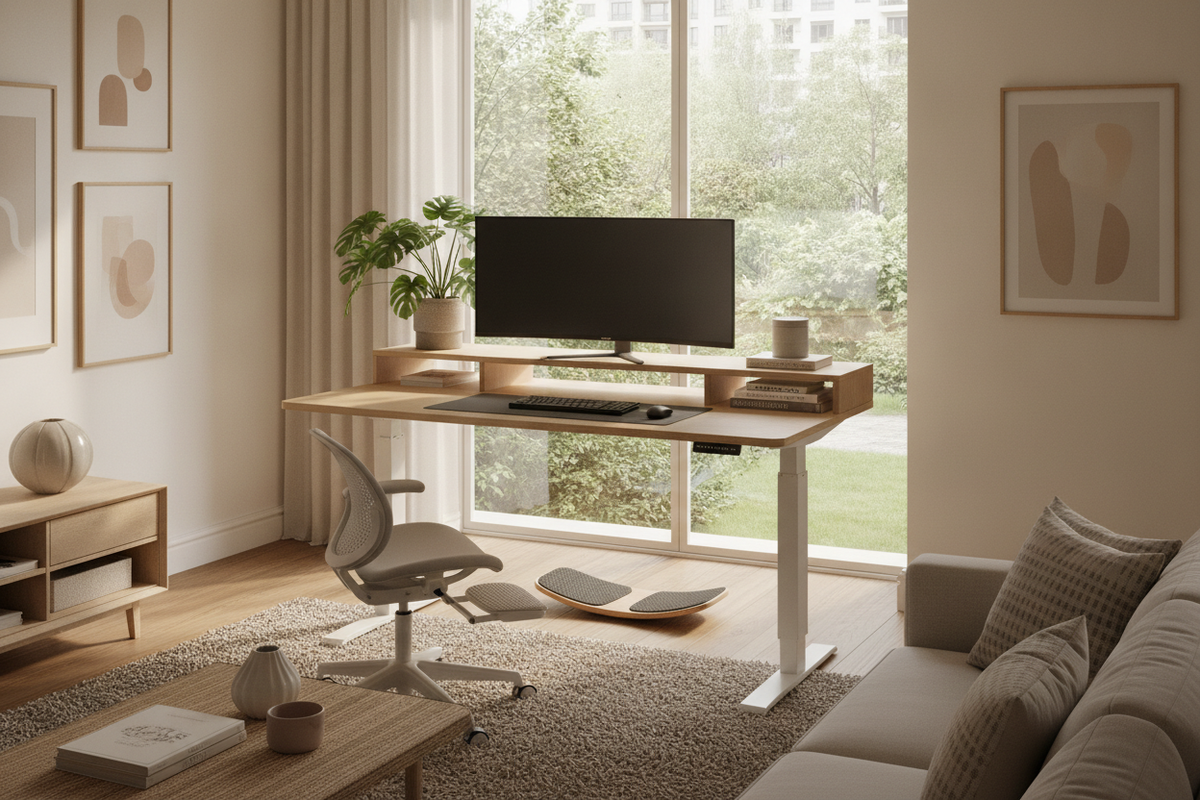
- Sightlines and Screen Height: Eye-level viewing prevents head tilting and neck strain. Using an adjustable monitor riser or arm ensures your display tracks smoothly with your desk elevation.
- Intentional Interval Switching: Shifting between sitting and standing throughout the workday keeps physical energy balanced and prevents muscle stiffness.
Investing in an standing desk product allows you to save exact height preferences, making quick posture shifts seamless and consistent throughout the day.
Surface Sizing, Load Stability, and Frame Dynamics
Surface stability is a critical factor when determining if an adjustable workstation fits your routine. Because elevated desktop surfaces experience increased leverage, selecting a well-engineered frame prevents screen wobble during active typing. Structural stability relies on wide telescoping steel columns, sturdy bottom footings, and smooth motor synchronization.
Workspace surface dimensions also dictate daily utility. For multi-monitor setups, graphic design stations, or reference-heavy paperwork, a generous tabletop such as a 71 w height adjustable standing desk provides ample real estate for hardware without crowding peripheral task areas. Similarly, a wide-format super sized standing desk with electric lift 63x31 5pc desktop ensures that audio monitors, desktop organizers, and secondary laptops remain organized and stable across height transitions.
Spatial Planning: Vertical Clearance and Room Architecture
Integrating an adjustable workstation into a room requires careful vertical spatial planning. When raising a desk, hardware and monitors move upward through air space that is often occupied by wall decor, hanging art, or window ledges.
Before establishing your desk location, consider these spatial factors:
- Vertical Clearance: Check for low wall-mounted shelving, hanging sconces, or window sills that could obstruct the desk surface at maximum height.
- Cable Harness Slack: Power cables and monitor leads must have sufficient slack to travel the full vertical distance without tension or snagging on nearby edges.
- Perimeter Foot Traffic: Allow adequate walking clearance around the desk base so foot traffic remains unobstructed when standing mats or adjustable stools are deployed.
For deeper interior coordination strategies, reviewing our guide on standing desk guide arrangements offers practical advice on blending motorized frames into harmonious residential layouts.
Storage Solutions for Height-Adjustable Workstations
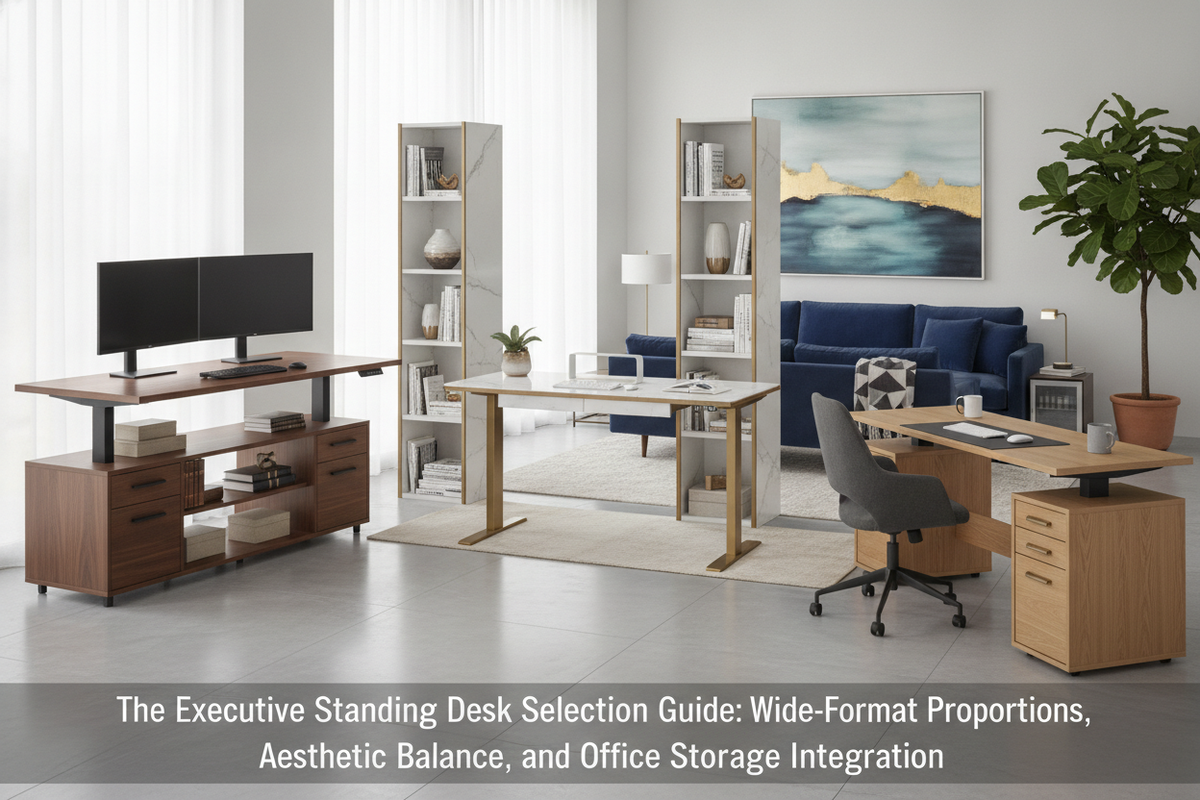
One trade-off of motorized standing desks is the absence of traditional integrated pedestal drawers. Because the frame must remain open to facilitate vertical telescoping, under-desk box drawers are replaced with open space. Maintaining an organized, clutter-free environment requires thoughtful perimeter storage planning.
Pairing your adjustable desk with low-profile mobile filing carts, credenzas, or freestanding modular shelving ensures paperwork and office supplies remain readily accessible. Position standalone storage cabinets adjacent to the desk travel path so vertical movement remains clear while keeping necessary equipment within arm's reach.
Decision Matrix: Who Benefits Most from an Adjustable Desk?
Ultimately, determining whether an adjustable desk suits your lifestyle comes down to your daily work habits and space requirements:
- Multi-User Households: Shared workspaces benefit significantly from programmable height memory, accommodating multiple family members of varying heights comfortably.
- Active Computer Workers: Professionals spending long consecutive hours at screens gain the most comfort from routine intervals of sitting and standing.
- Focused Seated Roles: If your work involves delicate physical tasks, fine-detail drafting, or short intermittent desk sessions, a fixed-height executive desk paired with a high-end ergonomic chair may remain a completely adequate alternative.
By balancing dynamic movement, stable frame construction, and intentional storage planning, a height-adjustable desk becomes a versatile foundation for a comfortable, organized workspace.

Dejar un comentario
Este sitio está protegido por hCaptcha y se aplican la Política de privacidad de hCaptcha y los Términos del servicio.