










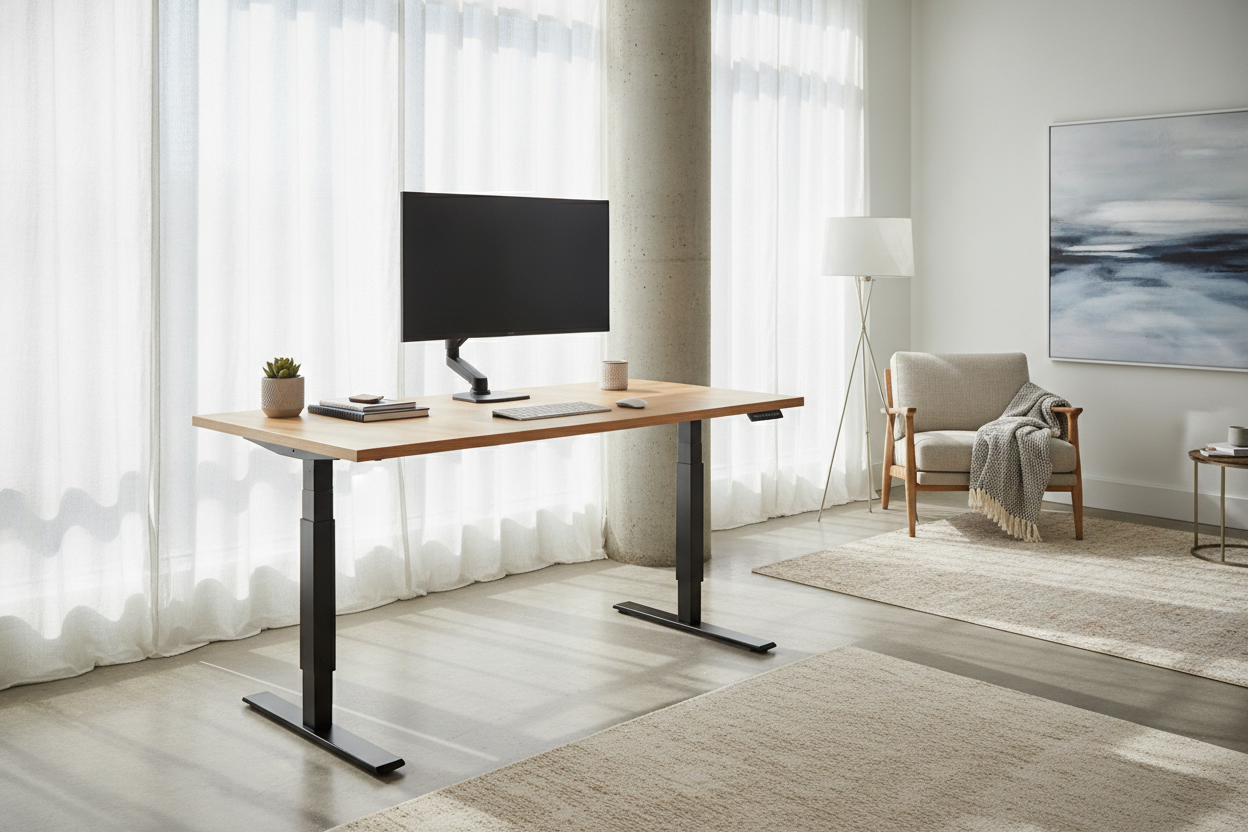
I remember the day my first motorized workstation arrived. I had spent weeks comparing motor speeds and weight limits, convinced that a 48-inch standing desk was the peak of ergonomic luxury for my spare bedroom. Then I actually set it up. I put my 27-inch monitor in the center, flanked it with my laptop on a stand, and suddenly my coffee mug was a liability. My notebook was hanging off the front edge like a cliffhanger, and I had exactly zero inches left for a lamp or a microphone arm.
Quick Takeaways
- Standard 48-inch desks are built for laptop-only users, not multi-monitor setups.
- A cramped surface increases visual clutter, which kills focus faster than a bad chair.
- Extra-long desks provide the leverage needed to reduce the dreaded 'monitor wobble.'
- Measure your 'reach zone' with painter's tape before you click buy.
The 48-Inch Trap (And Why I Fell For It)
The industry standard for an at home standing desk usually hovers around 48 inches wide. On a website with a white background and no peripherals, it looks massive. It looks like enough space to launch a small startup. But once you factor in the 6 inches of clearance you need for cables and the footprint of a modern monitor base, that real estate vanishes. I found myself constantly shuffling my keyboard just to find a spot to rest my wrists.
If you are a true minimalist who only works off a single laptop, maybe you can get away with a smaller footprint. In those cases, some people even find that an adjustable standing tabletop desk serves them better by keeping the footprint tight. But for the rest of us—the people with dual monitors, external speakers, and a dedicated webcam—48 inches is a trap. It forces you into a 'cockpit' layout where you can barely move your elbows without knocking over a pen cup.
Dual Monitors on a Raised Desk Stand = Instant Chaos
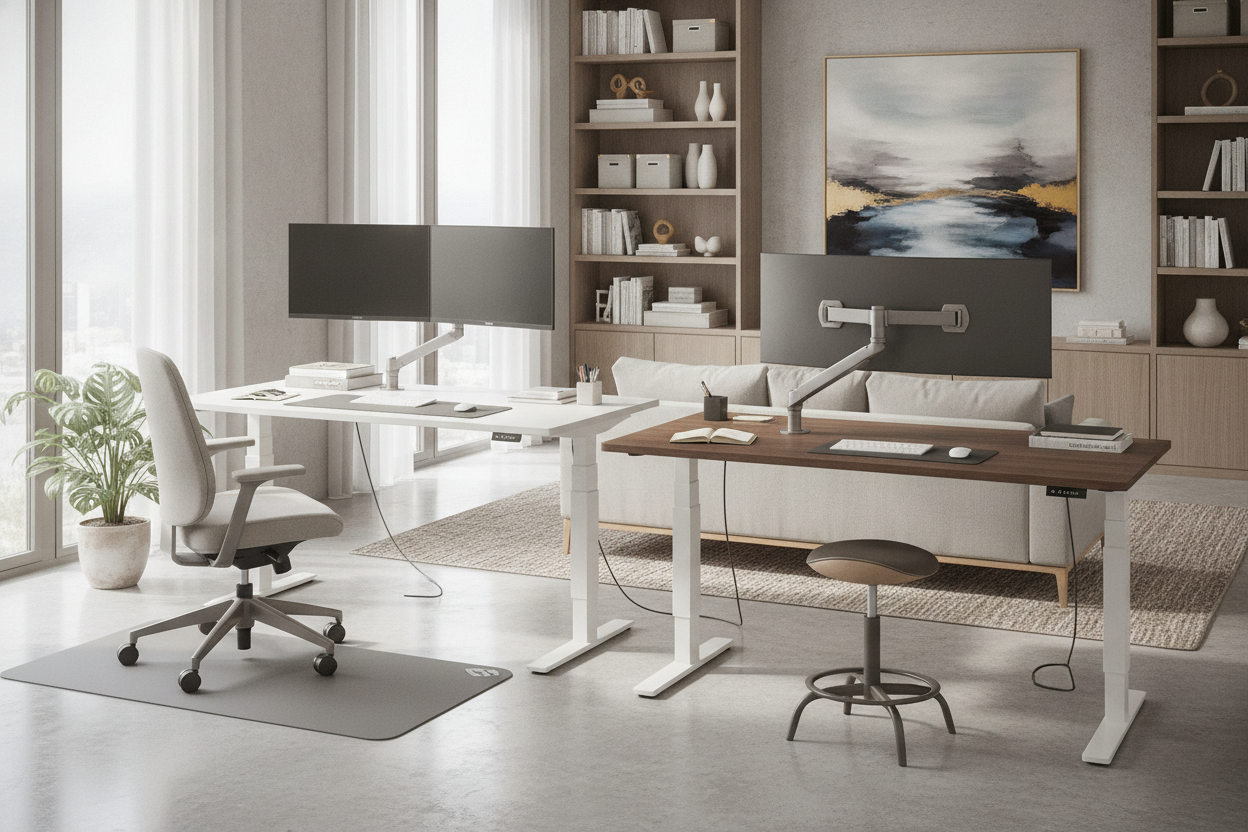
When you transition to an adjustable height desk, physics becomes your new best friend (or worst enemy). On a standard-width desk, dual monitors usually have to be angled sharply inward. This creates a visual wall that makes your office feel smaller. Even worse is the stability issue. Most single standing desk frames are stable at sitting height, but when you raise them to eye level, the center of gravity shifts.
On a narrow raised desk stand, every keystroke can send a tiny vibration up the legs. If your monitors are heavy and your desk is short, those screens will wobble. It is subtle, but after four hours of staring at a vibrating spreadsheet, you will have a headache that no amount of Ibuprofen can fix. A wider frame inherently provides a more stable base, spreading the weight of your gear across a larger footprint and dampening that annoying oscillation.
Why I Finally Caved and Bought an Extra Long Standing Desk
The turning point for me was when I realized I was using a separate side table just to hold my printer and my charging dock. It defeated the whole purpose of having a clean, automated desk setup. I finally upgraded to a massive 71-inch work surface, and the difference was night and day. Having a long standing desk meant I could finally separate my 'deep work' zone from my 'admin' zone.
I chose the 71 W Height Adjustable Standing Desk because it allowed me to keep my primary monitors centered while still having a full 20 inches of flat space on the right for sketching and analog notes. An extra long standing desk doesn't just hold more stuff; it provides mental breathing room. It stops feeling like a piece of office equipment and starts feeling like a piece of high-end furniture. Plus, an elevated computer desk with that much width looks significantly more balanced in a room than a tiny, spindly pedestal.
Is the Higher Stand Desk Price Actually Worth It?
I get it—the stand desk price jumps significantly once you move past the 55-inch mark. You might be looking at an extra $150 to $300 for those extra inches. But here is the math I used to justify it: if you buy a small desk and realize it's too cramped, you'll end up buying a filing cabinet, a side table, or a monitor arm to compensate. You'll easily spend that $200 on 'solutions' for a problem that a larger desk would have solved out of the box.
An automated desk is a long-term investment. You aren't just buying a slab of wood; you're buying the motor and the legs that will hopefully last you a decade. It is much cheaper to buy the 'forever desk' once than it is to buy a 'starter desk' and then have to deal with the hassle of selling it on Facebook Marketplace six months later when you realize your elbows are hitting the walls.
How to Measure Your Space Before You Upgrade
Before you commit to a massive stand up table, you need to be honest about your room's dimensions. Take some painter's tape and mark out the exact footprint on your floor. Walk around it. Open your closet doors. If a 71-inch desk blocks your path, don't force it. You might find that a mid-sized option, like an electric lift system 54 desk, is the 'Goldilocks' zone for your specific corner.
Remember that a standing desk long enough to hold three monitors also needs enough clearance for the legs to move freely without hitting baseboards or curtains. If you have the room, go big. If you don't, prioritize a deeper desk over a wider one to keep your monitors at a healthy distance from your eyes. My only regret in my home office journey wasn't spending the money—it was waiting two years to finally admit that my 'compact' setup was actually just a cluttered mess.
FAQ
How much weight can a standing electric desk actually hold?
Most mid-range motors handle between 150 and 250 pounds. That sounds like a lot, but a solid wood top and three monitors get you to 100 pounds faster than you think. Always check the motor's lift capacity before adding heavy desktop speakers.
Do I need a special mat for a standing desk?
Yes. Standing on flat hardwood or carpet for four hours will kill your lower back. Get a contoured foam mat that encourages you to shift your weight. It makes the 'standing' part of the desk actually sustainable.
Is assembly difficult for a long standing desk?
The legs are easy; the desktop is the heavy part. If you’re going over 60 inches, get a friend to help you flip the desk over once it’s assembled. Doing it solo is a great way to scratch your walls or strain your back.

Dejar un comentario
Este sitio está protegido por hCaptcha y se aplican la Política de privacidad de hCaptcha y los Términos del servicio.