










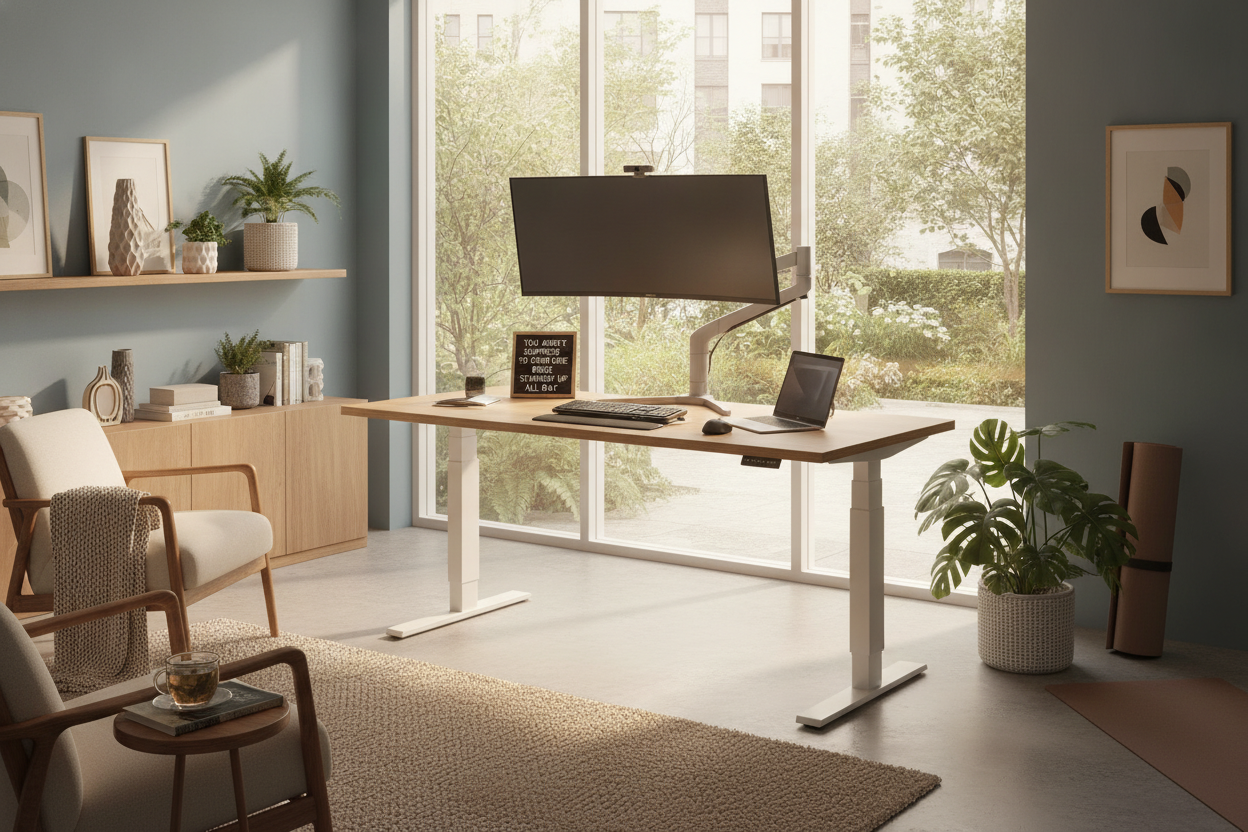
I remember the day my first motorized frame arrived. I was so tired of my midday slump that I vowed to never sit again. I spent the first four hours of my shift standing like a sentry, convinced I was fixing my posture forever. By 2 PM, my calves were throbbing, my lower back felt like it had been folded in half, and I was back on the couch with my laptop. Using a computer desk standing up is a skill, not just a purchase.
Quick Takeaways
- Standing for 8 hours straight is just as bad for you as sitting for 8 hours.
- The transition should be gradual; start with 15-minute intervals.
- Electric motors are essential because manual cranks discourage frequent movement.
- Monitor height must be adjusted independently when you stand to avoid neck strain.
The 8-Hour Standing Myth
There is this toxic productivity idea that sitting is 'the new smoking' and that a computer desk for standing up is the cure-all. People buy these desks and immediately try to throw away their office chairs. Don't do that. Your body isn't designed to be a statue in either direction.
When you move from a traditional writing computer desk to an active setup, you are introducing new pressures to your joints. Standing all day leads to blood pooling in the legs and varicose veins. The goal isn't to stand indefinitely; it's to stop being static. A desk is a tool for movement, not a podium for a marathon.
Why Your Body Rejects the Sudden Change
If you go from zero to one hundred, your body will rebel. Most people who get a computer lift desk make the mistake of locking their knees. This puts an incredible amount of stress on your lower back and hip flexors. Within a week, the desk stays in the 'down' position permanently because the 'up' position is associated with pain.
You also have to consider your footwear. Standing on a hardwood floor in socks for six hours is a recipe for plantar fasciitis. I learned this the hard way after a month of heel pain that made me regret my entire home office renovation. If you're going to use a standing table computer, you need an anti-fatigue mat or supportive shoes.
The 20-8-2 Rule (How to Actually Do This)
The most effective way to use a rising desktop is to follow the 20-8-2 rule. This ergonomic framework suggests sitting for 20 minutes, standing for 8 minutes, and moving or stretching for 2 minutes. It sounds like a lot of switching, but it keeps your metabolism active and your spine neutral.
I personally use a timer to keep myself honest. Following specific rules for the best standing desk set up ensures you don't get 'flow state fatigue' where you look up and realize you've been standing for three hours and your ankles are swollen. Movement is the medicine, not the verticality itself.
Don't Forget Your Screen Height Changes
When you stand, your spine elongates and your shoulder blades drop. If you use a standing desk for pc with a fixed monitor, you’ll likely find yourself tilting your head down to see the screen. This creates 'tech neck' even while you're standing. You need your monitor at eye level, which is usually higher relative to your elbows when you're standing than when you're sitting.
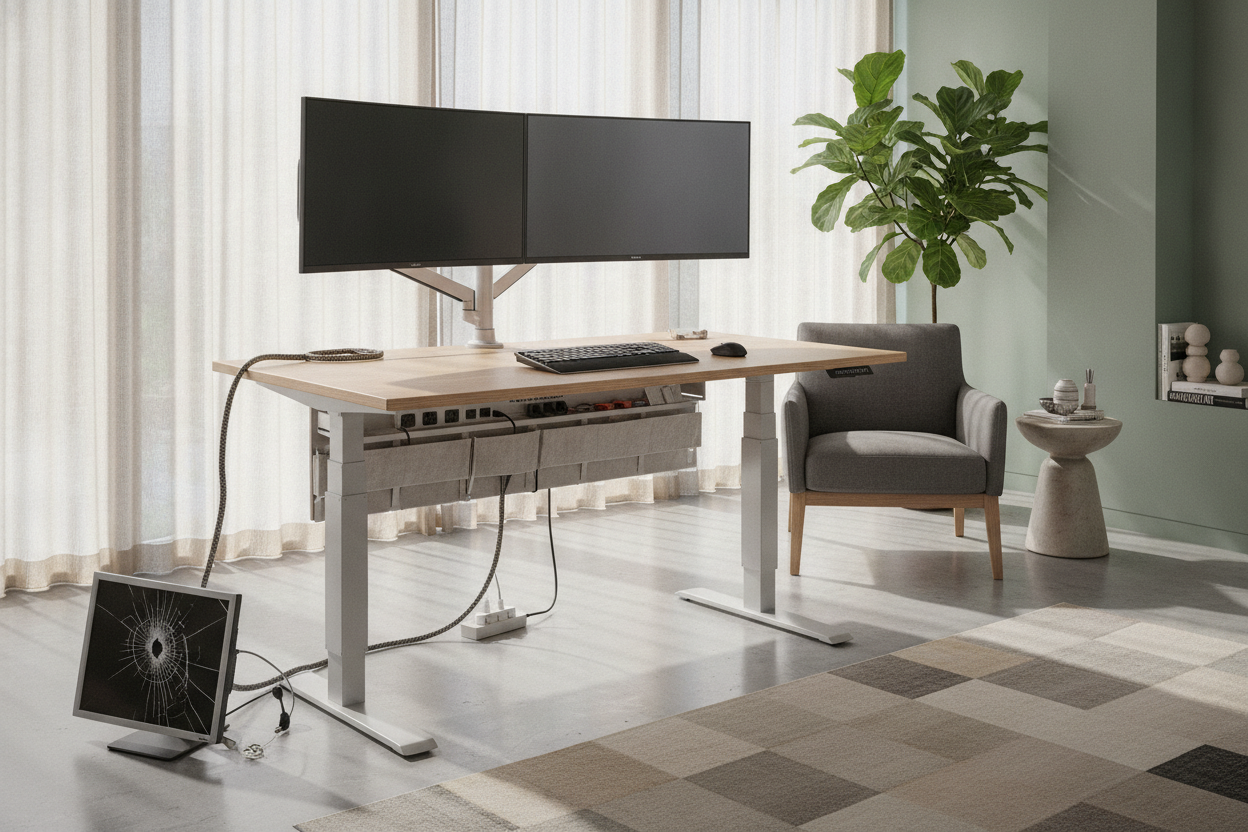
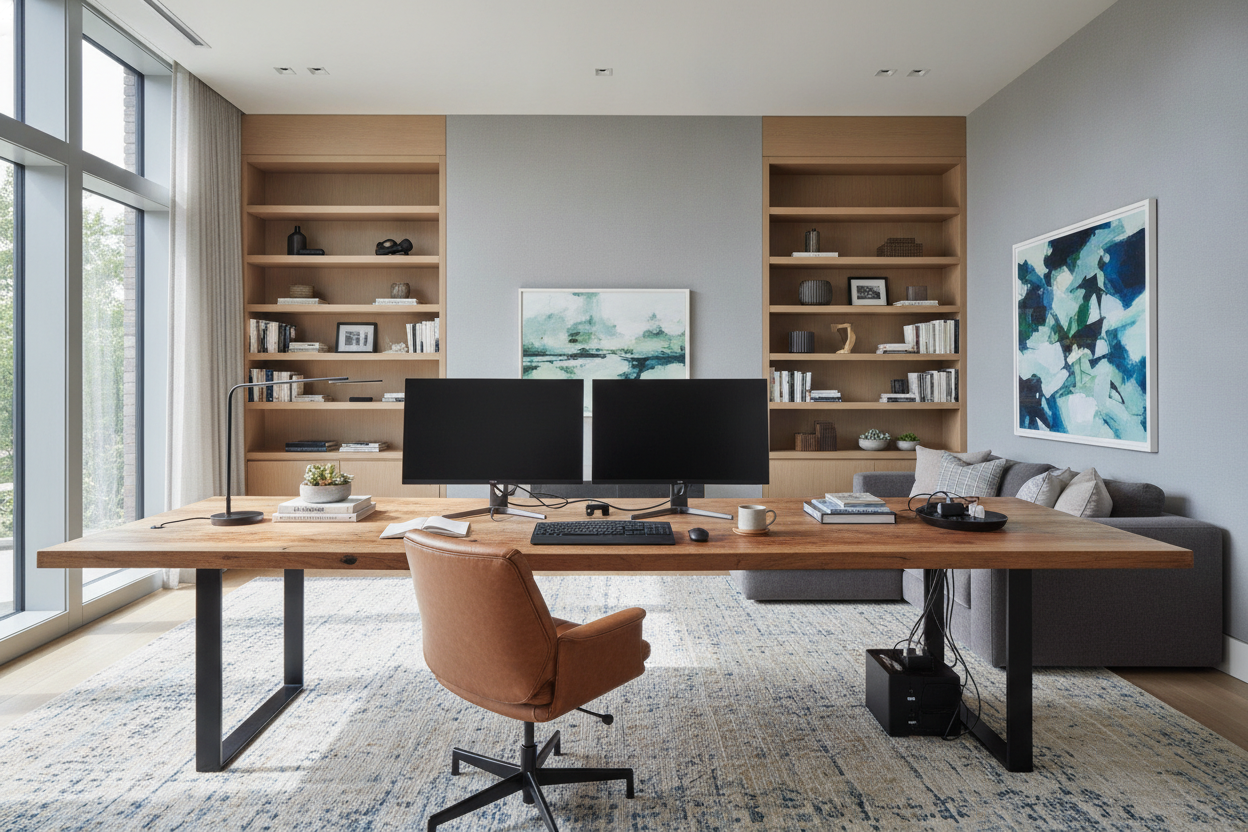
For those with multi-monitor setups, space is your best friend. I recommend a super sized standing desk because it gives you the depth needed for adjustable monitor arms. Without those arms, you are constantly compromising your neck health just to keep your feet on the floor.
Why Manual Cranks Will Ruin the Habit
If you have to manually crank a handle 40 times to go from sitting to standing, you won't do it. It’s that simple. A standing desk electric adjustable model is the only way to ensure you actually stick to the habit. The friction of a manual desk is enough to keep you sitting all day, defeating the entire purpose of the investment.
Look for a motor that is quiet and smooth. You don't want your coffee sloshing every time you change heights. Checking the specs for a good standing desk will help you find a motor that can handle the weight of your PC tower and monitors without whining or stuttering under the load.
My Favorite Hack? Memory Presets
A computer desk motorized with memory buttons is the ultimate luxury that isn't actually a luxury—it's a necessity. It takes about 30 seconds to find your 'perfect' height manually, but with a preset, it takes one tap. This eliminates the 'fiddling' phase where you're trying to get your elbows at exactly 90 degrees.
I always recommend a standing desk with electric lift system specifically for those presets. I have one for my 'active' standing height and one for my 'stool' height. It makes the transition seamless so I can stay focused on my work instead of my furniture.
Personal Experience: My Biggest Mistake
The biggest mistake I ever made was buying a cheap, wobbly standing converter that sat on top of my old desk. It shook every time I typed, and the keyboard tray was so narrow my mouse kept falling off. I eventually realized that if the workstation doesn't feel solid, you'll never want to use it. Investing in a dedicated motorized frame changed everything. It felt like a real piece of furniture, not a science project.
Frequently Asked Questions
Do I need an anti-fatigue mat?
Yes. If you are standing on anything other than thick carpet, your heels will kill you after 30 minutes. A beveled-edge mat is best so you don't trip over it.
How high should the desk be?
Your elbows should be at a 90-degree angle when your hands are on the keyboard. Your shoulders should be relaxed, not bunched up toward your ears.
Can I just use a bar stool?
A drafting chair or a specialized stool is a great middle-ground. It allows you to 'perch,' which keeps your core engaged without putting full weight on your feet.

Dejar un comentario
Este sitio está protegido por hCaptcha y se aplican la Política de privacidad de hCaptcha y los Términos del servicio.