










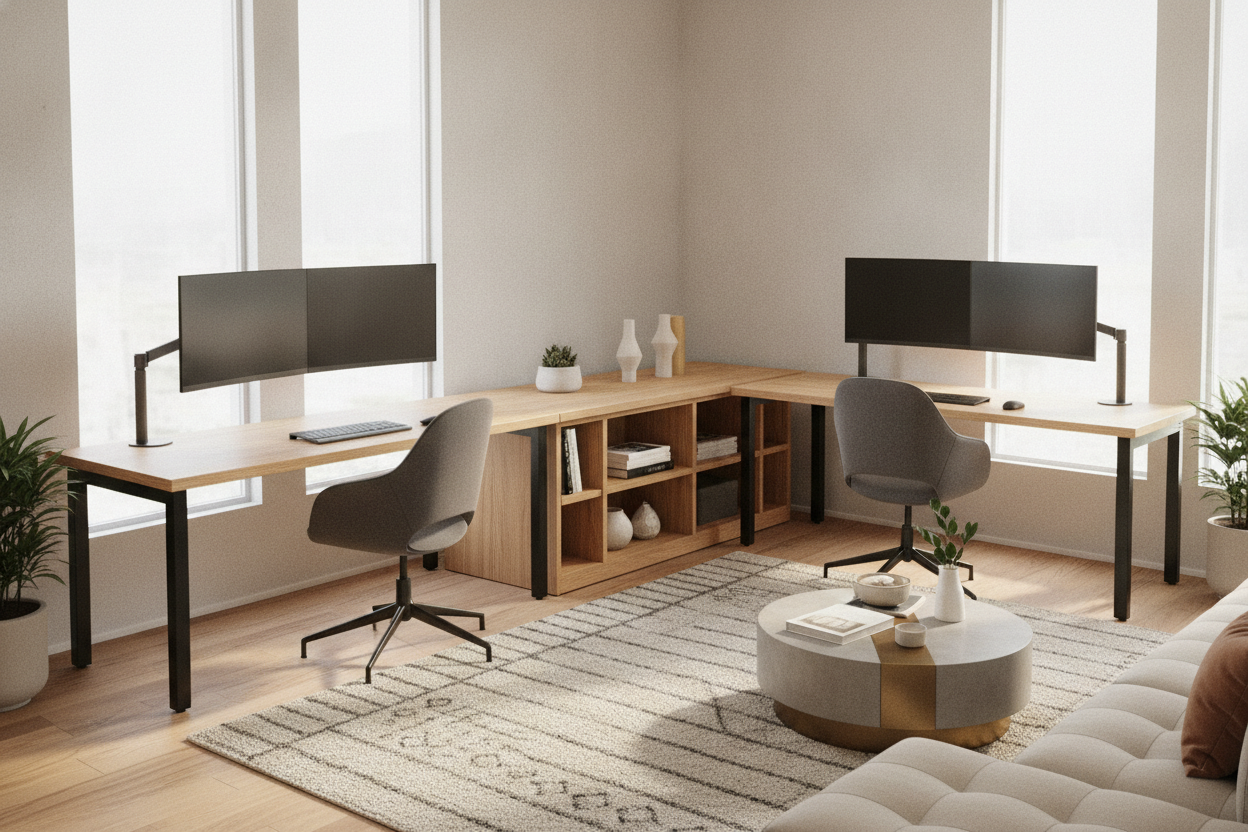
Designing a shared workspace requires balancing shared room surface area with individual focus. While linear side-by-side tables often force two people into a narrow corridor of movement, a 2 person l shaped desk configuration creates defined personal zones, expanded arm support, and dedicated equipment zones. Whether outfitting a home office for remote work or setting up a collaborative studio, dual L-shaped configurations help make productive use of floor space and corner boundaries.
Why Choose a 2 Person L Shaped Desk for Shared Workspaces?
Sharing an office presents spatial challenges: coordinating multi-monitor rigs, handling task lighting, organizing peripherals, and avoiding tangled chair legs. An l shape desk for two resolves several common spatial conflicts:
- Distinct Task Zones: Each user benefits from a primary work area for keyboards and screens alongside a secondary return wing for notebooks, paperwork, or auxiliary hardware.
- Visual and Physical Boundary: L-shaped returns naturally define territory, reducing accidental elbow bumps and visual distractions during focused tasks.
- Corner Efficiency: Placing workstations along adjacent walls preserves open central floor area for foot traffic, file cabinets, or lounge seating.
- Shared Infrastructure: A unified double l-shaped desk often incorporates central cable channels or shared storage modules, minimizing redundant furniture.
Popular Dual L-Desk Layout Geometries
Depending on room proportions and collaborative habits, workstations can be arranged in several functional geometries. Examining proven two person office layout strategies helps determine which footprint suits your floor plan.
1. The T-Shaped Peninsula
In a T-shaped layout, two desks connect back-to-back along their returns, projecting out into the room like an island peninsula while main surfaces sit against the wall. This geometry allows both users to face away from each other during high-focus tasks while sharing central wiring raceways and modesty panels.
2. The Nested Corner (L-to-L Along Walls)
For square or rectangular rooms, placing an l-shaped desk for two people along intersecting perimeter walls keeps the center of the room entirely open. Each person faces a separate wall, maximizing individual concentration and making full use of structural corner boundaries.
3. Back-to-Back Pods
When placed in the middle of a spacious studio, two l-shaped desks placed back-to-back form a self-contained island pod. This arrangement provides clear line-of-sight across the room, facilitates easy conversation between partners, and keeps wall surfaces available for tall bookcases or presentation boards.
4. Mirrored Parallel Wings
Arranging dual L-desks on opposing walls facing inward or outward creates balanced symmetry. This format is well-suited for rectangular rooms with central entry doors or focal windows, providing each worker with an identical workstation setup.
Room Fit and Spatial Clearance Categories
Before selecting a large 2 person l shaped desk, evaluating spatial clearances ensures comfortable movement throughout the workday. Paired with a functional corner desk with large storage, your layout should accommodate movement without bottlenecking entrances.
- Chair Rollback Clearance: Ensure adequate open floor space behind each desk seat so chairs can roll back, recline, and rotate freely without striking walls or opposite furniture.
- Return Wing Depth: Consider the depth of side returns to confirm they leave sufficient walkway clearance between the desk perimeter and opposing doorways.
- Perimeter vs. Island Alignment: Perimeter setups maximize center-room circulation, whereas central island placements require generous clearance around all exterior edges.
Configuring Dual Computers, Screens, and Cable Channels
Modern dual workstations frequently support multiple monitors, laptop docks, desktop towers, and charging hubs. Exploring a versatile writing computer desk collection provides ideas for balancing hardware demands on an l shaped computer desk for 2 computers.
Screen Placement and Ergonomics
Place primary monitors directly in front of each seating position along the main desk run. Use the secondary return wing for vertical auxiliary screens, drawing tablets, or laptop docks. This arrangement keeps neck rotation within comfortable viewing angles while preserving open desktop space for physical writing.
Cable Routing and Power Distribution
Dual computer rigs multiply power cords and display cables. Effective cable organization strategies include:
- Mounting multi-outlet power strips beneath the central bridge or along the underside of return returns.
- Using adhesive cable trays or J-channels to route wires along structural frame rails.
- Grouping desktop peripheral cables into flexible braided sleeves to prevent floor clutter.
Storage and Organization: Central Towers vs. Return Wing Drawers
Integrating storage directly into the workstation structure prevents office supplies, external drives, and active paperwork from overwhelming surfaces. A modern minimalist computer corner desk demonstrates how built-in cabinetry maintains clean lines.
Shared Central Cabinets
Placing a shared drawer pedestal or open shelving cubby at the central meeting point creates a natural physical divider while providing joint access to printers, paper reams, and filing drawers.
Under-Desk Shelving and Risers
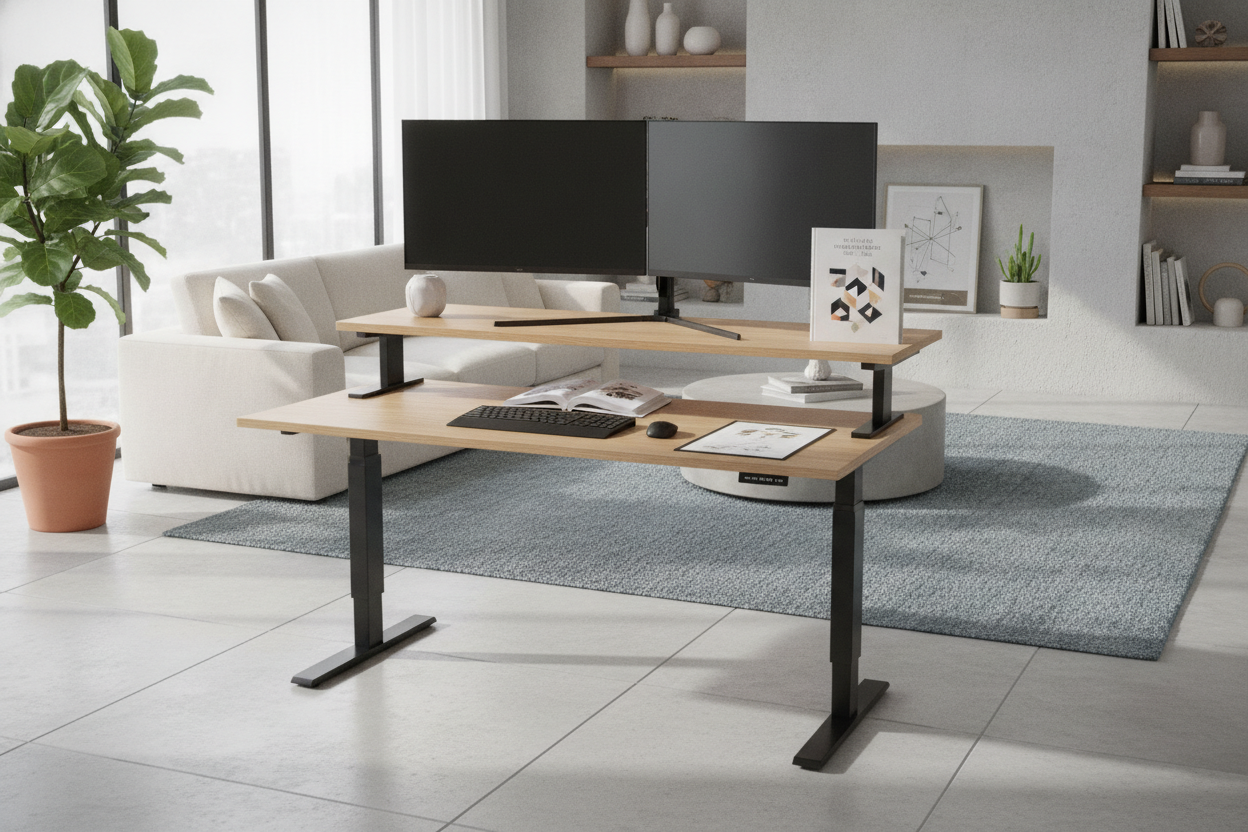
A two-tier l-shaped desk design incorporates raised monitor platforms or lower utility shelves. Elevated risers lift screens to eye level while freeing up the desktop underneath for keyboard storage, notebooks, and small audio interfaces.
Material Selection, Stability, and Assembly Considerations
A dual workstation bears significant daily loads, requiring durable structural frames and dependable materials:
- Frame Structure: Steel or reinforced metal legs provide lateral rigidity, reducing wobble when typing or adjusting monitor arms.
- Desktop Surfaces: High-density engineered wood panels with melamine or laminate veneers offer scratch resistance, easy cleaning, and consistent finishes across large surface spans.
- Modular Multi-Piece Builds: A 2 piece l shaped desk simplifies transit through narrow hallways and standard door frames, allowing modular assembly within the target room.
- Adjustable Leveling Feet: Leveling glides compensate for minor floor unevenness, ensuring a flush surface seam where modular desktop sections connect.
- Visual Modesty Panels: Structural backboards add shear strength while concealing under-desk wiring and footrests from view.
Common Shared Office Use Cases and Setup Tips
Shared desks serve diverse working styles, from remote couples to creative partners. Reviewing discrete home office organization ideas can help blend a large dual station into residential surroundings.
- Dual Remote Professionals: Opt for T-shaped or opposite-facing layouts to avoid overlapping microphone pickups during video conferences.
- Creative and Editing Teams: Place primary editing rigs on the main wings while using the shared corner return for shared reference displays, audio mixers, or shared hard drive arrays.
- Parent-Child Study Stations: Designate one wing for a primary computer setup and the adjacent return for crafting, analog homework, or study materials.
By thoughtfully planning desk geometry, clearance zones, and integrated cable channels, a 2 person L shaped desk creates an organized, ergonomic environment that supports focus and collaboration equally.

Leave a comment
This site is protected by hCaptcha and the hCaptcha Privacy Policy and Terms of Service apply.