










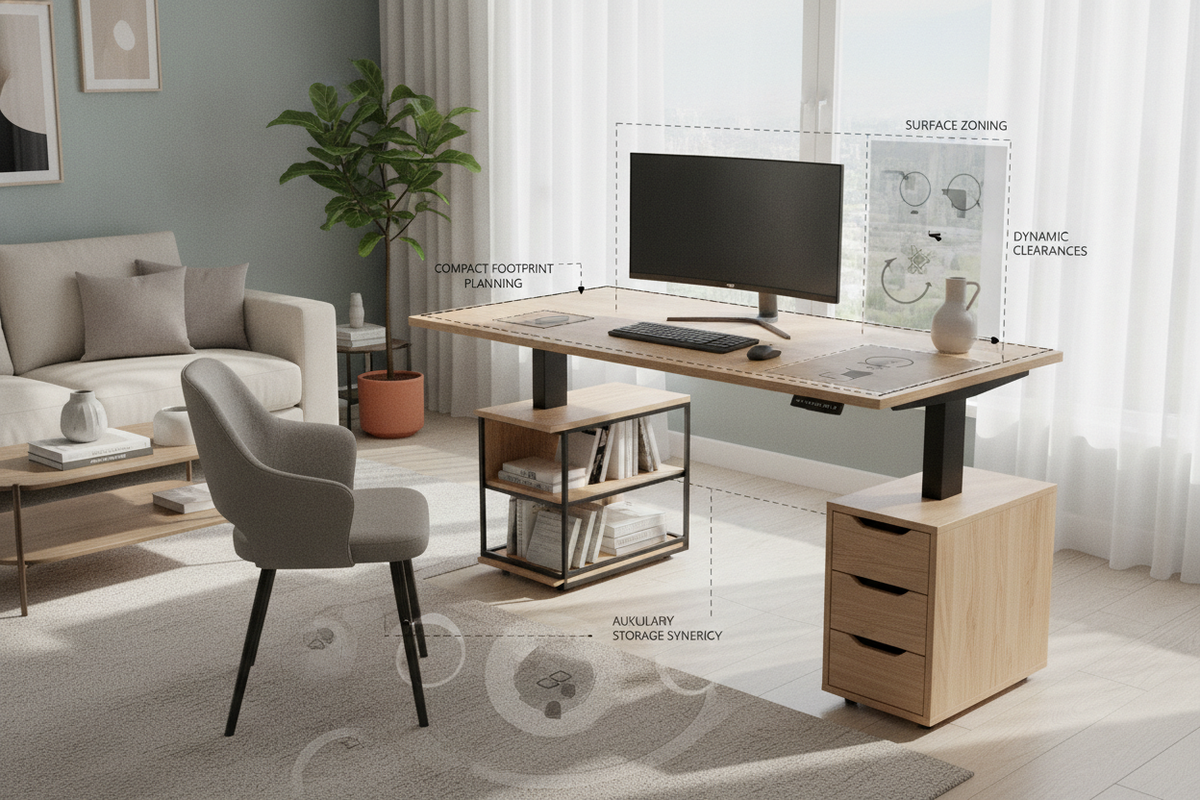
Architectural Overview: The 42x24 Standing Desk Dimensional Category
Selecting a workstation for a space-constrained environment requires a careful balance between ergonomic freedom and architectural proportions. The 42 inch adjustable standing desk occupies a dedicated category in ergonomic interior planning: compact enough to tuck into multipurpose spaces, yet expansive enough to support a full single-display or laptop workstation. Understanding how this dimensional envelope interacts with living areas, bedroom alcoves, and dedicated micro-offices ensures that your sit-stand transition remains smooth, stable, and visually balanced.
Proportional Fit for Micro-Offices, Bedrooms, and Alcoves
In modern urban apartments and multi-use dwellings, dedicated office rooms are often replaced by micro-zones carved out of living rooms, guest bedrooms, or architectural recesses. A 42 x 24 standing desk slots naturally into alcoves created by structural columns, between built-in closets, or beneath window frames. Because the lateral span is contained, the desk minimizes intrusion into major walkway zones, preserving room circulation and visual sightlines while delivering full sit-to-stand functionality.
Depth and Focal Distance: Managing the 24-Inch Working Plane
Worktop depth dictates focal comfort and typing posture. A 24-inch depth provides an effective working plane for compact setups, but requires conscious equipment placement. Placing a monitor on a traditional desktop stand can consume valuable forward space, pushing the keyboard uncomfortably close to the front edge. Mounting displays on articulated arms or utilizing low-profile laptop risers frees the core work surface, ensuring comfortable eye-to-screen distances without crowding forearm support areas.
Surface Ergonomics and Micro-Zoning Strategies
Operating efficiently on a 42" adjustable standing desk relies on deliberate zoning. Because surface real estate is focused, every accessory must serve an intentional purpose in your daily workflow. Exploring principles for designing a clean standing desk setup helps keep the visual landscape calm and organized.
Primary, Secondary, and Tertiary Desktop Real Estate
Organizing a compact desktop involves dividing the surface into three intuitive zones:
- Primary Reach Zone: The immediate central arc where your keyboard, mouse, or trackpad sit. This area remains unobstructed to encourage neutral wrist and shoulder alignment during both seated and standing sessions.
- Secondary Display Zone: The rear-center third of the surface dedicated to your visual hardware, such as an external display or elevated laptop screen.
- Tertiary Utility Perimeters: The outer left and right corners, ideal for a desk lamp, a compact notepad, or a beverage coaster.
Vertical Offloading: Utilizing Monitor Arms and Under-Desk Mounts
To maximize usable area on a 42 adjustable standing desk, prioritize vertical offloading. Edge-clamped monitor mounts lift the screen off the desktop entirely, liberating the base area for document review or compact audio gear. Under-desk accessories, such as hanging headphone hooks, under-mounted power hubs, and slide-out pencil drawers, shift secondary utilities away from the main worktop without limiting leg clearance.
Frame Architecture and Dynamic Travel Clearances
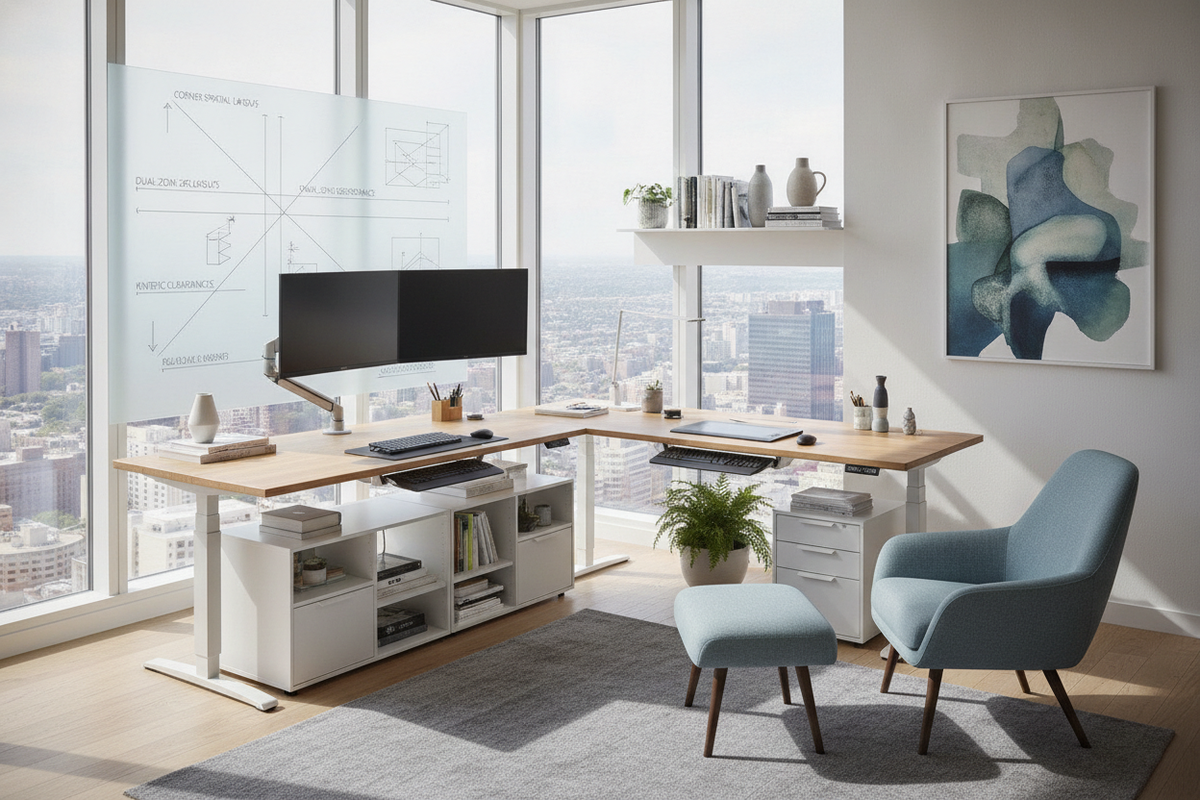
Height-adjustable frames move dynamically through vertical space, introducing mechanical considerations that static desks never face. Planning spatial boundaries ensures uninterrupted height adjustments and protects both your furniture and surrounding walls. Reviewing designer layouts for standing desks provides practical insight into integrating kinetic furniture into tight room configurations.
Kinetic Travel Clearance and Wall Boundary Planning
When positioning a standing desk 42 x 24 against a wall or in a tight corner, maintain a slight perimeter gap. Electric frames experience subtle micro-movements as they travel between preset heights. A small buffer prevents desktop edges, clamped monitor poles, and desktop accessories from rubbing against drywall, window sills, or door trim during daily elevation adjustments.
Cable Routing Architecture for Dynamic Motion
A compact standing desk requires disciplined cable management to ensure safe vertical travel. Cords connecting desktop electronics to wall outlets must feature adequate slack across the entire height adjustment range. Utilizing an articulated under-desk cable spine or flexible wire sleeve prevents snagging on leg columns or pulling wall plugs loose when raising the surface to a standing position.
Auxiliary Storage Integration: Expanding Beyond the Desktop
Because a standing desk 42 focuses purely on active work surface area, secondary storage must be offloaded to complementary pieces of furniture. Pairing the desk with external cabinetry preserves an uncluttered top while keeping files, stationery, and hardware accessories within arm's reach.
Mobile Caddies and Under-Desk Clearance
Low-profile rolling file pedestals and slim mobile drawer units make ideal companions for compact sit-stand workstations. When configured properly, a mobile caddy can slide beneath the desk during standing intervals or roll alongside the frame during seated focus sessions, preserving open legroom.
Perimeter Shelving and Credenza Synergy
For items requiring permanent homes, such as desktop printers, heavy reference books, and decorative accents, rely on surrounding furniture. Positioning the desk adjacent to modular adjustable shelving or a low credenza allows you to maintain a lean, high-efficiency desk while retaining broad storage capacity within your room layout.
Material Architecture, Finishes, and Aesthetic Alignment
Integrating a compact standing desk into a residential interior calls for balanced material harmony. Desktops finished in warm wood grains, smooth laminates, or textured neutral veneers help the workstation blend into living rooms and bedrooms rather than looking like an isolated piece of office machinery. Pairing the top with a powder-coated steel frame in matching or complementary tones ensures structural rigidity while maintaining a light, open visual footprint that prevents small rooms from feeling crowded.
Decision Matrix: Is a 42-Inch Standing Desk Right for Your Workflow?
Before selecting a 42x24 standing desk, evaluate your hardware requirements and daily task demands against the footprint:
- Ideal for: Single-monitor setups, laptop-and-tablet workflows, compact home office nooks, bedroom workspaces, and minimalist study areas.
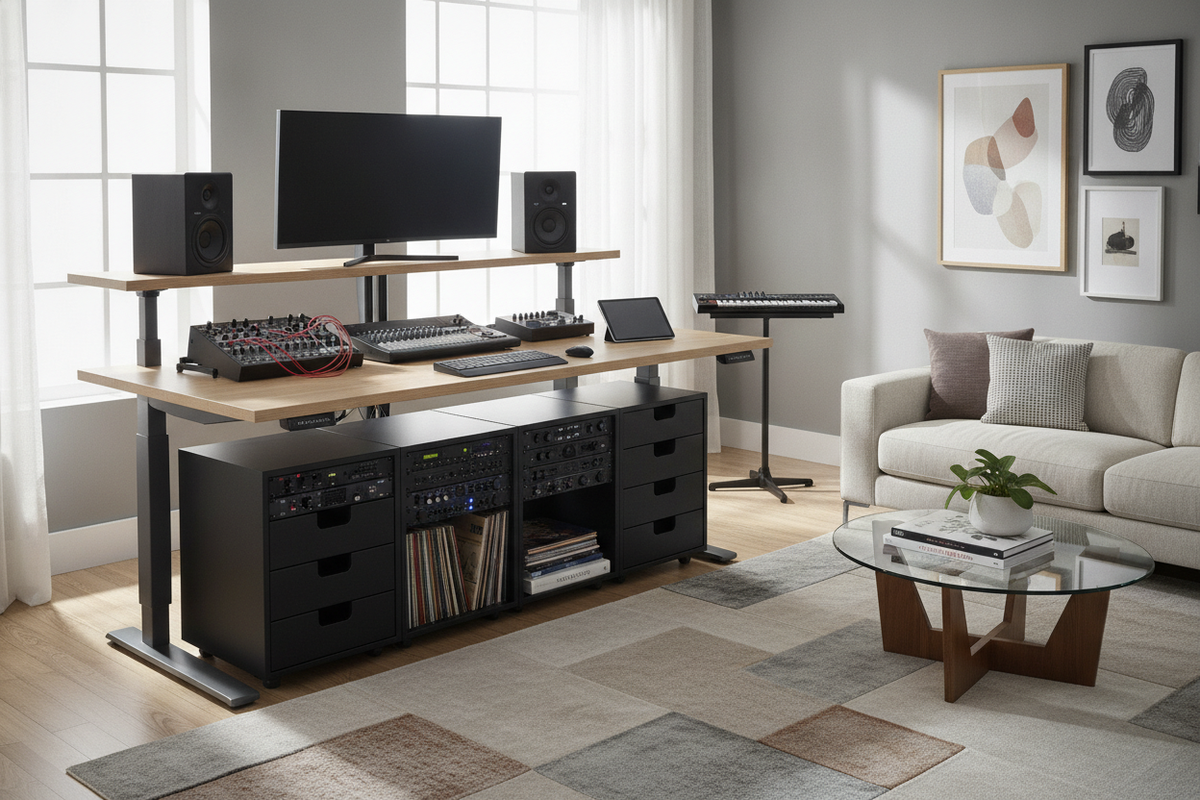
- Consider larger alternatives if: You rely on triple-screen arrays, oversized audio production mixers, or extensive side-by-side physical document spreads. In those instances, exploring larger multi-monitor standing desks will provide the broader lateral span your hardware requires.
By mapping out surface zones, establishing dynamic wall clearances, and incorporating nearby auxiliary storage, a 42-inch adjustable standing desk delivers complete ergonomic versatility within a remarkably efficient footprint.

Leave a comment
This site is protected by hCaptcha and the hCaptcha Privacy Policy and Terms of Service apply.