










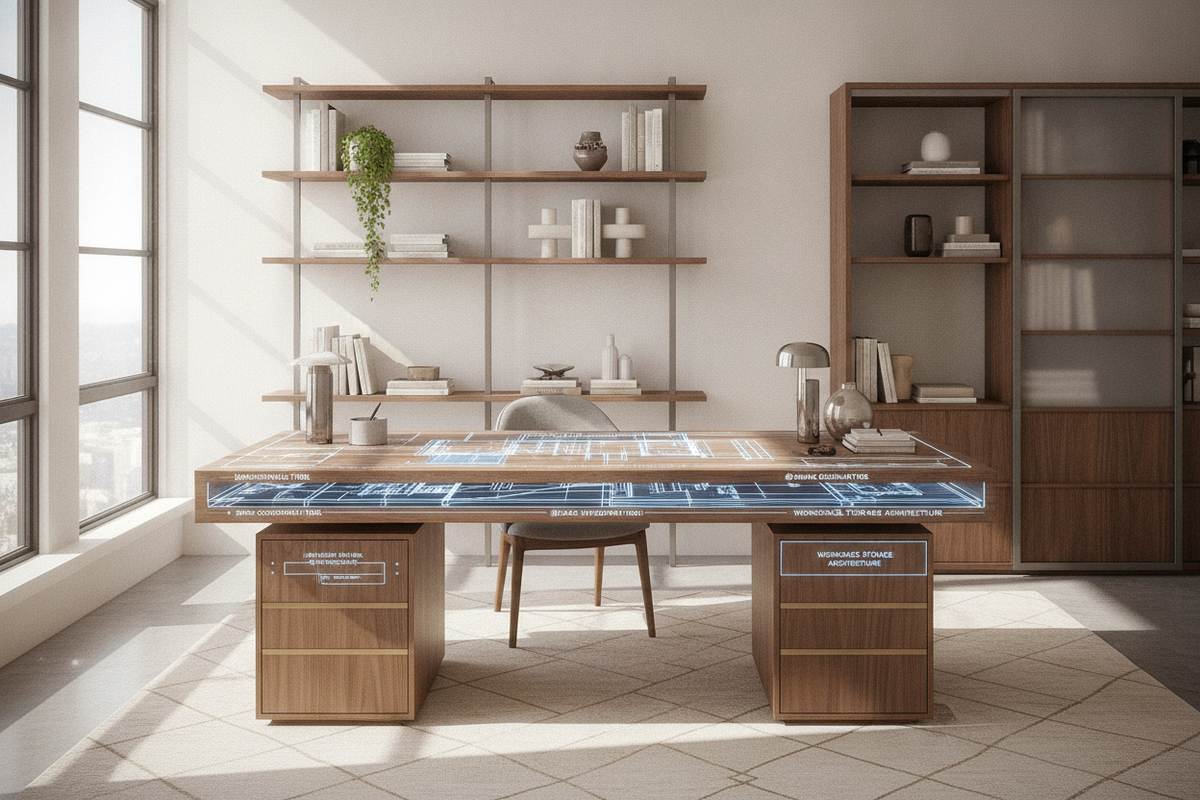
Understanding the Medium Size Desk Category and Ergonomic Thresholds
Finding the right balance between ultra-compact writing consoles and sprawling executive workstations represents one of the most critical decisions in residential office planning. A desk medium size establishes an adaptable footprint that comfortably accommodates modern multi-device computing workflows while safeguarding essential open floor space in bedrooms, living areas, or dedicated study rooms. When exploring options across a curated computer desk collection, medium-scale models frequently emerge as the most practical and versatile foundation for contemporary home environments.
In standard interior and ergonomic planning, medium-scale surfaces bridge the divide between minimalist writing tables and heavy double-pedestal furniture. Compact writing desks often struggle under the weight of secondary displays, external keyboards, and reference materials, creating an overly congested working environment. Conversely, oversized commercial desks often dominate domestic room proportions, overwhelming circulation paths and restricting ambient lighting. A properly scaled medium desk provides the necessary surface depth to position computer displays at a comfortable focal distance while keeping peripheral tools within an effortless neutral reach envelope.
Surface Geometry and Functional Workstation Zoning
Maximizing day-to-day productivity on a computer desk medium size relies on implementing structured desktop zoning. By dividing the available tabletop into distinct functional tiers, users can maintain visual clarity and streamline daily transitions between digital and analog tasks. A well-proportioned mid-scale surface allows users to establish three primary operational zones:
- Primary Active Zone: The central operational core dedicated to the input keyboard, mouse or trackpad, and primary viewing monitor, situated directly in line with comfortable forearm resting angles.
- Secondary Reach Zone: Flanking areas within immediate arm's reach, ideal for secondary vertical displays, digital tablets, active project notebooks, and essential task lighting.
- Tertiary Peripheral Zone: Rear and corner quadrants reserved for desktop power hubs, studio monitor speakers, external hard drives, or subtle decorative accents that enhance the workspace atmosphere without encroaching on movement.
Opting for a dedicated desk computer product in this width tier allows sufficient real estate for single or dual display setups alongside paper workflows. With adequate lateral width, users can seamlessly slide their keyboard aside to review physical blueprints, grading papers, or journals without having to dismantle their computer setup, creating a truly multifunctional workstation.
Room Integration and Perimeter Clearance Frameworks
Integrating a medium-scale desk into an existing residential floor plan requires holistic spatial planning that extends beyond measuring the desk footprint alone. Proper ergonomic positioning demands generous rear clearance behind the desk edge to ensure task chairs can roll back smoothly without striking adjacent walls, baseboard heaters, or storage units. Reviewing an architectural computer desk guide helps avoid common spatial errors like miscalculating chair clearance zones.
When introducing a desk medium size into multipurpose spaces—such as a primary bedroom corner, a living room alcove, or an open-concept loft—visual sightlines and natural illumination play pivotal roles. Positioning the desk perpendicular to exterior windows helps prevent harsh direct sunlight from reflecting off display panels while still supplying refreshing ambient daylight. Furthermore, maintaining clear pedestrian pathways around the perimeter ensures the desk does not impede normal room circulation, door swings, or access to nearby closets and bookshelves.
Material Selection, Structural Stability, and Load Distribution
The structural longevity of a medium-span desk relies heavily on quality materials, rigid framing, and thoughtful load distribution. Because mid-scale tabletops support substantial combined loads—including heavy monitors, clamp-on display arms, desktop towers, audio hardware, and resting arm pressure—preventing long-term center deflection or sag is paramount. Key material options encompass:
- Solid Hardwoods: Offer exceptional natural durability, distinctive grain character, and substantial structural density that easily withstands high-stress clamp mounts.
- Engineered Composite Core with High-Pressure Laminate: Provides excellent dimensional stability, resisting seasonal warping and environmental humidity shifts while offering superior scratch, heat, and moisture resistance.
- Reinforced Steel Understructures: Utilizing welded steel perimeter aprons, tubular leg assemblies, or central stiffener channels ensures maximum rigidity across the span without requiring bulky middle support legs.
High-grade surface finishes protect the desktop from everyday wear, pen pressure, and liquid spills, ensuring the workstation maintains its clean aesthetic through years of rigorous daily use.
Storage Synergy: Integrated Drawers Versus Decoupled Mobile Pedestals
Workspace efficiency is deeply tied to how under-desk storage is organized. A common dilemma when choosing a computer desk medium size is deciding between fixed, built-in storage and decoupled modular accessories. Workspaces requiring expansive document organization benefit from selecting a computer desk product engineered with built-in lateral storage units. Integrated drawer pedestals create a unified aesthetic while keeping sensitive records, writing supplies, and charging cables neatly concealed right at hand.
On the other hand, selecting an open-frame medium desk paired with a standalone mobile file pedestal or an adjacent bookcase provides distinct ergonomic advantages. Decoupled configurations maximize under-desk knee room, allowing users to shift position, stretch their legs, or swivel freely without bumping their knees against drawer banks. This modular strategy also gives homeowners the flexibility to reposition storage furniture elsewhere in the room whenever workspace requirements evolve.
Assembly Architecture, Cable Routing, and Ergonomic Setup
An uncluttered, well-organized workstation creates an environment conducive to deep focus and sustained creativity. Medium desks provide the ideal canvas for implementing comprehensive wire management systems. Integrated desktop grommets, under-mounted wire mesh baskets, and concealed horizontal cable raceways keep bulky power strips, transformers, and connecting cords completely elevated off the floor. For shared living areas where visual clutter must be kept to a minimum, examining an armoire-style computer desk guide provides inspiration for clean cable concealment.
During assembly, taking the time to properly torque all structural hardware fasteners ensures a rock-solid foundation that eliminates typing-induced monitor wobble. Utilizing articulated monitor arms or dedicated desktop risers allows users to calibrate screen heights directly to eye level, promoting an upright spinal alignment. Elevating screens off the tabletop also frees up valuable central desk surface area, providing dedicated space for docking stations, external audio interfaces, or personal organizers.
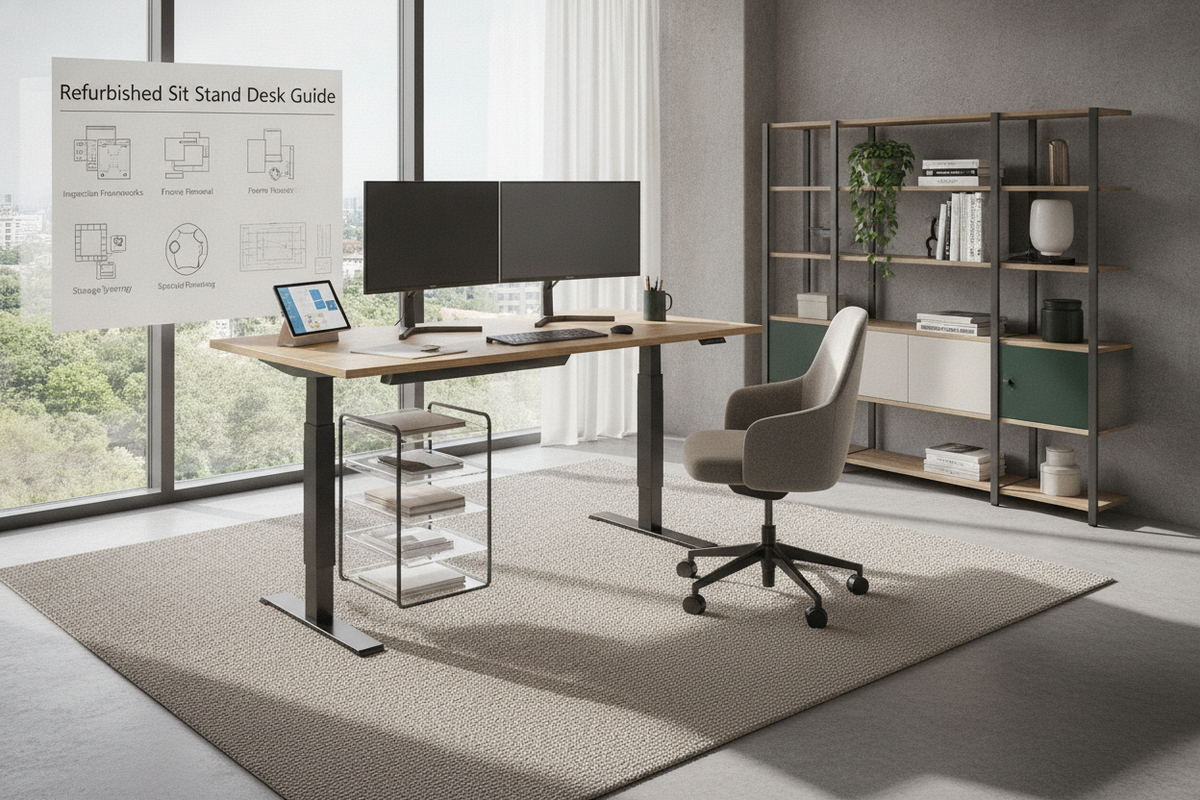
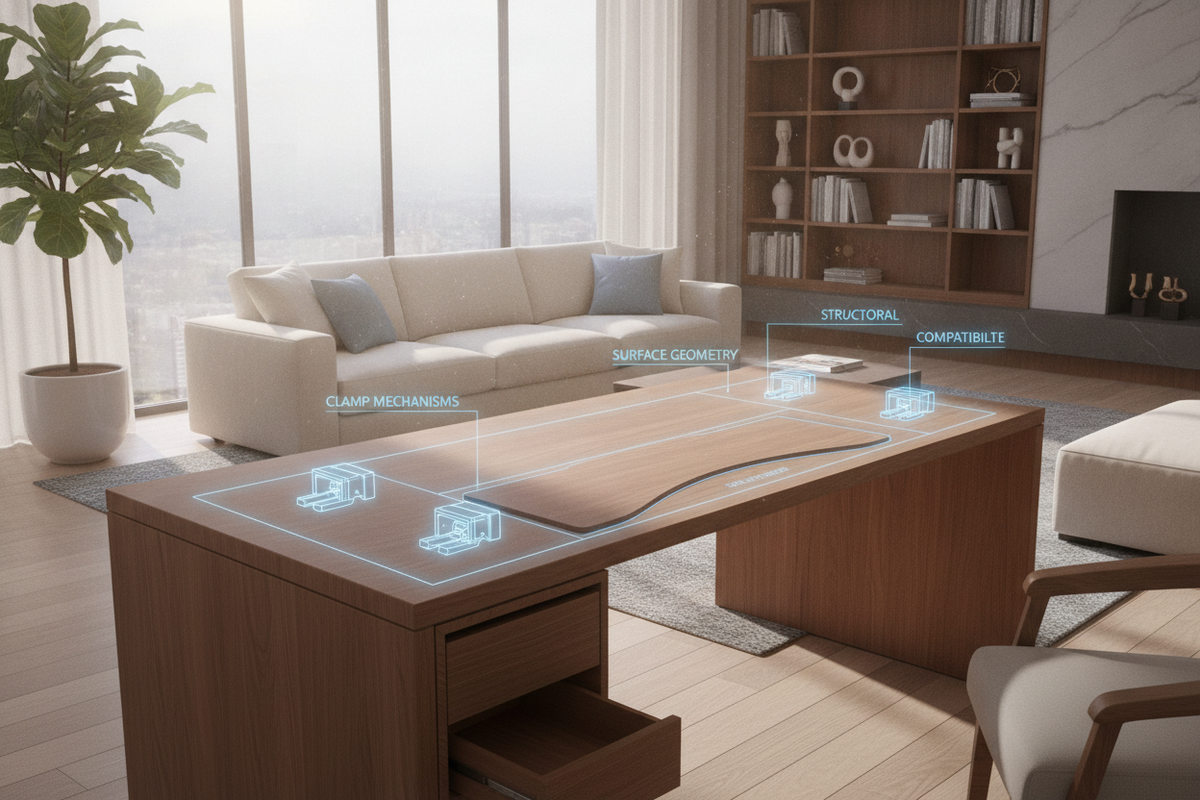

Leave a comment
This site is protected by hCaptcha and the hCaptcha Privacy Policy and Terms of Service apply.