










A desktop that quivers with every keystroke disrupts focus, strains visual tracking on computer displays, and introduces persistent physical irritation into work sessions. When a desk shakes when typing, the underlying cause is rarely a single isolated defect. Instead, motion travels through a kinetic pathway connecting your hands, the tabletop surface, structural frame joints, and the floor interface below. Understanding how to diagnose and resolve this resonance allows you to restore solid footing to your workstation.
The Mechanics of Typing Oscillation: Why Desks Shake on Carpeted Floors
Every keystroke applies a downward kinetic force that transfers across the surface of your work surface. If the furniture frame lacks torsional stiffness or rests on a compliant surface, that energy rebounds across the structure rather than dissipating harmlessly into the floor. This dynamic explains why does my desk wobble even when you type with moderate force.
A wobbly desk on carpet is particularly susceptible to persistent vibration. Residential carpets combine woven textile fibers with resilient foam padding beneath. When heavy furniture rests on top of this cushioned stack, the base glides compress the pad unevenly. As you alternate keystrokes and rest your wrists, the desk pivots on the spring-like underlayment, turning subtle hand motions into visible screen jitter.
Diagnostic Isolation Framework: Pinpointing the Root Source of Instability
Before applying structural modifications, isolating the precise mechanical weak point prevents wasted effort. To stop desk from wobbling systematically, follow a structured diagnostic sequence:
- Glide Contact Evaluation: Grasp diagonal corners of the desktop and apply gentle downward rocking pressure. If one foot lifts off the flooring, uneven leveling glides are the primary culprit.
- Frame Fastener Check: Hold the base leg firmly with one hand while nudging the desktop with the other. Any relative movement at the connecting brackets points to loose hardware or joint deflection.
- Underlayment Deflection Test: Apply pressure directly above one leg while observing the base foot. If the entire foot sinks visibly into the pile, soft flooring padding is multiplying your typing force.
- Peripherals and Monitor Arm Sway: Tap the keyboard while watching your monitor screen. Long cantilevered monitor arms frequently magnify minor desk oscillations into dramatic visual shaking.
Learning how to stabilize wobbly desk assemblies begins with treating the dominant movement vector before addressing secondary vibrational factors.
Carpet Interface Optimization: Sub-Base Coupling and Footing Solutions
When seeking how to stabilize desk on carpet surfaces, the goal is bypassing flexible carpet foam to create direct, firm contact with the rigid subfloor underneath. Standard plastic glide discs tend to float atop carpet fibers, exacerbating horizontal movement.
Effective techniques for how to stop desk from shaking on carpet include:
- Carpet Spikes and Piercing Cups: Installing threaded carpet spike feet allows the weight of the desk to penetrate fiber tufts and rest squarely on solid subflooring.
- Rigid Base Plates: Placing dense hardwood or composite distribution pads beneath each leg broadens the footprint, dispersing concentrated loads across a broader area of dense backing.
- Micro-Adjustable Leveling: Fine-tuning threaded leveling feet under active working loads ensures equal downward compression across all contact points.
When selecting a flexible motorized workstation, pairing calibrated feet with a reliable standing desk product engineered for multi-surface stability provides a balanced foundation across carpeted flooring.
Standing Desk Stability Architecture: Eliminating Elevation Sway
Adjustable workstations present unique structural dynamics. A wobbly standing desk exhibits increased lateral flex as lifting columns extend upward, creating a longer lever arm between the floor and the work surface. Finding an effective standing desk wobble fix involves addressing both column geometry and load distribution.
To explore how to stabilize standing desk on carpet environments:
- Column Overlap Alignment: Telescoping lift columns rely on internal glide shims between nested metal stages. Keeping leg assemblies perpendicular prevents excessive play when elevated.
- Crossbar Reinforcement: Frames equipped with structural cross-bracing or reinforced upper crossbars resist horizontal racking far better than independent column designs.
- Symmetrical Weight Loading: Centering equipment across the main structural beam minimizes rotational torque on the lifting mechanism.
For wide workspace configurations that support extensive computing equipment, opting for an expansive standing desk product with reinforced column housing helps maintain balance throughout height transitions.
Structural Fastener Calibration and Frame Reinforcement
Over time, recurring typing impact and ambient temperature shifts can loosen threaded fasteners, creating subtle joint play that amplifies vibration. Discovering how to stop desk from shaking often requires a comprehensive hardware tune-up.
To reinforce structural joints effectively:
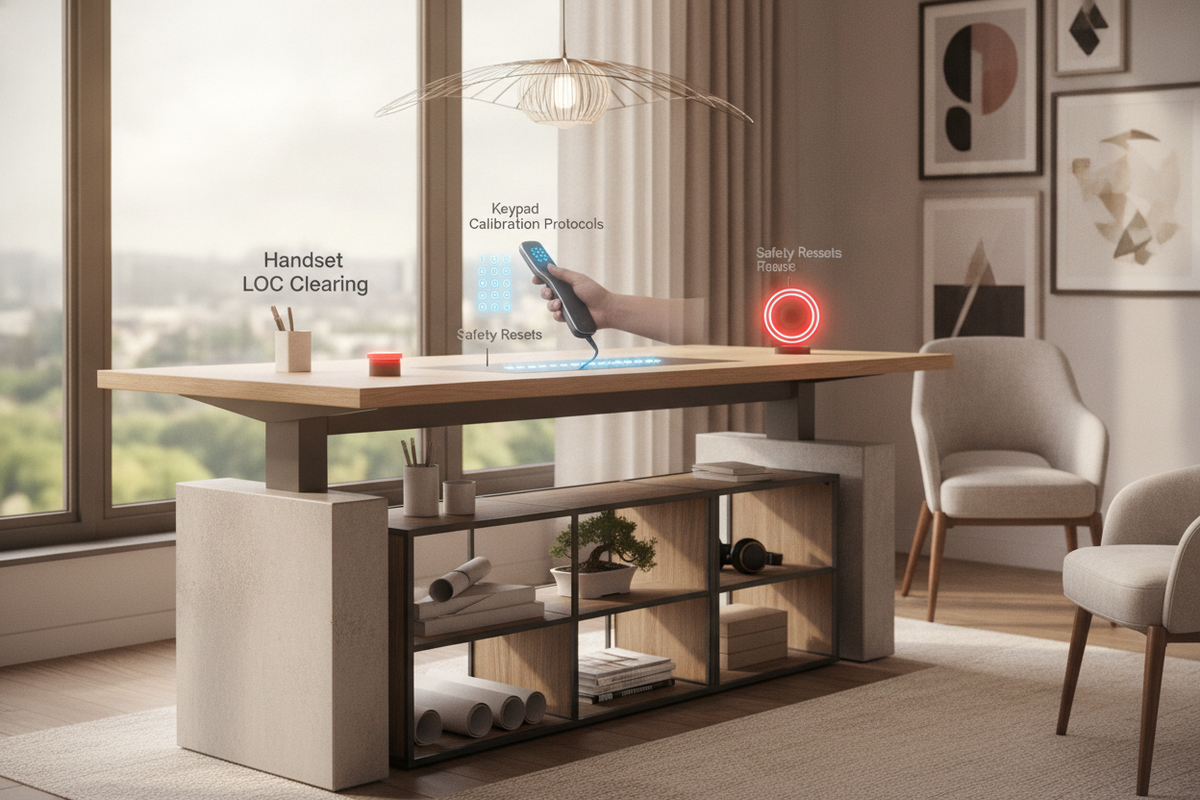
- Torque Under-Desk Hardware: Systematically tighten all connecting bolts securing the frame to the underside of the desktop, working in an alternating cross pattern.
- Inspect Leg-to-Foot Connections: Tighten the primary bolts that marry the vertical uprights to the lower horizontal feet, ensuring zero gap along the mating plates.
- Add Gusset Brackets: Where frame legs meet the tabletop support rails, adding corner gussets or diagonal steel brackets dramatically increases resistance against lateral racking.
- Dampen Tabletop Fastening: Introducing dense rubber or silicone washers between metal mounting plates and wood surfaces absorbs high-frequency vibrations before they transfer down the frame.
Executing these maintenance steps provides a practical roadmap for how to make desk more stable without requiring invasive reconstruction.
Surface Load Redistribution and Peripheral Decoupling
The distribution of mass across your work surface directly influences its natural harmonic frequency. Cluttered surfaces loaded with heavy accessories, computing towers, and cantilevered monitor mounts become top-heavy, lowering the threshold for visible typing shake.
Decoupling mass from the primary desktop transforms stability. Storing auxiliary equipment, stationery, and document archives in an external unit, as explored in this stop desk guide, reduces cantilevered strain on the desk frame.
For multi-display arrangements, moving wide peripheral loads onto a generous surface like a standing desk product allows balanced spacing across primary lifting points, preventing uneven fulcrum effects.
Room Integration, Wall Proximity, and Structural Tethering
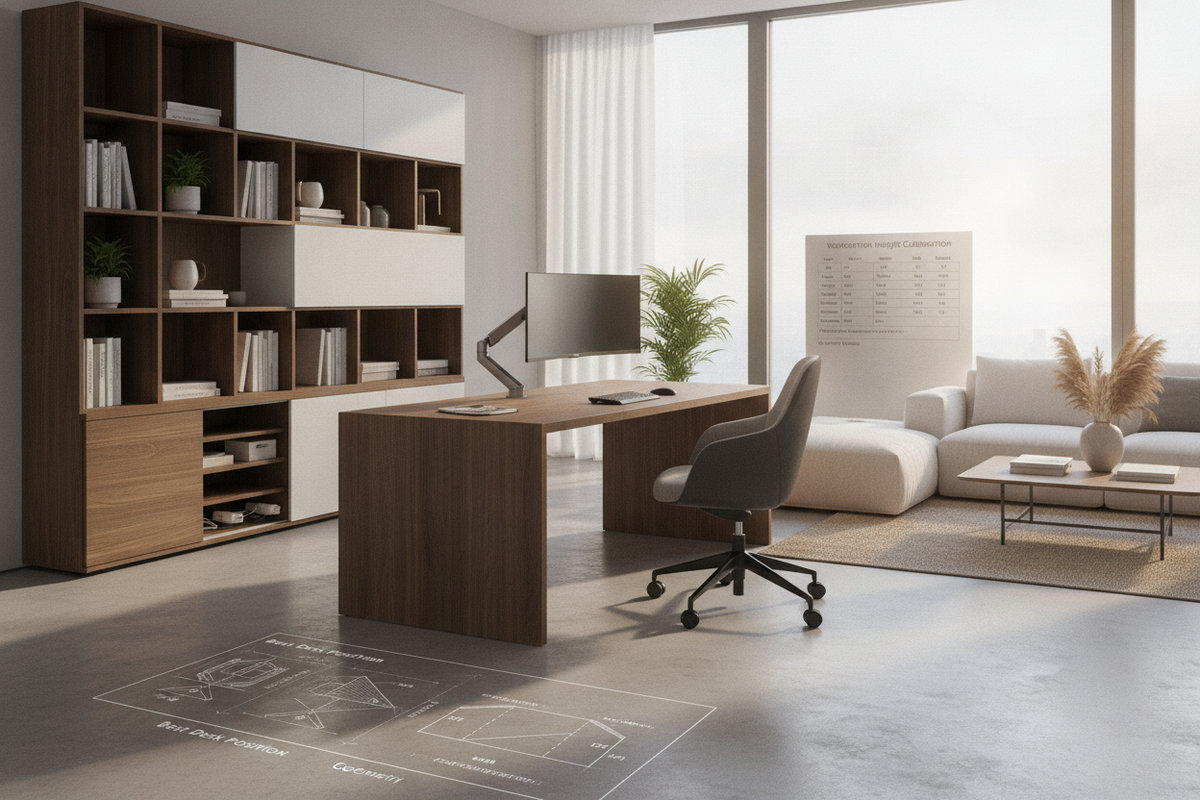
Where you place your workstation within a room significantly affects its physical stability. Placing a desk in the center of a room exposes it to floating floor flex, whereas positioning it against structural walls provides opportunities for external dampening.
Consider spatial layout techniques highlighted in this desk stop guide to optimize frame placement. When positioning your desk adjacent to a wall, applying high-density foam dampeners or non-marring rubber edge bumpers along the rear rim isolates keyboard strikes without damaging drywall finishes.
By combining subfloor coupling, structural fastener tightening, balanced surface loading, and strategic room positioning, you can eliminate typing shake and maintain a quiet, rock-solid workspace.

Leave a comment
This site is protected by hCaptcha and the hCaptcha Privacy Policy and Terms of Service apply.