










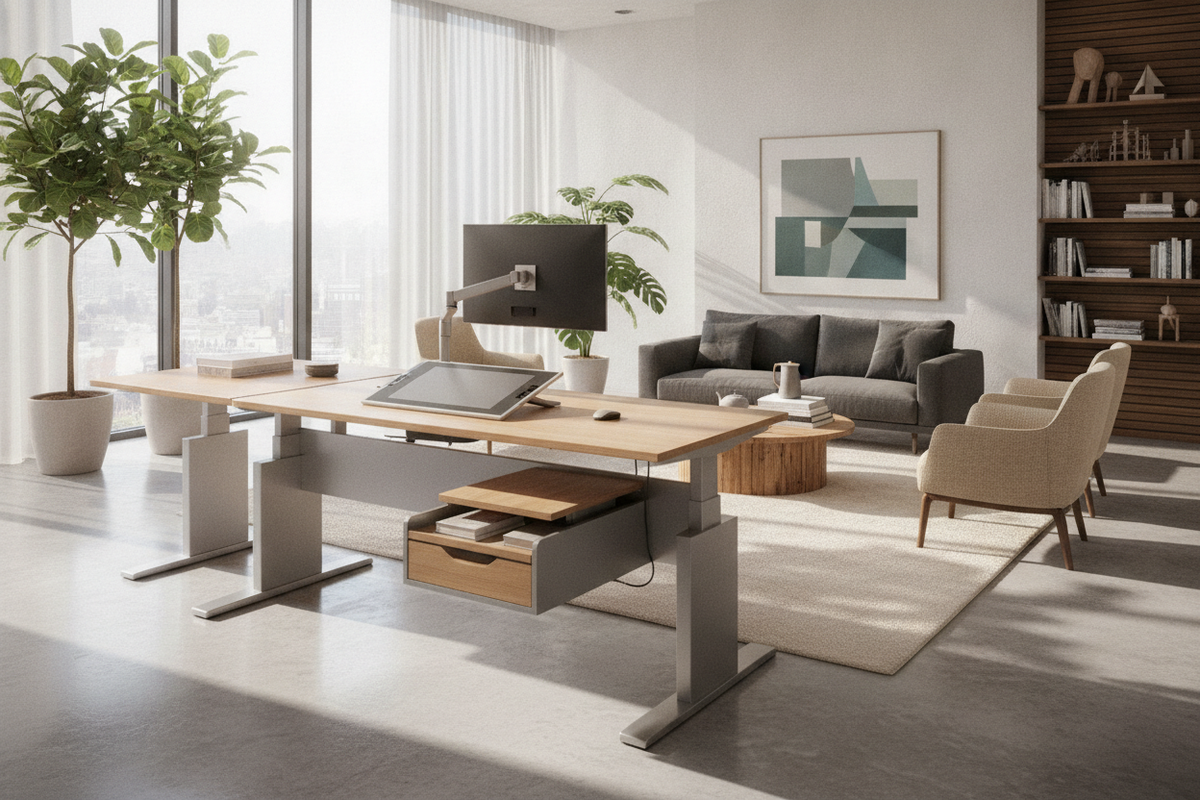
Integrating ergo standing desks into a modern home office or professional suite requires more than simply swapping out a fixed table. A dynamic workstation relies on kinetic movement, balanced reach geometry, and cohesive room planning. By understanding how lifting mechanics, surface scales, and auxiliary storage interact, you can establish an adaptable workspace that supports focus and physical comfort throughout the working day.
Understanding Ergo Standing Desks: Core Engineering Archetypes and Kinetic Movement
The foundation of an ergo sit stand desk lies in its motorized or pneumatic lifting system. Selecting the right frame geometry and desktop profile sets the baseline for long-term stability and day-to-day ease of use.
Kinetic Telescoping Columns and Lifting Frame Mechanics
Height-adjustable frames utilize telescoping columns that expand and contract smoothly. Dual-stage columns provide practical vertical travel for standard height requirements, whereas three-stage columns offer an expanded range suited for both lower seated positions and taller standing heights. Modern frames feature electronic synchronization across dual motors to maintain level movement across the worktop. Integrating digital keypads with programmable sit-to-stand height presets allows you to return to preferred elevations with a single touch, encouraging consistent posture alternation.
Contoured Desktop Profiles vs. Rectangular Surface Geometries
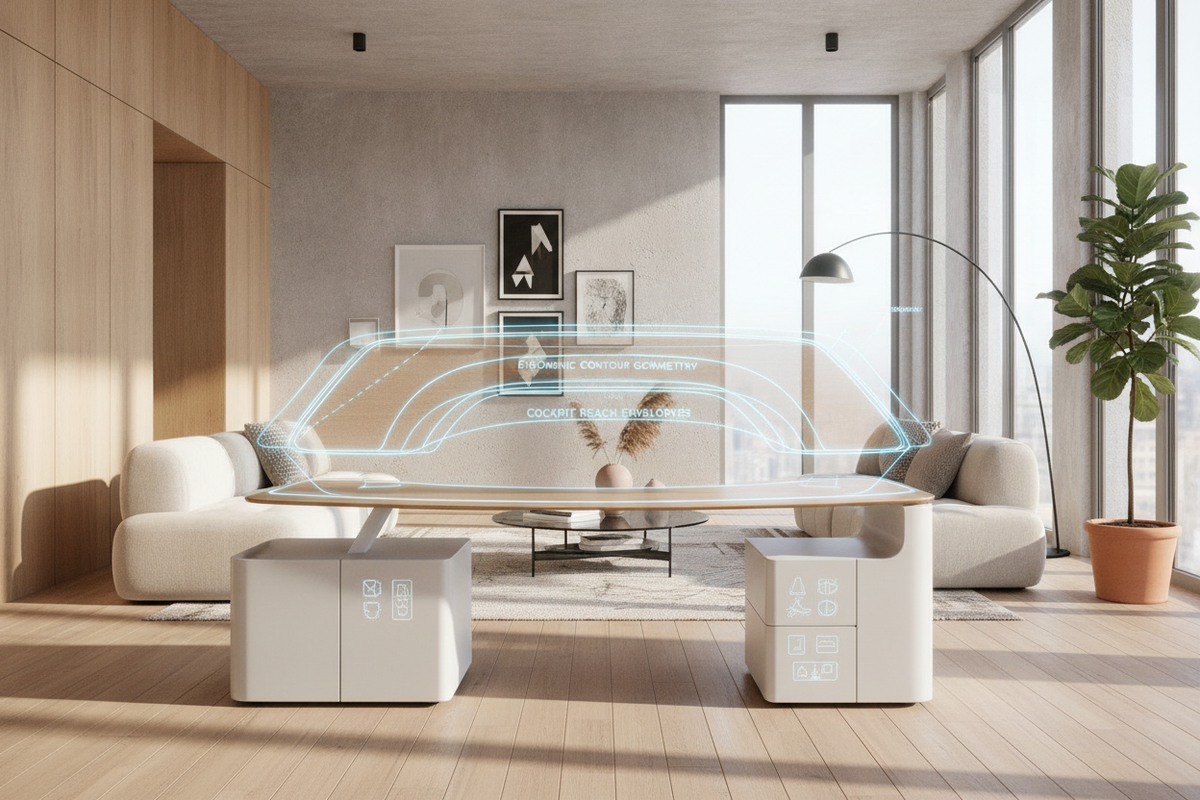
The front contour of a desktop influences posture alignment and upper-body comfort. Traditional rectangular slabs offer expansive usable area for spread-out paperwork and clamp-mounted accessories. In contrast, contoured worktops featuring a subtle inward curve create a cockpit-like enclosure that brings computer peripherals closer to your natural pivot points. Softly beveled or waterfall edge profiles minimize pressure along the forearms during long typing sessions, aligning with modern designer standing desk aesthetic principles.
Surface Dimension Tiers and Ergonomic Reach Cockpit Zones
Desk dimensions determine how effectively you can zone equipment across primary, secondary, and tertiary reach arcs.
- Primary Reach Zone: The immediate arc reached by sweeping the forearms with elbows resting near the torso, ideal for keyboards, mice, and active notepads.
- Secondary Reach Zone: The zone reachable by extending the arms fully without leaning the torso, suited for reference documents, secondary input devices, and beverages.
- Tertiary Reach Zone: The outer periphery of the desk, best reserved for mounted monitor displays, desk lamps, and decorative accents.
Compact Footprints for Urban Nooks and Minimalist Workflows
Compact desks measuring between 40 and 48 inches wide fit neatly into shared living spaces, alcoves, or urban apartments. These work surfaces accommodate a laptop with an auxiliary display or a single ultrawide monitor while keeping your overall spatial footprint modest.
Mid-Scale Standard Dimensions for Dual-Screen Productivity
Medium configurations ranging from 55 to 60 inches wide represent the balanced choice for multi-monitor arrangements. This tier provides ample space to position dual monitors side by side, add desktop audio monitors, and maintain an unobstructed writing area in the primary zone.
Expansive Executive Spans for Multi-Tasking and Heavy Hardware
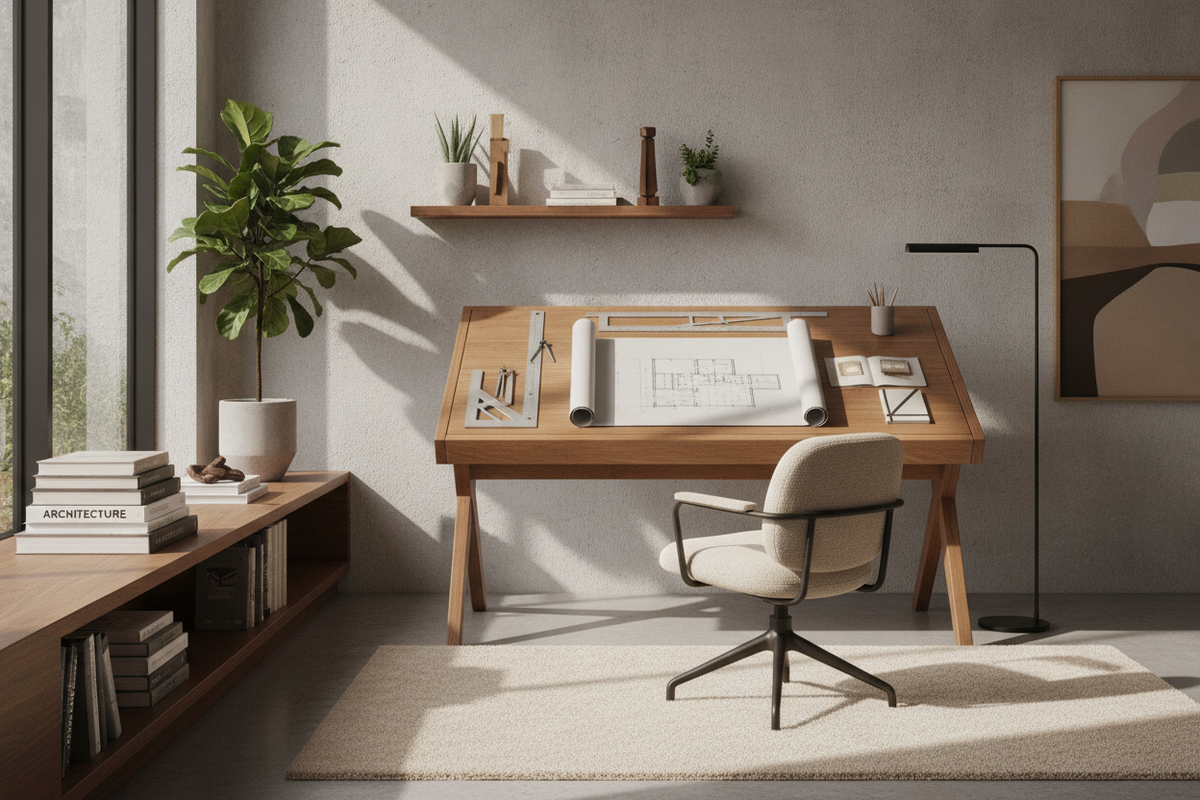
For demanding administrative workflows, heavy hardware layouts, or creative drafting, expansive wide-span adjustable workstations measuring 70 inches or wider offer substantial real estate. Extended crossbeams and reinforced multi-stage columns ensure structural stability even when loaded with multiple display arms and desktop accessories.
Biomechanical Clearance Geometry: Sit-to-Stand Elevation and Room Flow
Dynamic furniture requires intentional spatial planning to ensure smooth motion and preserve traffic pathways.
Vertical Kinematic Envelopes and Wall Clearance Buffers
When positioning an adjustable desk near walls or architectural features, leave a buffer of at least one to two inches behind the back edge. This prevents monitor mounts and desktop corners from rubbing against drywall, window sills, or wall-mounted shelving during elevation changes. Careful space planning for sit-stand workstations also ensures that surrounding walkways remain clear whether the desk is positioned at sitting or standing height.
Dynamic Cable Spine Routing and Slack Arc Geometry
A sit-to-stand desk requires dynamic cable management to accommodate continuous vertical travel. Use flexible, segmented cable spines or expandable braided sleeves to bundle monitor connections, power feeds, and peripheral cords. Ensure that the main umbilical harness has sufficient slack at the highest standing elevation so cables do not pull taut or dislodge sensitive hardware.
Material Resilience, Desktop Substrates, and Base Geometry
The durability and rigidity of your workstation depend on high-quality structural frames and core desktop materials.
High-Density Engineered Cores vs. Solid Wood Slabs
High-density fiberboard and engineered wood substrates with high-pressure laminate finishes provide exceptional dimensional stability, resisting warping from indoor humidity fluctuations. They offer uniform density for securing under-desk brackets, monitor clamps, and power strips. Solid wood slabs deliver organic grain texture and substantial heft, though they require stable ambient humidity to avoid slight seasonal cupping.
Heavy-Duty Steel Frames: C-Frame vs. T-Frame Foot Geometry
Desk frame leg configurations influence both structural stability and legroom:
- C-Frame Geometry: The vertical uprights are offset toward the back of the floor feet, providing maximum unobstructed knee clearance and making it easier to roll mobile pedestals under the worktop.
- T-Frame Geometry: The lifting column is centered over the floor foot, balancing downward forces evenly and offering robust stability for deep worktops.
Storage Synergy: Harmonizing Height-Adjustable Desks with Office Furniture
Because sit-stand desks move independently, pairing them with the right office storage requires a deliberate organizational strategy.
Mobile File Pedestals and Low-Profile Floating Under-Desk Drawers
Low-profile mobile filing cabinets on smooth-rolling casters can be tucked beneath an ergonomic motorized sit stand desk during standing periods or rolled alongside when seated to keep documents accessible. When adding shallow under-mount pencil drawers directly below the desktop, verify that the drawer chassis does not interfere with the frame crossbeam or restrict seated thigh clearance.
Perimeter Credenzas, Lateral Bookcases, and Accent Cabinetry
To keep the motorized desktop clean and focused, shift bulk archival storage, printers, and reference libraries to perimeter furniture. Matching lateral credenzas, tall open bookcases, and closed-door accent sideboards create a cohesive, professional aesthetic while keeping non-immediate materials neatly organized.
Systematic Assembly and Calibration Protocol for Sit Stand Desks
Proper assembly and initial configuration ensure smooth movement and long-term durability for your workstation.
Base Leveling, Motor Synchronization, and Subframe Torquing
Assemble the steel subframe on a soft, protected surface before fastening it to the desktop. Tighten all structural bolts evenly to prevent frame racking. Once upright, adjust the leveling glides on each foot so the desk sits completely flat without rocking. Complete the manufacturer initialization or reset procedure to ensure dual lifting columns are precisely synchronized.
Balanced Load Placement and Anti-Collision Validation
Position heavy computer equipment, monitor arms, and accessories symmetrically across the desktop surface to balance the load across both lifting columns. Test the built-in anti-collision sensors by verifying that the desk stops and reverses slightly when encountering moderate resistance, and save your preferred sitting and standing heights to memory buttons for effortless daily transitions.
Frequently Asked Questions About Ergo Standing Desks
How much weight capacity is typical for a dual-motor standing desk?
High-quality dual-motor frames generally accommodate substantial desktop loads, easily supporting multiple monitors, heavy monitor arms, desktop computer cases, and organizational accessories without straining the lifting mechanism.
Can I attach clamp-on monitor arms to contoured or beveled desktops?
Yes, provided the rear edge of the desktop features a flat clamping surface with sufficient depth. Check the underside of the worktop to ensure the clamp clears structural frame rails and cable management trays.
How do I prevent cables from pulling when raising the desk?
Route all device power and display cords into a central surge protector mounted directly to the underside of the desktop. Run a single heavy-duty power cord from the desk down to the wall outlet with adequate slack loop geometry to cover the full elevation range.

Leave a comment
This site is protected by hCaptcha and the hCaptcha Privacy Policy and Terms of Service apply.