










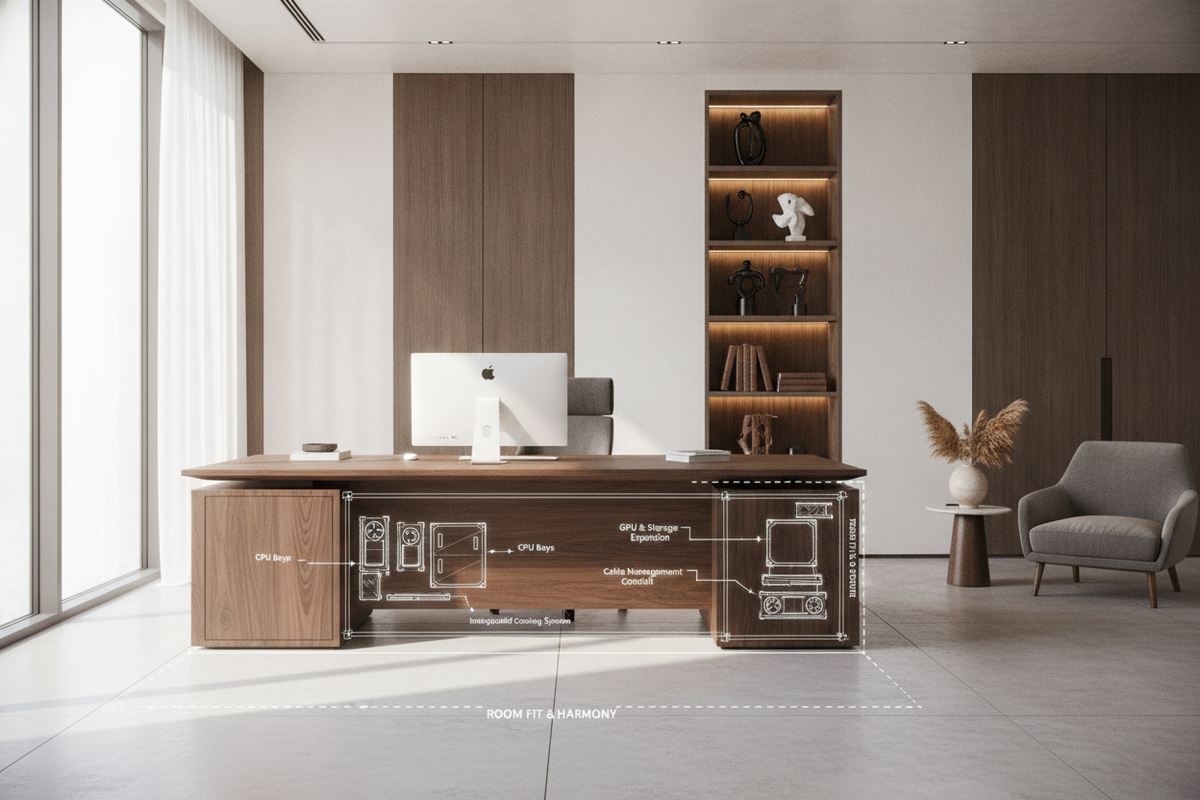
The Evolution of the Executive Desk with Computer Storage
The traditional executive desk was originally engineered around leather-bound ledgers, physical correspondence trays, and expansive blotters. In contemporary professional environments, the central workstation must accommodate a far more intricate digital ecosystem. A modern executive desk with computer storage merges the substantial visual presence of high-end executive furniture with the technical utilities required by personal computers, external drives, uninterrupted power supplies, and multifaceted wiring harnesses.
Creating a balanced workspace requires integrating these technological necessities without compromising aesthetic authority. When designing a home office with executive desk architecture, professionals often face the tension between spacious legroom, formal symmetry, and hardware accessibility. Reviewing an executive desk computer guide helps clarify how furniture designers combine classic joinery profiles with discrete routing channels, transforming an imposing workstation into an organized command center.
From Traditional Pen-and-Paper Pedestals to Tech-Enabled Workstations
Historically, deep pedestals housed vertical filing folders and locked strongboxes. Today, these same structural columns are reconfigured to host computer towers, secondary monitors, docking stations, and peripheral devices. An effective executive workstation desk conceals digital clutter while providing immediate physical and visual access to primary drive bays and input ports.
Balancing Formal Office Aesthetics with High-Density Hardware
A commanding desk commands visual focus within an office suite. When hardware sits exposed across the worktop or trails unmanaged cables toward baseboards, the formal balance of the room is disrupted. Modern executive office workstations address this through specialized cabinetry, integrated cable passages, and recessed power modules that preserve clean sightlines across the desktop.
Architectural Storage Profiles for Modern Computer Hardware
Computer hardware generates heat and requires consistent cabling pathways. Consequently, selecting an executive desk with cpu storage involves evaluating interior cabinet geometry, airflow dynamics, and rear maintenance accessibility.
Integrating your main desk with dedicated secondary units from a broader office storage collection can also relieve spatial pressure on the central seating envelope, allowing the desk itself to remain balanced and uncluttered.
Dedicated CPU Pedestals vs. Open Lower Bays
Enclosed CPU pedestals feature front cabinetry doors that blend seamlessly with adjacent drawer banks. These enclosures keep computer chassis hidden from view during client meetings or video calls. Conversely, open lower bays or cantilevered computer shelves offer immediate access to power switches and cooling fans, making them practical for performance workstations requiring continuous monitoring.
Thermal Management and Passive Ventilation Channels
Operating a desktop tower inside a closed cabinet requires deliberate ventilation planning. Executive desks designed for computing equipment often incorporate:
- Open or partially vented back panels to allow hot exhaust air to escape naturally.
- Recessed floor vents or elevated base plinths that draw cooler ambient air from beneath the desk.
- Internal clearance gaps along cabinet sidewalls to prevent heat accumulation around intake fans.
- Concealed rear access doors that simplify component upgrades and routine dusting.
Concealed Cable Pass-Throughs and Rear Service Clearance
Clean desktop organization relies on structured wire pathways. High-grade executive furniture features grommet cutouts capped with matching wood or metal covers, subterranean cable raceways, and modesty panel channels that route power and video lines directly to floor outlets without visible dangling wires.
Matching Executive Desk Archetypes to Room Envelopes
Different room footprints demand distinct desk geometries to maintain balance, walking paths, and functional utility.
Double-Pedestal Executive Workstations for Primary Study Layouts
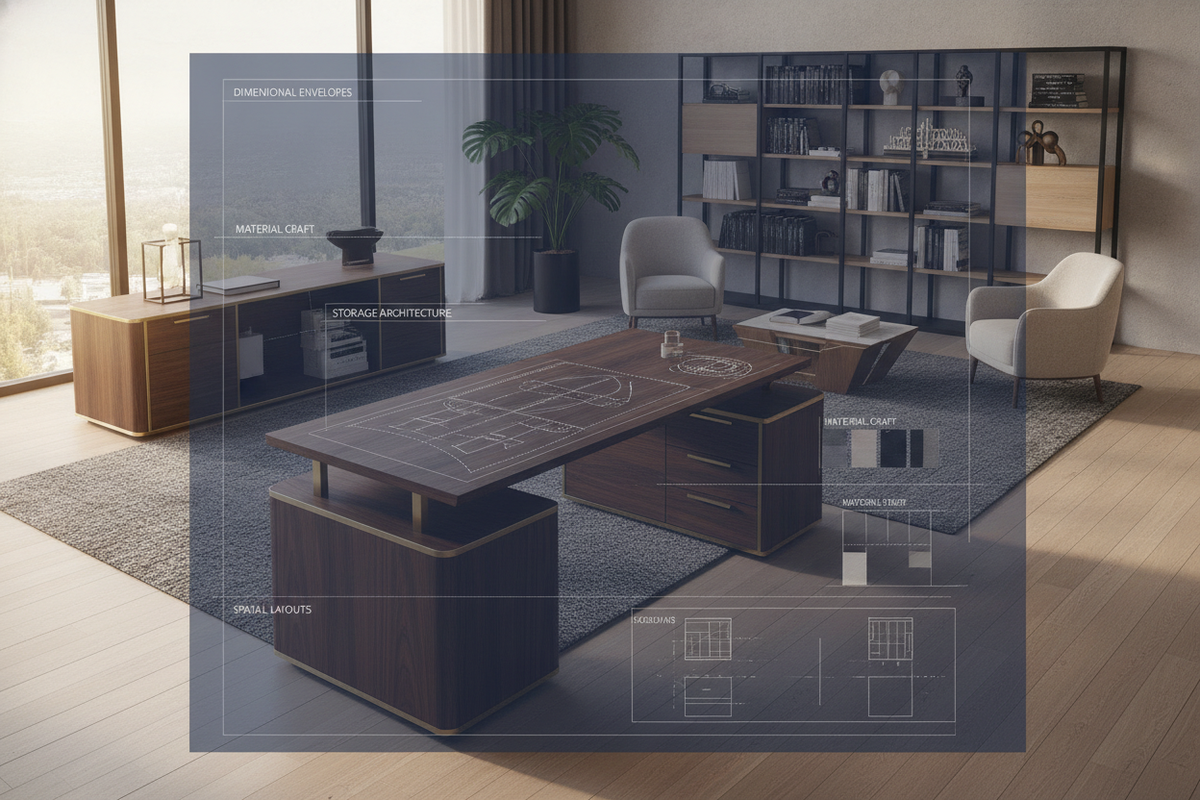
The double-pedestal configuration remains the standard for dedicated private offices. With storage columns flanking both sides of the seating well, this layout divides tasks naturally: one pedestal provides dedicated computer tower housing and wire passthroughs, while the opposite pedestal accommodates file drawers and office supplies.
Executive Secretary Desk and Compact Profiles for Multi-Functional Spaces
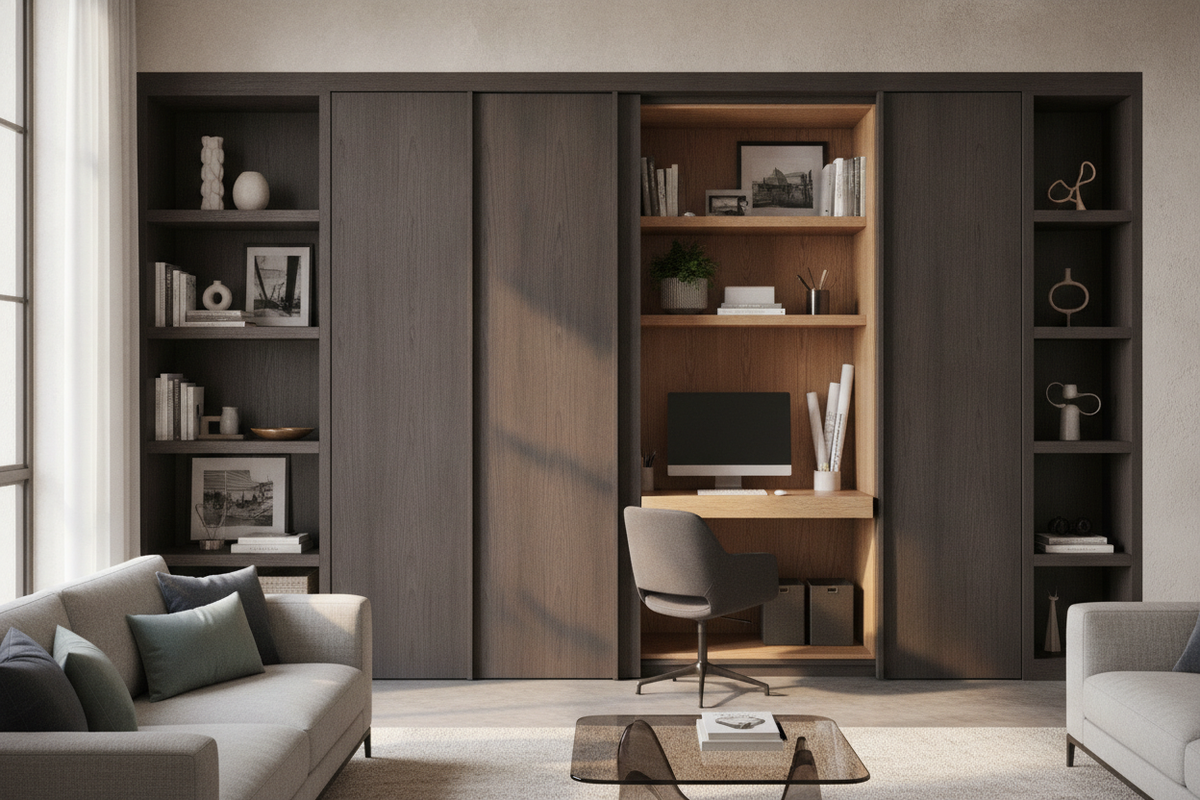
For hybrid living areas, dual-purpose studies, or guest rooms, an executive secretary desk or a small executive office desk provides dedicated work surfaces that can be closed or minimized when the workday concludes. Hinged drop-fronts, sliding keyboard trays, and compact lower tower compartments allow full desktop utility within a modest footprint.
L-Shaped and Corner Executive Configurations for Cockpit Efficiency
When daily responsibilities require multi-display arrays alongside physical document review, corner and L-shaped designs provide separate dedicated zones. A specialized office computer desk product offers an expansive return that houses computer hardware, keeping the primary front desk completely free for meetings and writing tasks. Similarly, selecting an alternative office computer desk product configuration can anchor secondary monitors and printers while maintaining an open executive profile.
Spatial Clearance Envelopes: Knee Well, Chair Travel, and Wall Offset
A well-proportioned desk must feel comfortable during extended use. Calculating spatial clearances ensures natural movement and adequate legroom.
Central Knee Well Width and Legroom Ergonomics
Because CPU storage pedestals can be wider than standard drawer units, verify that the central knee well leaves ample space for natural leg movement and comfortable chair positioning. A cramped central well restricts posture changes and can cause discomfort throughout long workdays.
Executive Chair Recoil and Perimeter Walkway Clearances
Executive chairs with wide caster bases and reclining backs require generous perimeter clearances. When planning your office layout, ensure sufficient buffer zones between the rear edge of the desk and the back wall or credenza to allow smooth swiveling, reclining, and standing transitions.
Placement Dynamics: Command Position vs. Perimeter Wall Anchoring
In traditional interior design, placing a professional home office desk in the command position—facing toward the main entrance with a solid wall behind the chair—creates a confident, authoritative atmosphere. When using this layout, ensure the modesty panel is fully finished and that all computer wiring remains enclosed within internal chases rather than trailing exposed along the floor.
Material Durability, Finishes, and Coordinating Modular Storage
Executive furniture must withstand the daily wear of monitors, peripherals, and heavy desktop accessories while maintaining its refined appearance over time.
Engineered Wood, Hardwood Veneers, and Scratch-Resistant Melamine Surfaces
Worktop materials range from rich hardwood veneers with hand-rubbed stains to modern high-density engineered boards wrapped in scratch- and moisture-resistant melamine. High-pressure laminates and engineered finishes excel in resistance to monitor base scuffs, coffee mug rings, and writing pressure, while hardwood veneers offer classic depth and authentic grain patterns.
Weight Distribution for Multi-Monitor Arms and Hardware Loads
Computer monitors, heavy desktop towers, and articulated display arms place concentrated stress on worktop edges. A dependable top executive desk utilizes reinforced substructures, center support beams, and solid backing panels to prevent surface deflection under sustained hardware loads.
Pairing Overhead Shelving and Credenzas with Executive Tables
To keep the primary desk surface clear, coordinate your main workstation with matching vertical storage. Reviewing a comprehensive desk storage office guide offers strategies for integrating floating hutches, wall-mounted shelving, and low lateral credenzas that expand overall storage capacity while maintaining a cohesive design aesthetic.
Sourcing and Assembly Strategies for Executive Office Tables Online
Browsing an executive office table online allows you to compare interior cabinet dimensions, ventilation cutouts, and storage configurations across various styles.
Navigating Online Specifications: Port Holes, Tower Dimensions, and Weight Ratings
When researching where to buy executive desk options or searching for the best place to buy executive desk models, examine internal compartment dimensions carefully. Compare the internal height, width, and depth of CPU bays against your specific computer case, ensuring additional clearance for rear cable plugs, USB dongles, and front ventilation grills.
Assembly Sequence and Internal Hardware Pre-Wiring
When assembling a modular executive desk, planning the wiring sequence in advance simplifies installation. In my own workspace planning, I have found that running power extension strips and main video cables through interior cabinet grommets before locking rear modesty panels into place saves considerable time and effort.
Routine Maintenance and Cable Reconfiguration Flow
Maintain your executive workstation by periodically inspecting CPU cabinet filters for dust accumulation, checking cable pathways for tension, and wiping down work surfaces with finish-safe cleaners. An intentional combination of quality materials, thoughtful computer storage, and ergonomic planning creates an executive office that remains functional, organized, and sophisticated for years to come.

Leave a comment
This site is protected by hCaptcha and the hCaptcha Privacy Policy and Terms of Service apply.