










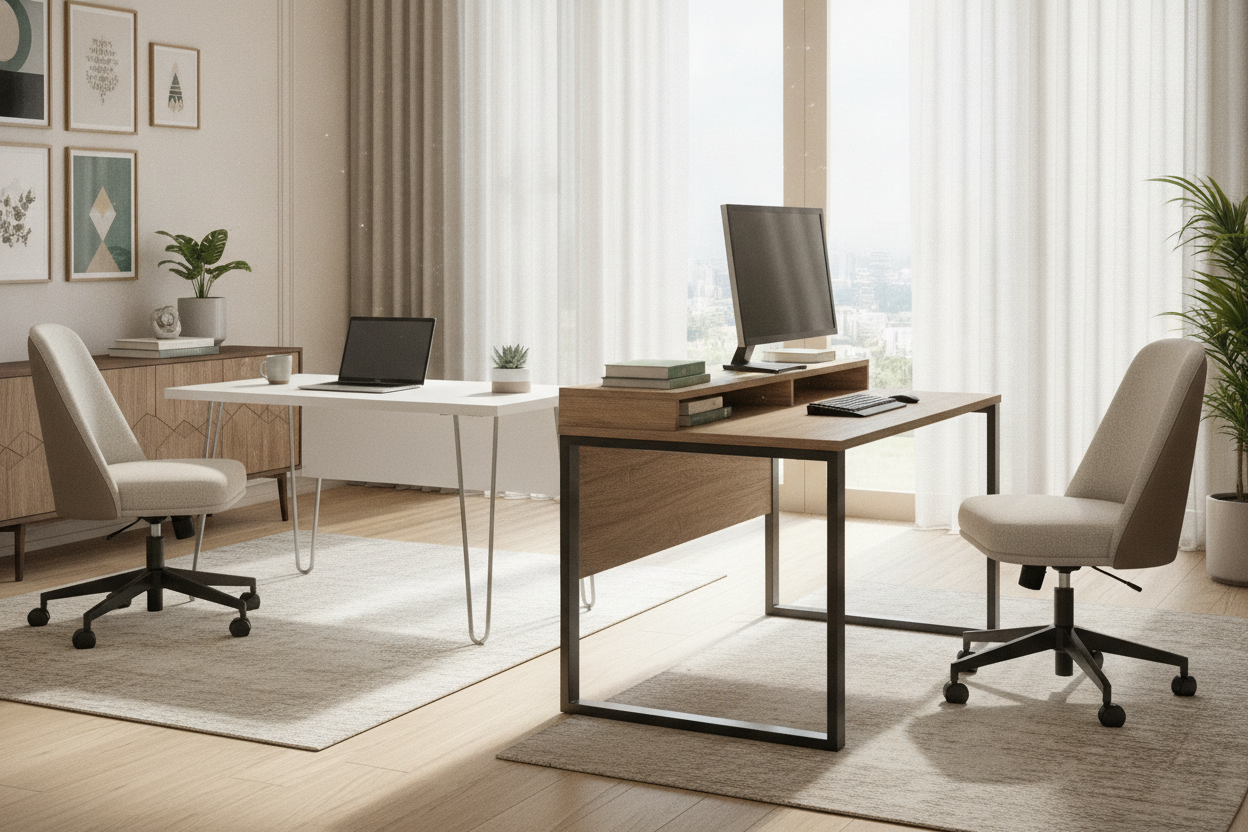
I once spent four hours assembling a desk that felt like it was made of hardened construction paper. By the second email of the morning, my monitor was swaying like a palm tree in a hurricane. It is the classic budget furniture trap: it looks great in a rendered photo, but it has the structural integrity of a house of cards.
Finding decent desks under $200 is an exercise in skepticism. You are essentially trying to find the one manufacturer who spent more money on steel than they did on Instagram ads. After testing dozens of setups, I’ve learned that a low price tag doesn’t have to mean a disposable product, provided you know which corners are okay to cut.
- Look for steel frames with a thickness of at least 1.2mm to prevent the dreaded 'monitor shake.'
- Avoid desks with tops that come in two separate pieces unless you enjoy a permanent seam under your mousepad.
- Prioritize 'K-shaped' or 'T-shaped' legs with cross-bracing for much better lateral stability.
- Check the weight capacity; if it’s rated for less than 100 lbs, it’s a laptop stand, not a desk.
The Truth About the Two-Hundred-Dollar Price Point
At the sub-$200 mark, you aren't paying for heirloom quality. You are paying for efficiency. Most best desks for under 200 are made in massive batches with thin-gauge metal and particle board. The goal for the manufacturer is to get the box under the weight limit for standard shipping so they don't get hit with heavy-item surcharges.
This means the 'wood' is almost always MDF or particle board with a melamine sticker on top. That’s actually fine for a desk. What isn't fine is when they skimp on the hardware. I’ve seen cam-locks that snap like toothpicks and pre-drilled holes that don't line up by a full half-inch. It's frustrating, but it's the reality of the tier.
I learned this the hard way when I tried to find a cheap motorized option. I actually documented how I electric standing desk under 200 and realized that when you go that low on a motorized unit, you are usually sacrificing the thickness of the legs. The motor might work, but the desk will vibrate every time you type a Slack message. At this price, simple is usually sturdier.
How to Spot the Best Desks for Under 200
When you are scrolling through best desks under 200, ignore the lifestyle staging. Don't look at the cute plant or the perfectly placed coffee mug. Look at the joints. You want to see 'triangulation.' Any desk that is just four vertical poles with a board on top is going to wobble. Look for a support bar that runs across the back or 'V' shaped brackets where the legs meet the top.
Frame thickness is the hidden spec. If a listing doesn't mention the gauge of the steel, assume it's thin. Good budget desks use 40mm x 40mm steel tubing for the legs. If the legs look like they belong on a folding card table, keep scrolling. You also want to check the feet. Adjustable leveling glides are a must. Most floors aren't perfectly flat, and a 1mm gap under one leg will make even the best desk under 200 feel like junk.
The desktop material at this price is almost always a compromise. Look for 'P2 grade' MDF. It’s a standard for formaldehyde emissions, but it also usually indicates a slightly higher density than the bottom-of-the-barrel stuff. If the description mentions 'powder-coated steel,' that's a plus. It’s way more scratch-resistant than basic spray paint, which will flake off the first time your vacuum cleaner bumps into a leg.
Why Frame Material Matters Way More Than the Top
I’ve seen people get hung up on wanting 'real wood' at this price. Trust me, you don't want the version of 'real wood' that costs $150. It’ll be soft pine that dings if you drop a pen. A high-quality laminate over a dense core is actually better for a daily driver. It’s waterproof, coffee-proof, and easy to wipe down.
The frame is where the battle is won or lost. A heavy steel frame provides the ballast. If the frame is too light, the center of gravity is too high. Every time you move your mouse, the energy travels up the legs and shakes your screen. I’d take a plastic-feeling top on a rock-solid steel frame over a pretty wood top on spindly legs any day of the week.
Beware the 'Split Top' Illusion
This is a huge trend in office desks under $200 right now. To save on shipping costs, manufacturers split the desktop into two long pieces. They ship in a smaller box, but you end up with a seam right down the middle of your workspace. Over time, these tops tend to bow at the seam because the wooden dowels can't handle the weight of a heavy monitor mount. If you see a line down the middle of the desk in the product photos, proceed with extreme caution.
When Office Desks Under $200 Make Perfect Sense
Budget desks aren't for everyone, but they are a godsend for specific scenarios. If you are furnishing a guest room that doubles as a part-time office, spending $800 on a solid oak desk is overkill. A clean, minimal budget desk does the job without dominating the room’s budget. It's the same logic I use when looking for a best sofa under 200 for a first apartment—you want functionality without a decade-long commitment.
These desks are also great for alcoves or 'cloffice' setups. Since they are lightweight, they are easy to move if you decide to rearrange your layout. I’ve used them as secondary crafting stations or even as a dedicated spot for a 3D printer. The key is matching the desk to the vibration level of the work. For heavy typing or gaming, you need the beefiest frame you can find. For a laptop and a notebook? A lighter budget option is perfectly fine.
My Criteria for the Best Desk Under 200
Before I hit 'buy' on any budget furniture, I run through a checklist. First, I check the 'item weight' in the specifications. If a 55-inch desk weighs less than 30 pounds, it’s going to be a vibrating mess. I look for a net weight of at least 45 pounds. That mass is what keeps the desk planted when you are frantically typing an email at 4 PM on a Friday.
Second, I look at the warranty. Even at this price, a one-year warranty shows the brand expects the thing to stay upright. I also look for brands that sell more advanced gear. For instance, a brand that makes a high-end sit stand up desk with memory preset often uses the same structural engineering for their entry-level static desks. It’s a trick to get better quality components by piggybacking on their more expensive manufacturing lines.
Lastly, I check the assembly reviews. If fifteen people say the holes didn't line up, believe them. Life is too short to spend three hours fighting with a hex key and a misaligned screw. A good budget desk should take 30 minutes to put together, tops. If it requires a degree in structural engineering and a rubber mallet, it’s not worth the money you saved.
FAQ
Can I put a monitor arm on a cheap desk?
Maybe. Most budget desks have a hollow core or thin MDF. If you clamp a heavy dual-monitor arm to it, you might crush the wood. I always suggest using a small scrap piece of real wood or a metal reinforcement plate to spread the pressure across a wider area.
How do I stop my budget desk from wobbling?
Check the leveling feet first. If it still shakes, try pushing it flush against a wall—the wall acts as a stabilizer. If you’re on carpet, you might need a hard chair mat to give the legs a firmer surface to sit on.
Is 'carbon fiber' texture better than wood grain?
It’s purely aesthetic. In fact, 'carbon fiber' laminates are often used to hide lower-quality particle board underneath. Choose based on your style, but don't expect it to be more durable than a standard wood-look laminate.


Leave a comment
This site is protected by hCaptcha and the hCaptcha Privacy Policy and Terms of Service apply.