










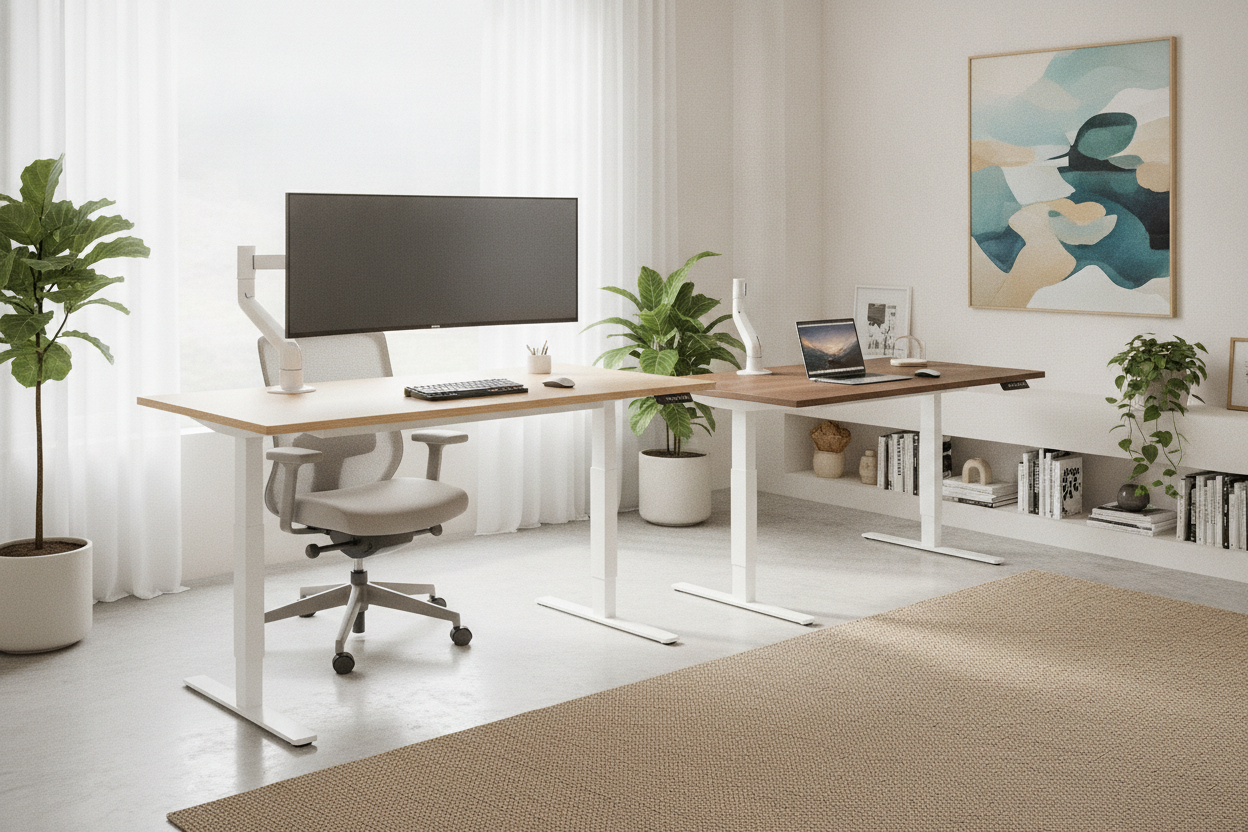
I spent three years hunched over a thrifted table that was basically a glorified TV tray. My chiropractor was making more money off me than my landlord. I finally cracked and bought the yangming office desk electric standing desk after seeing it on sale for less than the cost of a decent pair of boots.
I’ve tested the high-end stuff—the desks that cost more than my first car and come with white-glove delivery. But I wanted to see if a budget-friendly Amazon find could actually survive a 40-hour work week without giving me a headache. Here is the unfiltered reality of living with a cheap motorized frame.
Quick Takeaways
- Assembly is straightforward but the desktop comes in two pieces, which might annoy purists.
- The motor is surprisingly quiet; it won't drown out your Zoom calls.
- Wobble is minimal at sitting height but becomes noticeable once you pass the 42-inch mark.
- Cable management is non-existent out of the box, so buy some clips.
Why I Cheated on My Expensive Desk Frame
For a long time, I was a furniture snob. I thought if a desk didn't have a solid walnut top and a frame made of industrial-grade steel, it wasn't worth my time. But honestly, sitting at a standard writing computer desk for nine hours a day was destroying my lower back, and my bank account wasn't ready for another four-digit investment.
I needed something that moved. The yangming standing desk caught my eye because it didn't try to be fancy. It's a utility piece. It promised to go up and down without exploding, and sometimes, that is all you really need from your office gear. I decided to gamble on the budget option to see if the price gap between 'cheap' and 'premium' was actually justified by performance or just clever marketing.
The Assembly Process: Did I Need a Drill (or a Drink)?
The box arrived looking like it had been through a war zone, but the internal packaging was surprisingly robust. Everything was nested in thick foam. If you are doing this solo, be prepared for a workout. The legs are heavy, which is actually a good sign for stability. I spent about ten minutes just laying out the bolts and making sure I hadn't lost the tiny hex key in the carpet fibers.
The manual is mostly pictures, which I prefer. One of the biggest mistakes to avoid with your home office setup is rushing the frame alignment. I made sure to measure the distance between the legs twice before I started driving screws into the pre-drilled holes. You don't want a lopsided desk because you were too lazy to use a tape measure. I didn't need a drill, but a ratcheting screwdriver made the process much faster than the included tool.
The motor mechanism is a simple rod system that connects the two legs. It feels a bit DIY when you’re sliding it into place, but once it’s locked in, it’s solid. I did have one moment of panic where I thought the rod was too short, but you just have to give it a firm tug to extend it. No drink was required, but I did treat myself to a coffee once the legs were standing on their own.
Putting the Yangming Standing Desk to the Wobble Test
This is where the rubber meets the road—or the feet meet the floor. Most budget desks feel like they’re standing on toothpicks. At sitting height, this desk is as steady as a rock. I can type like a maniac and my coffee doesn't even ripple. However, once you start raising it, physics starts to take over. By the time I hit my preferred standing height of 44 inches, there is a slight shimmy.
If you compare it to a more premium adjustable height standing desk with electric lift system, you can feel where the money went. The higher-end models usually have thicker steel and more sophisticated crossbars to kill the vibration. On the Yangming, my dual 27-inch monitors do a little 'nod' if I bump the desk. It’s not enough to make me seasick, but it’s there. If you’re a heavy leaner who puts your whole body weight on the desk while thinking, you might find it annoying.
The motor speed is decent. It’s not the fastest lift in the world, but it’s consistent. I’ve loaded it up with two monitors, a heavy laptop dock, and a literal stack of reference books, and the motor didn't sound like it was dying. It has a smooth start and stop, so your pens won't roll off the edge every time you adjust the height. For the price, the performance is actually punching above its weight class.
The Ugly Truth About Motorized Desk Cords
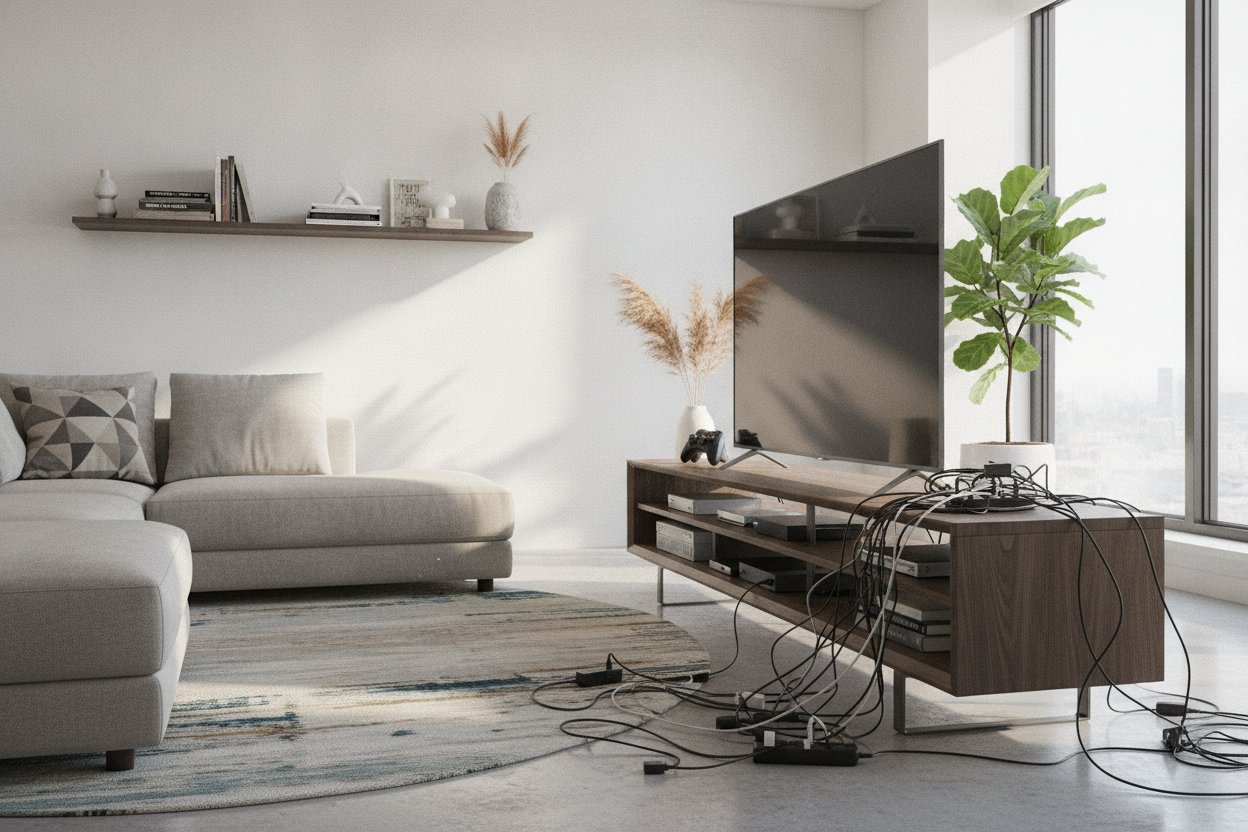
Nobody tells you that motorized desks are basically cord-eating monsters. When the desk goes up, your wires need slack. When it goes down, those same wires pile up on the floor like a nest of snakes. I quickly realized that standing desk home office ideas always feel cluttered because people forget to account for the vertical movement of the power brick.
The Yangming doesn't come with much in the way of cable management. There are a few adhesive clips, but they lost their stickiness within 24 hours. My advice? Buy a separate under-desk tray or at least a pack of heavy-duty Velcro ties. I made the mistake of not leaving enough slack for my monitor power cord, and the first time I raised the desk to full height, I heard a sickening pop as the plug was yanked out of the wall. Learn from my stupidity: always test the full range of motion before you tuck your cables away.
The power brick for the desk itself is also a bit bulky. I ended up mounting it to the underside of the desktop with some industrial strength tape. It keeps the floor clear and prevents the cord from getting caught in the legs. It’s an extra twenty minutes of work, but it’s the difference between a professional-looking office and a tech-support nightmare.
Final Verdict: Should You Buy It?
The Yangming office desk electric standing desk is a workhorse for the average remote worker. If you are looking for a museum-quality piece of furniture to pass down to your grandkids, this isn't it. The top is particle board and the seam in the middle is visible if you don't use a desk mat. But if you want to stop destroying your posture without spending a month's rent, it’s a fantastic value.
I’d recommend it to anyone who needs their first standing setup. It’s perfect for students or people with light-to-medium equipment loads. However, if you have a massive three-monitor setup or you do a lot of precision drawing that requires zero vibration, you might want to save up for something more heavy-duty. For me? It’s staying in my office. My back is happy, and my wallet is still full.
FAQ
How loud is the motor?
It is a low, mechanical hum. It is definitely quieter than a microwave and won't be picked up by most noise-canceling microphones during a meeting.
Can the desk handle a monitor arm?
Yes, I use a dual-monitor clamp. Just make sure the clamp is tightened against the metal frame and not just the wood to ensure it doesn't tilt forward over time.
How long does it take to switch from sitting to standing?
It takes roughly 12 to 15 seconds to go from a standard sitting height to a full standing position. It is fast enough that I actually use the feature instead of getting lazy.

Leave a comment
This site is protected by hCaptcha and the hCaptcha Privacy Policy and Terms of Service apply.