










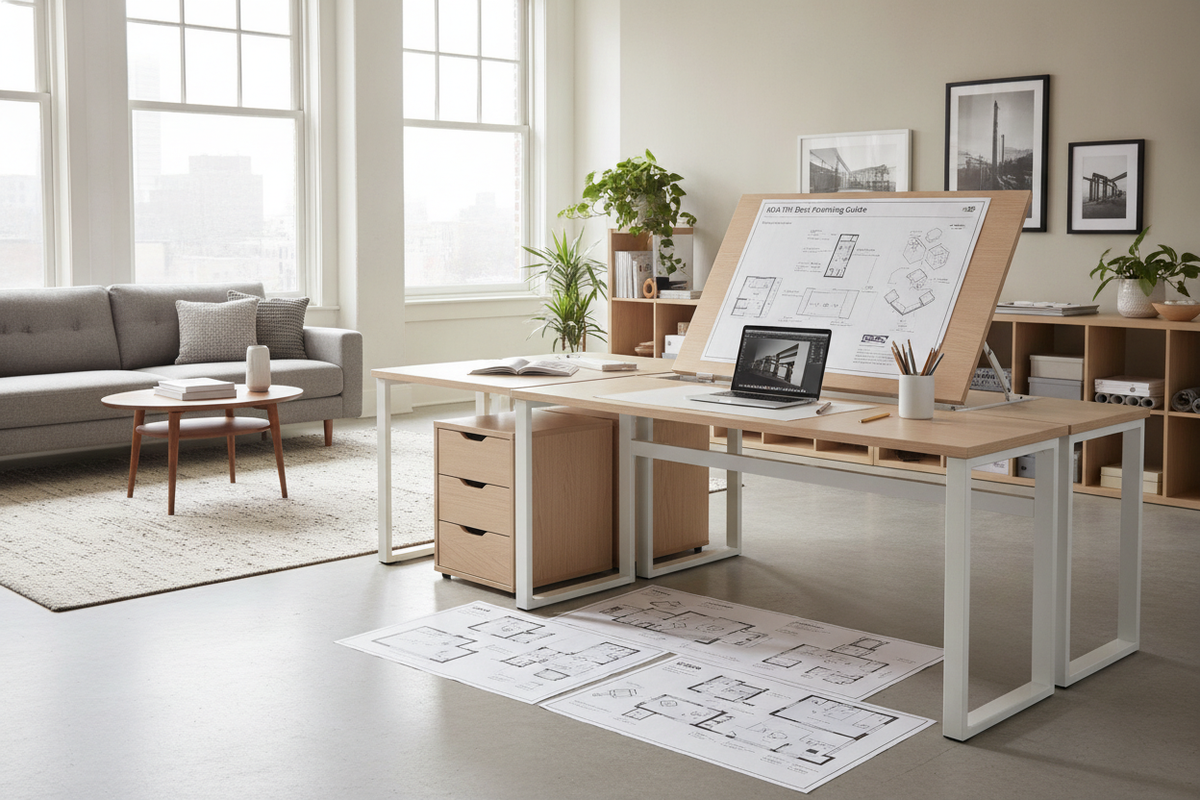
A dedicated creative workspace requires flexibility that standard flat desktops cannot always provide. For illustrators, architects, calligraphers, and avid readers, an ikea tilt desk setup provides an adjustable working surface that brings media closer to your natural line of sight. By understanding the mechanical principles behind tilting trestles, surface dimensioning, wall clearance, and storage management, you can configure an ergonomic creative station tailored to your room layout.
Understanding Tilt Desk Architecture: Flat vs. Angled Work Surfaces
Working on a flat surface forces the upper body into a forward lean during extended sketching, drafting, or reading sessions. An angled surface elevates your work plane, helping you maintain a more upright posture while keeping paper or digital tablets perpendicular to your gaze. When planning an angle-adjustable workstation, consider the fundamental engineering designs available:
- Trestle-Based Tilting Mechanisms: Height- and angle-adjustable trestle legs feature notched brackets or pin-locking ladders. By adjusting the pin position on the rear support beam of each leg, the tabletop pivots forward to various incline angles.
- Surface Bracket Hinges: Smaller drafting setups use articulating brackets mounted directly beneath the desktop, allowing the surface to tilt independently of fixed legs.
- Split-Surface vs. Full-Tilt Formats: A full-tilt table angles the entire desktop, requiring dedicated pencil ledges to keep supplies from sliding off. Split-surface arrangements keep a narrow side section stationary for drinks, reference displays, or paint water, while tilting the primary drawing board.
Dimensional Categories and Spatial Footprints
Choosing the correct tabletop dimensions ensures adequate drafting surface without overwhelming your floor plan. Desks with tilting capability generally fall into three distinct sizing profiles:
- Compact Drafting Footprints: Designed for small apartments, bedrooms, or dedicated craft nooks, compact surfaces provide just enough space for an A3 sketchpad or mid-sized drawing tablet alongside essential drawing instruments. For compact footprint strategies, review our ikea desk guide to balance tight room dimensions with everyday usability.
- Standard Studio Formats: Mid-sized surfaces offer ample width to spread out reference books, laptop stands, and tracing tools simultaneously. This format serves as a balanced everyday desk that can transition between flat computer work and angled drawing.
- Expansive Architectural Tables: Wide-format surfaces supported by dual adjustable trestles cater to large portfolio work, full-scale architectural prints, and wide-format watercolor sheets. These setups require substantial room width and open peripheral space.
Room Fit, Clearances, and Wall Placement Dynamics
Positioning a tilt desk against a wall requires careful planning because the geometry of the table changes as it inclines.
Rear Wall Clearance
When the rear of the desktop is elevated into a drafting slope, the back edge often pivots slightly upward and backward depending on the hinge axis. Leaving several inches of clearance between the back edge and the wall prevents the tabletop from scuffing drywall or colliding with baseboard moldings when adjusting angles.
Under-Desk Knee and Leg Clearance
Adjustable trestle bases feature diagonal crossbars and lower support shelves. Verify that the inner width between the two trestle legs accommodates your natural leg span and allows free chair movement. If you frequently shift between sitting and standing, ensure the lowest horizontal crossbar does not impede your feet.
Drafting Chair Height Coordination
Because an angled desk effectively raises the working height of your materials, pair the surface with a task chair that offers generous vertical adjustment. Exploring our dedicated ikea desk guide can help you identify seating heights and armrest configurations that fit comfortably under angled work surfaces.
Surface Materials, Textures, and Edge Hardware
The choice of desktop material directly influences your drafting precision and long-term durability:
- Solid Wood and Hardwood Veneers: Solid timber tops withstand clamping pressure from task lights and monitor arms, and they can be sanded or refinished over time. Smooth wood grain provides a steady base for paper drawing.
- Smooth Laminate and Lacquer Finishes: Laminate tops offer a uniform, seamless surface that prevents pen tips from catching on natural wood grain textures. They wipe clean easily from ink drops and graphite smudges.
- Pencil Ledges and Retaining Lips: An angled desk requires a front retaining lip or removable wooden ledge to prevent pens, rulers, and sketchbooks from sliding onto the floor when the top is pitched upward.
- Protective Desk Mats: Drafting vinyl or self-healing cutting mats protect the tabletop finish from sharp blades, heavy compass points, and marker bleed-through.
Storage Integration for Angled Workstations
Because the desktop surface slopes during use, flat storage accessories cannot remain permanently on the table. Complementary storage solutions are essential for keeping tools accessible:
- Freestanding Drawer Pedestals: Place modular drawer units directly alongside or just outside the trestle legs. This keeps heavier supplies organized without interfering with the tilt mechanism beneath the tabletop.
- Mobile Utility Carts: Three-tier rolling carts provide a flexible side caddy for paint tubes, markers, water jars, and digital stylus docks, rolling neatly under or beside the table when not in use.
- Vertical Wall Shelving: Wall-mounted shelves positioned above the table take advantage of vertical space for reference manuals, art models, and monitors. For ideas on structuring wall-mounted systems around your desk, explore our desk ikea guide to design an organized perimeter surround.
Assembly, Stability, and Angle Security Best Practices
Operating a modular tilt desk safely requires symmetrical assembly and regular maintenance checks:
- Symmetrical Pin Alignment: When changing incline positions on dual trestles, double-check that the locking pins or pegs on both the left and right legs are set into the matching height notch. Asymmetrical settings cause tabletop warping and unstable wobbling.
- Weight Distribution: Avoid attaching heavy clamp-on monitor arms to the tilting section of a desk unless the mechanism is specifically rated for cantilevered loads. Keep heavy electronics positioned over the central support plane.
- Hardware Inspection: Regularly inspect thumb screws, pivot bolts, and retaining pins to ensure fasteners have not loosened from repeated adjustments.
Studio Workstation Blueprints and Creative Use Cases
The Digital and Traditional Hybrid Studio
This layout pairs a central tilting table with a secondary flat desk or rolling side console. The artist keeps digital screens, keyboards, and beverages on the stable flat surface while using the angled drafting board exclusively for active sketching and tablet drawing.
The Compact Creative Corner
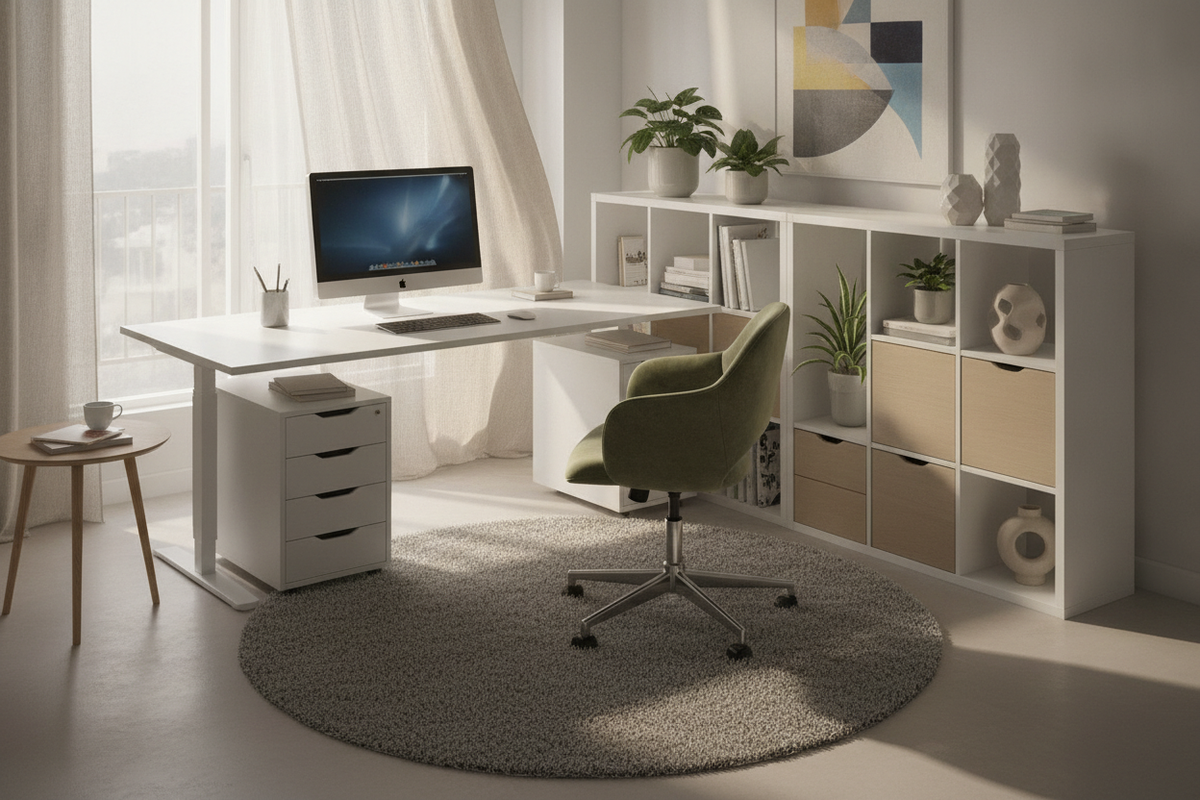
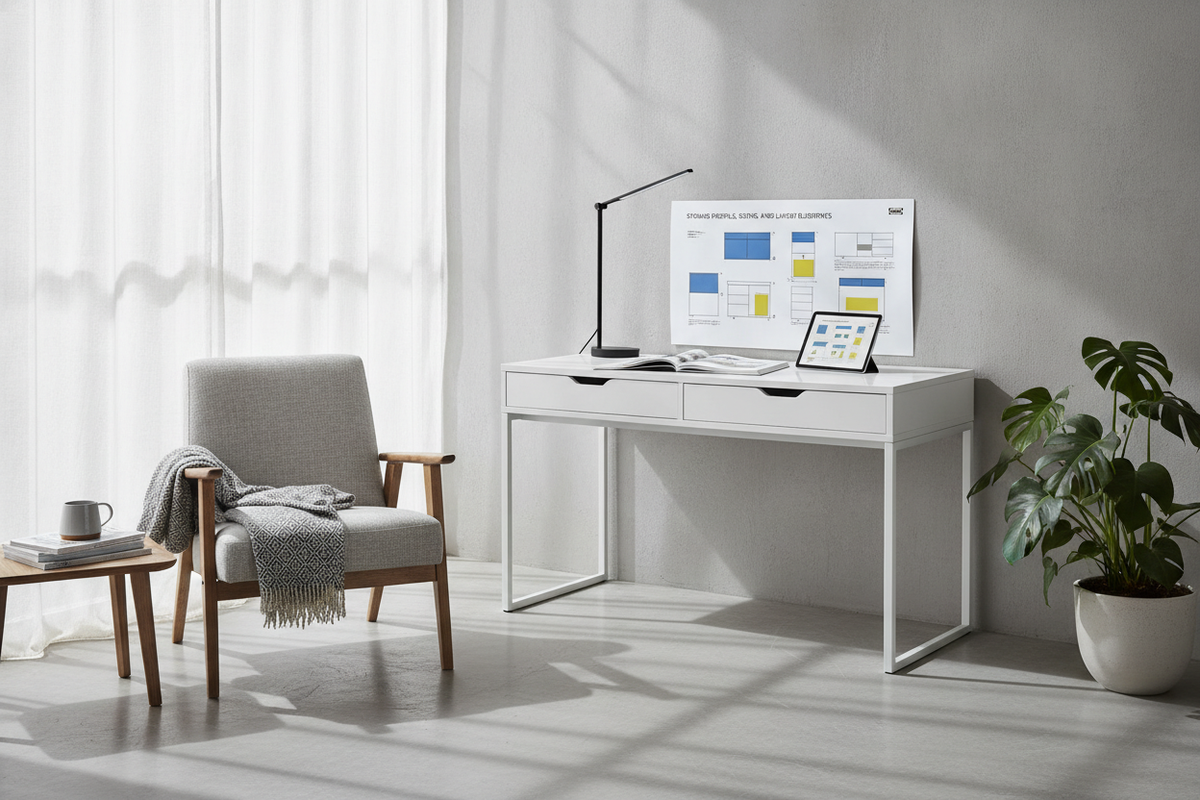
Positioned along a bedroom or studio wall, a compact tilt desk is paired with a slim rolling storage cart and overhead floating shelves. The front pencil ledge holds current drawing pads, while the cart stores paints and tech accessories out of the way.
The Open Architectural Workspace
Centered in a larger studio room, a wide-format solid top rests on twin adjustable trestles. With ample 360-degree walking clearance, the designer can freely rotate around the table to inspect large blueprints, architectural boards, and portfolio displays from any perspective.

Leave a comment
This site is protected by hCaptcha and the hCaptcha Privacy Policy and Terms of Service apply.