










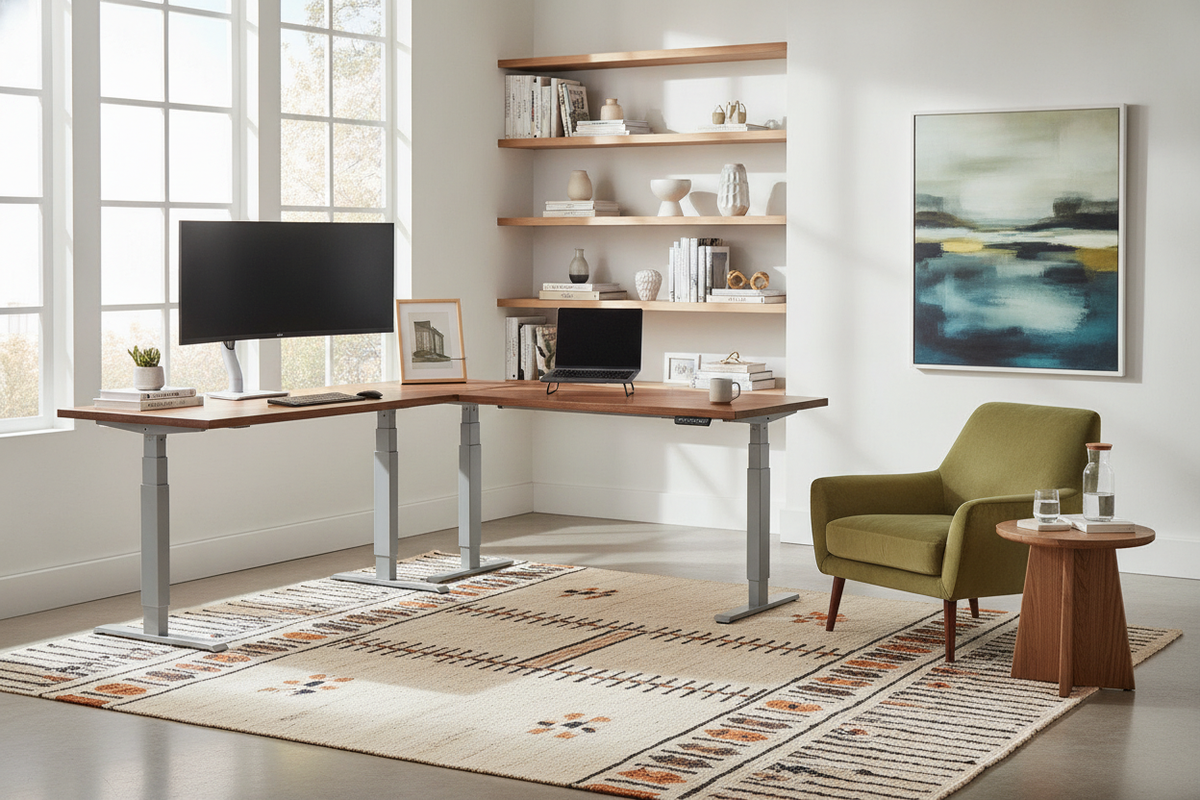
Navigating L-Shaped Standing Desk Options on Amazon
Browsing an online marketplace like Amazon reveals an expansive variety of corner sit-stand workstations. When searching for an l-shaped standing desk amazon shoppers frequently encounter hundreds of listings with similar thumbnail images but vastly different internal engineering. Sifting through these options requires a methodical approach to evaluating frame construction, motor configurations, and desktop paneling.
Decoding Marketplace Listings and Structural Sizing
Online product titles often combine multiple keywords to capture search traffic, which can occasionally obscure key specifications. When evaluating an amazon l shaped standing desk, focus on the dimension diagrams rather than descriptive buzzwords. Pay close attention to the depth of each wing, the total footprint along both walls, and whether the return wing is deep enough to accommodate secondary task items such as drawing tablets, laptops, or document holders without crowding your seating position.
Single-Motor vs. Dual-Motor and Multi-Leg Frame Mechanics
The drive system represents the mechanical core of any motorized corner desk. L-shaped frames typically utilize either two or three lifting columns. Lower-tier configurations may employ a single motor coupled with hex-drive transmission rods to adjust two or three legs simultaneously. While cost-effective, complex rod linkages can introduce mechanical play over time. Multi-motor systems dedicate separate synchronization drives to each lifting column, resulting in smoother transitions, quieter height adjustments, and more reliable leveling across asymmetrical frame designs.
Desktop Architecture: Split-Board Tops vs. Seamless Returns
Shipping logistics on major marketplaces heavily influence how standing desk surfaces are manufactured. Understanding desktop composition helps set realistic expectations regarding surface texture, seam visibility, and structural rigidity.
Evaluating Multi-Piece Desktop Assembly and Alignment
To comply with standard parcel courier shipping constraints, most marketplace standing desks utilize multi-piece, split-board desktops. Rather than arriving as a single, oversized monolithic board, the work surface is commonly divided into two, three, or even four composite panels joined during assembly via wooden dowels, metal connecting plates, and underside brackets. When assembling a split-board surface, ensuring that the connecting hardware is tightened evenly on a level floor prevents ridge formation at the seams. For those comparing corner geometries with traditional fixed furniture, examining a dedicated shaped desk product offers helpful perspective on surface proportions and corner return ergonomics.
Reversible Wings and Corner Return Versatility
Room layouts frequently dictate whether the longer section of the desk should sit on the left or the right side. Many adjustable corner desks feature reversible frames and pre-drilled desktop configurations, allowing you to mount the shorter return wing on whichever side best suits your workspace. Confirming whether a model offers a truly symmetrical frame or a modular return bracket ensures you will not be locked into an inflexible orientation if you rearrange your room later.
Spatial Fit and Room Layout Planning for Corner Workstations
Corner workstations occupy significant physical and visual volume. Planning your floor plan with dynamic height travel in mind is essential for creating an ergonomic, unencumbered home office.
Clearance Zones, Wall Proximity, and Lift Path Safety
An adjustable desk needs clear vertical travel throughout its entire operational range. Position the frame with sufficient clearance from adjacent baseboards, window sills, electrical outlets, and wall-mounted shelving. If an L-shaped desk rises into an overhead shelf or lowers onto the armrest of a nearby chair, the frame can tilt or bind. Reviewing a comprehensive standing desk guide can assist in styling your space with thoughtful wall spacing, balanced lighting, and uncluttered perimeter layouts.
Balancing Primary Screen Focus with Secondary Task Returns
An L-shaped workspace allows for a clear functional division between primary digital focus and ancillary workflow tasks. Setting up primary display monitors along the central corner or the longer main wing keeps your neck in a neutral, forward-facing alignment. The secondary return can then be dedicated to analog paperwork, secondary reference screens, or stationary organizers, creating an efficient operational triangle that minimizes unnecessary torso twisting during long work sessions.
Cable Management and Dynamic Height Transition Organization
Managing cords on an L-shaped height-adjustable frame is inherently more complex than on a standard rectangular desk due to the extended footprint and multi-leg geometry.
Under-Desk Routing Channels and Articulating Cable Spines
Because the desktop travels vertically, all power and data lines must transition smoothly from the wall outlet to the moving surface without snagging or pulling taut. Installing an under-desk cable tray along the main beam and routing cords into an articulating cable spine protects wiring throughout the entire lift cycle. For further layout ideas on keeping accessories, docking hubs, and peripherals tidy, reviewing a tailored desk amazon guide provides practical suggestions for desk organization accessories and streamlined work surfaces.
Weight Distribution Across Multi-Leg Standing Frames
Corner workstations invite users to place heavy accessories—such as multi-monitor arms, desktop computer towers, and peripheral gear—across expansive surfaces. Distributing this weight thoughtfully across the primary and return legs prevents uneven mechanical strain on the lifting columns. Whenever possible, position heavy computer towers near a supporting leg rather than at the cantilevered edge of an extended return wing.
Unboxing, Assembly Logistics, and Hardware Verification
Receiving and assembling a flat-packed standing desk requires systematic preparation to ensure smooth long-term performance and structural stability.
Pre-Assembly Prep, Leveling Feet, and Structural Tightening
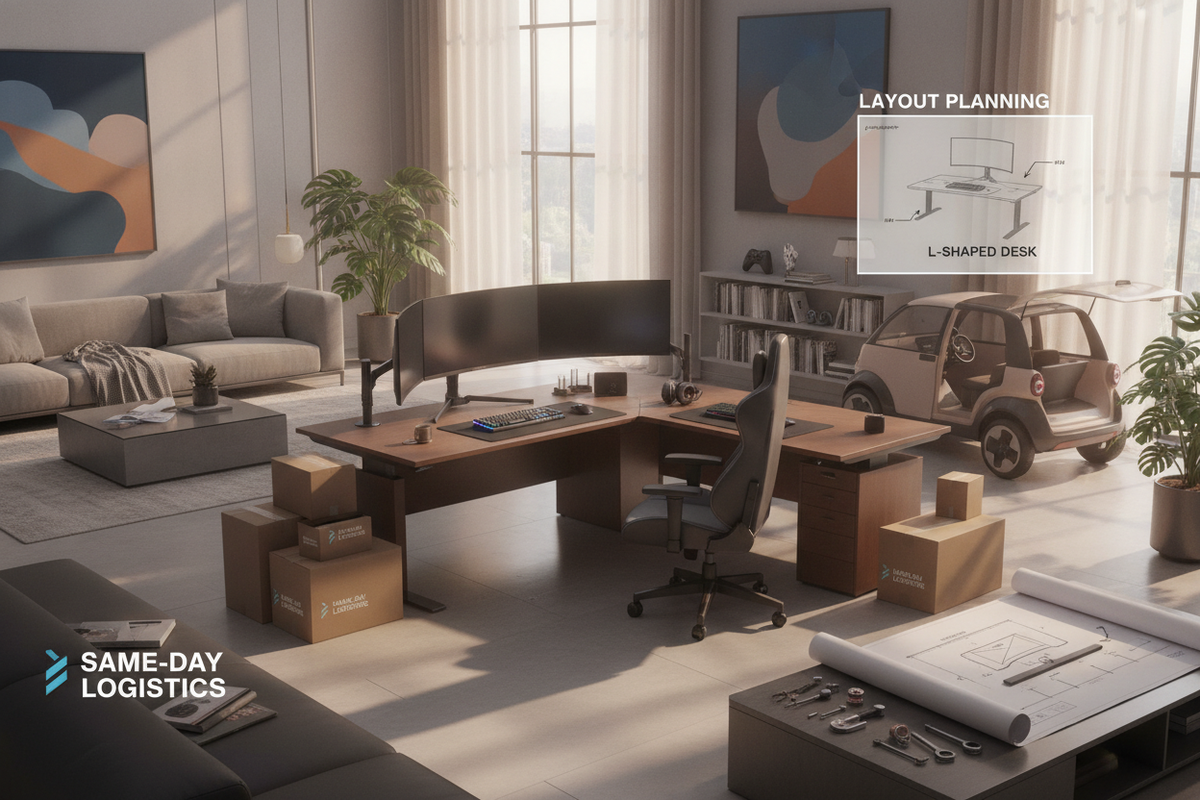
Before beginning assembly, sort and verify all fasteners against the parts diagram. Assemble the frame upside down on a soft rug or packaging foam to prevent scratching the desktop finish. Once the frame is attached and the unit is upright, use the adjustable leveling feet at the base of each foot to eliminate wobble before testing the motor controls. Routine checks to retighten structural bolts after the initial weeks of use help maintain long-term frame rigidity.
Integrating Under-Desk Storage and Modular Office Elements
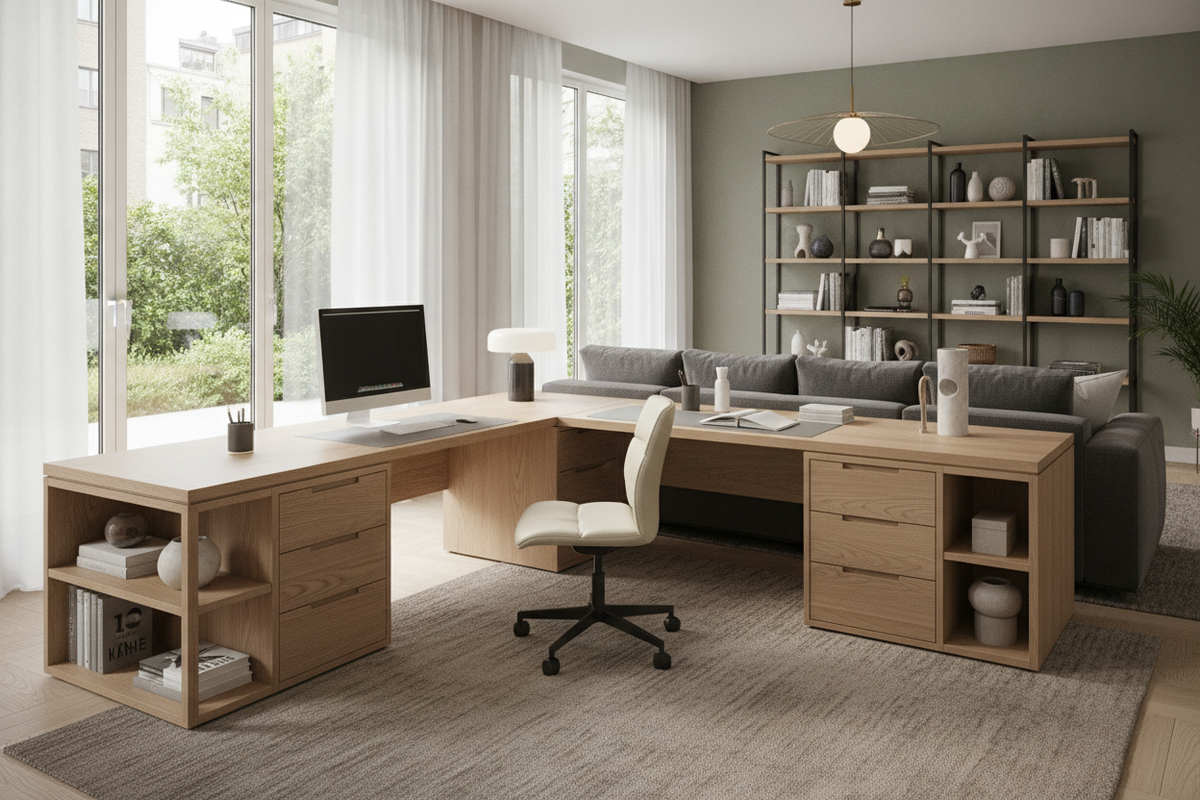
Because the area beneath a standing desk must remain clear of obstructions during height adjustments, integrating mobile or low-profile storage requires careful dimension checks. Pairing your height-adjustable desk with matching stationary storage pieces, such as a compact shaped desk product or rolling pedestal cabinet, provides dedicated drawer space for files and supplies while keeping the dynamic lift path completely free of interference.

Leave a comment
This site is protected by hCaptcha and the hCaptcha Privacy Policy and Terms of Service apply.