










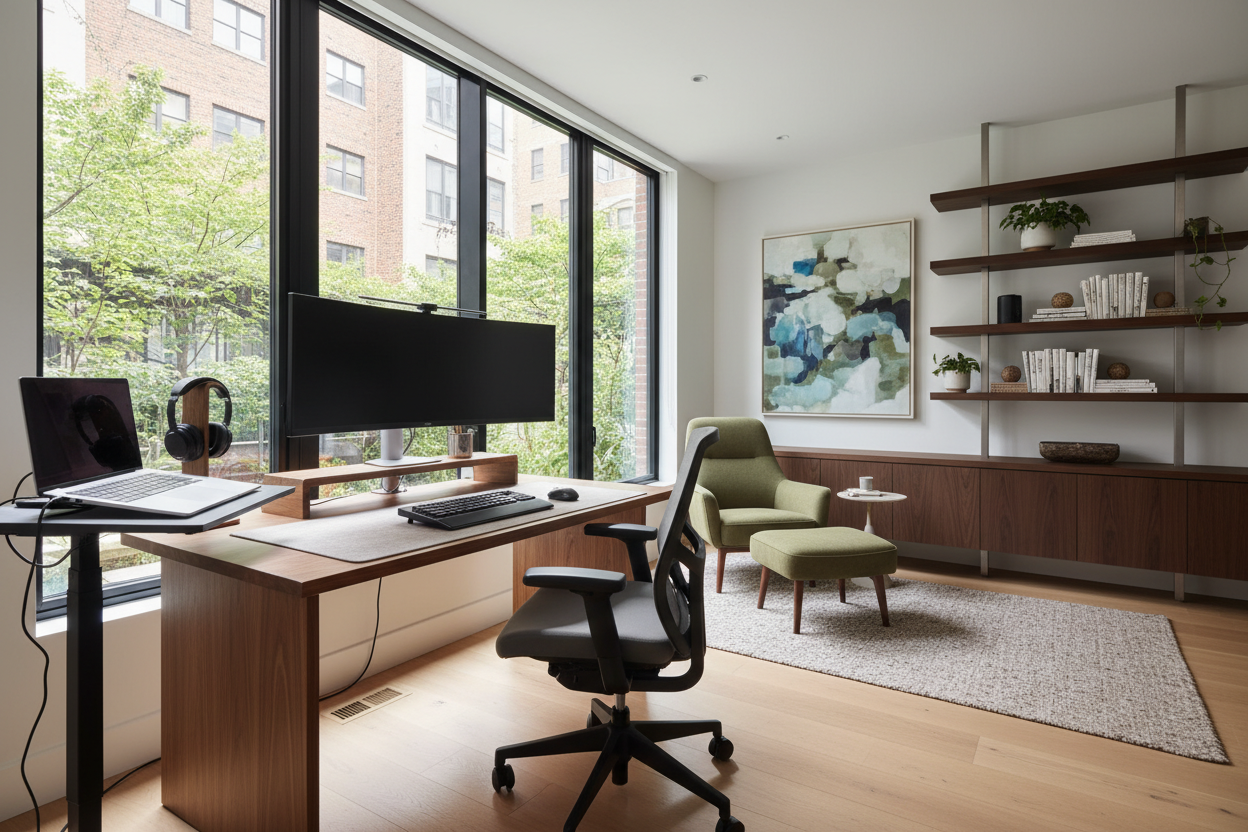
We often treat the home workspace as an afterthought—a desk shoved into a corner or a dining chair repurposed for an eight-hour shift. However, the difference between a makeshift spot and a high-performance studio lies entirely in the layout. Achieving the best home office configuration is not just about buying an expensive chair; it is about orchestrating light, traffic flow, and ergonomic zones to reduce cognitive load.
Quick Decision Guide: The Essentials
- The Command Position: Orient your desk to face the room's entry point, never your back to the door.
- Lighting Layers: Combine ambient overhead light with warm task lighting (2700K-3000K) to reduce eye strain.
- Ergonomic Zones: Keep high-use items (keyboard, mouse) within the 'primary reach zone' (approx. 15 inches).
- Acoustic Control: Incorporate soft textures (rugs, curtains) to dampen echo and improve audio quality for calls.
Establishing the Command Position
In interior design, we prioritize the "Command Position." This layout places the occupant in a seat of authority, facing the door but not directly in line with it. This is the foundation of the best setup home office designs because it psychologically signals safety and readiness. Facing a wall creates a subconscious vulnerability, while having your back to a window causes monitor glare.
If your room dimensions force you to face a wall, mount a mirror above the desk. This design trick expands the visual depth of the room and allows you to see activity behind you, restoring that sense of spatial command.
Balancing Visual Weight and Flow
When selecting furniture, consider the "visual weight" of the pieces. A heavy, mahogany executive desk can dominate a small room, making it feel claustrophobic. For tighter spaces, opt for desks with exposed legs or glass tops to maintain sightlines.
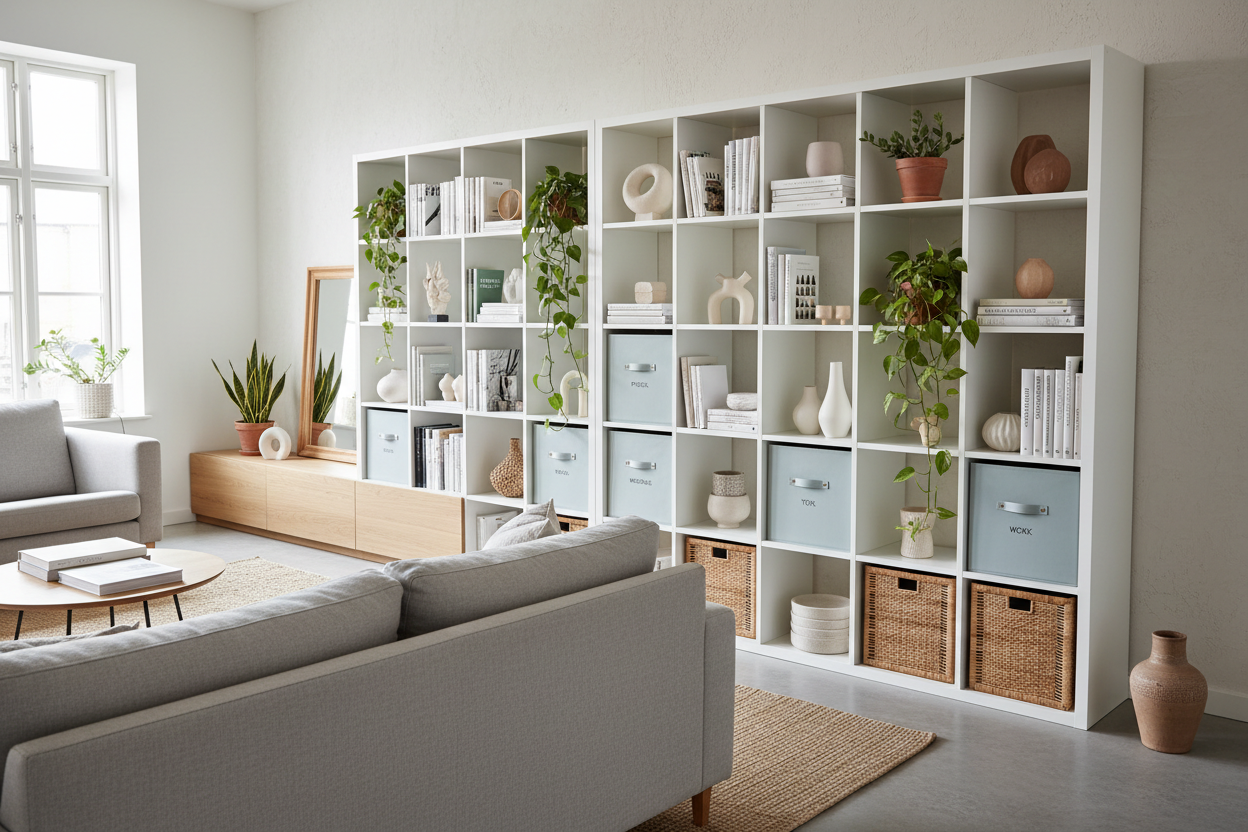
Ensure you have at least 48 inches of clearance behind your chair. This allows you to slide back comfortably and creates a corridor for movement. If you are integrating storage, place tall bookcases behind the desk to create a professional backdrop for video calls—this is one of the best home office setup ideas for merging function with aesthetics.
Materiality: Tactile Focus
The surface you touch all day matters. While glass and high-gloss lacquer look sleek in a showroom, they are often impractical for daily use due to fingerprints and the cold sensation on the wrists. Solid wood or high-quality matte veneer offers warmth and durability. Furthermore, wood absorbs sound better than metal or glass, contributing to a quieter acoustic environment.
My Personal Take on Best Home Office Configuration
I learned a hard lesson early in my career while designing a minimalist office for a tech consultant. We chose a stunning, architectural floating desk that was anchored directly into the wall studs. It looked incredible—zero legs, pure floating lines.
However, six months later, the client called me. The issue wasn't the look; it was the vibration. Without the grounding of legs, every aggressive keystroke sent a micro-tremor through the desktop, causing his monitor to wobble slightly. It was subtle, but over eight hours, it was nausea-inducing. We ended up having to retro-fit discreet stabilizers underneath. Now, I always warn clients: if you want a floating look, ensure the wall bracing is industrial-grade, or simply opt for a desk with recessed legs that looks like it's floating but has the stability of a tank.
Frequently Asked Questions
What is the ideal desk depth for a home office?
For a standard laptop setup, 24 inches is sufficient. However, if you use multiple monitors, aim for 30 inches of depth. This ensures the screens remain at an arm's length, preventing digital eye strain.
How do I handle cable management in an open-plan configuration?
If your desk floats in the center of the room, cables are your enemy. Invest in a desk with an integrated modesty panel or cable trough. Alternatively, run a floor cord cover that matches your flooring tone, or anchor the desk near a floor outlet if you are in a construction phase.
Should I position my desk in front of a window?
While the view is nice, the contrast between the bright window and your screen causes eye fatigue. The best configuration puts the window to your side (perpendicular to the desk), allowing for soft, indirect daylight without the harsh backlight or glare.

Leave a comment
This site is protected by hCaptcha and the hCaptcha Privacy Policy and Terms of Service apply.