










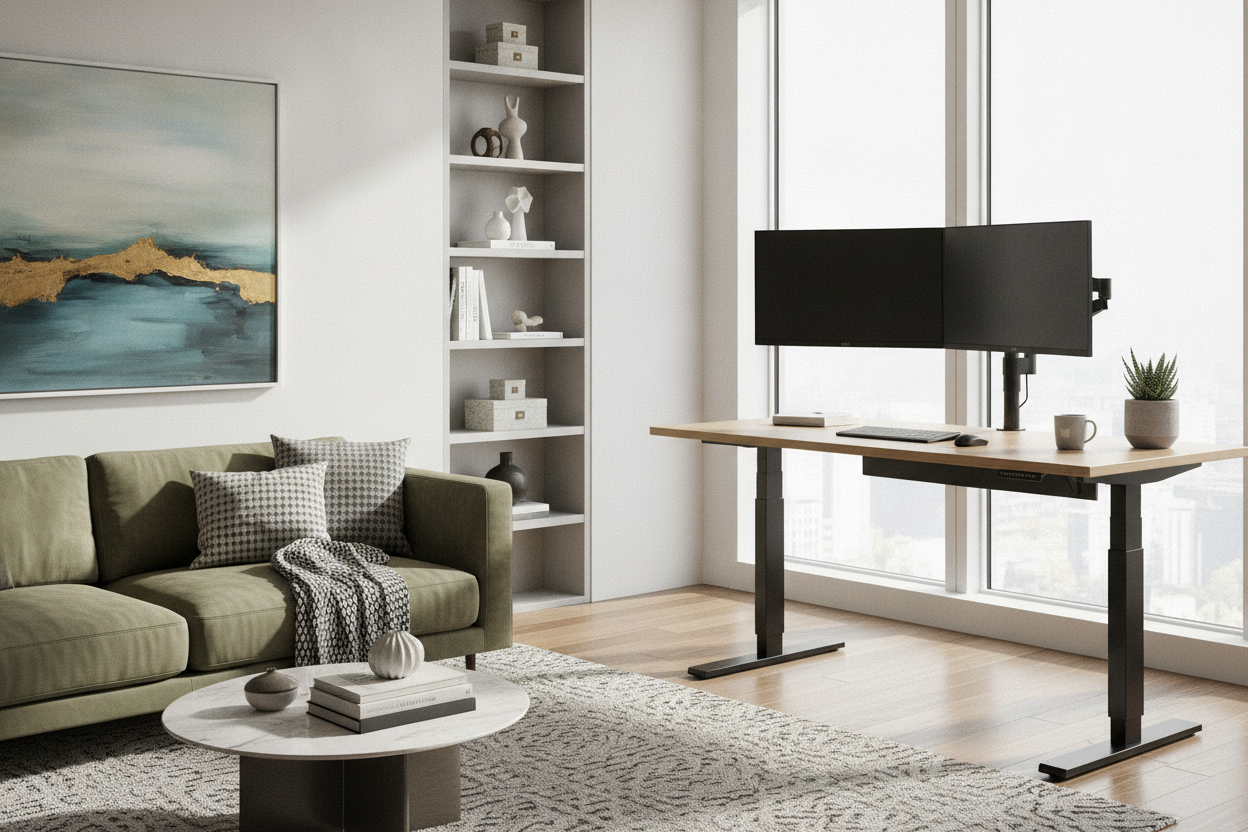
Creating an adaptable home workspace has become a central priority for remote professionals across the country. Selecting a sit-stand desk canada shoppers can rely on involves balancing ergonomic range, spatial fit, and dependable mechanical hardware. Whether furnishing a downtown condo alcove or a dedicated basement office, understanding the relationship between desktop dimensions, lift motor configurations, and seasonal durability helps ensure your investment remains supportive for years of daily use.
Core Sizing and Dimensional Categories for Canadian Workspaces
Room proportions and doorway clearances dictate the practical boundaries of any motorized desk purchase. Height-adjustable workstations require careful clearance planning not just across floor area, but also vertically along walls where shelving, windowsills, or wall art might intersect the desktop path.
Compact Profiles for Condos and Alcoves
Urban apartments and shared living rooms benefit from streamlined desk footprints. Compact surfaces allow sufficient space for a single laptop, secondary display, and peripheral devices without encroaching on room traffic pathways. When planning around tight corners, ensure that the lifting column feet do not project beyond baseboards or create trip hazards in narrow walkways.
Mid-Range Desktops for Multi-Screen Setups
Mid-sized work surfaces provide a standard balance for typical home office tasks. They comfortably accommodate dual monitor arms, external audio interfaces, and full-sized desktop peripherals. This category offers enough surface depth to maintain comfortable viewing distances from mounted screens while keeping desk accessories within an easy reach envelope.
Expansive Work Surfaces for Multi-Tasking
For hybrid roles requiring room for paperwork, drafting pads, or complex computer setups, a large height adjustable desk provides the broad surface necessary to separate multiple operational zones. Expansive desktops benefit from reinforced underframes to keep the surface flat across its entire span, especially when supporting multiple hardware mounts.
Lift Mechanisms and Frame Stability
The mechanical underframe is the functional heart of any adjustable desk. Evaluating frame engineering before purchasing ensures smooth transitions throughout the day.
Single vs. Dual Motor Configurations
Motorized frames generally utilize either a single centralized motor with a connecting drive rod or dedicated dual motors concealed inside each leg column. Dual-motor systems generally provide smoother synchronization and higher responsiveness under distributed hardware loads, while single-motor options offer a practical entry point for lightweight setups.
Column Stages and Travel Range Planning
Telescopic lift columns typically come in two-stage or three-stage designs. Two-stage legs suit average seated and standing heights, while three-stage columns expand the travel range further on both the lower and upper bounds. This wider range is especially beneficial for shared household workstations where individuals of differing heights rotate use throughout the week.
Frame Materials and Wobble Resistance
Frame rigidity is essential when the desktop reaches standing height. Heavy-gauge cold-rolled steel construction, wider footplates, and tight tolerances in the telescoping column joints prevent noticeable monitor wobble during typing and routine desk movements.
Material Selection and Seasonal Durability
Canadian indoor climates experience substantial shifts between dry, heated winter interiors and humid summer conditions. Choosing stable desktop materials prevents long-term warping and surface degradation.
Engineered Wood and Melamine Finishes
High-density engineered wood boards sealed with melamine or high-pressure laminate provide excellent resistance to ambient humidity fluctuations. These composite materials resist moisture penetration, clean easily with a damp cloth, and maintain structural flatness across seasonal temperature cycles.
Solid Wood and Laminate Performance in Changing Humidity
While solid timber tops bring natural grain patterns, they expand and contract in response to relative humidity changes. When choosing solid wood, slotted mounting brackets are helpful to accommodate natural movement without stressing the motorized frame. Commercial laminates, by contrast, offer dependable scratch resistance and uniform surface integrity year-round.
Beveled and Contoured Edges for Forearm Comfort
The profile of the desktop edge directly affects typing comfort. Gently rounded or beveled front edges reduce pressure points along the forearms during long typing sessions, offering a more comfortable resting posture compared to sharp, square-cut board perimeters.
Storage and Cable Management Strategies
Adjustable workstations require intentional cord routing to prevent cable strain during vertical transitions. When curating an attractive standing desk setup, organizing power cords and storage keeps the workspace calm and clutter-free.
Under-Desk Power Routing and Cable Slack
The most reliable cable organization strategy uses an under-desk cable tray paired with a central surge protector. Power cords for monitors and computers plug into the mounted tray, requiring only a single main cord to travel from the desk to the wall outlet. Always leave sufficient slack in the main power cord to allow full extension to the maximum height setting without tension.
Mobile Pedestals vs. Under-Desk Drawers
Fixed under-desk drawers can sometimes restrict legroom or interfere with the center support beam of an adjustable frame. Rolling mobile pedestals provide flexible document and office supply storage that can tuck beneath the desk at seated height or roll aside to maintain open legroom when standing.
Vertical Wall Storage Around Dynamic Desktops
When installing floating shelves or pegboards above a height-adjustable desk, measure the highest point of your monitors at full elevation. Leaving sufficient vertical clearance prevents displays from colliding with wall-mounted storage as the desk ascends.
Balancing Budget and Ergonomics for Canadian Buyers
Finding an affordable standing desk canada workers can depend on requires prioritizing core mechanical reliability over extraneous novelties. Similar to the principles of budgeting for home furniture in Canada, identifying practical hardware features delivers lasting daily value.
Key Value Factors in an Affordable Standing Desk
Investing in a sit stand desk with memory presets allows you to save preferred sitting and standing heights for one-touch adjustments. Features such as integrated anti-collision sensors, quiet motor decibel levels, and standardized bracket hole patterns ensure user-friendly daily operation without requiring an inflated budget.
Assembly, Unboxing, and Setup Considerations
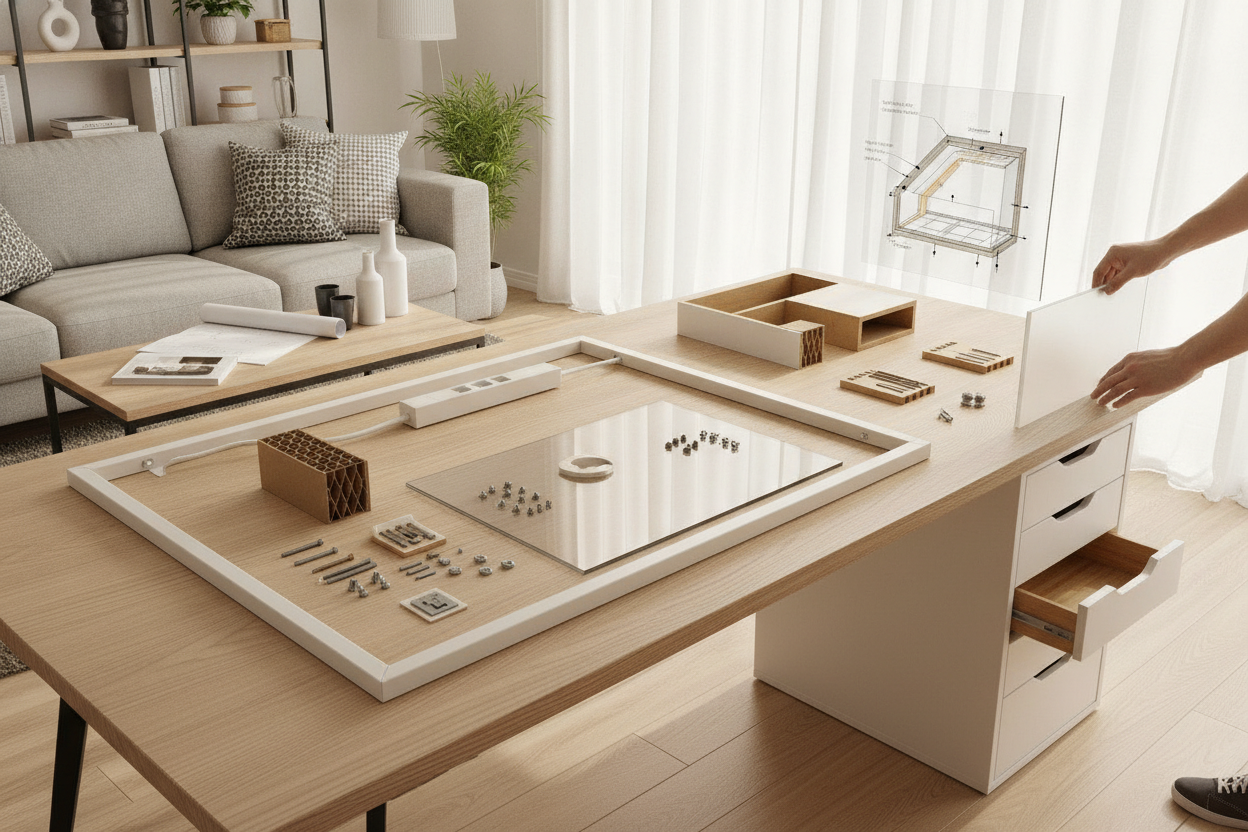
Most flat-pack adjustable desks require moderate self-assembly. Laying out components on a soft blanket protects the desktop finish during frame attachment. Ensuring that motor cables are securely fastened away from moving drive spindles prevents cord pinching during the initial calibration cycle.
Conclusion
A well-planned sit-stand desk setup enhances daily comfort, supports active posture changes, and brings functional organization to your home office. By evaluating room dimensions, selecting durable moisture-resilient materials, and securing an underframe with dependable travel range, Canadian remote workers can create an ergonomic workspace tailored to their daily routine.

Leave a comment
This site is protected by hCaptcha and the hCaptcha Privacy Policy and Terms of Service apply.