










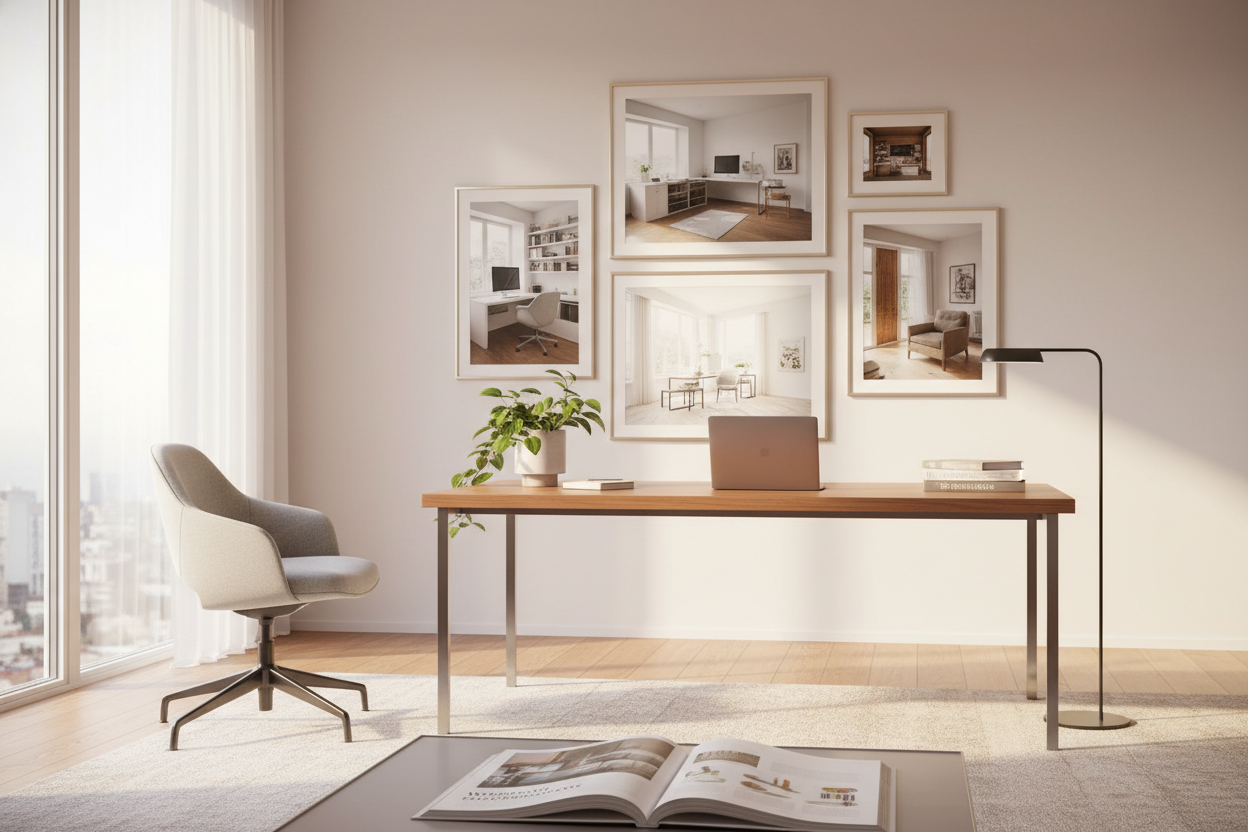
We have all fallen down the rabbit hole of scrolling through endless feeds, saving images of home office design to our virtual mood boards. The dilemma, however, isn't finding inspiration; it is translating those perfectly staged, professionally lit photographs into a functional reality within your own four walls. Often, what looks stunning in a static shot lacks the ergonomic substance required for an eight-hour workday. This guide bridges the gap between high-gloss aesthetics and the practical demands of a working environment.
Key Features to Look For
Before purchasing furniture based solely on aesthetics, use this checklist to evaluate the functionality behind the inspiration:
- Ergonomics First: Ensure chair height aligns with the desk surface to maintain a 90-degree elbow angle.
- Lighting Layers: Look for a mix of ambient (overhead) and task lighting (desk lamps) to reduce eye strain.
- Material Durability: Distinguish between high-maintenance solid wood and durable high-pressure laminates.
- Traffic Flow: Verify there is at least 36 to 48 inches of clearance behind the desk for chair movement.
- Storage Volume: Assess if the minimalist desks in photos of home office designs actually offer enough drawer space for your needs.
Decoding the Visuals: Materiality and Texture
When you analyze high-end images of home office spaces, the sense of luxury usually stems from a sophisticated mix of materials. In my design practice, I often see clients drawn to the warmth of reclaimed wood desks. However, it is crucial to understand the maintenance. Solid wood expands and contracts with humidity changes. If you are in a climate-controlled environment, this is manageable, but for draftier spaces, a high-quality veneer over an MDF core often provides better stability while maintaining that organic aesthetic.
The Role of Visual Weight
Pay attention to the "silhouette" of the furniture. A chunky, executive-style mahogany desk anchors a room but can overwhelm a small footprint. Conversely, a glass-top desk with slender metal legs creates negative space, making the room feel larger. When selecting pieces, consider the visual weight; heavy pieces require ample breathing room, whereas lighter profiles allow for tighter layouts without feeling claustrophobic.
Space Planning & The Reality of Layouts
Many photos of home office designs feature a desk floating in the center of the room. While this commands authority and offers a great view of the door (the "power position"), it presents a distinct challenge: cable management. In a showroom or photo shoot, cords are often photoshopped out or taped down.
Integrating Tech Seamlessly
If you plan to float your desk, you must invest in floor-mounted outlets or furniture with integrated wire management channels (grommets and modesty panels). Without this, your sophisticated design will be marred by a chaotic web of power strips and ethernet cables. Always plan your layout around your power source, not just the window view.
My Personal Take on images of home office design
I need to be honest about a specific trend I see constantly in these images: the "dining chair at the desk" look. I once designed a study for a client who insisted on using a vintage mid-century modern dining chair because it matched the walnut millwork perfectly. It looked incredible in the portfolio shots.
Two weeks later, he called me complaining of back pain. The issue wasn't just the lack of lumbar support; it was the seat depth and the static nature of the legs. Real work involves micro-movements—reaching for a stapler, leaning back to think, swiveling to greet someone. A rigid four-legged chair fights against your natural workflow. My advice? Never sacrifice your lumbar health for a photo-ready vignette. There are plenty of high-end ergonomic chairs now available in fabrics like boucle or leather that bridge the gap between office utility and residential style.
Conclusion
Transforming your workspace requires looking past the initial glamour of images of home office design and understanding the mechanics of the room. By prioritizing ergonomics, planning for cable management, and selecting materials that suit your lifestyle, you create a space that feels as good as it looks. It is time to stop pinning and start building.
Frequently Asked Questions
How do I match the lighting I see in professional photos?
Professional images often rely on natural light supplemented by soft-box photography lighting. To recreate this warmth, aim for a color temperature of 2700K to 3000K for your bulbs, and layer your lighting with a focused task lamp to avoid casting shadows on your work surface.
What is the ideal desk depth for a home office?
While many console tables masquerading as desks are only 20 inches deep, a functional workspace should be at least 24 to 30 inches deep. This allows enough distance between your eyes and the monitor to prevent strain.
Can I mix wood tones in my office furniture?
Absolutely. In fact, matching everything perfectly can look flat. The trick is to keep the undertones consistent (e.g., mixing warm walnut with warm oak) or use high contrast (e.g., ebonized wood with pale maple) to create a deliberate, curated look.


Leave a comment
This site is protected by hCaptcha and the hCaptcha Privacy Policy and Terms of Service apply.