










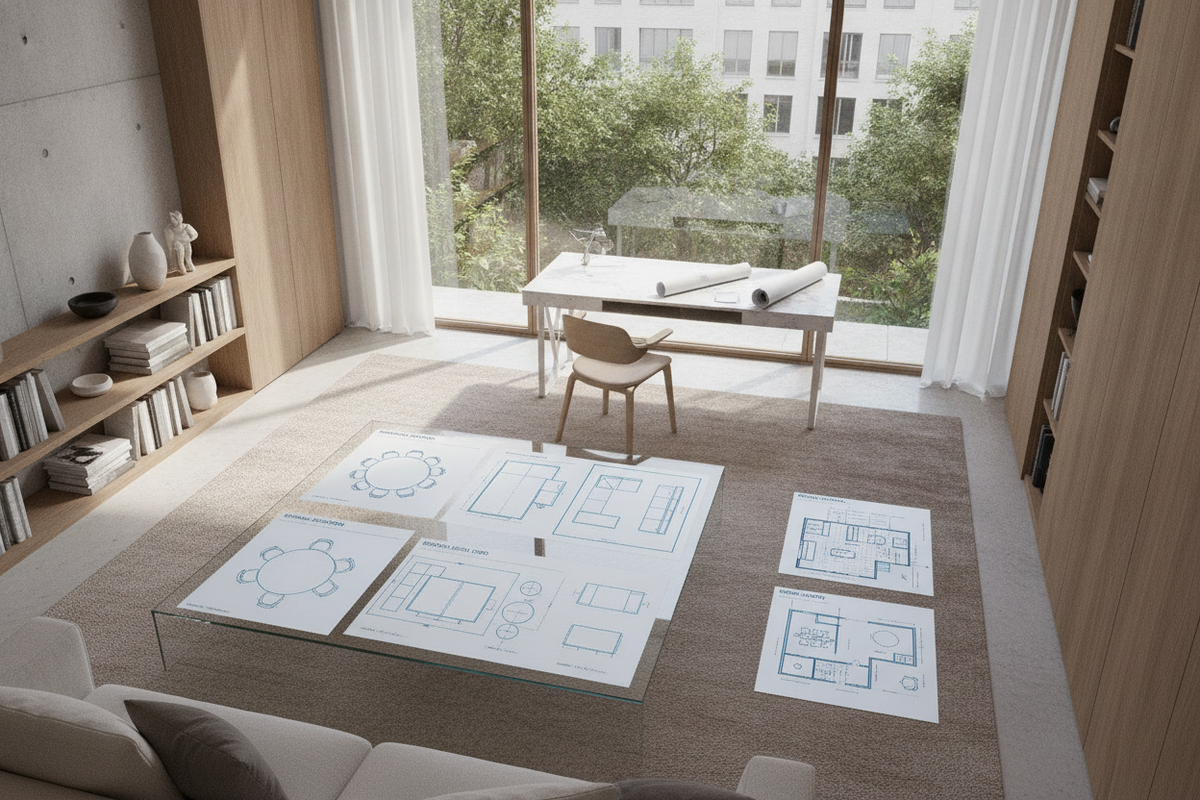
Configuring an effective work surface requires understanding the structural and functional nuances between general utility tables and dedicated task desks. While both furniture styles provide horizontal surfaces for daily productivity, their structural frames, clearance profiles, and organizational features serve distinct operational demands. Evaluating whether to select open tables for desk use or purposeful office desks depends on individual daily workflows, hardware footprints, and spatial boundaries.
Tables vs. Dedicated Desks: Structural Archetypes and Functional Distinctions
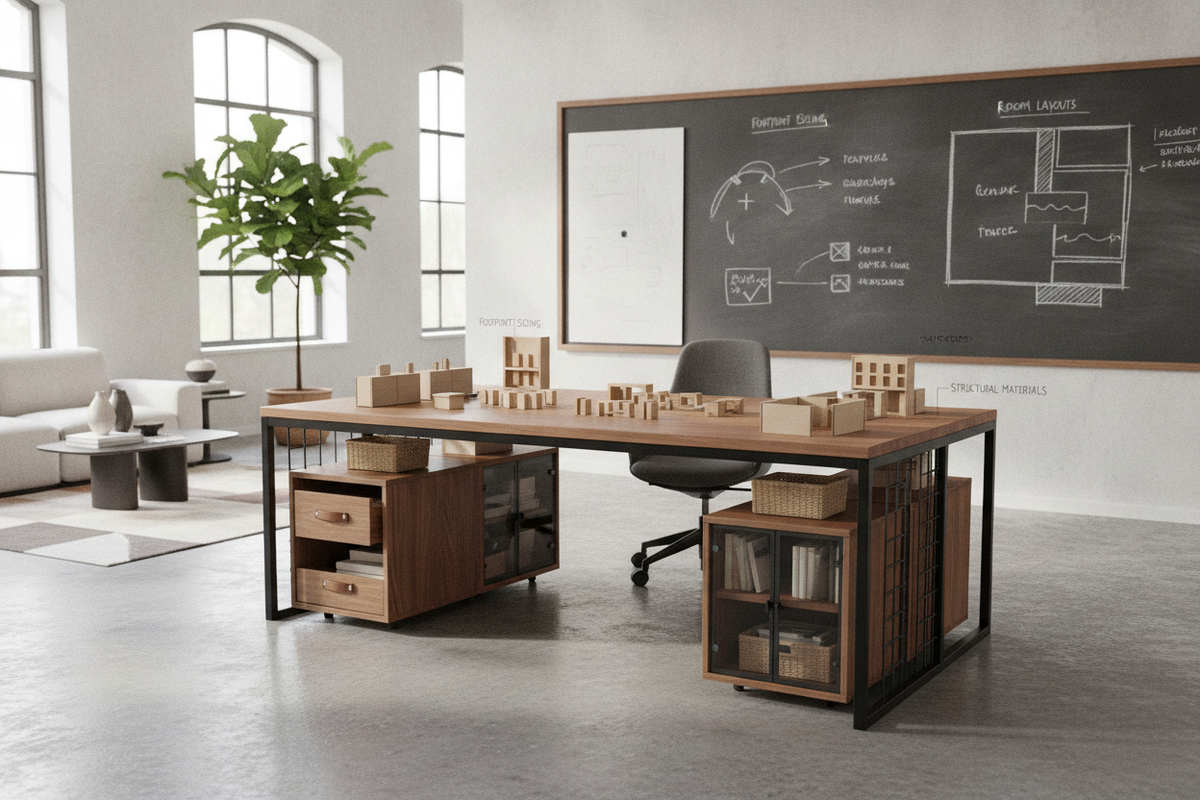
The primary distinction between general utility tables and dedicated task desks lies in their structural framing and intended spatial interaction. Traditional tables are engineered for versatile perimeter seating, often featuring broad, continuous tops supported by perimeter aprons and outer corner posts. This structural approach maximizes open surface area, making tables well-suited for creative drafting, layout reviews, and collaborative multi-person tasks where users frequently reposition themselves around the edge.
In contrast, a dedicated office desk is tailored around a single seated user. Desks frequently omit restrictive front perimeter aprons to allow unobstructed knee clearance, natural thigh movement, and ergonomic seating heights. Furthermore, dedicated desks often incorporate wire grommets, integrated modesty panels, and designated compartments for technological peripherals. While open utility tables provide expansive, adaptable staging space, a purpose-built desk prioritizes personal ergonomic posture, localized equipment containment, and streamlined task management.
Spatial Sizing Tiers and Surface Footprints for Workspaces
Choosing the right surface footprint involves matching spatial room capacity with equipment requirements. Workstations generally divide into three qualitative sizing tiers:
- Compact Footprint Tier: Optimized for studio apartments, alcoves, and small bedroom corners. These surfaces comfortably support a streamlined laptop setup, a compact notebook, and minimal desktop accessories without encroaching heavily on room walkways.
- Standard Task Tier: Designed to balance computer hardware and tactile desktop tasks. This footprint readily accommodates dual display screens, separate input peripherals, desktop lighting, and reference materials, making it a versatile choice for standard home offices.
- Expansive Tier: Built for power users, collaborative studios, and multi-monitor workstations. These larger formats allow users to establish distinct physical zones, separating computer hardware from dedicated project drafting, sketching, or paper sorting areas.
Structural Frames, Leg Geometries, and Clearance Dynamics
The foundation of any surface determines both its lateral stability and under-desk comfort. Four-post corner legs provide balanced load distribution across the perimeter but can restrict side entry when placed in tight corners. T-leg, C-leg, and sled-frame geometries shift the vertical support columns backward or toward the outer edges, facilitating smoother lateral chair movement and eliminating corner obstructions.
Under-top clearance is equally crucial for long-term comfort. Thick structural aprons beneath a tabletop can lower the effective clearance height, potentially contacting chair armrests or constricting natural leg posture. Opting for low-profile metal frame understructures or open cantilevered designs preserves essential vertical space, allowing ergonomic task chairs to tuck neatly beneath the surface when not in use.
Storage Architecture: Integrated Cabinetry vs. Modular Mobile Pairings
Workspace efficiency depends heavily on how stationery, technology cables, and documentation are stored. Workspace planners must choose between fully integrated desk storage and modular, freestanding solutions.
Dedicated desks with built-in pedestals, pencil drawers, or integrated shelving keep critical tools within arm's reach while maintaining a unified furniture footprint. Integrated storage minimizes clutter on the main worktop, ensuring that essential supplies remain concealed yet accessible. However, fixed storage can limit under-desk leg flexibility on narrower surface widths.
Open multipurpose tables, by contrast, offer total flexibility beneath the surface. Users can pair open tables with independent mobile filing caddies, rolling drawer pedestals, or adjacent vertical bookcases. This modular configuration allows users to rearrange, relocate, or upgrade storage elements over time as workflow requirements change without altering the core work surface.
Material Selection and Surface Durability for Daily Demands
The material composition of a tabletop directly impacts its resistance to daily wear, deflection, and surface scratching. High-pressure laminates and melamine-faced engineered wood boards offer reliable resistance against moisture, ink stains, and surface abrasions, making them practical choices for active, high-traffic workspaces.
Solid hardwood surfaces and natural veneers provide distinct tactile warmth and classic aesthetics, though they require routine surface care and protection against direct moisture or heat. For the underlying frame, heavy-gauge powder-coated steel provides exceptional rigidity and resistance to lateral racking, ensuring the surface remains steady during continuous typing, writing, and heavy equipment loading.
Room Layout Configurations and Workflow Integration
How tables and desk surfaces are oriented within a room influences room traffic, lighting conditions, and productivity:
- Wall-Facing Alignment: Positioning a desk directly against a perimeter wall maximizes usable floor area in smaller rooms and simplifies cable management by keeping wires close to wall outlets.
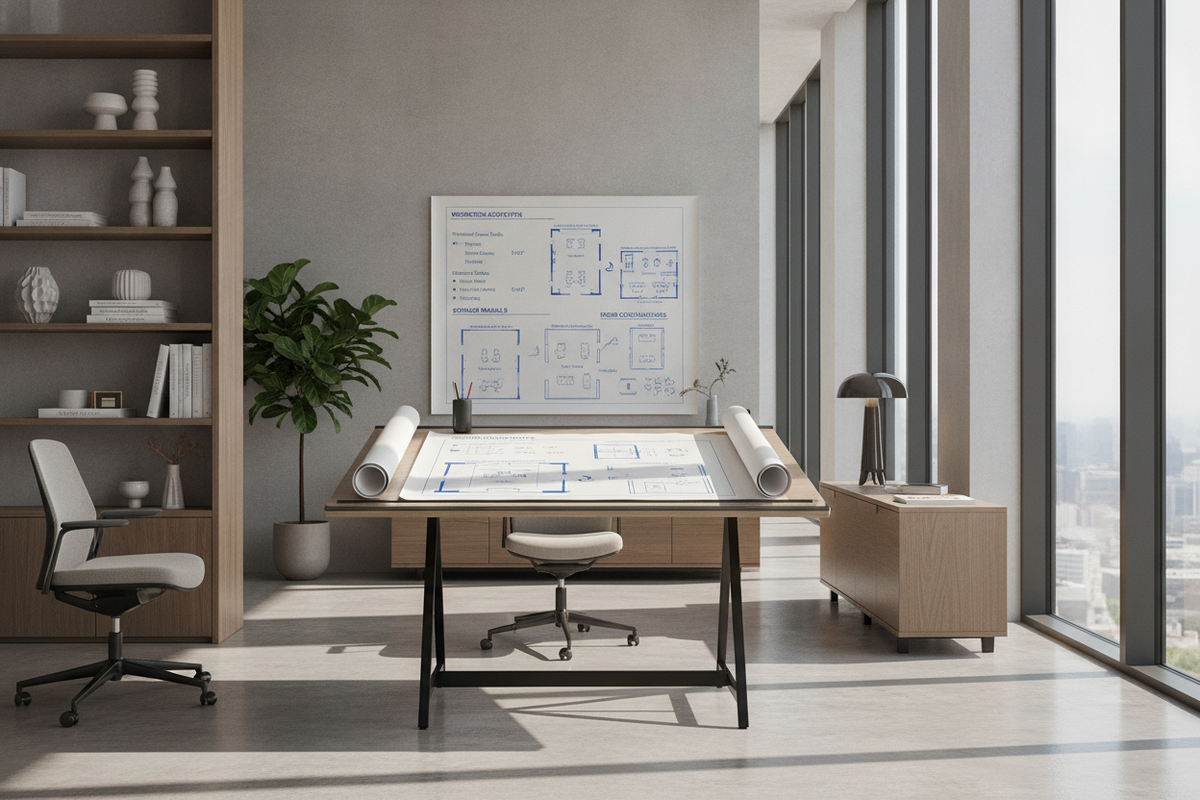
- Floating Center Layout: Placing a broad table or executive desk centrally in an office creates an open, commanding presence. This arrangement requires deliberate wire concealment along the floor or through integrated channels to prevent exposed cords.
- Dual-Purpose Hybrid Layouts: In multifunctional living spaces, an open table can function as a daytime project workstation and transition into a shared dining or meeting table during evening hours, maximizing room versatility.
Assembly, Hardware Stability, and Long-Term Maintenance
Long-term furniture stability relies on robust joinery hardware and periodic maintenance. When assembling composite or solid wood surfaces, utilizing threaded metal inserts, durable cam-lock mechanisms, and reinforced corner brackets ensures rigid structural connections that withstand everyday use.
To counteract uneven flooring surfaces and eliminate irritating wobbles, ensure the frame features adjustable leveling glides at the base of each leg. Regular maintenance should include wiping surfaces with a non-abrasive microfiber cloth, immediately cleaning spills, and periodically inspecting and tightening structural hardware to preserve lateral rigidity over time.

Leave a comment
This site is protected by hCaptcha and the hCaptcha Privacy Policy and Terms of Service apply.