










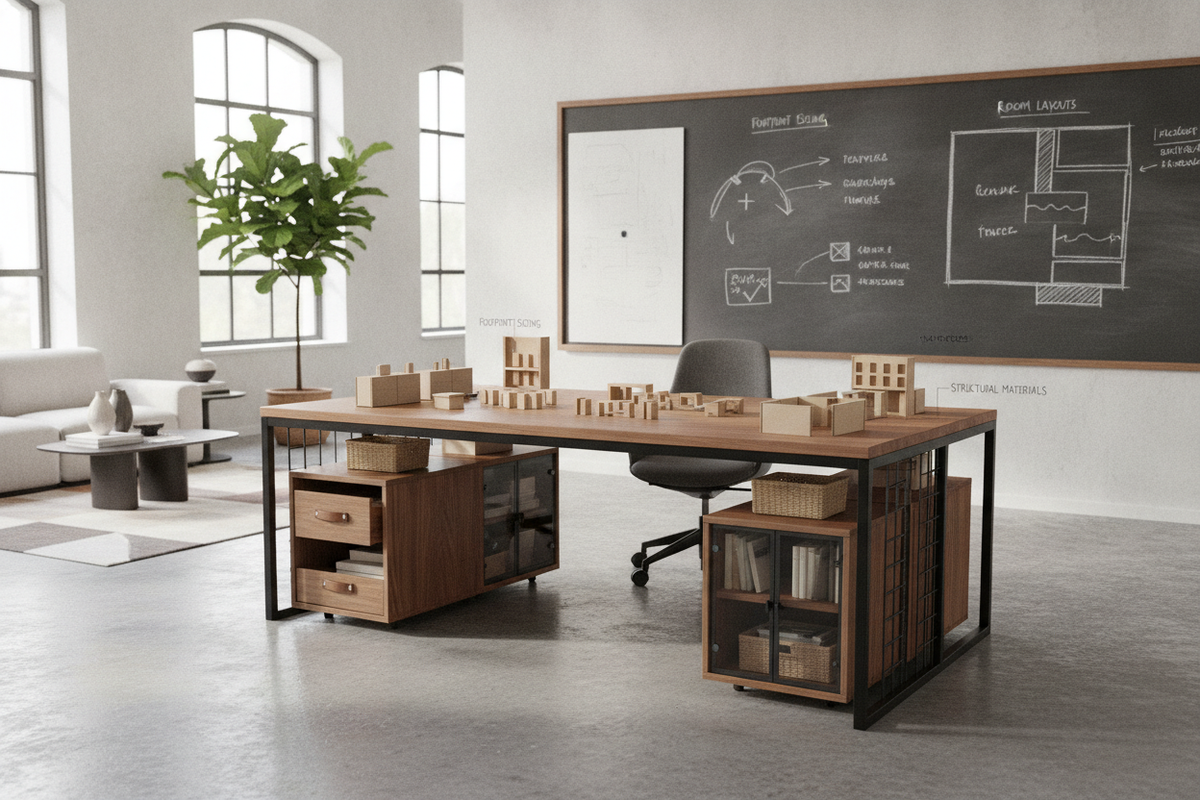
Evaluating Desk Dimensions and Footprint Sizing Tiers
Choosing the right desk for an office begins with an assessment of the floor area, workflow demands, and the physical footprint required for daily tasks. A desk must provide adequate tabletop surface area for hardware while maintaining comfortable circulation paths within the room. Selecting between compact, standard, and expansive footprints depends largely on task volume, screen configurations, and peripheral equipment.
- Compact Writing Desks: Suited for secondary study zones, tight alcoves, or minimalist laptop setups where floor space is limited. These models prioritize a slender profile to prevent room crowding while offering essential work room.
- Standard Task Desks: Ideal for full-time remote professionals using dual monitors, external keyboards, and standard stationery. This tier balances surface depth with overall room accessibility.
- Executive and Expansive Workstations: Designed for dedicated commercial suites or spacious home office studios requiring extensive documentation space, multi-screen mounts, and peripheral storage.
When selecting a desk for office duty, account for chair clearance and walking paths behind the seating zone. Ensuring that the desk proportions fit harmoniously within the room prevents visual clutter and promotes an organized daily routine.
Office Desk Form Factors: Selecting the Right Functional Archetype
Different workflow styles require specific architectural form factors. The shape of a desk dictates how equipment is organized, how cords are managed, and how easily you can transition between digital tasks and paper-based planning. Reviewing our architectural office workstation planning guide provides helpful perspective on matching workstation geometry to spatial layouts.
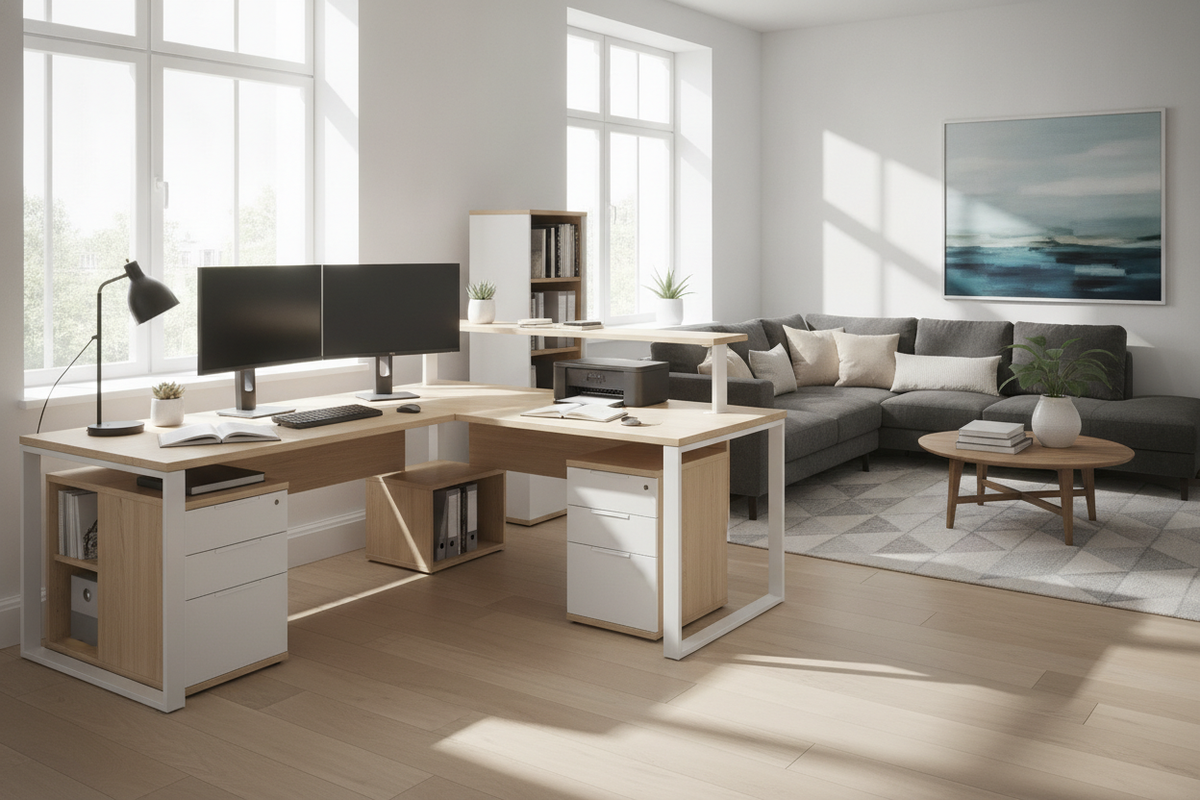
Linear rectangular desks remain the most versatile design, fitting cleanly against standard perimeter walls or positioned centrally as floating centerpieces. For professionals managing heavy document loads or multiple monitors, L-shaped configurations provide separate functional zones—one wing dedicated to screen-based computing and the other reserved for writing, scanning, or document review. Credenza desks with integrated side returns offer structured containment for administrative tools, ensuring that desks for home offices maintain a tidy surface during off-hours.
Storage Architecture: Integrated Cabinetry vs. Modular Configurations
Workspace efficiency depends heavily on keeping daily supplies organized and easily accessible. A dedicated work desk for home office environments should address storage requirements directly through either built-in pedestals or modular auxiliary units. Choosing an integrated storage desk and cabinet system allows you to keep paperwork, files, and charging tech neatly concealed behind closed doors and utility drawers.
- Integrated Pedestals and Drawers: Built directly into the desk frame, these units offer immediate access to pens, notebooks, and reference materials without requiring extra floor space.
- Open Shelving Returns: Best for keeping frequently referenced binders, decorative accents, or compact technology hubs within easy arm's reach.
- Freestanding Modular Credenzas: Provide flexible positioning options, allowing you to reconfigure your layout as organizational requirements evolve over time.
Combining open and closed storage helps balance functional utility with visual calm, keeping sensitive records protected while showcasing preferred books and decor.
Maximizing Floor Plans with Corner and Multi-Zone Workstations
Corner areas often represent underutilized real estate in home studies and corporate rooms. Incorporating a modern corner workstation with expansive shelving allows you to transform unused perimeter corners into high-capacity command centers. Corner desks maximize usable surface area along two intersecting walls while leaving the center of the room open for seating or movement.
Multi-zone setups enable smooth division between technical tasks and creative work. Setting up distinct zones on a spacious work desk office layout prevents cables, stands, and computing accessories from encroaching on open drafting areas. This physical division helps maintain focus and streamlines task switching throughout the working day.
Material Composition, Surface Durability, and Structural Integrity
The longevity and stability of work desks depend on robust materials and quality hardware connections. Everyday office use involves continuous movement, keyboard friction, peripheral weight, and occasional liquid exposure, making durable construction essential.
- Engineered Wood with Protective Laminates: High-density composite boards finished with melamine or scratch-resistant veneers resist daily wear, moisture, and staining while providing consistent structural stability.
- Reinforced Steel and Metal Subframes: Metal leg assemblies and under-desk support beams prevent desktop bowing and eliminate lateral wobble during active typing or writing.
- Solid Wood Elements: Offer classic warmth and natural grain patterns, fitting well in formal executive spaces when maintained with appropriate care.
- Edge Banding and Hardware: High-quality PVC edge banding protects high-contact perimeters from chipping, while smooth ball-bearing glides ensure quiet drawer operation.
Evaluating joint reinforcement, cam-lock assemblies, and foot levelers ensures your office work desk remains level and secure on hardwood, tile, or carpeted floors.
Ergonomics, Spatial Clearances, and Cable Routing Logistics
A well-planned workstation environment supports comfort throughout extended working sessions. Reviewing a dedicated home office desk ergonomics analysis helps clarify how posture, desktop height, and viewing distances work together.
Maintaining adequate knee clearance beneath the desk frame allows for natural posture changes and comfortable leg positioning. Desks equipped with built-in grommets, rear modesty panel cutouts, or wire trays simplify power cable management, keeping cords off the floor and away from foot traffic. Position power strips close to desktop pass-throughs to ensure a neat, professional workspace.
Workstation Styling, Assembly Planning, and Long-Term Maintenance
Once you have selected the appropriate desk silhouette, thoughtful assembly and styling bring the workspace together. Consulting a professional desk styling and workspace organization guide can spark ideas for balancing personal touches with functional task lighting, desk mats, and desktop organizers.
During assembly, unbox parts on a soft, protective surface to avoid scratching finishes. Fasten all hardware loosely before final alignment to ensure structural squareness, then tighten connections evenly. Periodic checks on leg fasteners and drawer tracks help preserve structural stability over time, while regular dusting and gentle surface cleaning maintain the finish for long-lasting daily use.

Leave a comment
This site is protected by hCaptcha and the hCaptcha Privacy Policy and Terms of Service apply.