










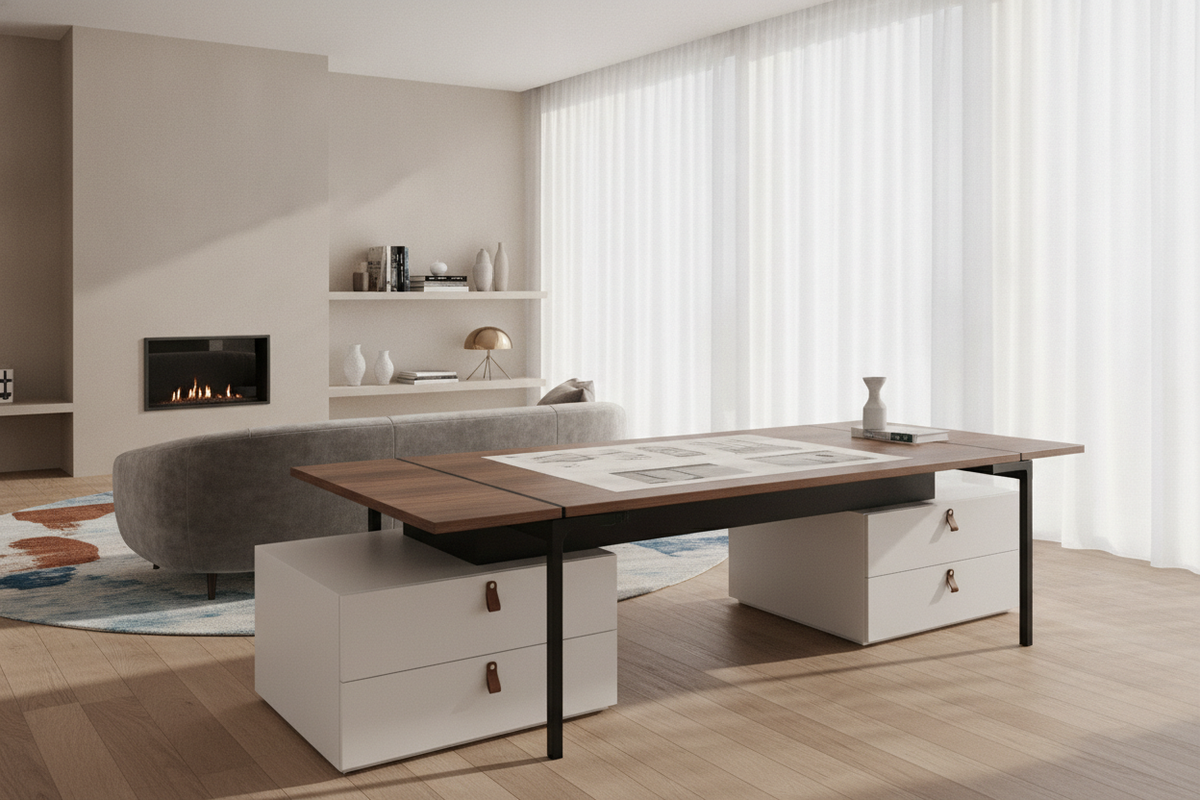
A 72 adjustable height desk serves as the anchor piece for high-demand home offices, creative studios, and multi-display engineering environments. Moving to a six-foot platform offers broad surface real estate, but wide-span dynamic furniture introduces distinct structural and spatial considerations. Understanding how to manage reach zones, balance frame deflection, integrate auxiliary storage, and route cabling ensures that a large sit-stand station enhances workflow without overwhelming the room.
Understanding the 72-Inch Span: Spatial Footprint and Desktop Zoning
Choosing a six-foot desktop establishes a dedicated workstation footprint that accommodates expansive gear layouts. On a conventional small desk, hardware clusters around the user, narrowing usable writing space. With a 71 w height adjustable standing desk or a full 72-inch platform, the surface naturally separates into primary, secondary, and tertiary operational zones.
- Primary Reach Zone: The central span directly in front of your task chair holds your primary input tools, keyboard, and mouse within an easy arc of forearm movement.
- Secondary Reach Zone: Areas slightly to the left and right house secondary displays, drawing tablets, or document stands, reached with a comfortable lean or torso swivel.
- Tertiary Buffer Zone: The outer perimeters of a 72" adjustable height desk provide dedicated territory for desktop audio monitors, reference books, desk lighting, and analog writing pads without encroaching on monitor sightlines.
Surface Geometry: Width-to-Depth Ratios for Ergonomic Sightlines
Width alone does not guarantee a functional workspace; depth determines focal comfort. A 72-inch wide desk paired with a shallow desktop can push large displays too close to your eyes, compressing peripheral view angles. Pairing a broad width with a generous depth provides the set-back distance needed for multi-screen arrangements, allowing monitor arms to articulate smoothly without pressing displays against your natural sightline.
Structural Architecture and Stability Across Wide-Span Desks
As desktop length expands, physics places higher demands on the lifting frame. A wide tabletop acts as a horizontal lever arm, meaning minor tremors at floor level can translate into visible monitor wobble at standing heights if the base is not engineered for broad spans.
Desktop Substrates: Deflection Resistance and Core Materials
The core material of the top must resist sagging or bowing over time, especially when supporting multiple monitors mounted on central clamping arms. Dense engineered wood composites, thick core laminates, and solid hardwoods offer the structural stiffness necessary to span broad leg distances without noticeable deflection. Selecting a rigid desktop substrate protects both the aesthetics of your workspace and the motorized drive mechanisms from uneven load resistance.
Storage Integration Strategies for Large Sit-Stand Workstations
One structural characteristic of height-adjustable furniture is the open under-desk cavity required for vertical travel. Because traditional fixed pedestals and attached drawers can impede lifting mechanisms, large workstations require thoughtful storage planning around the perimeter.
- Low-Profile Mobile Pedestals: Position rolling drawer units beneath the desktop only if their overall height leaves sufficient downward clearance when the desk lowers to your sitting baseline.
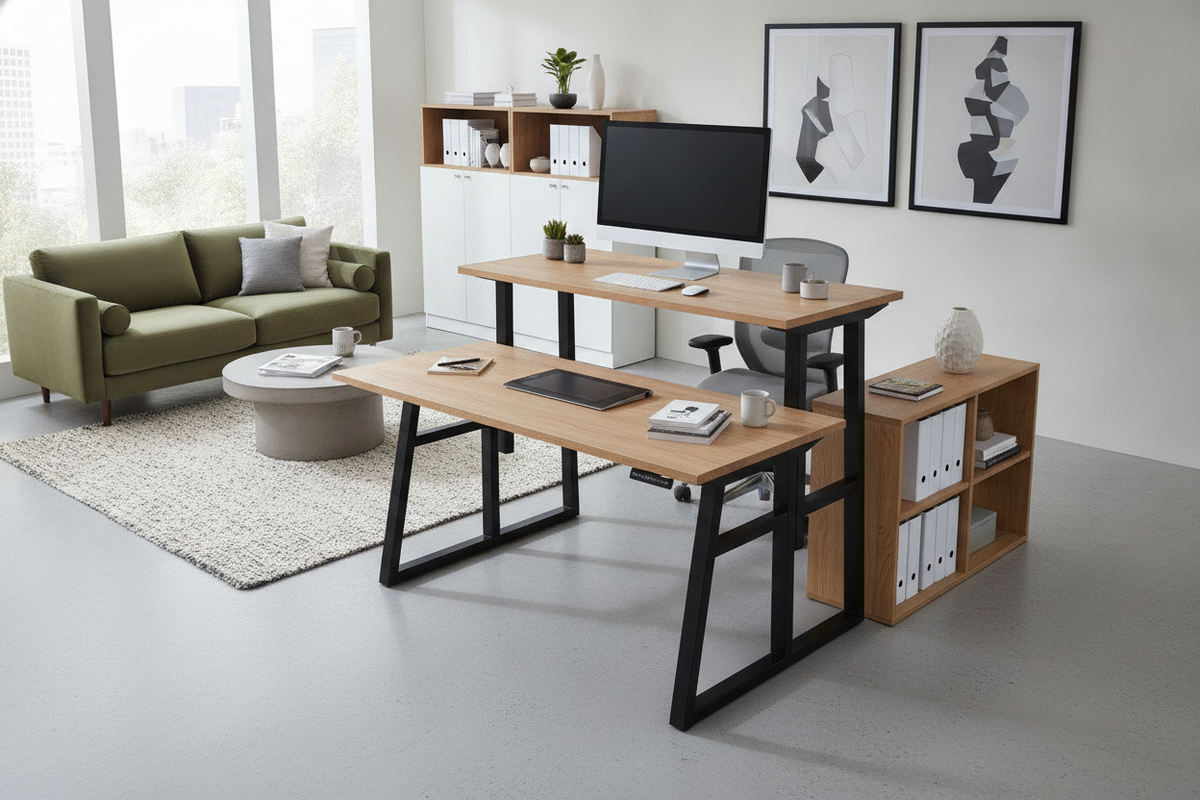
- Perimeter Side Credenzas: Situate matching low credenzas perpendicular or parallel to the workstation, creating an L-shaped or U-shaped executive layout that keeps files accessible while leaving the desk free to elevate.
- Vertical Wall Shelving: Anchor modular wall units or adjustable shelf storage nearby to house binders, decorative accents, and peripherals without cluttering the moving work surface.
Coordinating Height Transitions with Surrounding Cabinetry
When arranging stationary shelving or bookcases adjacent to a dynamic desk, maintain a continuous vertical clearance buffer. Furniture placed too close to a lifting edge can create pinch points during motorized elevation adjustments. Ensure at least a few inches of clearance between desk edges and stationary side units to support fluid transitions between seated and standing positions.
Room Planning and Layout Configurations for 72-Inch Desks
Integrating a six-foot furniture piece requires evaluating room flow and sightlines. In dedicated home offices, several classic layout blueprints maximize the utility of a large workstation:
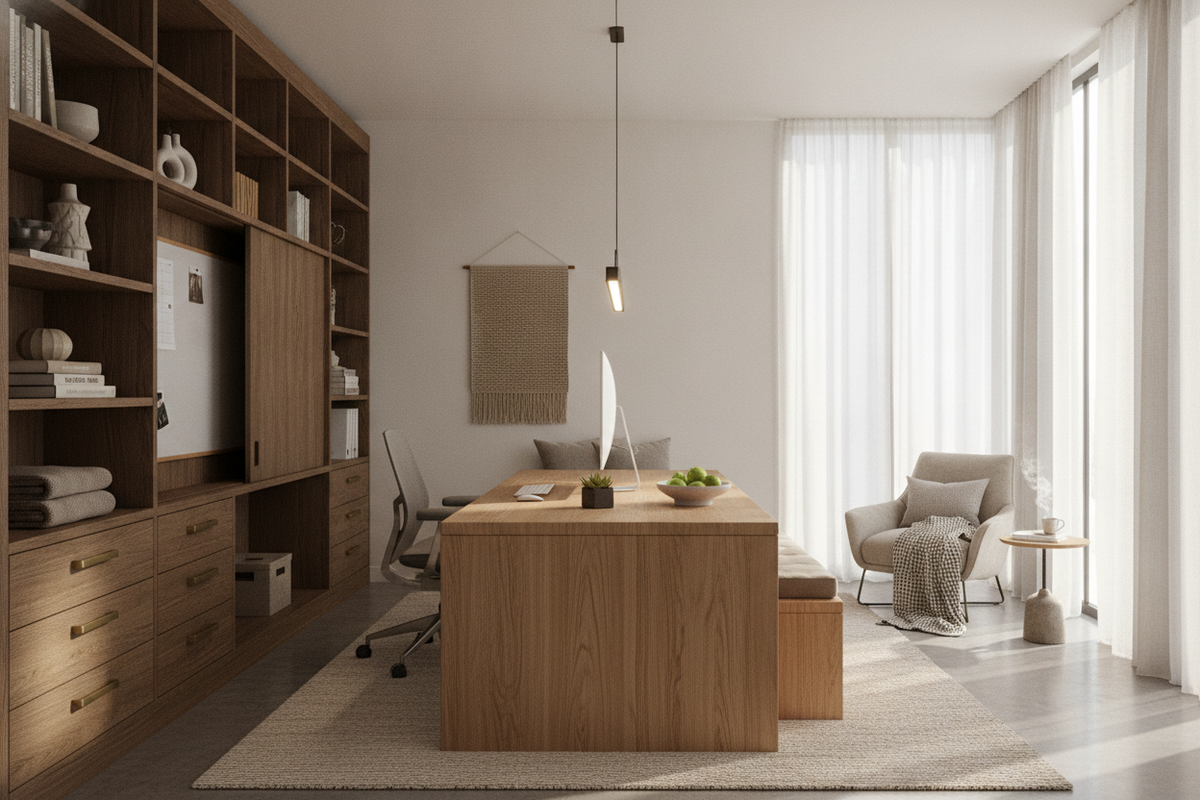
- The Floating Executive Layout: Position the desk facing the room entrance with dynamic clearance behind you. This orientation creates an authoritative focal point and accommodates background shelving for video conferences.
- The Perimeter Wall Placement: Align the desk against an expansive wall to maximize floor space in multipurpose rooms. This configuration simplifies cable drop management and allows centered ambient wall sconces or pinboards.
- The Corner Radial Layout: Place the workstation angled outward near an architectural corner, utilizing the surrounding walls for secondary storage while maintaining open traffic paths across the center of the room.
For rooms that serve dual functions, reviewing an adjustable guide can provide additional perspective on balancing multi-use accent tables with primary workstations.
Clearance Envelopes and Dynamic Wire Management
A broad surface often hosts extensive electronics, making thoughtful wire routing essential. Fixed, taut cords can pull loose or damage ports when the desk rises. Install high-capacity under-desk cable management trays and flexible vertical cable snakes that expand and compress smoothly through the entire height range. Always test the full travel envelope with all equipment plugged in to ensure generous slack on primary power leads.
Assembly, Base Leveling, and Surface Care Practices
Due to the weight and physical dimensions of a 72-inch tabletop, assembly is most safely managed as a two-person project. Fastening the lifting columns while the desktop rests upside down on a protective blanket prevents surface scratches. Once turned upright, adjust the bottom leveling glides on each foot to eliminate base rocking caused by uneven floorboards or thick carpeting.
Maintain the top surface by wiping it regularly with a lightly dampened microfiber cloth and mild, non-abrasive cleaners. Avoid harsh chemical solvents that could degrade protective laminate sealants or natural wood finishes over extended use.
Decision Framework: Selecting the Right Large Height-Adjustable Workstation
When finalizing your home office plan, use the following criteria to choose the ideal desk setup for your daily routine:
- Room Footprint: Verify that the room allows at least three feet of open clearance behind the task chair and comfortable walk-around space along both sides.
- Hardware Load Profile: Account for the combined weight of displays, monitor arms, desk mats, and desktop PC chassis to select an appropriate dual-motor lifting base.
- Multifunctional Demands: If your space requires hybrid utility, consider whether complementary items like a specialized desk adjustable height product or side organizer might resolve auxiliary functional needs elsewhere in the room.
- Finish Harmony: Coordinate the tabletop finish and metal frame coating with adjacent bookcases, flooring tones, and architectural trims for a cohesive interior design.

Leave a comment
This site is protected by hCaptcha and the hCaptcha Privacy Policy and Terms of Service apply.