










Introduction: Engineering the Modern Dynamic Computer Workstation
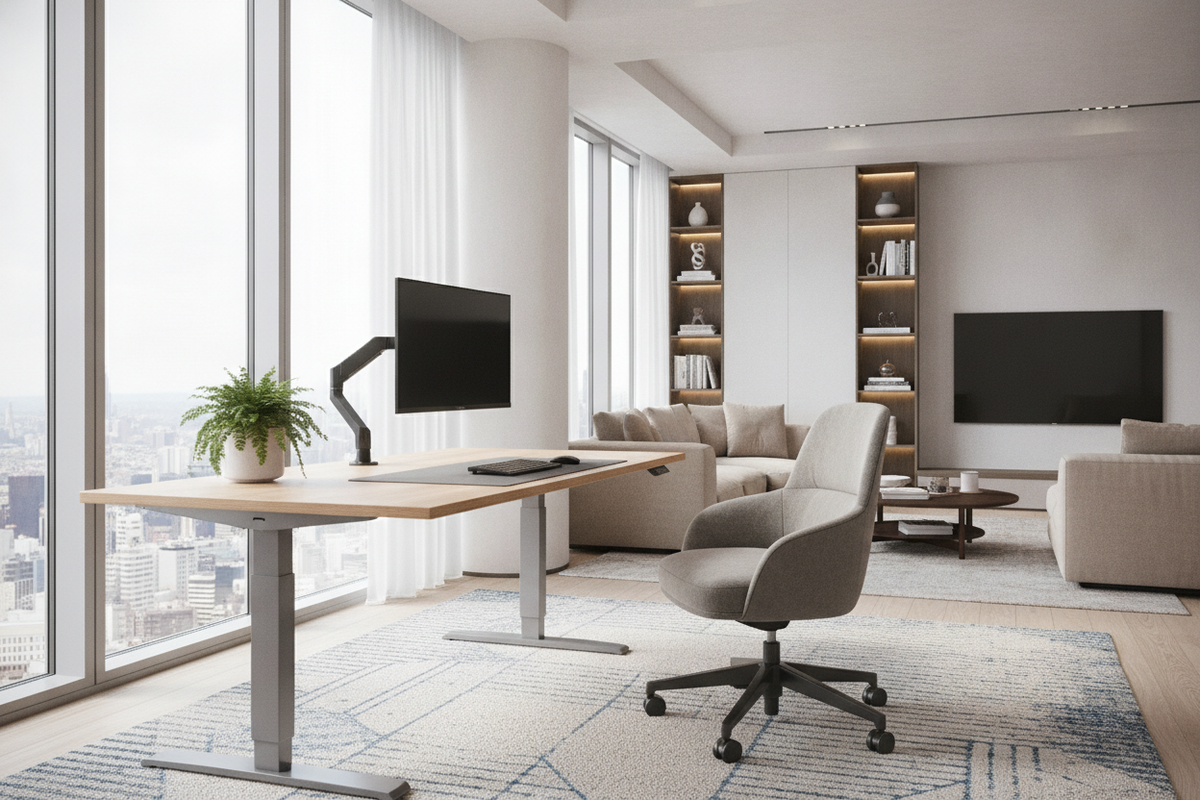
Modern home offices increasingly rely on high-performance computing setups that require both physical endurance and careful spatial organization. Introducing an adjustable desk computer setup allows you to transition between seated focus and standing posture without interrupting workflow or disturbing connected hardware. Balancing the technical demands of desktop towers, heavy display arms, and peripheral wiring requires a deeper look into frame construction, clearance tolerances, and surrounding storage architecture.
A well-planned adjustable computer workstation balances structural stability at maximum extension with the daily realities of cable travel and peripheral access. Treating the desk as an integrated platform rather than an isolated surface ensures your equipment remains protected and ergonomically positioned throughout every transition.
1. Frame Mechanics and Lifting Architectures for Computing Setups
The foundation of any dynamic workspace is its lifting mechanism. When configuring a computer desk height adjustable frame for heavy technology loads, the drive system dictates lifting smoothness, noise levels, and long-term durability. Manual hand-crank systems offer a self-contained, cord-free mechanism suitable for lighter task setups where height changes happen infrequently. However, for setups loaded with heavy multi-monitor arrays and computer towers, motorized lifting systems provide consistent, effortless movement.
Single-motor desks use an internal hex rod to transfer rotational torque across both leg columns. While economical, dual-motor systems dedicate a synchronized motor to each leg column, typically delivering smoother travel under asymmetric equipment weight. Exploring a comprehensive computer desk collection helps you compare traditional fixed frames against dynamic motorized bases to determine the right balance of mechanical support and surface space for your workflow.
2. Sizing Categories: Matching Footprint to Hardware Payloads
Selecting the correct desktop dimensions prevents visual clutter and ensures adequate visual ergonomics. A computer desk with adjustable height must provide adequate depth to maintain a comfortable focal distance between your eyes and the display screens, especially when using deep desktop stands or articulating monitor arms.
- Compact Nooks: Narrower profiles fit seamlessly into bedroom corners or multi-purpose living areas, ideally suited for laptop docks and single displays.
- Mid-Scale Workstations: Standard widths comfortably support dual-monitor configurations, an external keyboard tray, and compact desktop speakers.
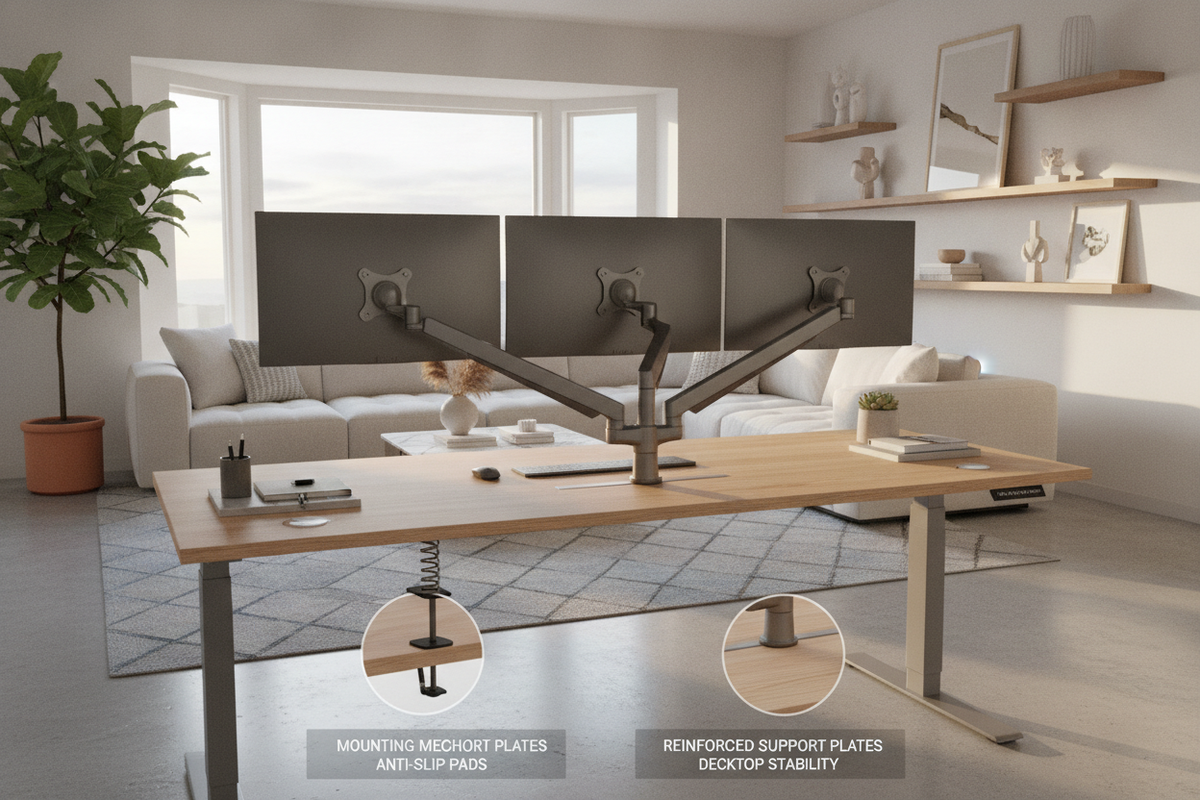
- Expansive Executive Dimensions: Broad surfaces, such as a height adjustable desk product, accommodate multi-monitor arrays, audio interfaces, and dedicated writing zones while maintaining generous clearance for mounting accessories.
When selecting surface width and depth, account for monitor clamp overhang and ensure the desktop thickness is compatible with standard peripheral mounting brackets without bowing under concentrated weight.
3. Hardware Management: PC Tower Mounting and Dynamic Cable Travel
Managing computer hardware on a moving desk introduces dynamic forces that fixed workstations never encounter. If a desktop tower rests on the floor while connected to monitors on a rising tabletop, standard cable lengths can pull taut, risking damage to sensitive ports and connectors. Adhering to good spatial planning principles outlined in a computer desk guide helps prevent common wiring and equipment placement pitfalls before assembly begins.
To safeguard your hardware throughout vertical travel, consider the following layout strategies:
- Under-Desk CPU Mounts: Suspending the computer tower directly beneath the desktop keeps the distance between the computer ports and the displays static, eliminating tension on display cables during elevation changes.
- Articulated Cable Spines: Flexible cable chains route power cords and data lines neatly from the floor to the tabletop, preventing cords from catching on drawer pulls or structural framing.
- Slack Loops and Power Strips: Mounting an integrated power strip underneath the desk surface means only one main power cord needs to travel between the moving desk and the wall outlet.
4. Material Selection and Structural Stability Under Active Motion
Stability is critical for an adjustable desk computer setup, as micro-vibrations generated while typing can cause noticeable screen wobble at standing heights. Structural rigidity depends on leg column geometry, crossbar reinforcement, and the composition of the desktop surface.
Heavy-gauge steel columns with wide foot spans provide a stable base of support that resists front-to-back tilting and side-to-side deflection. Engineered wood surfaces finished with durable laminates resist moisture, scratching, and daily wear from keyboard movement. Premium beveled edges and rounded corners improve forearm comfort during extended typing sessions, protecting both the user and the furniture finish over years of daily repositioning.
5. Integrating Modular Storage: Credenzas, Lateral Files, and Mobile Pedestals
Because an adjustable computer workstation requires unobstructed vertical travel, fixed under-desk drawers are often omitted in favor of modular, standalone storage solutions. Mobile file pedestals with rolling casters tuck neatly beneath the desk in seated mode or roll adjacent to the workspace when the desk is adjusted to standing height.
For rooms that require hybrid functionality, pairing open desks with dedicated cabinetry helps contain physical clutter. Reviewing an enclosed computer desk guide can provide fresh ideas for concealing paperwork, printers, and peripheral accessories when not in active use. Similarly, exploring multi-functional designs like a versatile desk adjustable height product demonstrates how adjustable mechanisms and compartmentalized storage can seamlessly merge in space-conscious floor plans.
6. Assembly, Alignment, and Long-Term Maintenance Checklist
Proper assembly ensures that your computer desk height adjustable frame operates smoothly and remains level across its entire range of motion. Begin by assembling the frame upside down on a soft rug or protective blanket to prevent scuffing the finished desktop surface.
- Leveling the Base: Use adjustable leveling glides beneath the feet to compensate for uneven flooring before plugging in the electronic components.
- Fastener Torque Check: Periodically inspect and tighten frame bolts, especially around the motor brackets and lifting columns, to minimize structural flex.
- Controller Calibration: Perform the initial reset sequence recommended by the controller manufacturer to ensure both leg columns synchronize at zero baseline.
- Clearance Zone Verification: Raise the desk slowly through its full height range to confirm that monitors, shelves, and cables clear nearby window sills, electrical outlets, and wall art without interference.

Leave a comment
This site is protected by hCaptcha and the hCaptcha Privacy Policy and Terms of Service apply.