










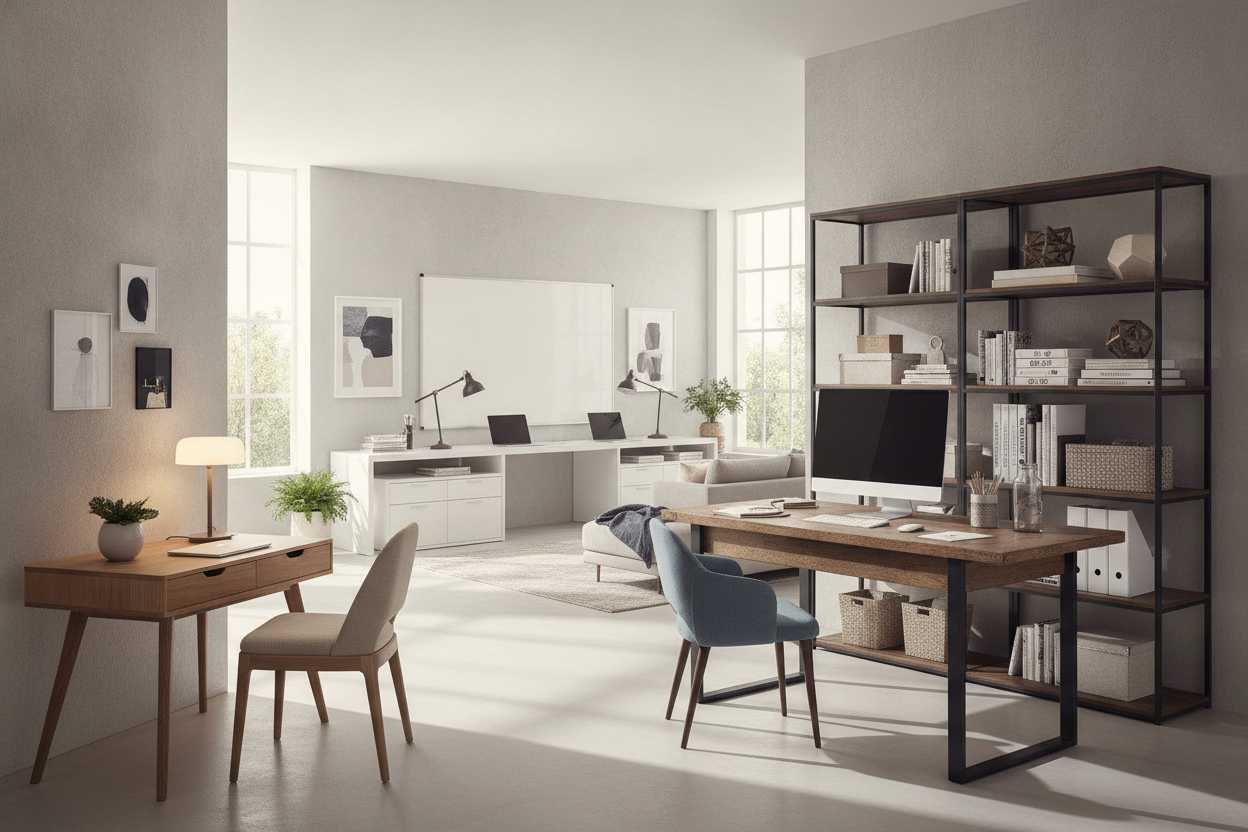
Navigating Retail Showrooms vs. Online Desk Collections
Shopping for a reliable work surface often begins by exploring different retail destinations, from home decor showrooms to digital storefronts. When browsing online or visiting computer desks stores, exploring a versatile computer desk collection allows you to compare compact writing tables alongside storage-heavy workstations before committing to a floor plan. However, evaluating desks across physical retailers presents unique perceptual challenges that require careful preparation.
Understanding Showroom Scale vs. Real Room Dimensions
Showroom floors in large home furnishing venues are expansive, often featuring soaring ceilings, open layout pathways, and dramatic commercial lighting. In these environments, broad executive workstations can appear deceptively modest in scale, while compact writing consoles might seem far smaller than they actually measure. When evaluating office desks in store, relying on visual estimation alone often leads to spatial misjudgments once the piece arrives in a standard residential room.
To avoid proportion surprises, map your physical room boundaries prior to visiting stores with desks. Record total wall lengths, door swing clearances, heating vents, and the distance required to pull an office chair back comfortably without striking baseboards or nearby cabinetry. Bringing a physical measuring tape into retail environments allows you to verify desktop depth, knee clearance, and overall height against your personal ergonomic baseline.
Evaluating Desk Categories Across Specialty Stores
Navigating furniture stores for desks reveals several distinct architectural silhouettes, each catering to specific working styles:
- Writing Desks: Streamlined silhouettes featuring slender frames and minimal cabinetry, ideal for laptops, reading, and light paperwork.
- Computer Workstations: Structured designs offering dedicated compartments for towers, cable management pass-throughs, and keyboard trays.
- Corner and L-Shaped Desks: Expansive multi-surface units engineered to fit into room junctions or define separate workflow zones within open-concept rooms.
- Executive Credenza Desks: Substantial storage units with dual-pedestal drawers designed as central focal points in dedicated office suites.
Dimensional Decision Frameworks: Matching Desk Footprints to Room Flow
Balancing daily task requirements with surrounding room circulation is essential when selecting from diverse shops that sell desks. A desk that overcrowds a room restricts movement, limits natural light, and disrupts the visual calm necessary for productive work.
Compact Workstations for Multi-Purpose Living Spaces
In shared living areas, studio apartments, or guest room nooks, furniture must harmonize with existing decor while occupying minimal physical floor area. Narrow-depth consoles and floating writing tables preserve walking pathways and maintain open sightlines. When placing a workstation in a multi-use room, consider finishes that blend seamlessly with adjoining credenzas, sideboards, or media consoles to keep the room feeling unified rather than strictly utilitarian.
Wide-Format and Corner Profiles for Dedicated Offices
For dedicated home offices hosting multi-monitor displays, graphic tablets, reference manuals, and desktop peripherals, wide-format surfaces become practical necessities. For setups requiring expansive surface space combined with discrete cabinetry, choosing a dedicated office computer desk product with corner shelving offers balanced utility and clean modern aesthetics.
Homeowners seeking an all-in-one solution with integrated shelving and printer zones can consider this office computer desk product designed to maximize corner floor geometry. Positioning an L-shaped configuration along perimeter walls keeps the center of your room open, facilitating comfortable movement between seating areas, bookcases, and entry doorways.
Integrated Storage vs. Open Frame Architecture
Determining your storage strategy is a central step when evaluating at home store desks. Workspace clutter directly impacts daily focus, making it critical to align the desk's built-in features with your typical paper and technology volume.
Built-In Drawers, File Storage, and Organization Trays
Desks featuring integrated drawer pedestals, lateral file cabinets, or enclosed cubbies provide immediate containment for charging cables, stationery, notebooks, and confidential documents. Enclosed storage preserves a clean desktop surface and creates visual order throughout the room. When examining floor models at desk stores, test the drawer slides for smooth tracking, check the interior drawer depth, and confirm that integrated pedestals leave sufficient lateral knee space for natural leg movement.
Open Leg Architectures and Vertical Add-On Solutions
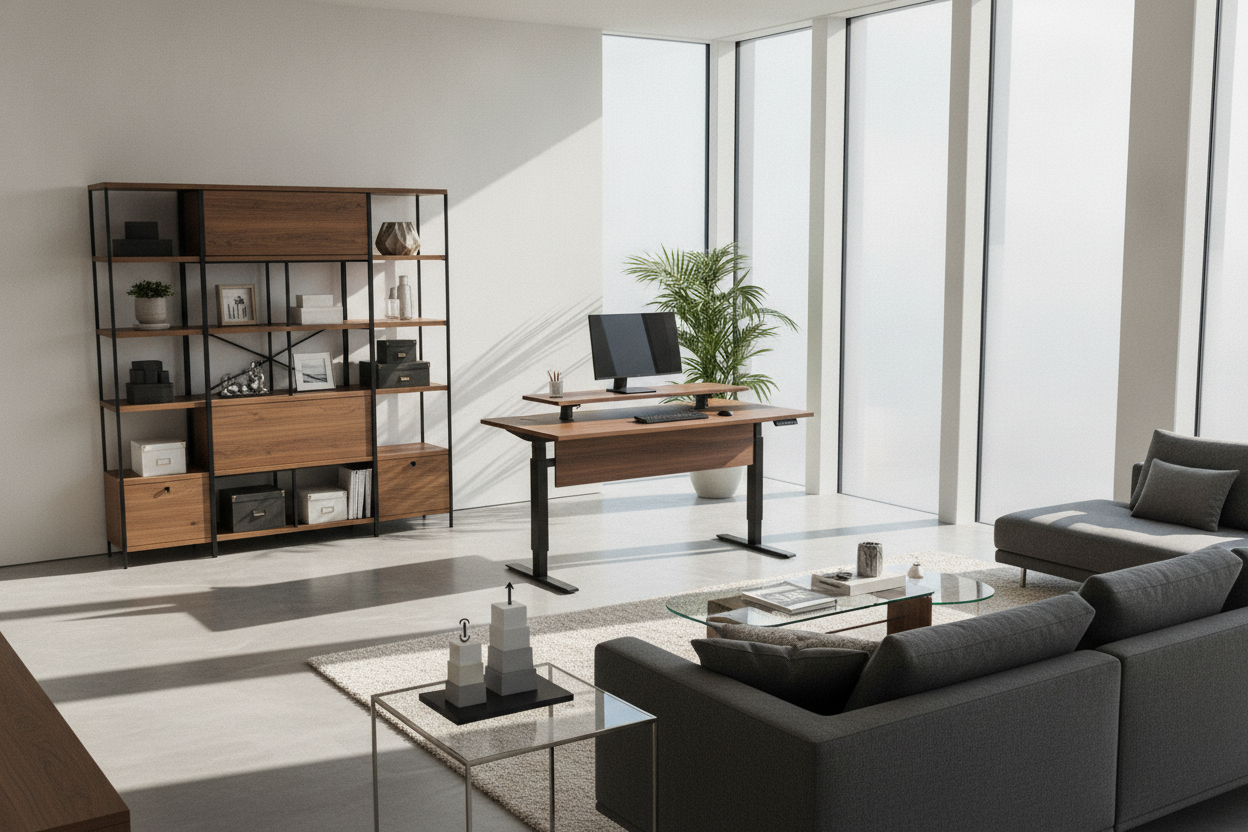
Open-frame desks built with minimalist steel legs or trestle bases provide airy aesthetics that make smaller rooms feel larger. While open designs offer less built-in containment, they allow flexible pairing with mobile filing carts, under-desk storage bins, or wall-mounted shelving. If your chosen desk has a minimalist open frame, pairing it with strategic vertical solutions from our desk that office guide keeps daily necessities within arm's reach without cluttering the main desktop.
Material Selection, Finish Longevity, and Hardware Quality
Assessing structural integrity and finish durability is vital when comparing options across different retailers. High-touch surfaces experience daily friction, accidental spills, and weight pressure from hardware accessories.
Desktop Surface Finishes: Scratch, Wear, and Moisture Resistance
The top panel represents the primary contact surface of any desk. Common material treatments include:
- High-Pressure Laminate & Melamine: Highly durable, moisture-resistant surfaces that withstand frequent writing pressure, coffee cups, and cleaning wipes with minimal maintenance.
- Wood Veneer: A thin layer of genuine hardwood bonded to an engineered core, delivering the organic grain and warmth of solid timber while offering good dimensional stability.
- Solid Hardwood: Premium natural lumber that offers substantial weight, tactile character, and the ability to be refinished over years of continuous use.
- Tempered Glass & Powder-Coated Metal: Modern architectural surfaces that resist staining, clean easily, and reflect light to brighten compact rooms.
Frame Mechanics, Hardware Joinery, and Weight Support
A stable workstation should remain steady during vigorous typing or writing tasks. When inspecting desk frames, check for reinforced structural crossbars, heavy-gauge steel legs, robust corner brackets, and adjustable leveling glides. Leveling feet are particularly valuable for compensating for uneven floorboards or transitions between area rugs and hard flooring.
Assembly Logistics, Cable Routing, and Ergonomic Workflow Setup
Bringing a new desk from the retail floor to your living space requires thoughtful setup and assembly to ensure long-term structural alignment and ergonomic comfort.
Systematic Assembly and Hardware Squaring
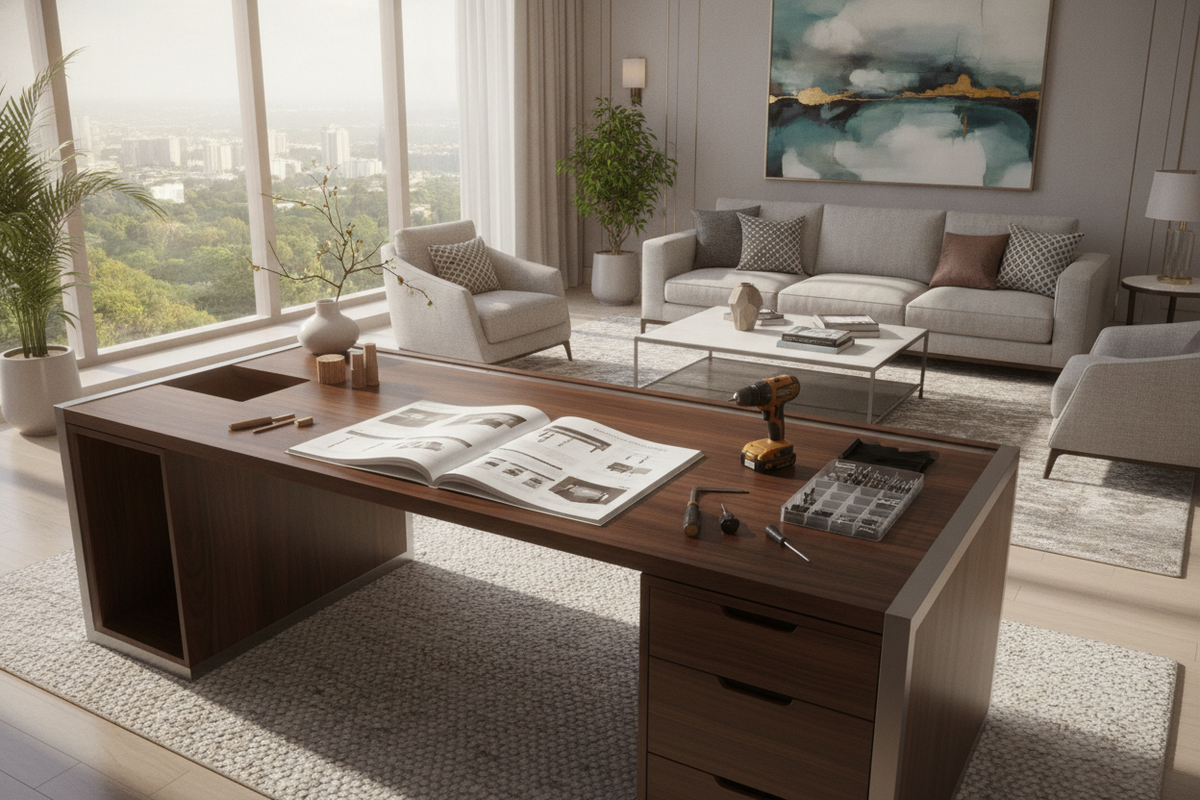
Flat-pack furniture should always be assembled on a soft, clean surface such as a protective blanket or large area rug to prevent surface scuffs. Align structural panels carefully before tightening fasteners fully, ensuring all corners form clean, square angles. Once you bring your furniture home, applying styling techniques from our store desks guide helps elevate affordable retail models into sophisticated, tailored executive spaces.
Ergonomic Alignment and Visual Harmony
Complete your workspace installation by configuring ergonomic alignments and cord routing:
- Seating Clearance: Adjust chair armrests and seat height so elbows rest naturally at desktop level with shoulders relaxed.
- Monitor Sightlines: Position primary screens directly in front of your natural seated position, with the top third of the display resting near eye level.
- Concealed Wire Management: Utilize adhesive cable clips, under-desk routing trays, or spine organizers to keep power strips and charging cords hidden.
- Balanced Task Illumination: Position adjustable desk lamps opposite your dominant writing hand to minimize glare and distracting cast shadows across the working plane.

Leave a comment
This site is protected by hCaptcha and the hCaptcha Privacy Policy and Terms of Service apply.